
Filed under Design · Intelligence Apache-2.0 · Made on Earth
Open Source Claude Design · Templates

Prototype.

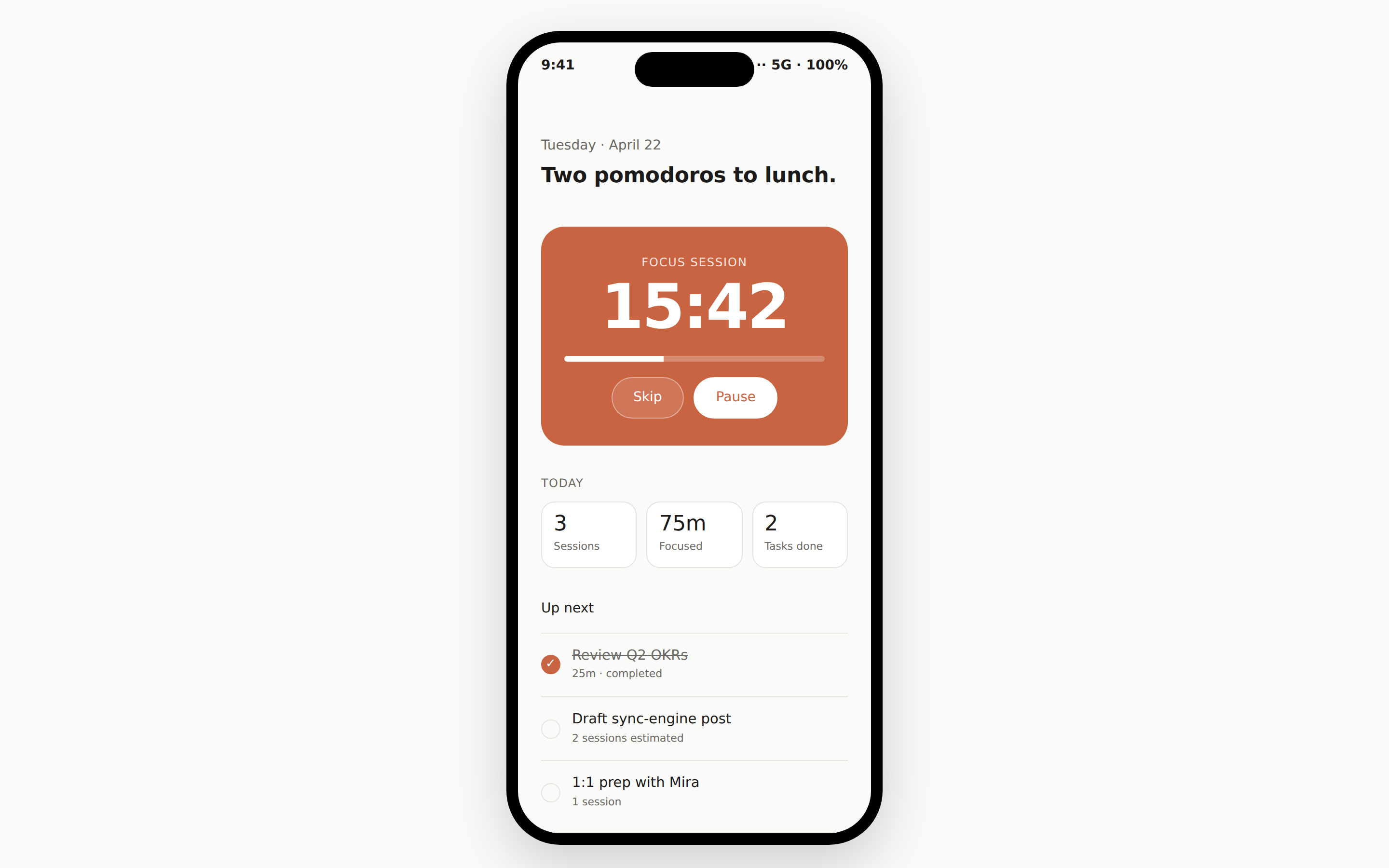
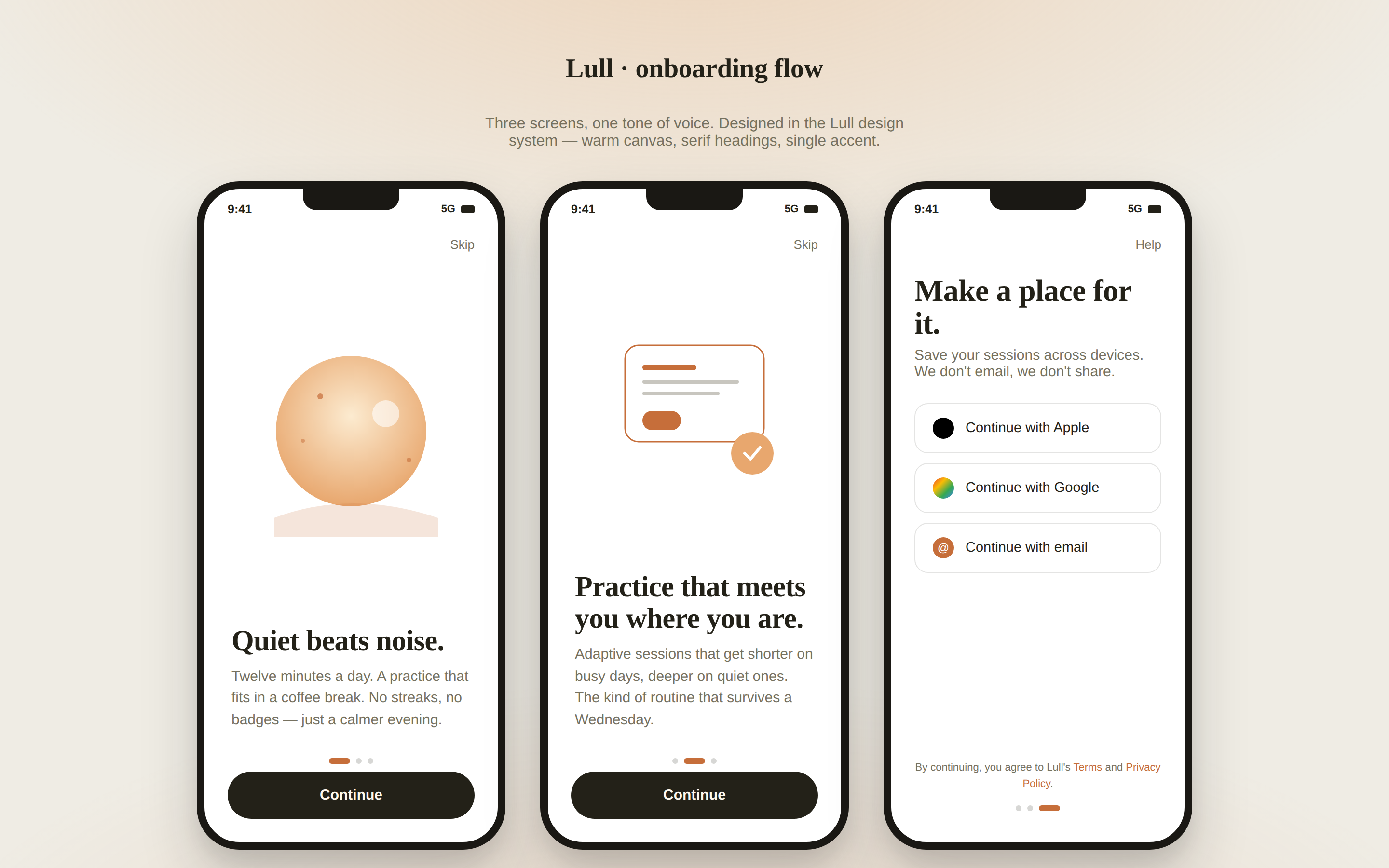
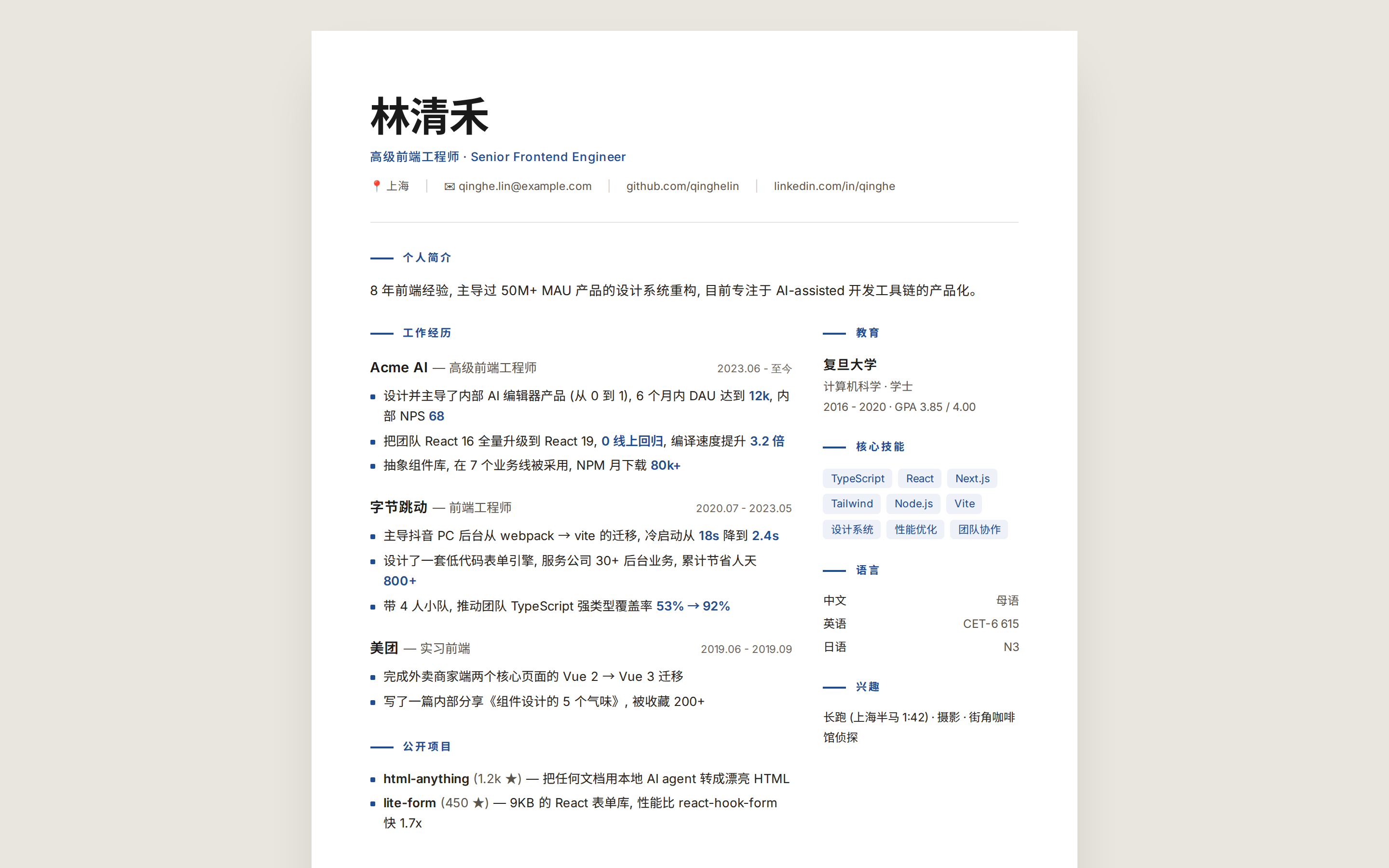
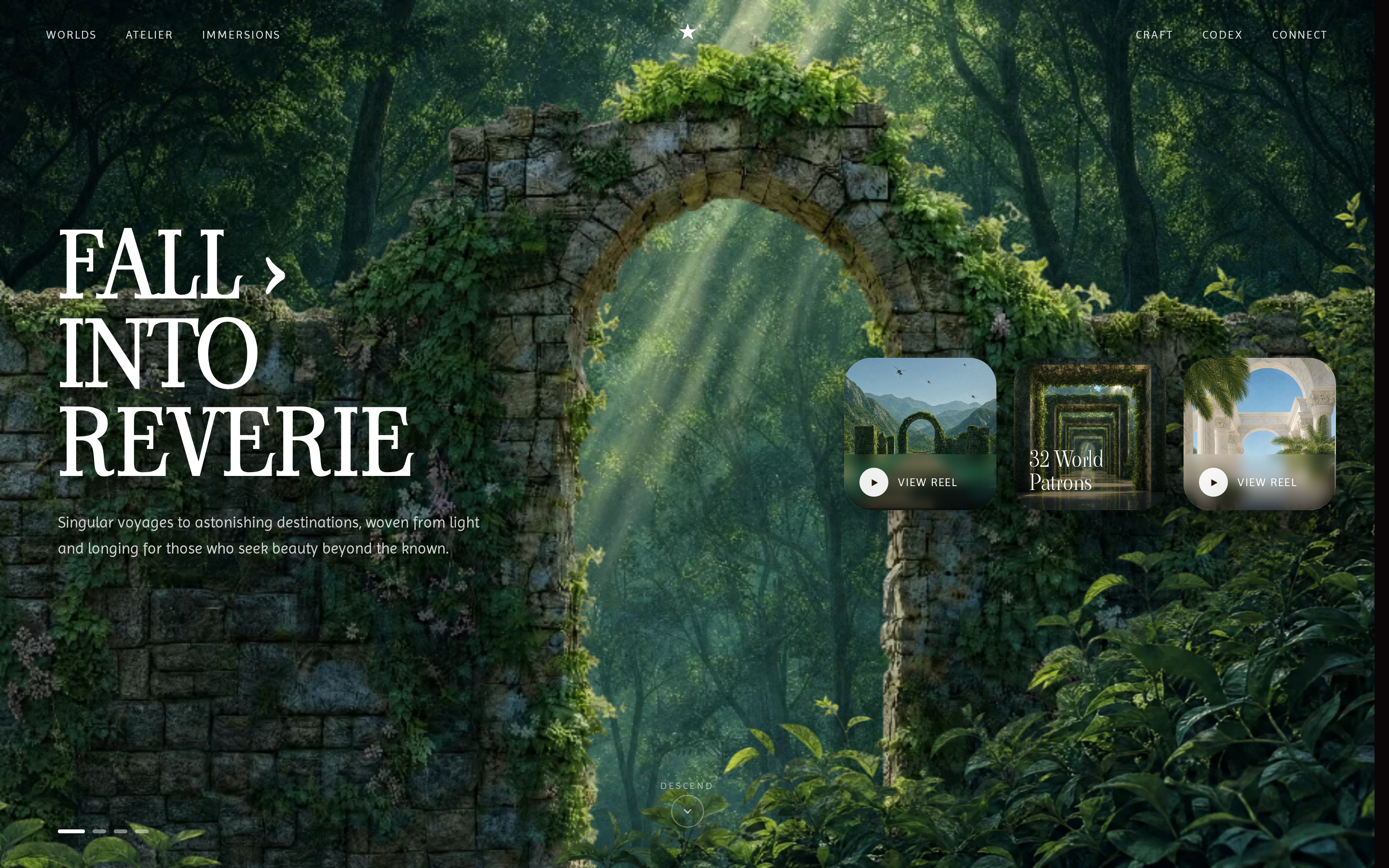
Interactive product mockups — dashboards, apps, landing pages, internal tools. Anything you’d hand a stakeholder and click through.

Total · 81
Scene
Critique preview prototype
@open-design Open Design
Read full prompt →

Critique

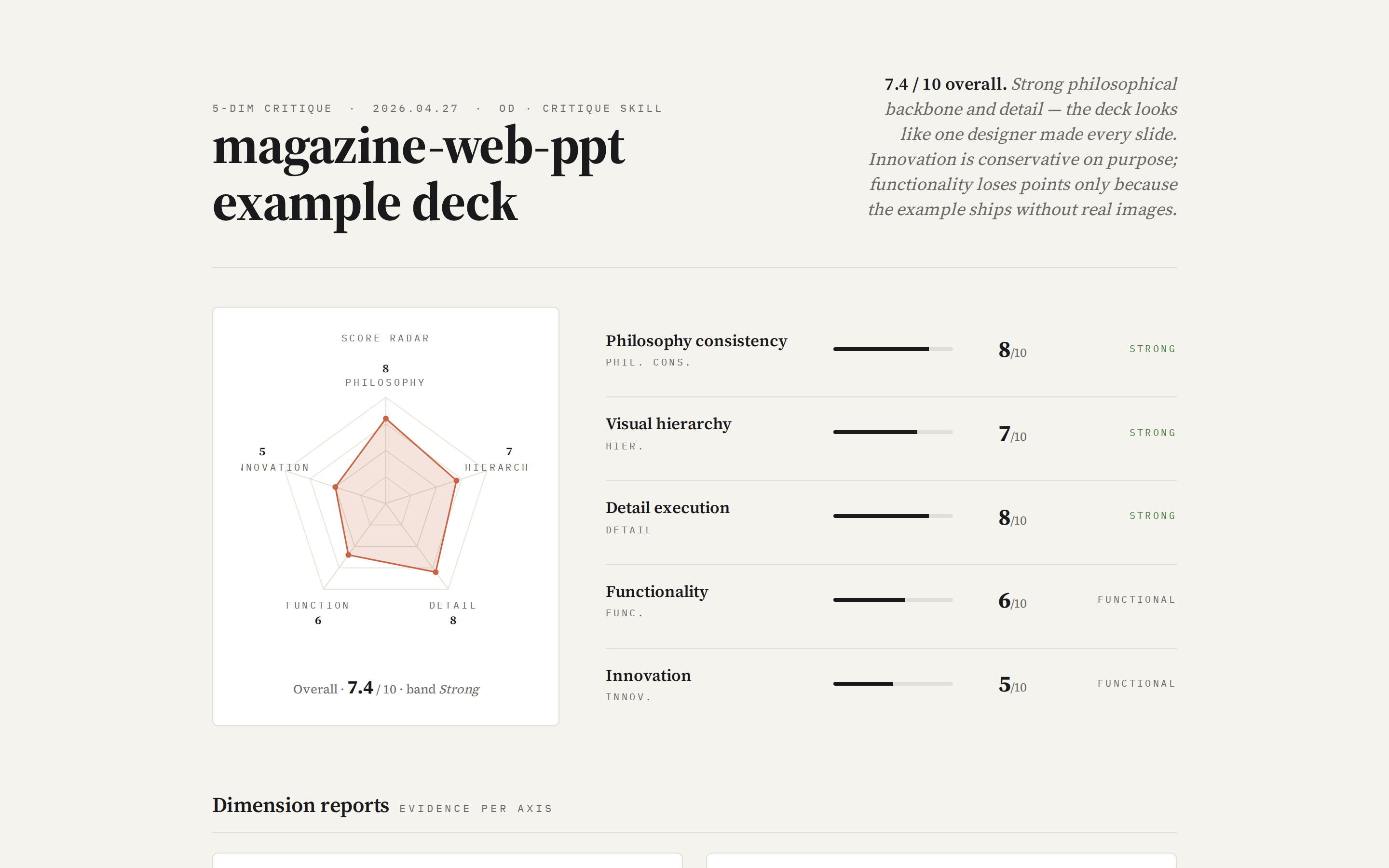
Run a 5-dimension expert design review on any HTML artifact in the project — Philosophy / Visual hierarchy / Detail / Functionality / Innovation, each scored 0–10. Outputs a single self-contained HTML report with a radar chart, evidence-backed scores, and three lists: Keep / Fix / Quick-wins. Use when the brief asks for a "design review", "design critique", "5 维度评审", "design audit", or "what's wrong with my design".

Flowai Live Dashboard Template preview prototype
@open-design Open Design
Read full prompt →

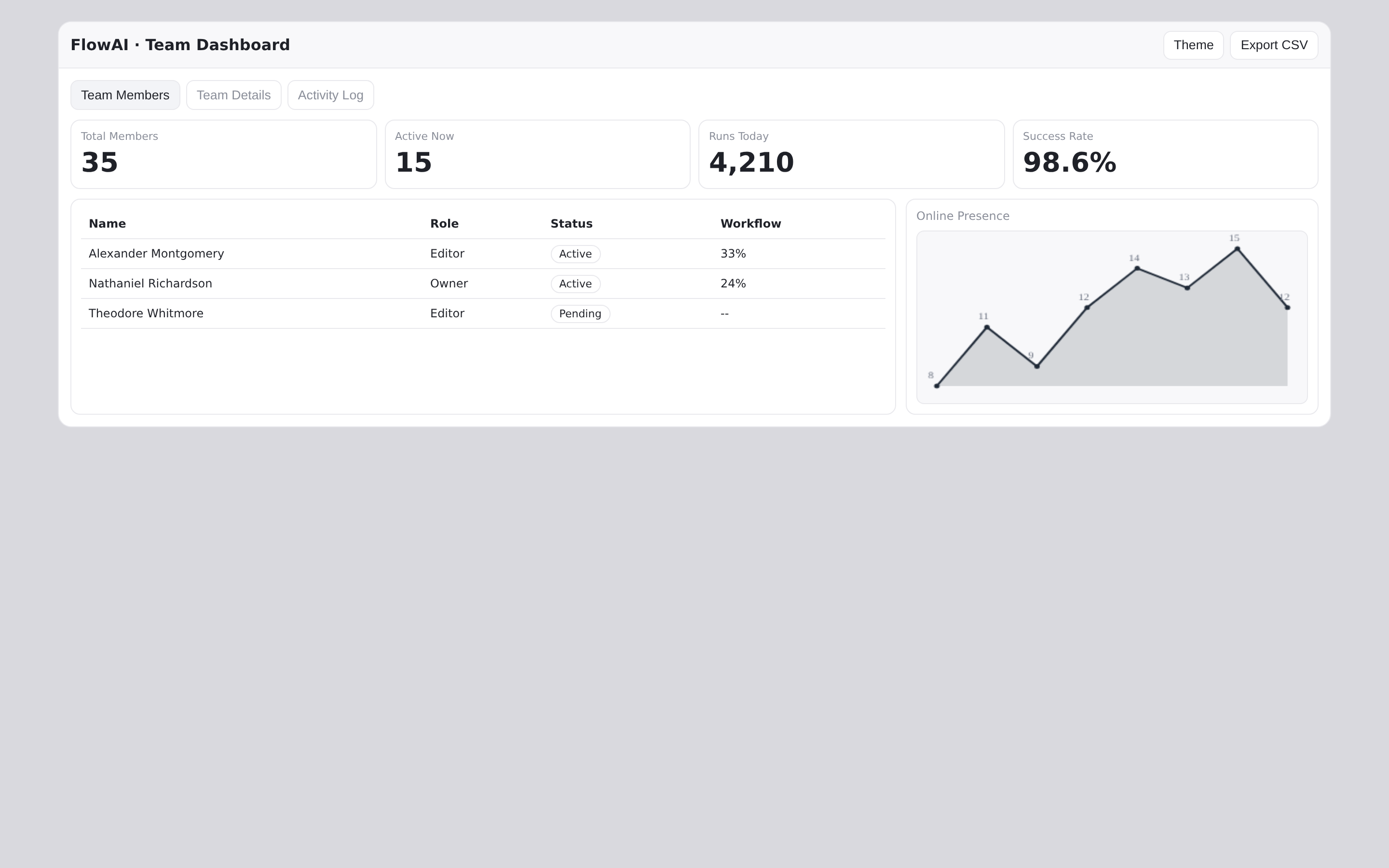
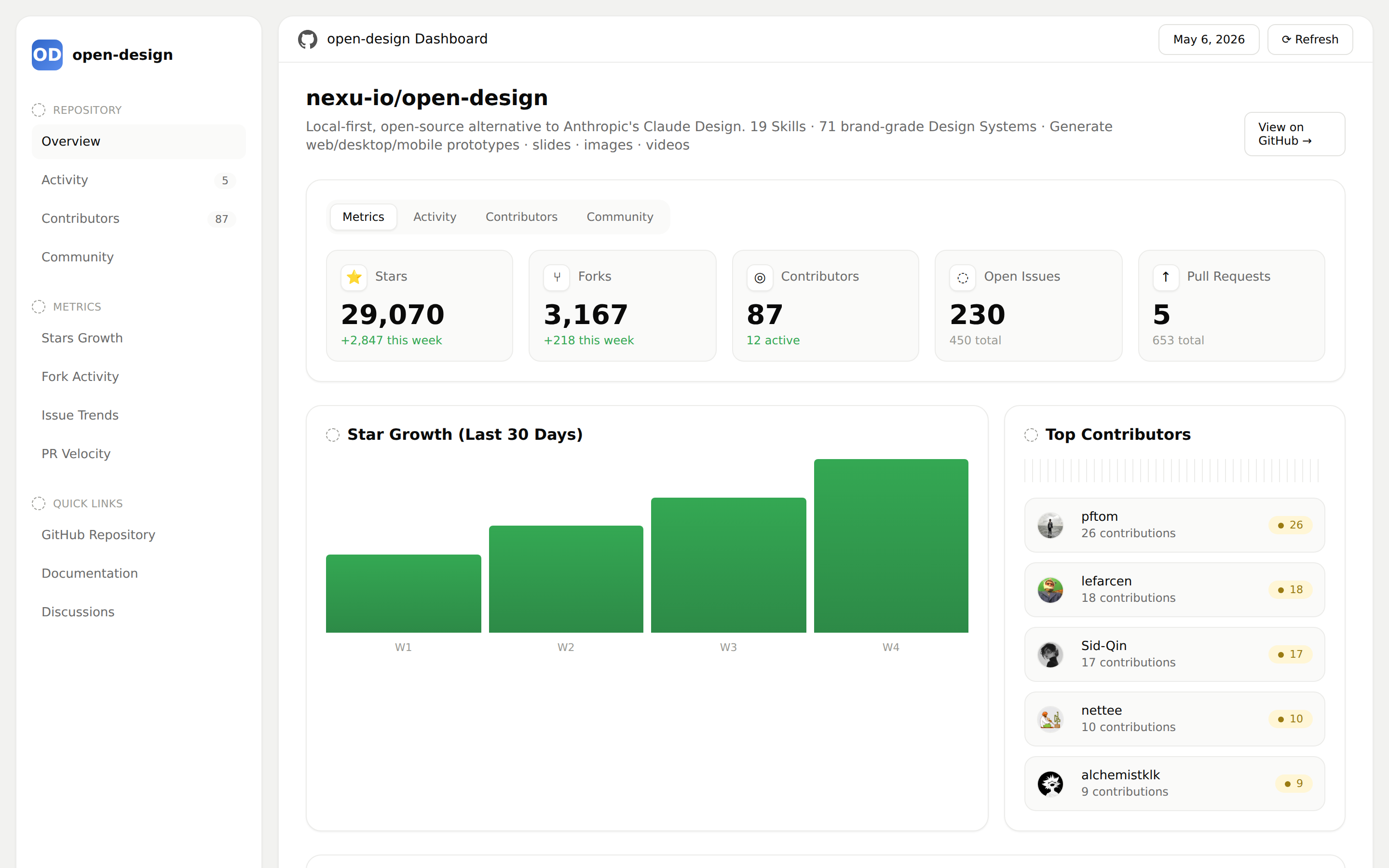
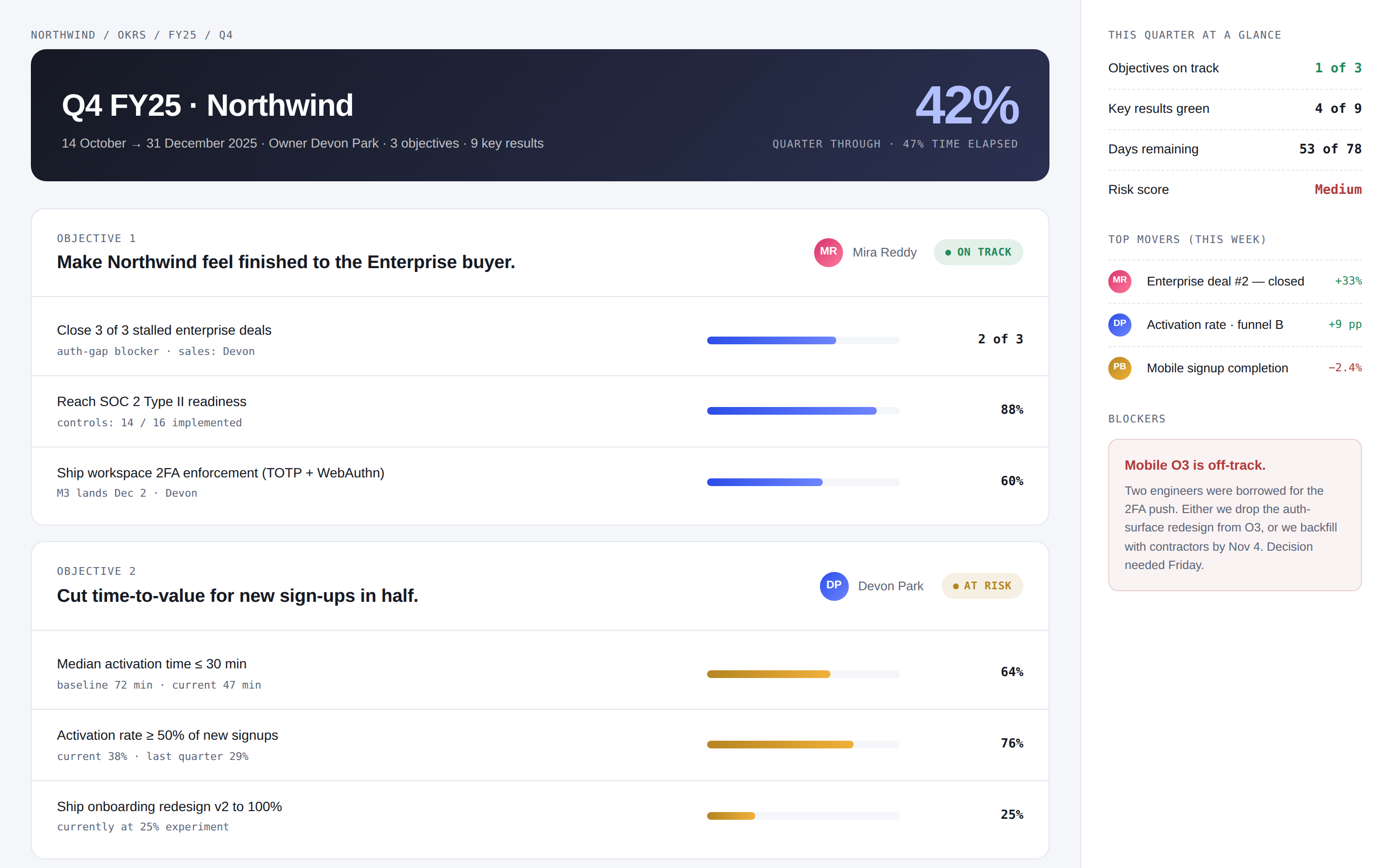
Flowai Live Dashboard Template

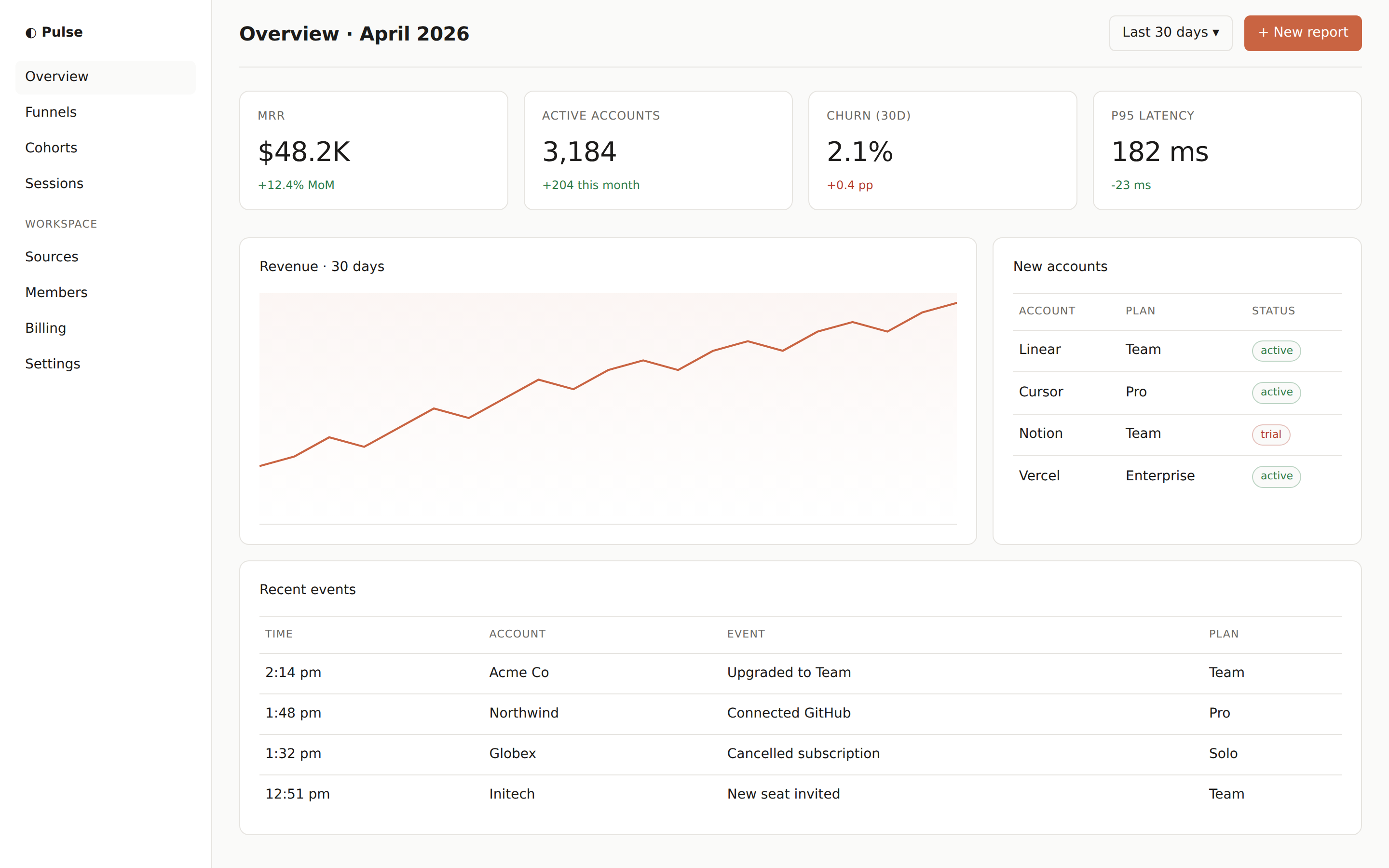
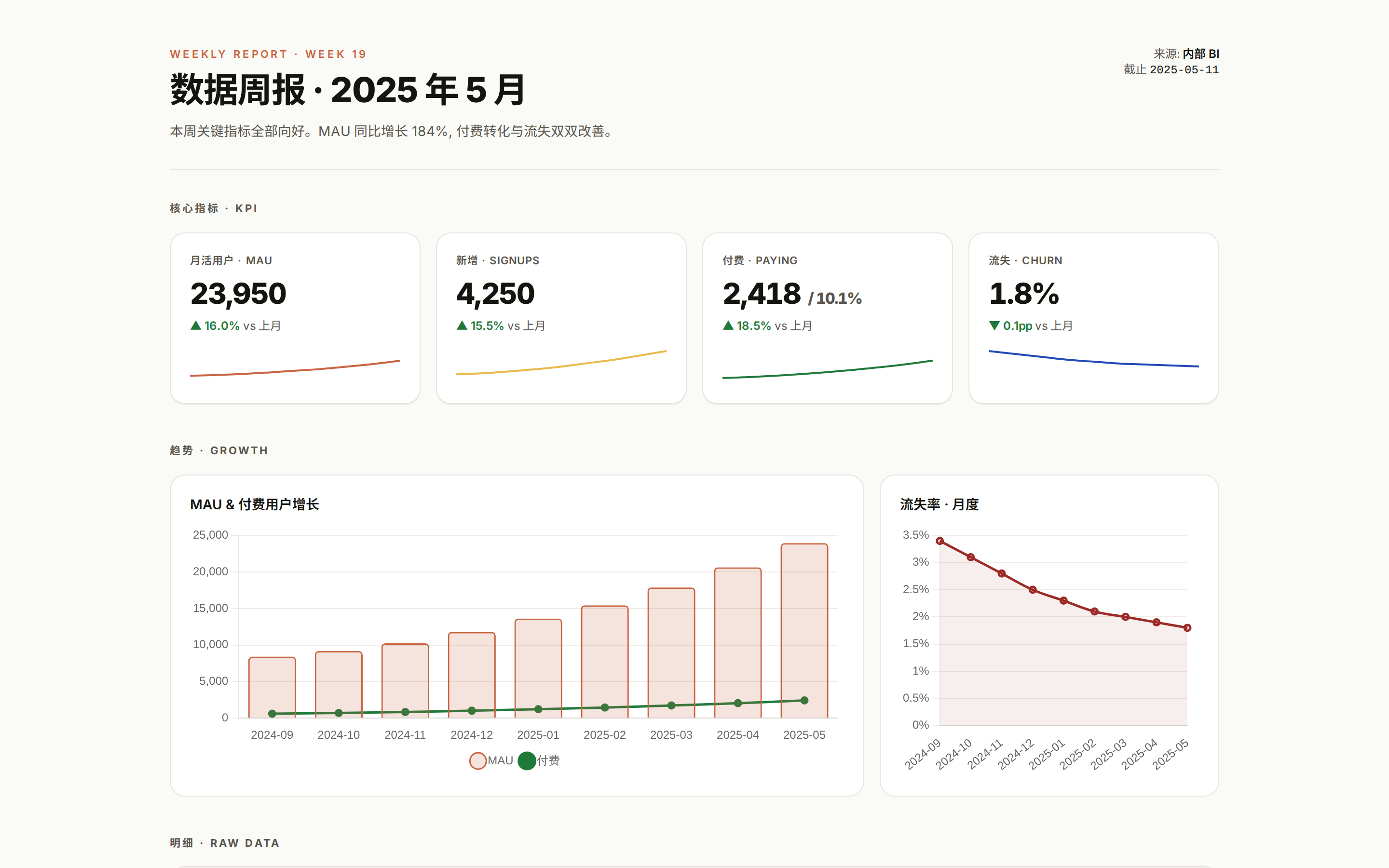
Team-management dashboard skill in the FlowAI aesthetic — three tabs (Team Members, Team Details, Activity Log), KPI stat row, member table, role distribution bar chart, online presence and activity sparklines, and a top-contributors panel, all in a single self-contained HTML file with light/dark theming, hoverable chart tooltips, click-to-zoom panels, and CSV export. Use when the brief asks for a team / workspace admin dashboard, an interactive admin dashboard with charts, or names FlowAI.

Gamified App preview prototype
@open-design Open Design
Read full prompt →

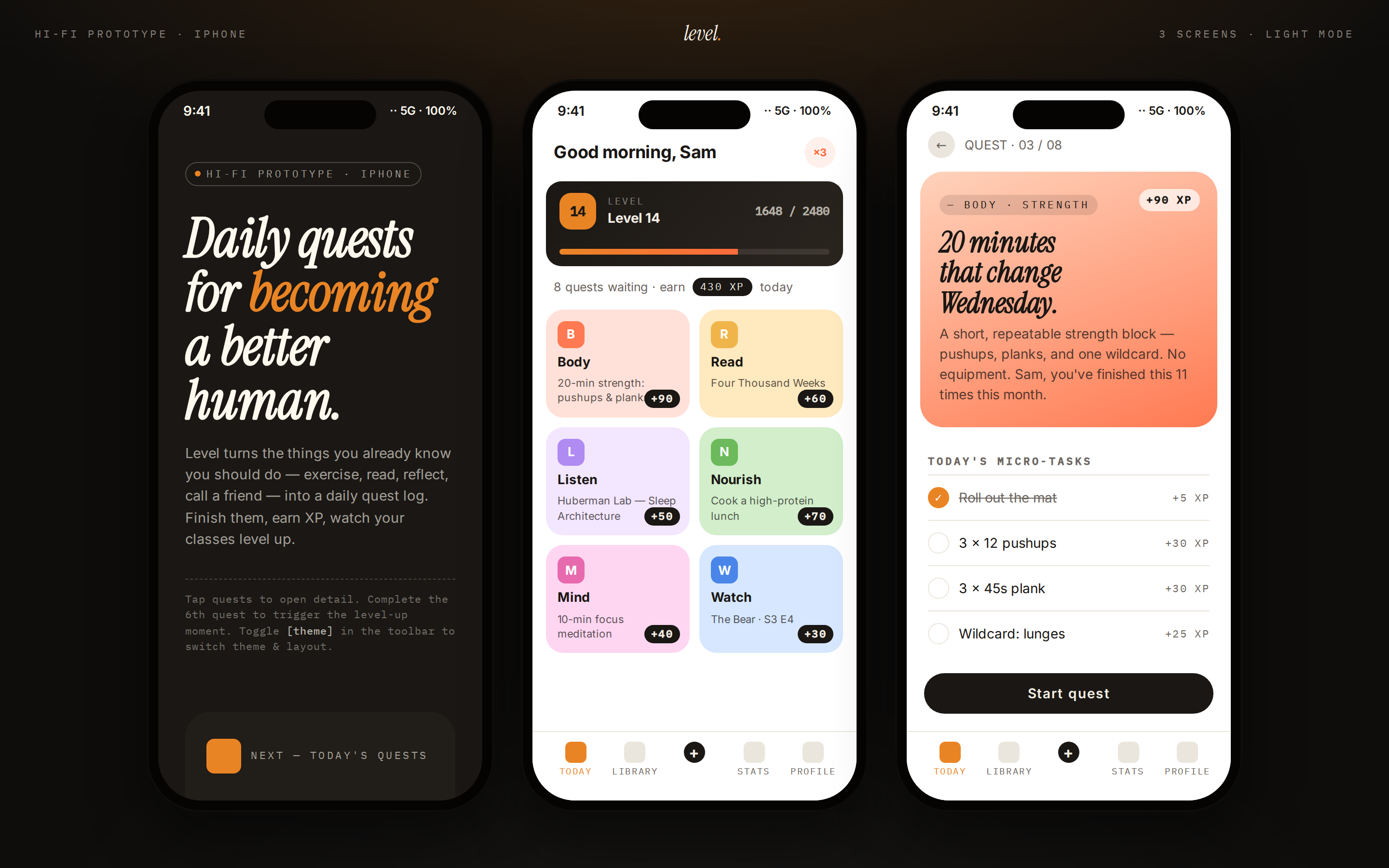
Gamified App

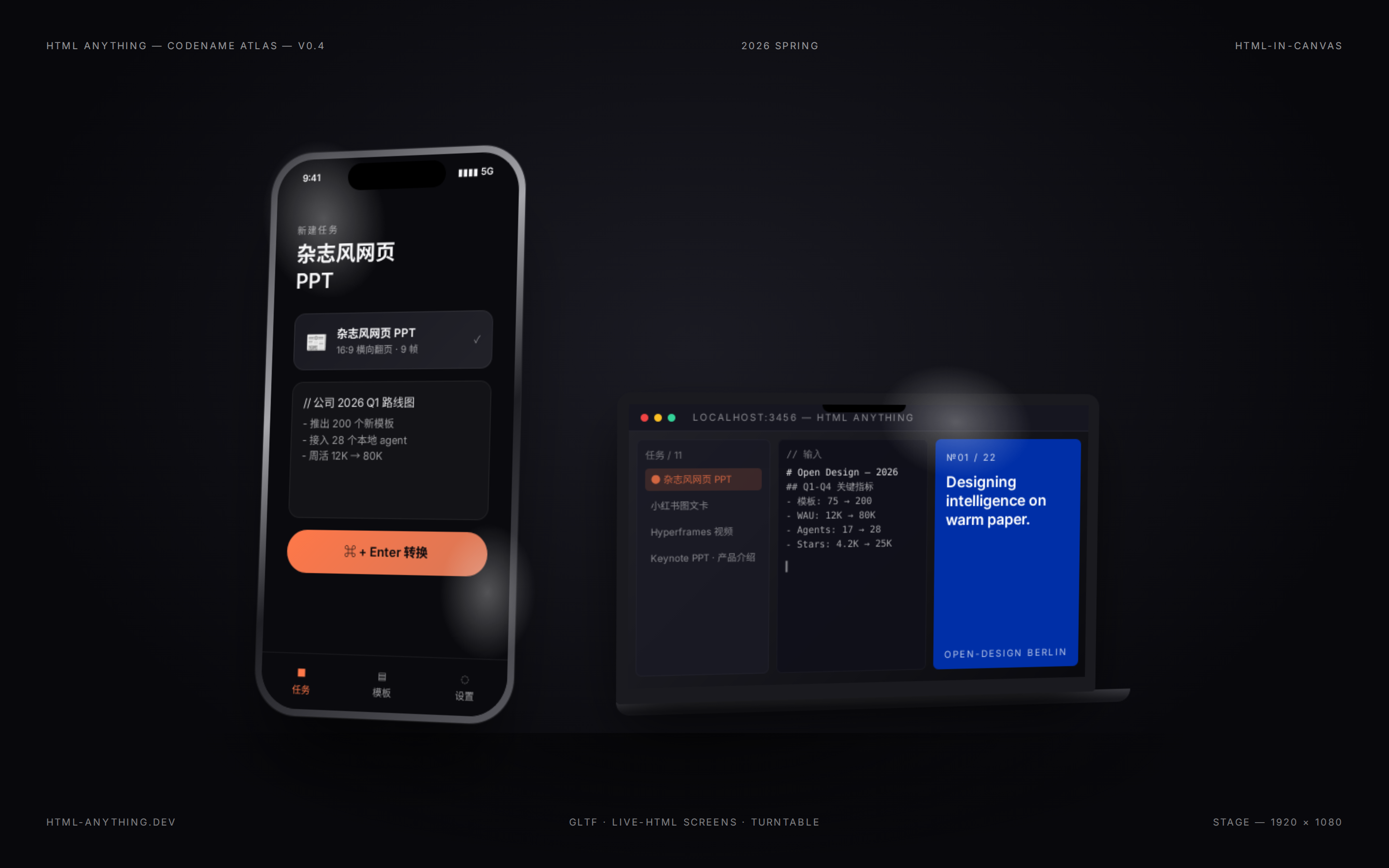
A multi-frame gamified mobile-app prototype — three phone frames on a dark showcase stage. Frame 1: cover / poster, Frame 2: today's quests with XP ribbons and a level bar, Frame 3: quest detail. Vivid quest tiles, level ribbon, bottom tab bar. Use when the brief asks for a "gamified app", "habit tracker", "RPG-style life app", "level-up app", "daily quests", "XP / streak app", or "ELI5-style explainer app".

Open Design Landing preview prototype
@open-design Open Design
Read full prompt →

Open Design Landing

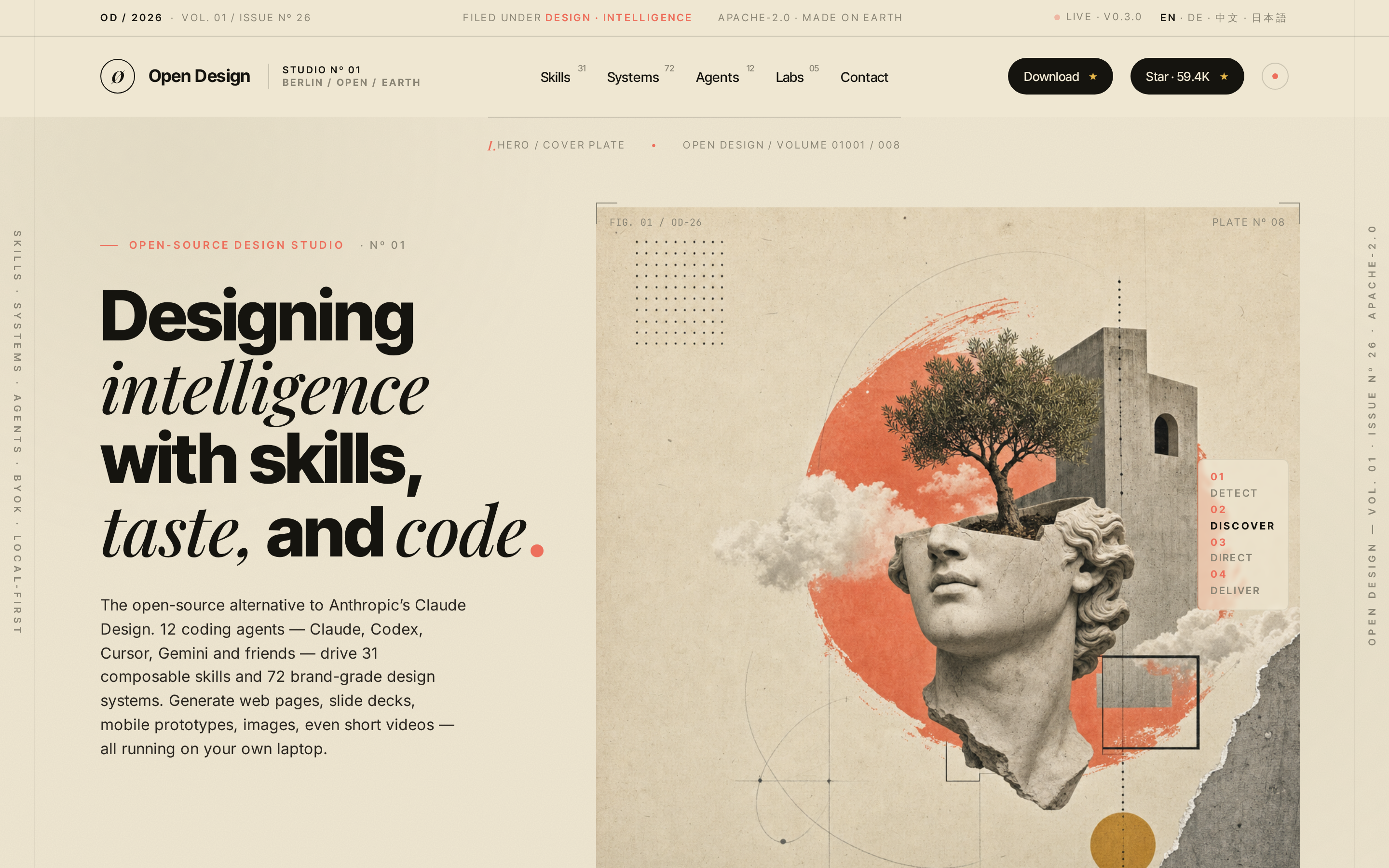
Produce a world-class single-page editorial landing site in the Atelier Zero visual language (Monocle / Apartamento / Études editorial collage) — the same aesthetic Open Design uses for its own marketing surface. The agent fills a typed `inputs.json` from a brand brief, optionally generates 16 collage assets via gpt-image-2, then runs a pure-function composer that emits a self-contained HTML file; a separate path can mirror the Astro marketing site in `apps/landing-page/`. Drop-in scroll-reveal motion and a Headroom-style sticky nav are wired automatically.

Orbit General preview prototype
@open-design Open Design
Read full prompt →

Orbit General

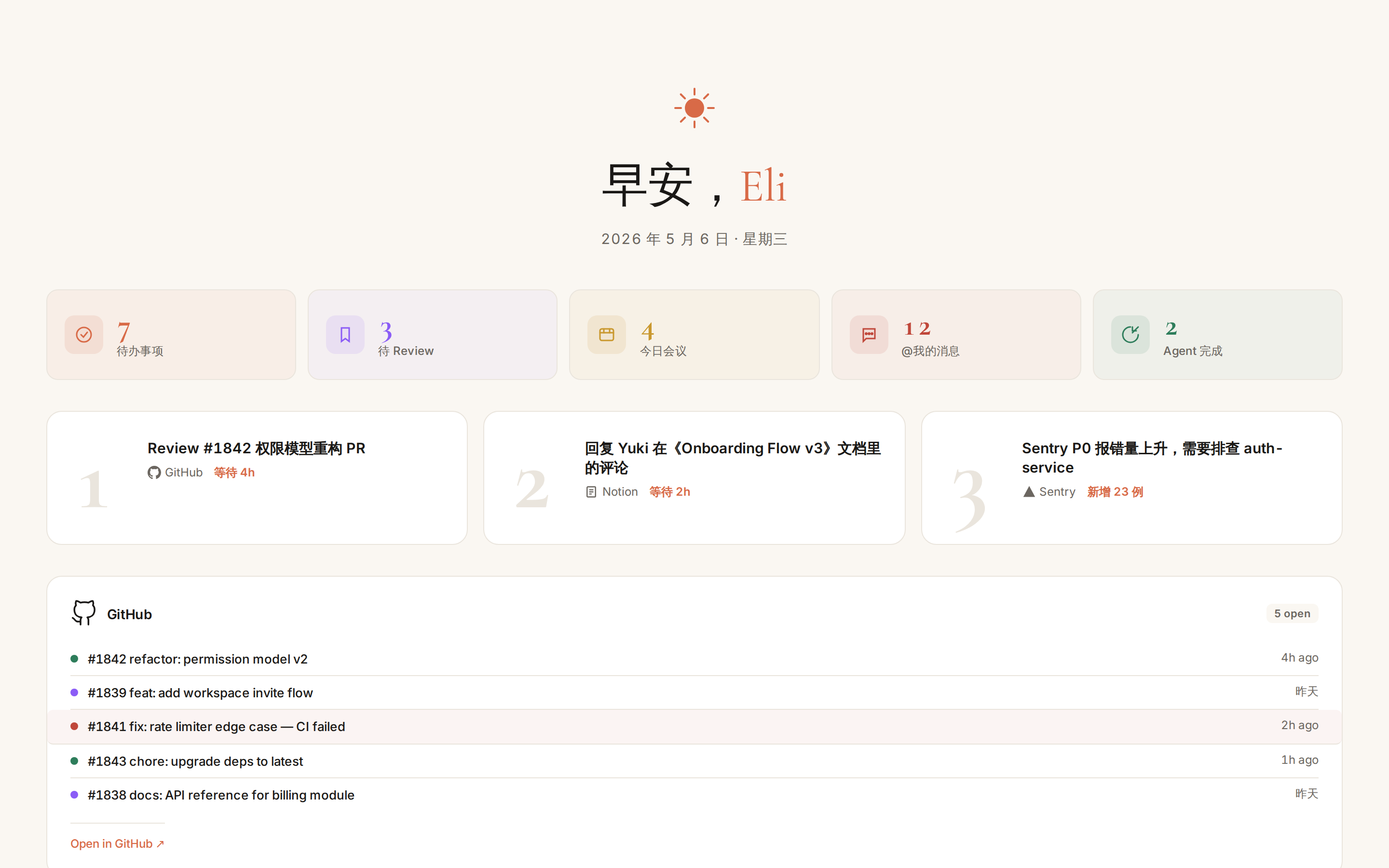
Open Orbit briefing skill — selected by the Orbit pipeline when the user has two or more connectors connected. Pulls the past 24 hours of activity from every authenticated connector (GitHub, Linear, Notion, Slack, 飞书, Calendar, Gmail, Drive, Sentry, Vercel, …) and renders a single adaptive bento-grid dashboard at the top of "我的设计". Each connector module picks its own UI form (list, avatar stack, status ring, heatmap, file grid, alert card, …) based on the data shape it returns, so the layout scales as Orbit's connector ecosystem grows. This skill should not be triggered manually — it is invoked by Orbit's daily-digest scheduler against the user's live connector data.

Orbit Github preview prototype
@open-design Open Design
Read full prompt →

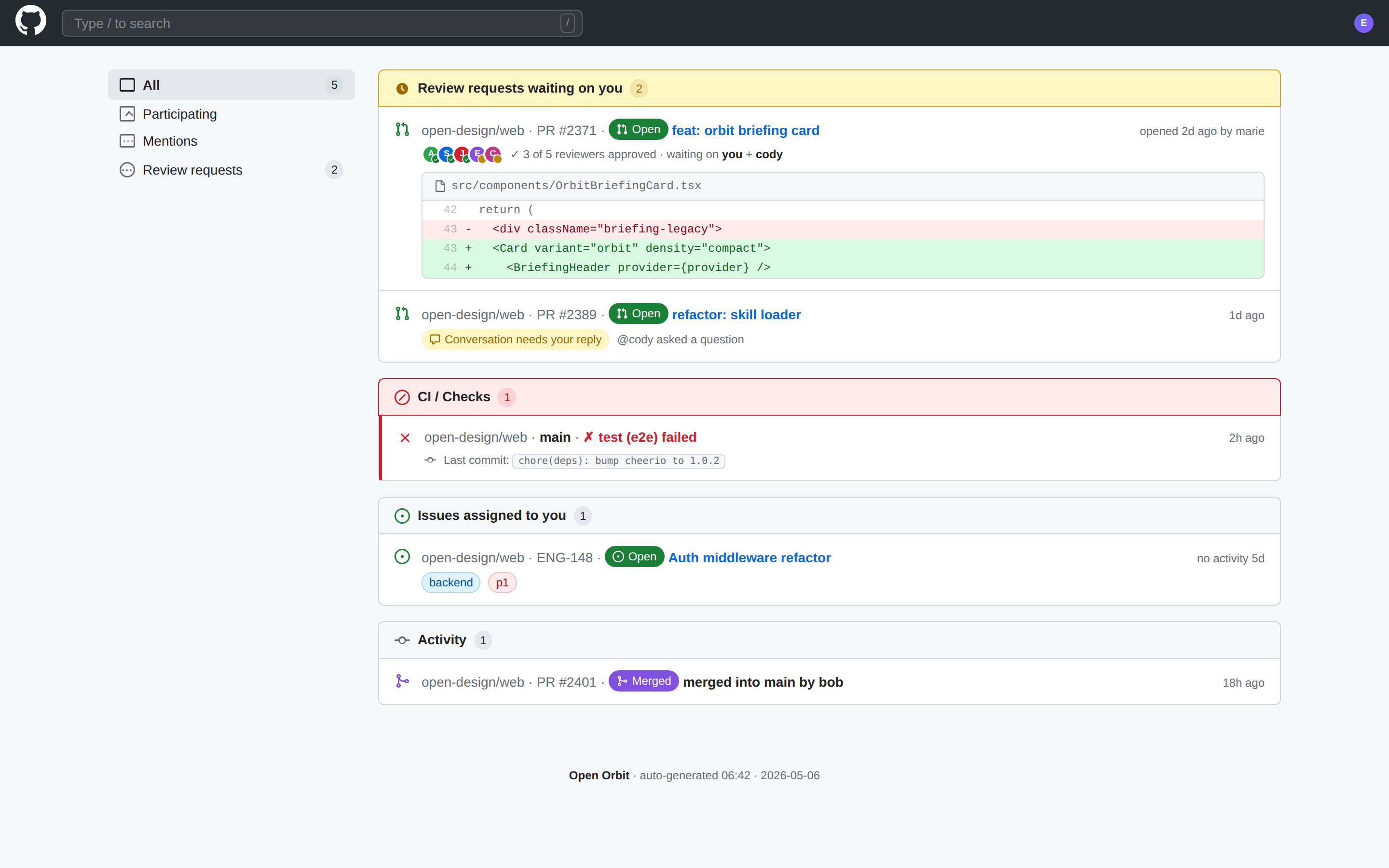
Orbit Github

Open Orbit briefing skill — selected by the Orbit pipeline when GitHub is the user's only connected connector, or when the user explicitly scopes their daily digest to GitHub. Pulls the past 24 hours of PRs, review requests, issues, CI runs, and merges from the user's authenticated GitHub connection and renders them in a layout that mirrors GitHub's native Notifications + PR-diff visual language. This skill should not be triggered manually — it is invoked by Orbit's daily-digest scheduler against live GitHub data.

Orbit Gmail preview prototype
@open-design Open Design
Read full prompt →

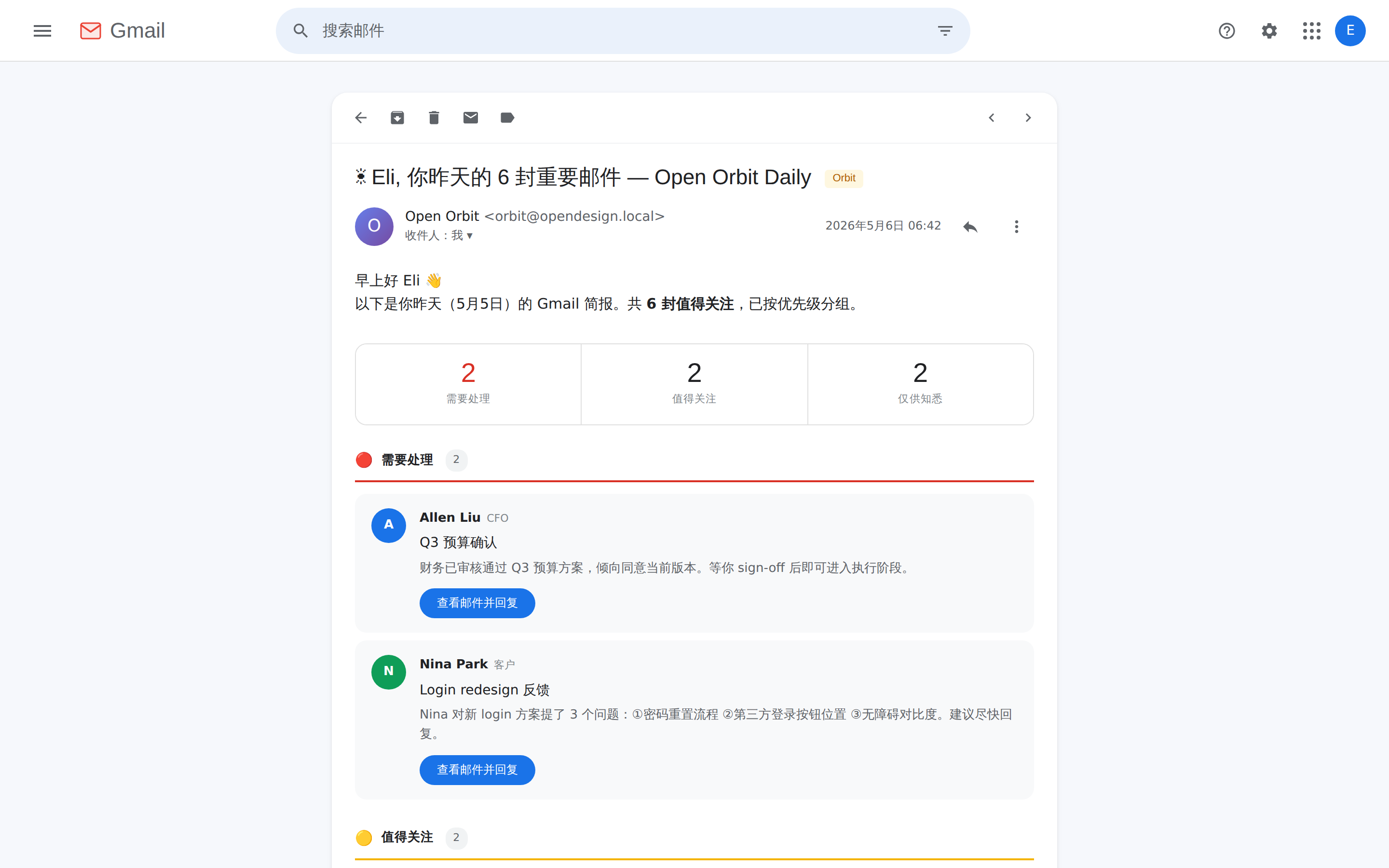
Orbit Gmail

Open Orbit briefing skill — selected by the Orbit pipeline when Gmail is the user's only connected connector, or when the user explicitly scopes their daily digest to Gmail. Pulls the past 24 hours of inbox activity (replies awaited, mentions, cc, auto- categorized bulk) from the user's authenticated Gmail connection and renders the digest as the Orbit Daily Digest email opened inside Gmail's reading view. This skill should not be triggered manually — it is invoked by Orbit's daily-digest scheduler against live Gmail data.

Orbit Linear preview prototype
@open-design Open Design
Read full prompt →

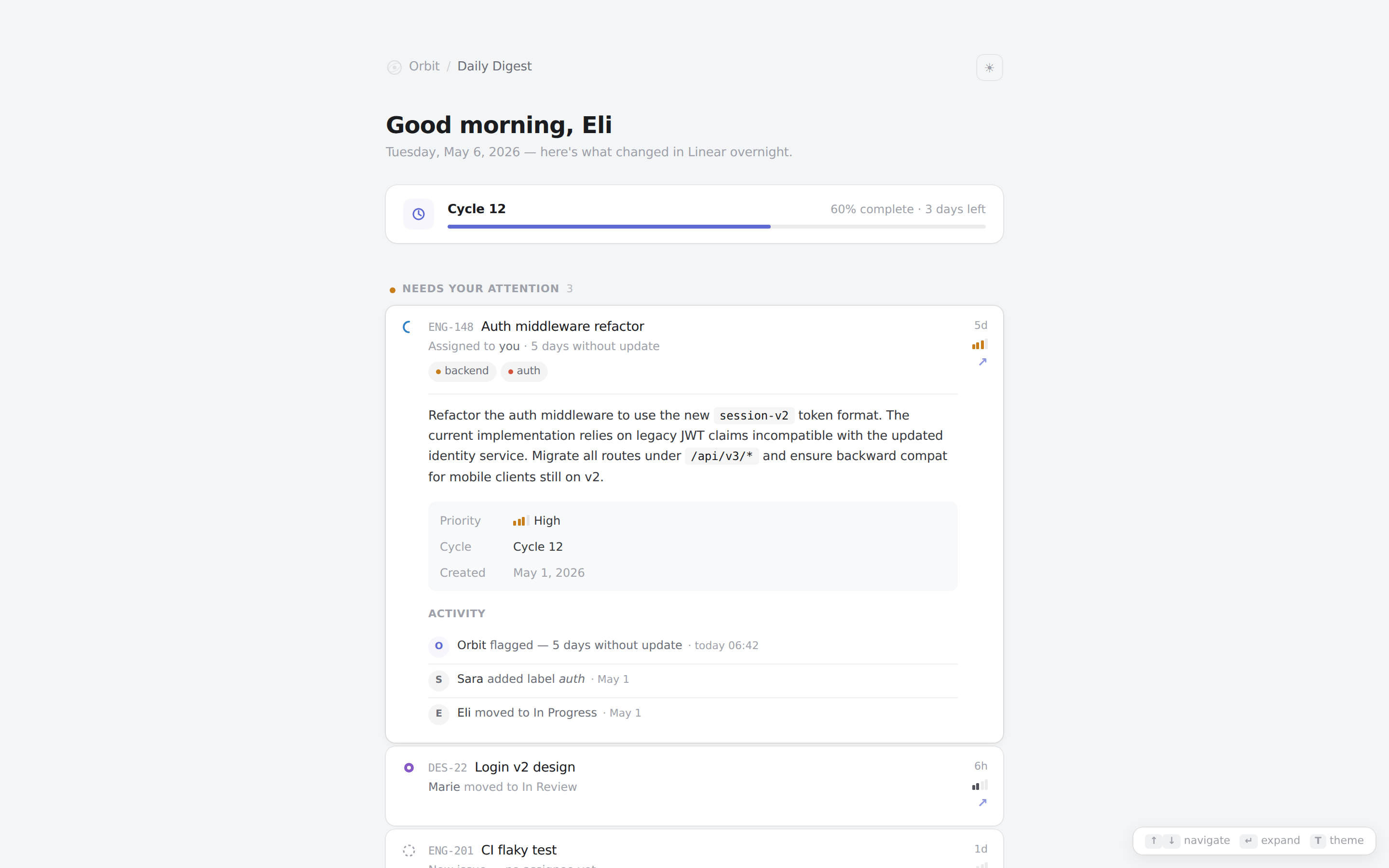
Orbit Linear

Open Orbit briefing skill — selected by the Orbit pipeline when Linear is the user's only connected connector, or when the user explicitly scopes their daily digest to Linear. Pulls the past 24 hours of issue movement, status changes, assignments, and cycle progress from the user's authenticated Linear connection and renders the digest in Linear's native Inbox + cycle-progress visual language. This skill should not be triggered manually — it is invoked by Orbit's daily-digest scheduler against live Linear data.

Orbit Notion preview prototype
@open-design Open Design
Read full prompt →

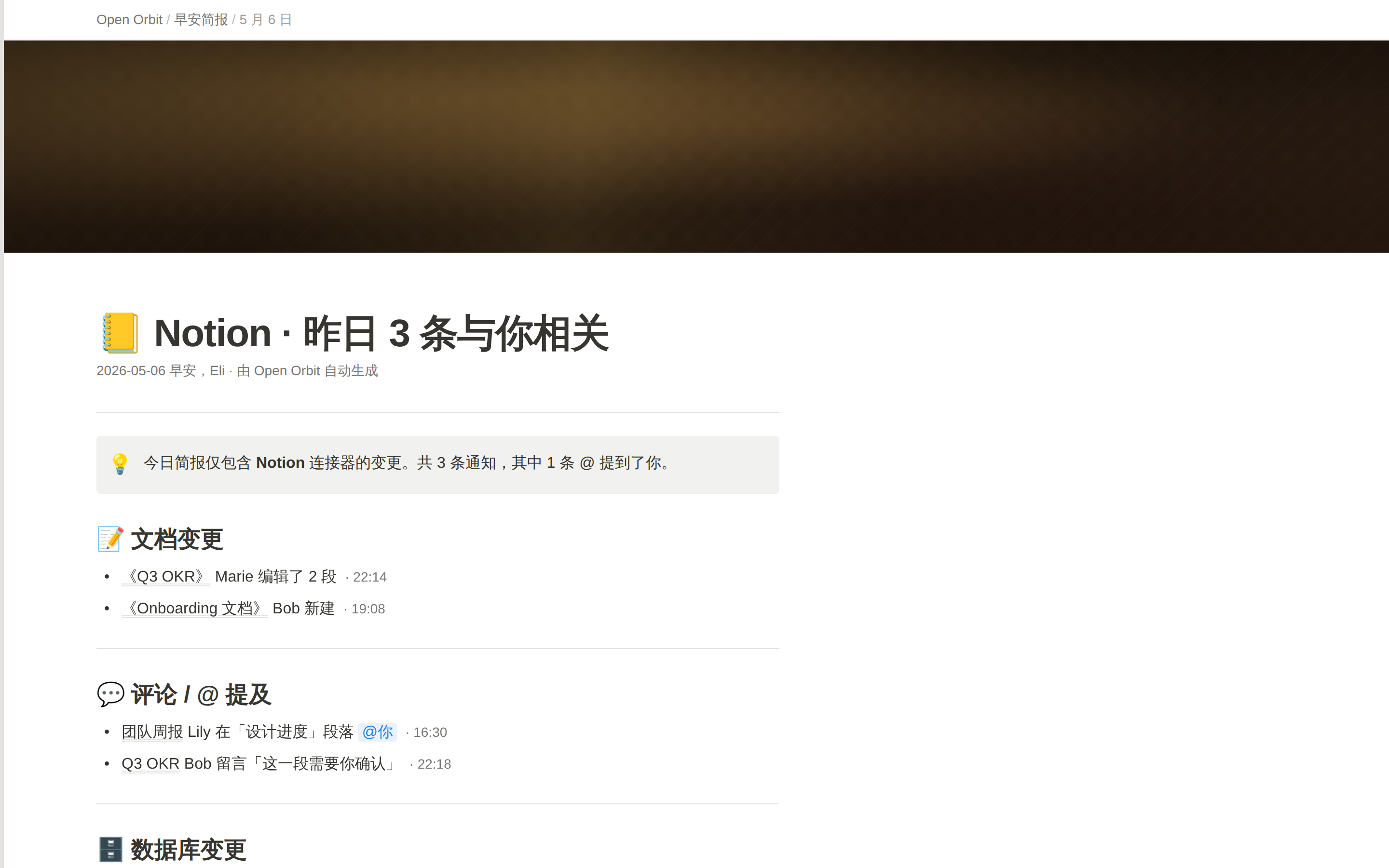
Orbit Notion

Open Orbit briefing skill — selected by the Orbit pipeline when Notion is the user's only connected connector, or when the user explicitly scopes their daily digest to Notion. Pulls the past 24 hours of document edits, comments, mentions, and database row changes from the user's authenticated Notion connection and renders the digest as a native Notion page (callout / toggle / database table primitives). This skill should not be triggered manually — it is invoked by Orbit's daily-digest scheduler against live Notion data.

Social Carousel preview prototype
@open-design Open Design
Read full prompt →

Social Carousel

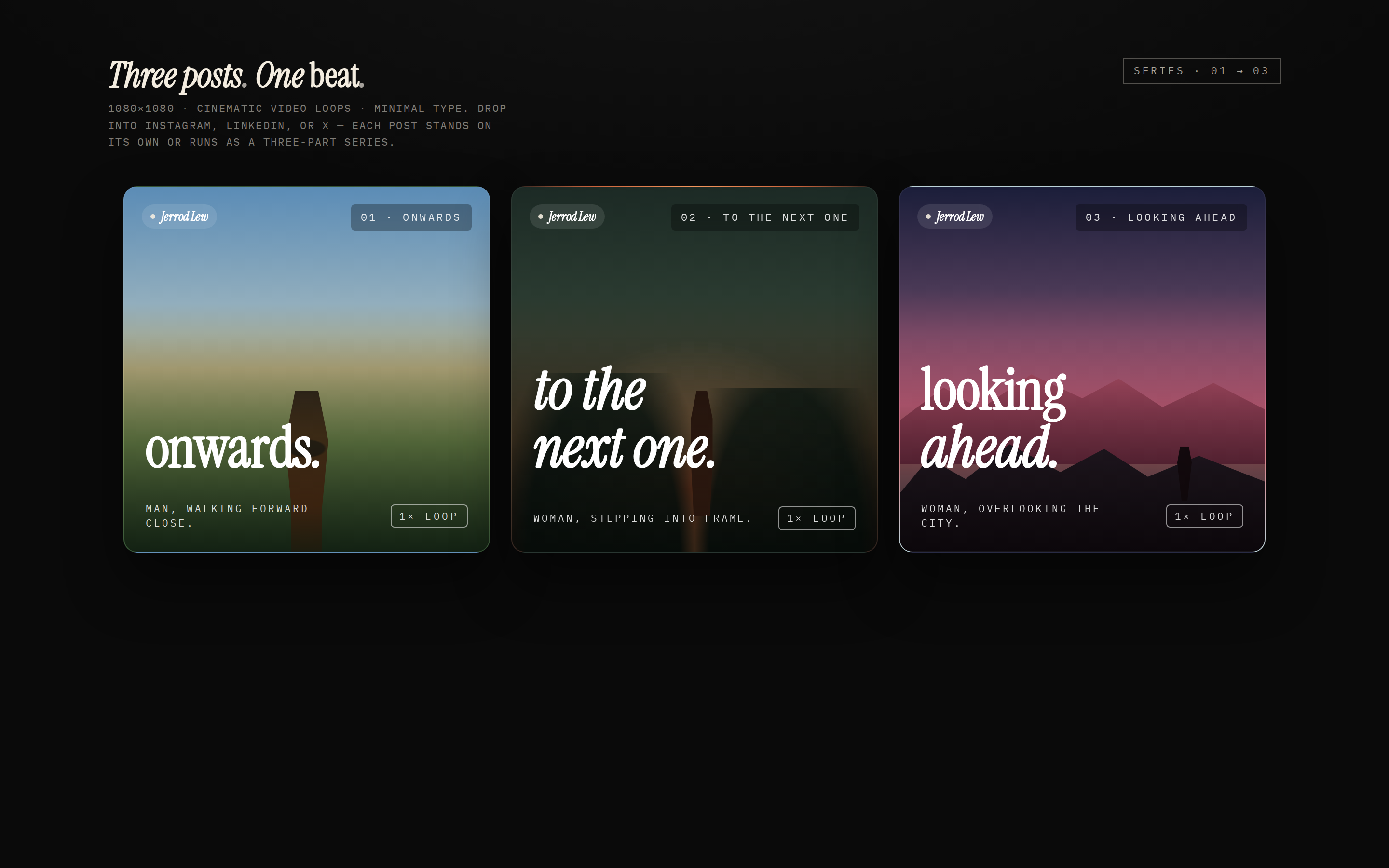
A three-card social-media carousel laid out as 1080×1080 squares — three cinematic, on-brand panels with display headlines that connect across the series ("onwards." → "to the next one." → "looking ahead."). Each card has a brand mark, a number / total, a caption, and a "loop" affordance. Use when the brief asks for a "carousel post", "social carousel", "Instagram carousel", "LinkedIn series", "X thread cards", or "三连发".

Social Media Dashboard preview prototype
@open-design Open Design
Read full prompt →

Social Media Dashboard

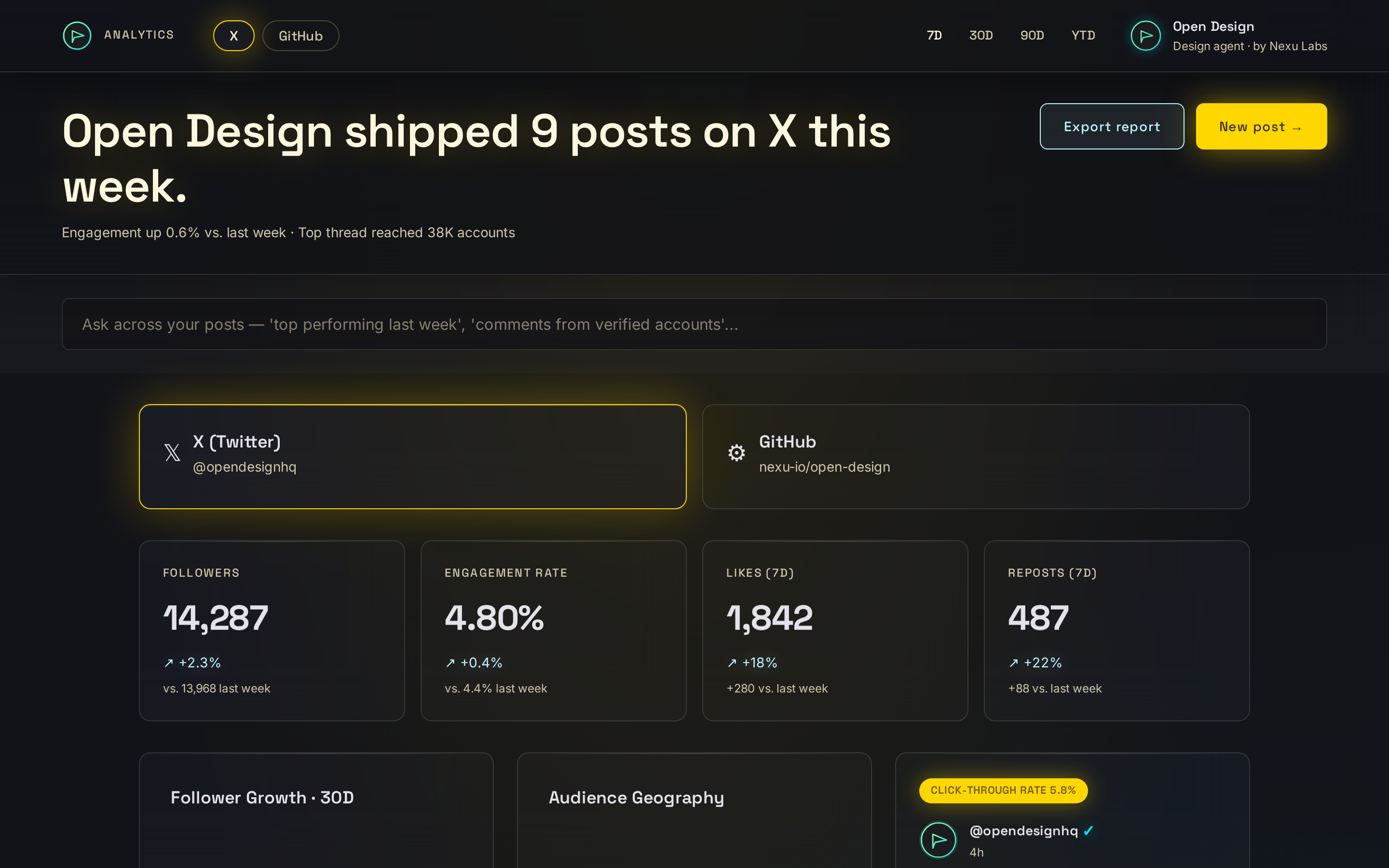
Creator-facing social media analytics dashboard in a single HTML file. A platform switcher (X / LinkedIn / YouTube / Instagram), a row of KPI cards (followers, engagement rate, likes, reposts), a follower-growth chart, a "top post this week" preview, and a trending topics / top comments side panel. Use when the brief mentions a "social media dashboard", "creator analytics", "social analytics", or names specific platforms (X, Twitter, LinkedIn, YouTube, Instagram, TikTok) together with metrics like followers, engagement, likes, reposts.

Sprite Animation preview prototype
@open-design Open Design
Read full prompt →

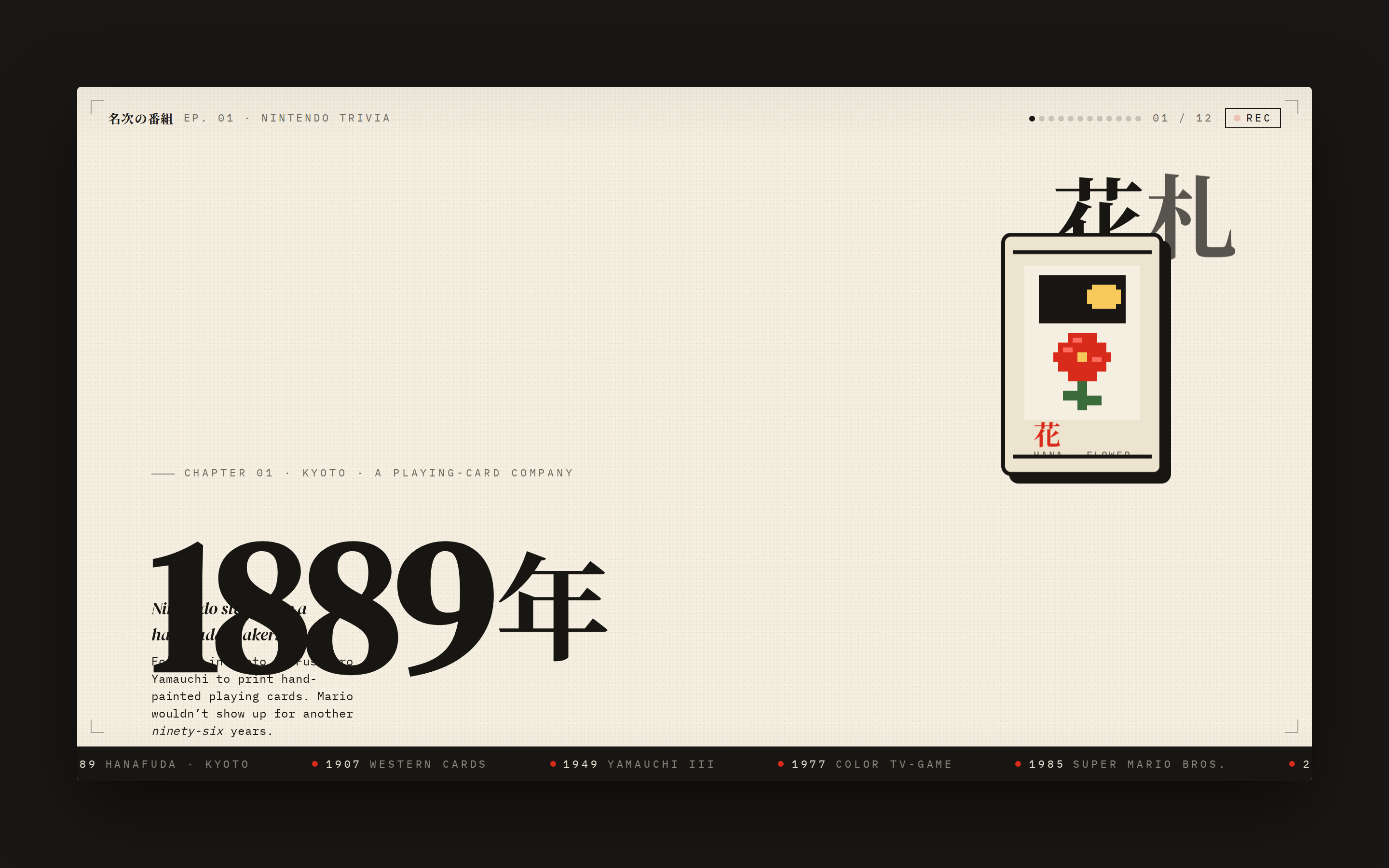
Sprite Animation

A pixel / sprite-style animated explainer slide — full-bleed cream stage, bold display year, animated pixel-art mascot (e.g. Hanafuda card, mushroom, or 8-bit console), kinetic Japanese display type, ticking timeline ribbon. Reads like a single frame of an educational motion video — looping CSS keyframes, no JS, ready to be screen-recorded into a vertical video. Use when the brief asks for a "sprite animation", "pixel-art video", "8-bit explainer", "history of X explainer", "kinetic typography history", "Nintendo-style", "精灵图动画", "像素动画", or "复古动画".