

3D Animated Boy Building Lego
A multi-shot video prompt in 3D animation style describing a boy carefully assembling Lego pieces in a room, featuring time-lapse effects.
Agent-built artifacts you can fork and ship — prototypes, slides, image and video templates. Run them on your own keys with the local agent; the prompts, posters, and example HTML are all under Apache-2.0.
A multi-shot video prompt in 3D animation style describing a boy carefully assembling Lego pieces in a room, featuring time-lapse effects.
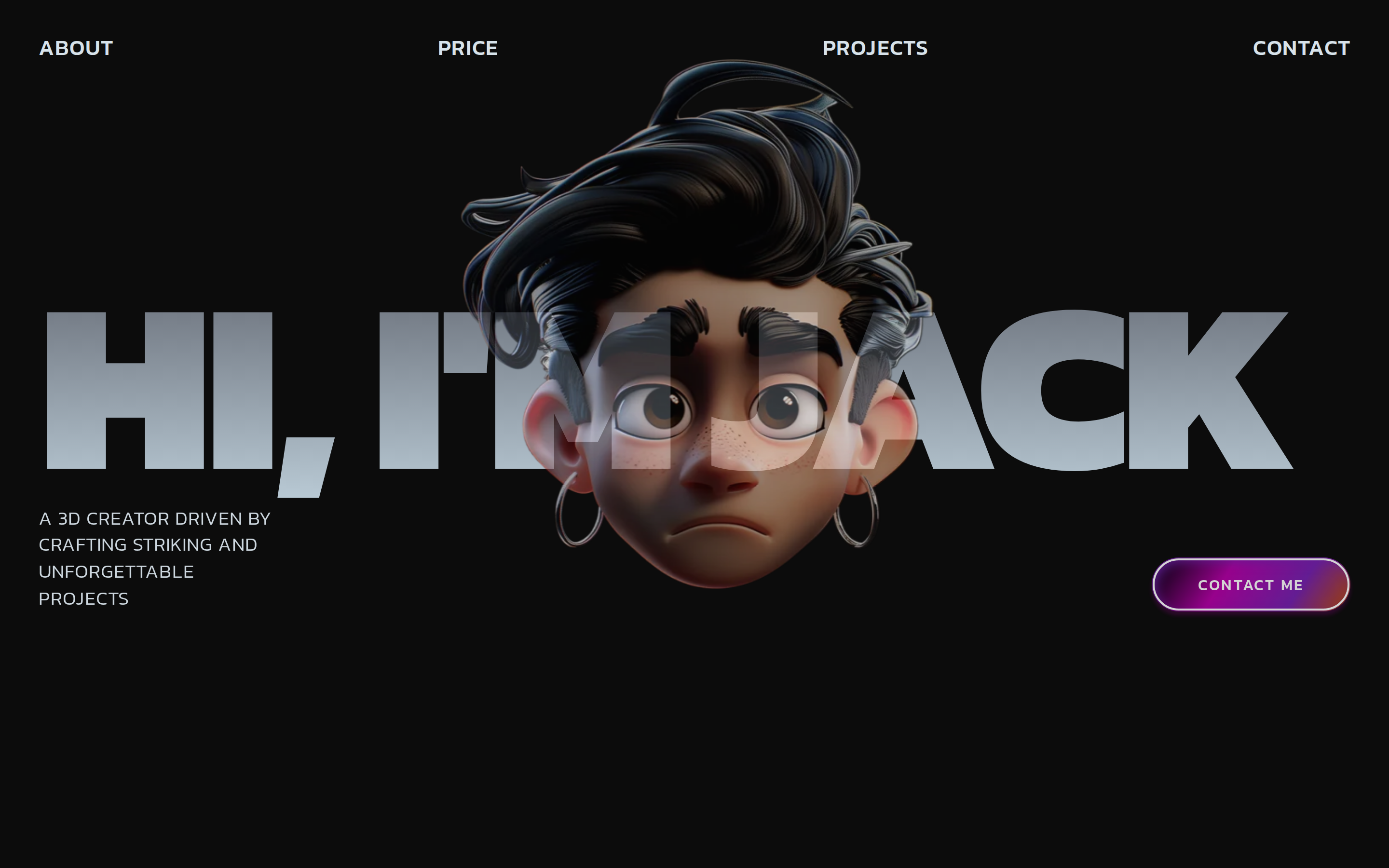 prototype Read full prompt →
 Dark, premium 3D-creator portfolio landing page: a full-viewport hero with gradient-text headline and a mouse-following magnetic 3D portrait, a scroll-driven horizontal image marquee, an About section with corner 3D decorations and character-by-character scroll-reveal text, a white Services list, and sticky-stacking project cards.
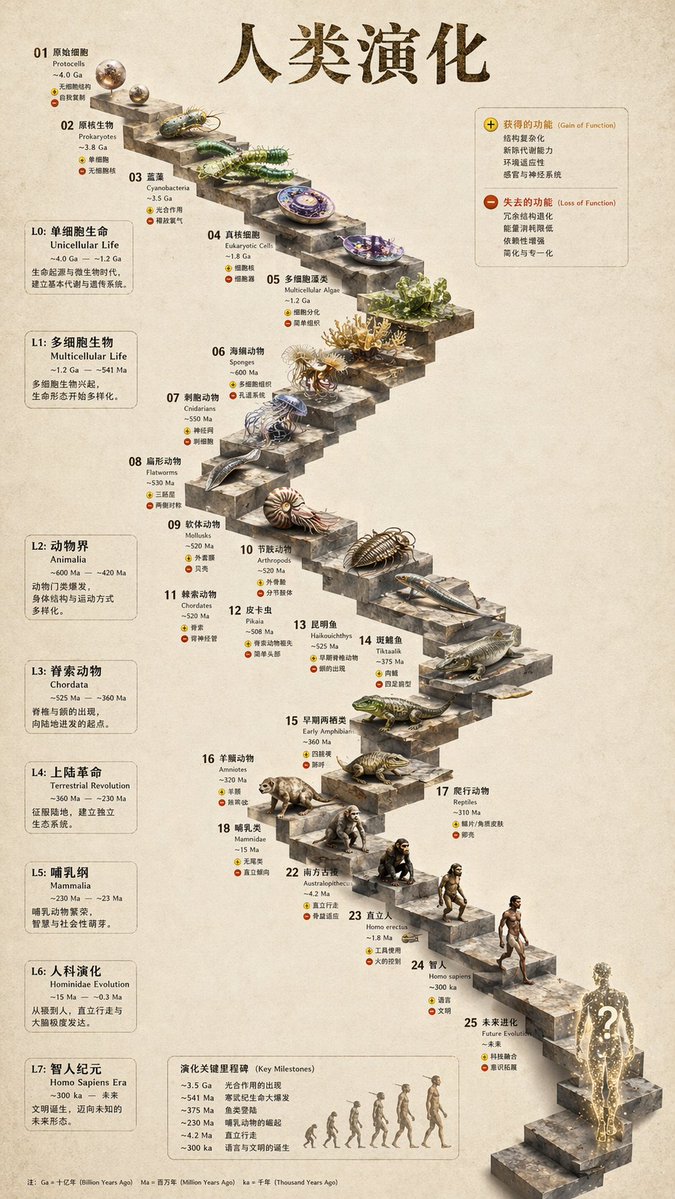 image Read full prompt →
 Transforms a flat evolutionary timeline into a realistic 3D stone staircase infographic with detailed organism renders and structured side panels.
A transformation prompt for Seedance 2.0 showing a man's transition from a casual 2016 setting to a luxurious 2026 Dubai lifestyle while maintaining character consistency.
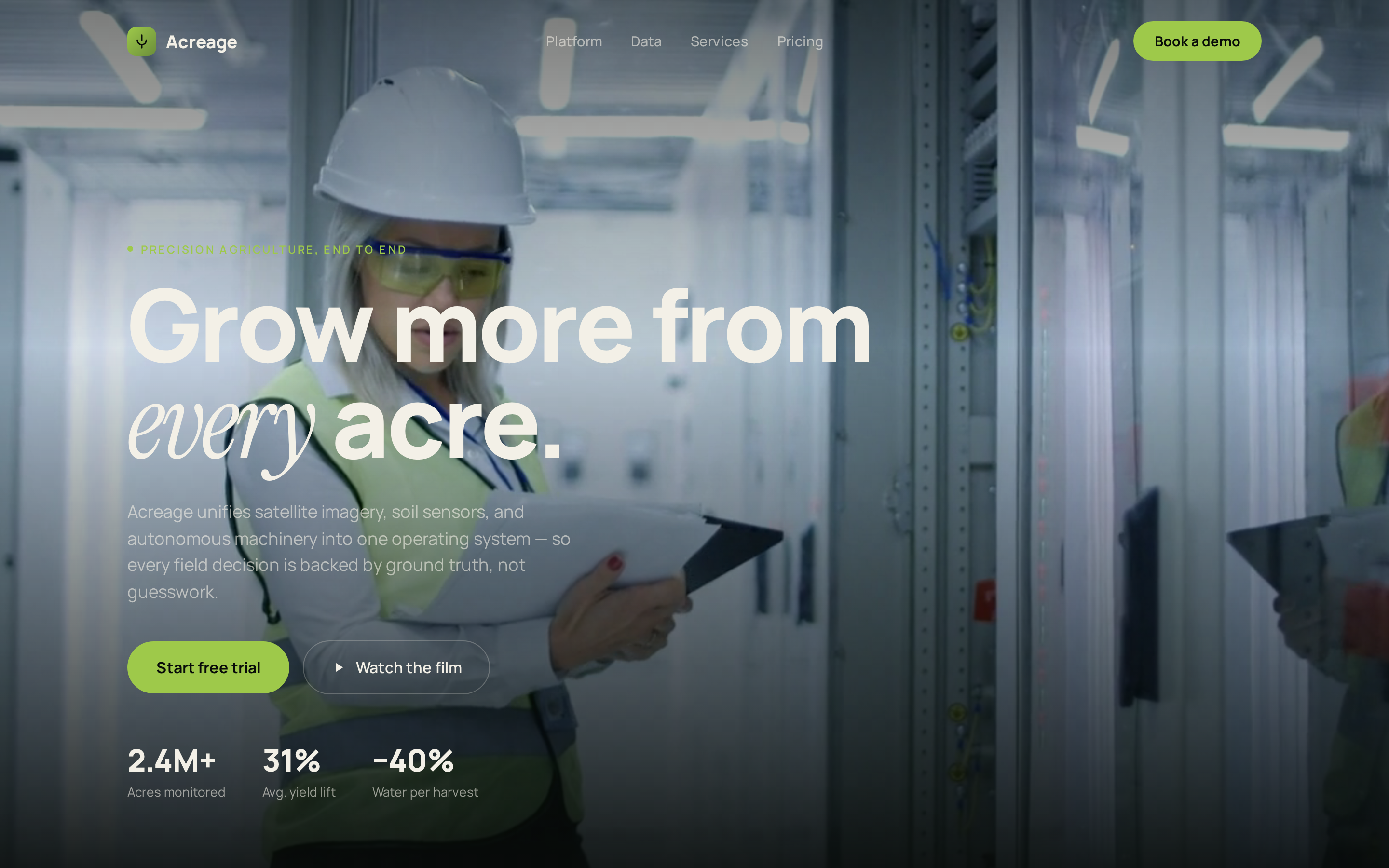 prototype Read full prompt →
 Premium precision-farming landing page: dark/light alternating sections, a fullscreen hero video background, an animated stats grid, an infinite logo marquee, and image-backed service cards.
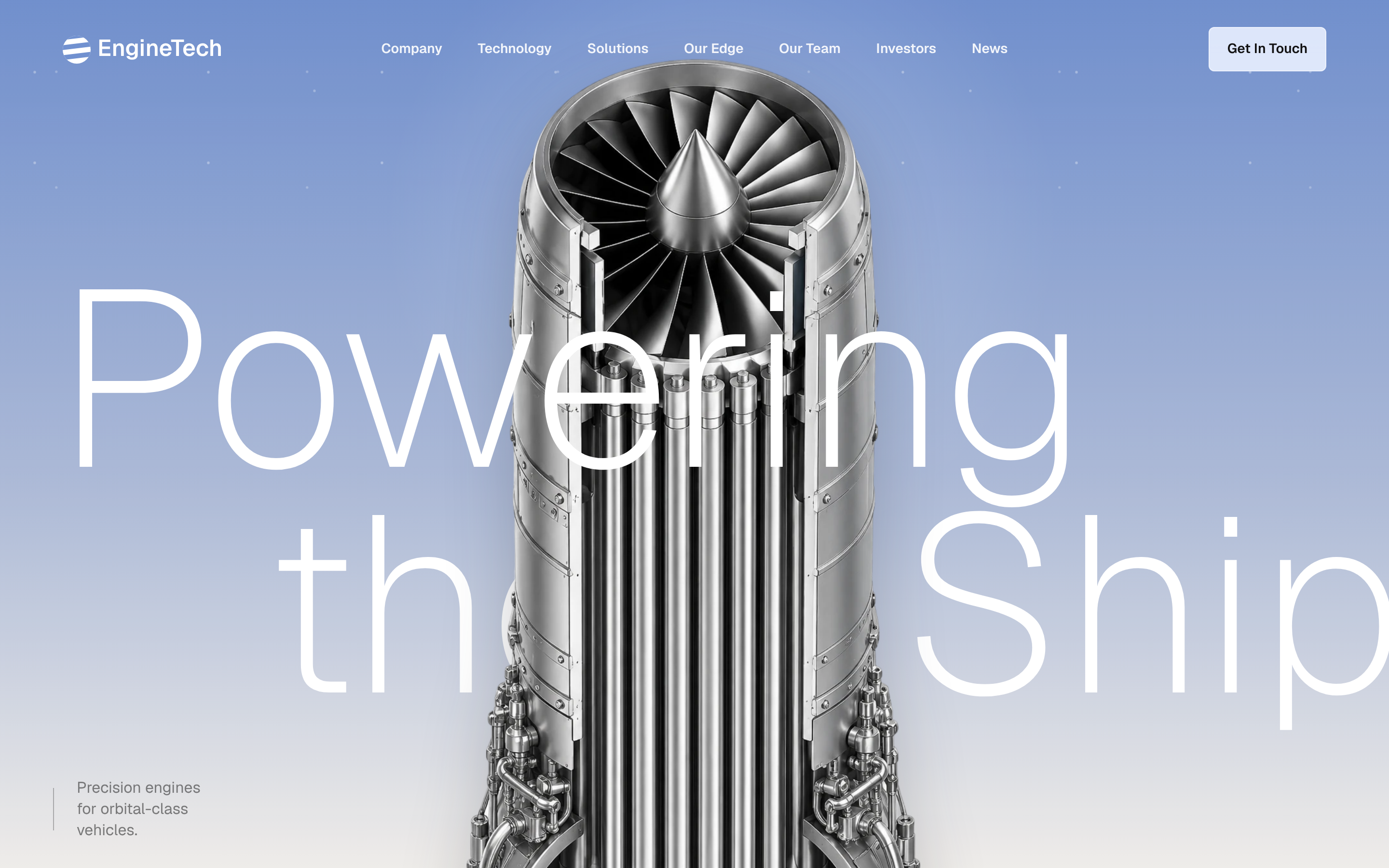 prototype Read full prompt →
 Premium scroll-cinematic aerospace propulsion marketing site: a blue-to-warm-white gradient hero with parallax wordmark and engine still, a mission thumbnail that grows into a fullscreen sticky video, a pinned tabbed showcase, a bento capabilities grid with looping video cards and a tool marquee, an animated dark stats chart, a horizontal video-story rail, and a starfield footer.
 prototype Read full prompt →
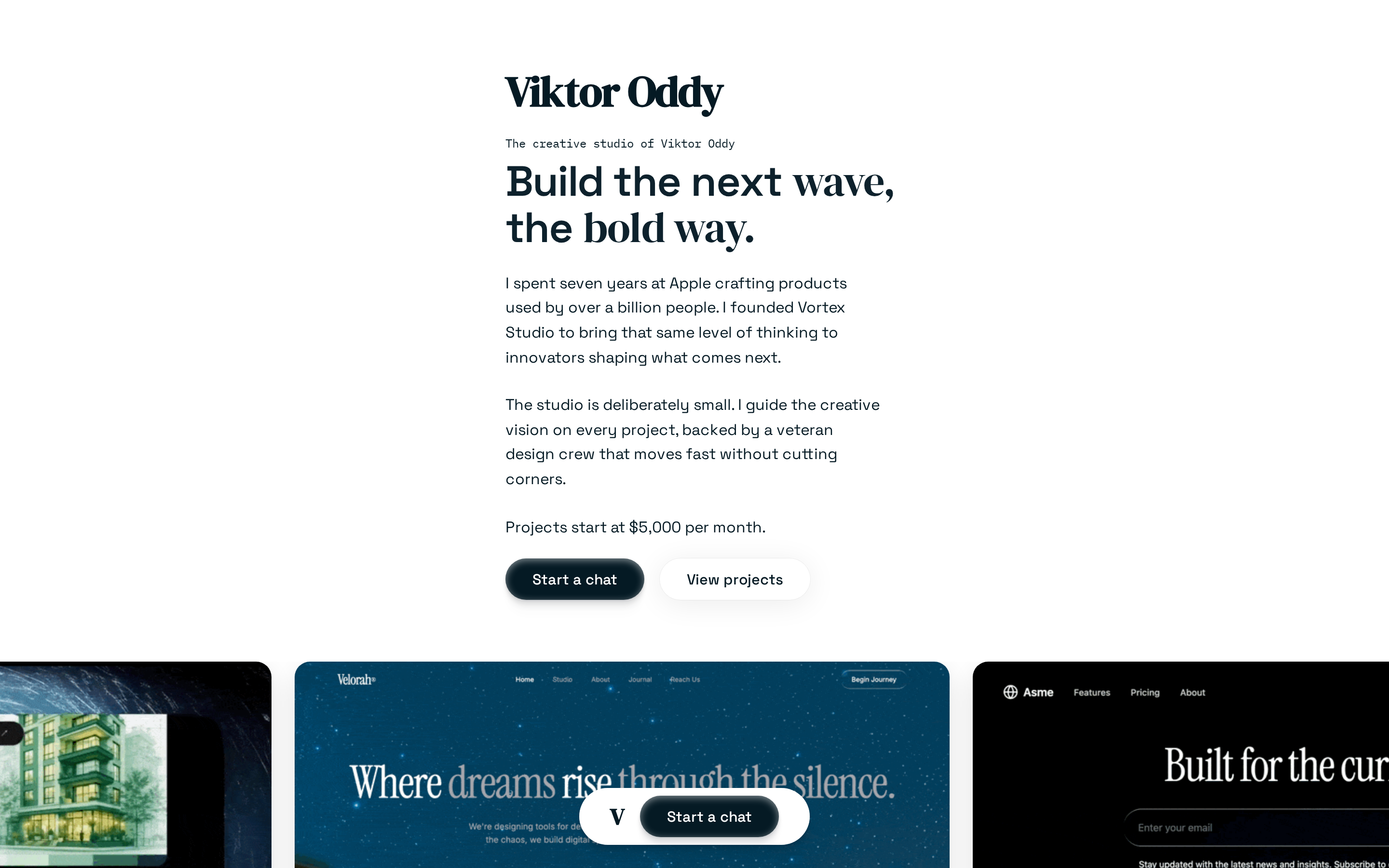
 Premium white-background creative-studio landing page: serif-accented hero, infinite GIF marquee, parallax testimonial, two-card pricing, auto-scrolling testimonial carousel, vertical project showcase, a mouse-trail partner CTA, and a fixed floating bottom nav.
A detailed multi-shot cinematic prompt for a story about a girl in a rainy village saved by an emerging dragon, focusing on VFX and atmospheric sound.
A fast-paced FPV drone-style cinematic prompt depicting a mystical Indian kingdom with temples and jungles.
A technical prompt for Seedance 2.0 that applies a specific motion reference to a character while maintaining fixed camera tracking.
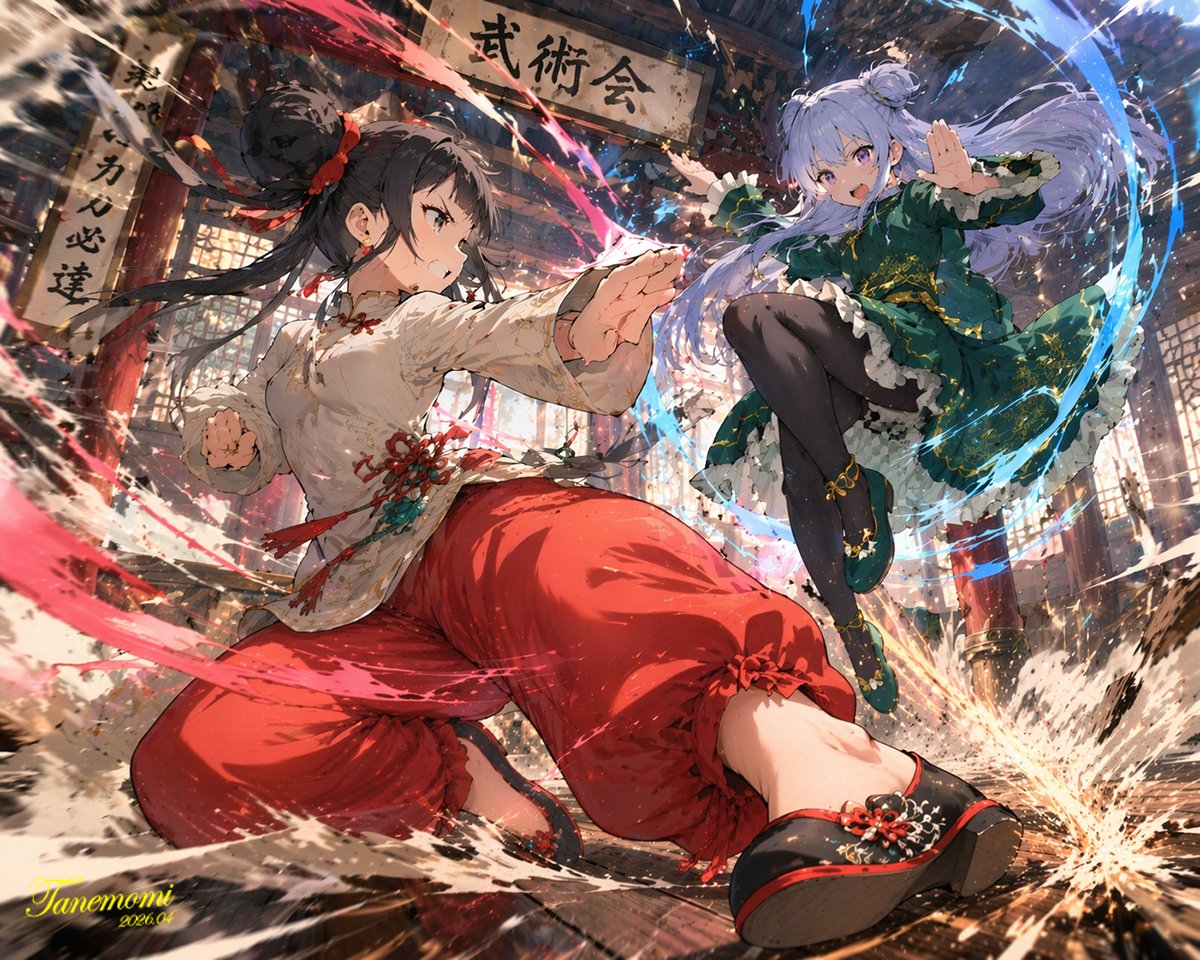 image Read full prompt →
 Generates a dynamic, high-impact anime illustration of two female characters fighting in a traditional dojo with elemental energy effects.
 audio Read full prompt →
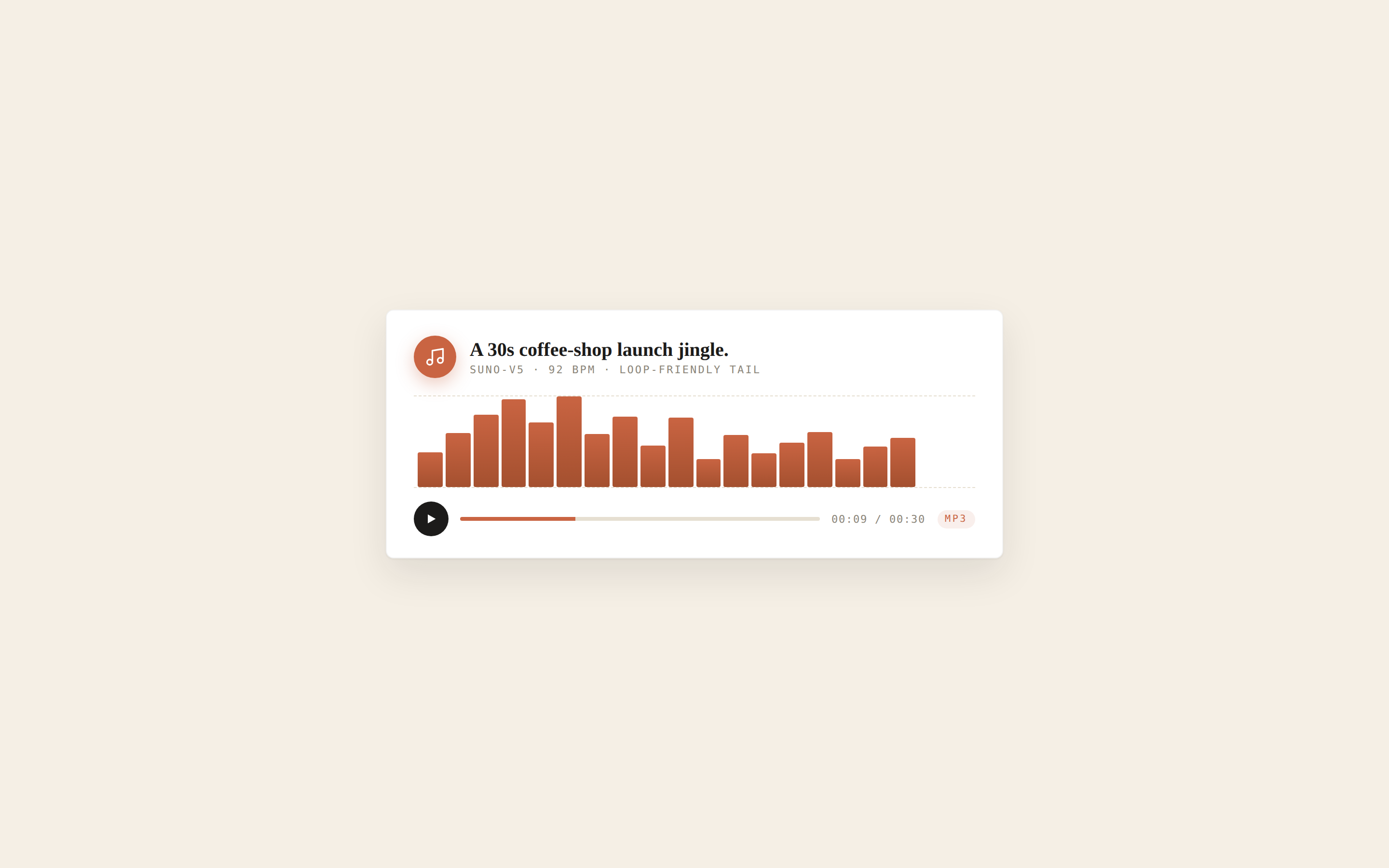
 Audio generation skill — jingles, beds, voiceover, and sound effects. Routes music requests to Suno V5 / Udio / Lyria, speech to MiniMax TTS / FishAudio / ElevenLabs V3, and SFX to ElevenLabs SFX or AudioCraft. Output is one MP3/WAV file saved to the project folder.
 video Read full prompt →
 A prompt for Seedance 2.0 that coordinates a character dance following breakdown frames while performing a beat-synced outfit change.
 prototype Read full prompt →
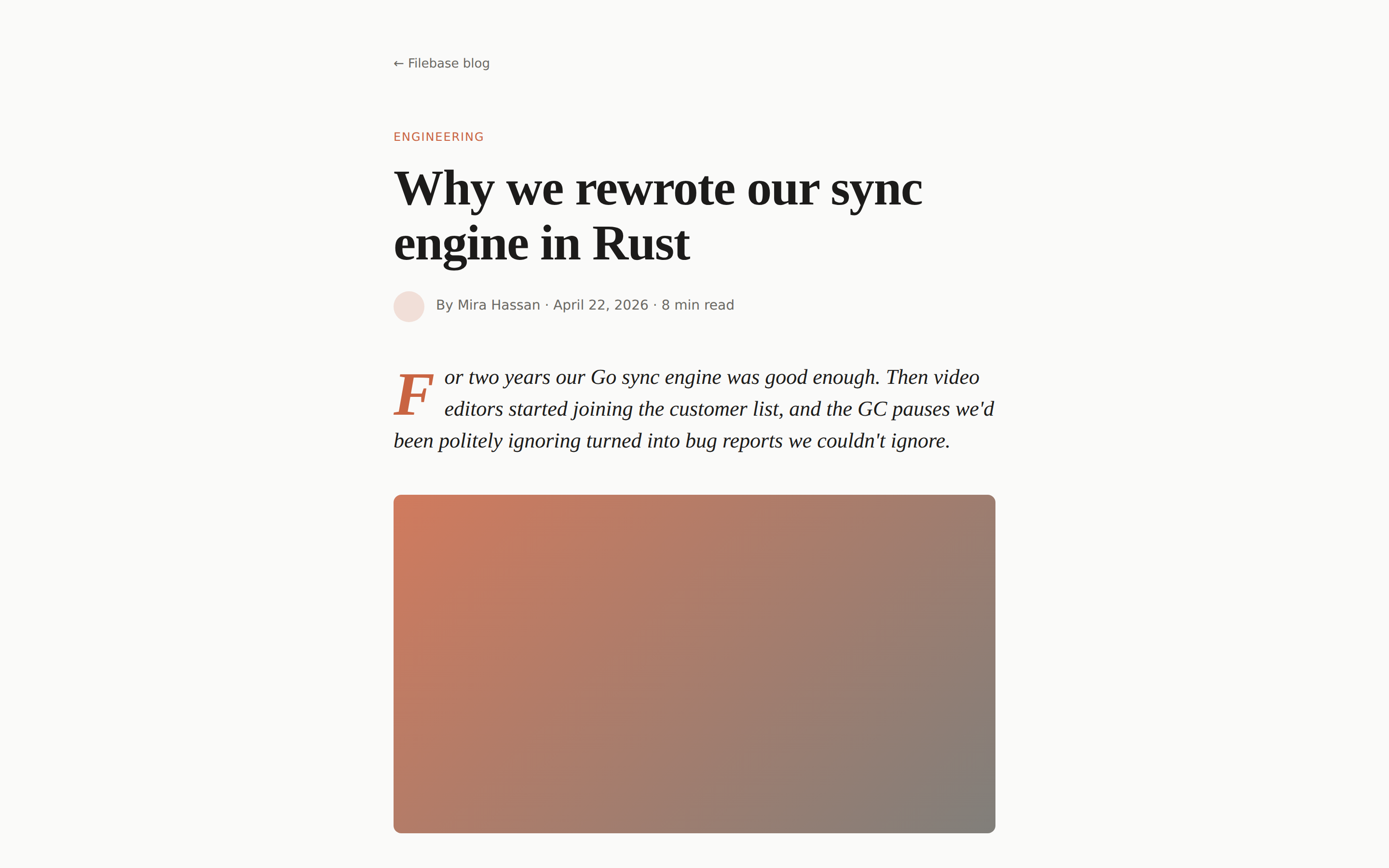
 A long-form article / blog post — masthead, hero image placeholder, article body with figures and pull quotes, author byline, related posts. Use when the brief asks for "blog", "article", "post", "essay", or "case study".
A complex, multi-stage motion graphics prompt for introducing a team of characters with specific UI overlays and transitions, designed for the Seedance 2.0 model.
A highly detailed multi-shot video prompt for a birthday sequence, focusing on character consistency and emotional storytelling.
A detailed storyboard-style prompt for a video featuring a woman's emotional interaction with a dragon followed by a cinematic flight sequence.
A highly detailed multi-shot cinematic video prompt for a stylized hand dance, featuring time-coded instructions for camera movement and character actions.
A highly detailed technical prompt for Seedance 2.0 focusing on realistic skin textures and a series of complex emotional facial transitions.
 prototype Read full prompt →
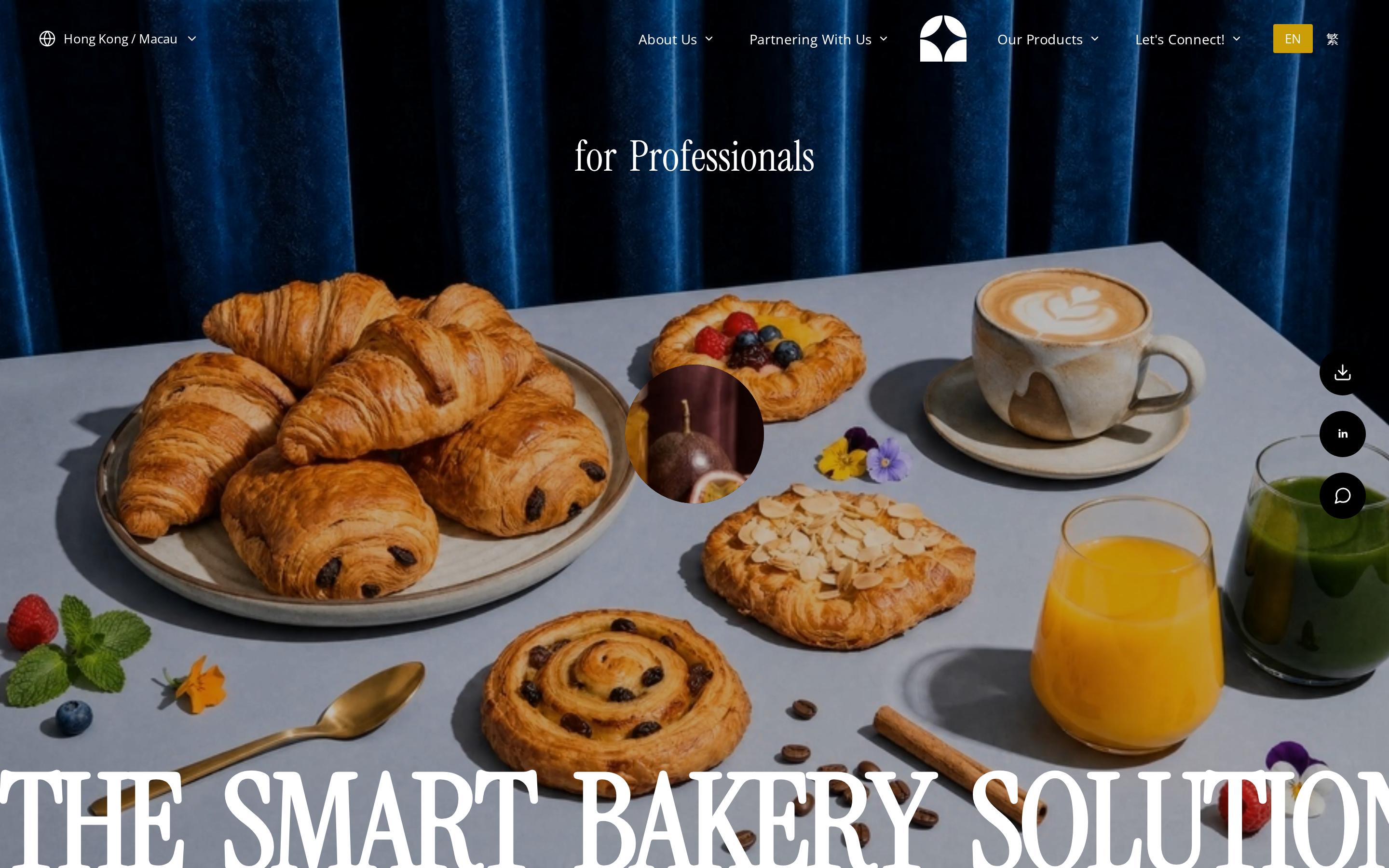
 Premium GSAP-driven cinematic B2B landing page: a scroll-driven full-screen video-slider hero with clip-path ellipse transitions, SplitText char-reveal headlines, a masonry product gallery, scroll-reveal about text, a partner marquee, Lottie feature cards, and a multi-office footer.
A detailed cinematic video prompt for an underwater scene featuring a marine biologist discovering an ancient shipwreck in a coral reef.
An advanced cinematic prompt for generating a 4K music podcast video, with specific focus on guitar technique, pinch harmonics, and studio aesthetics.
A structured multi-scene prompt designed for Seedance to create a consistent walking navigation video featuring a recurring tour guide character and smooth transitions between real-world locations.
A detailed, multi-shot prompt designed for Seedance 2 to generate a cinematic street racing sequence at night, focusing on intense driver focus, dynamic camera work, and explosive acceleration, struct
A comprehensive action prompt for a short film scene involving dynamic camera movements and high-speed combat in a neon-lit alley.
 prototype Read full prompt →
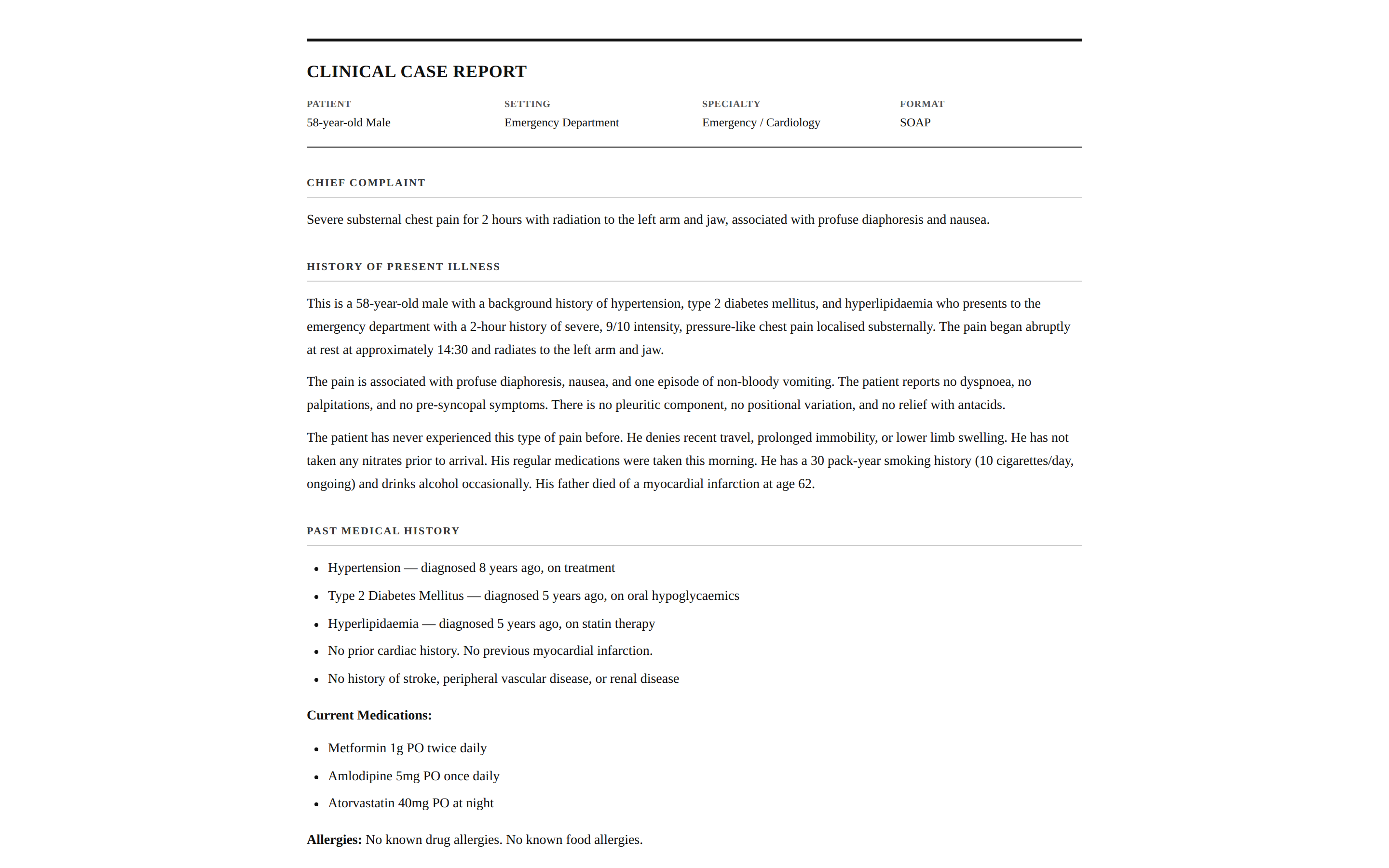
 Structured medical case presentation for clinical rounds, conferences, and documentation. Generates SOAP-format or narrative case reports with physiologically accurate vitals, labs, and evidence-based plans. Use when the brief mentions "case report", "case presentation", "SOAP note", "clinical case", "ward rounds", "case summary", or "patient presentation".
 prototype Read full prompt →
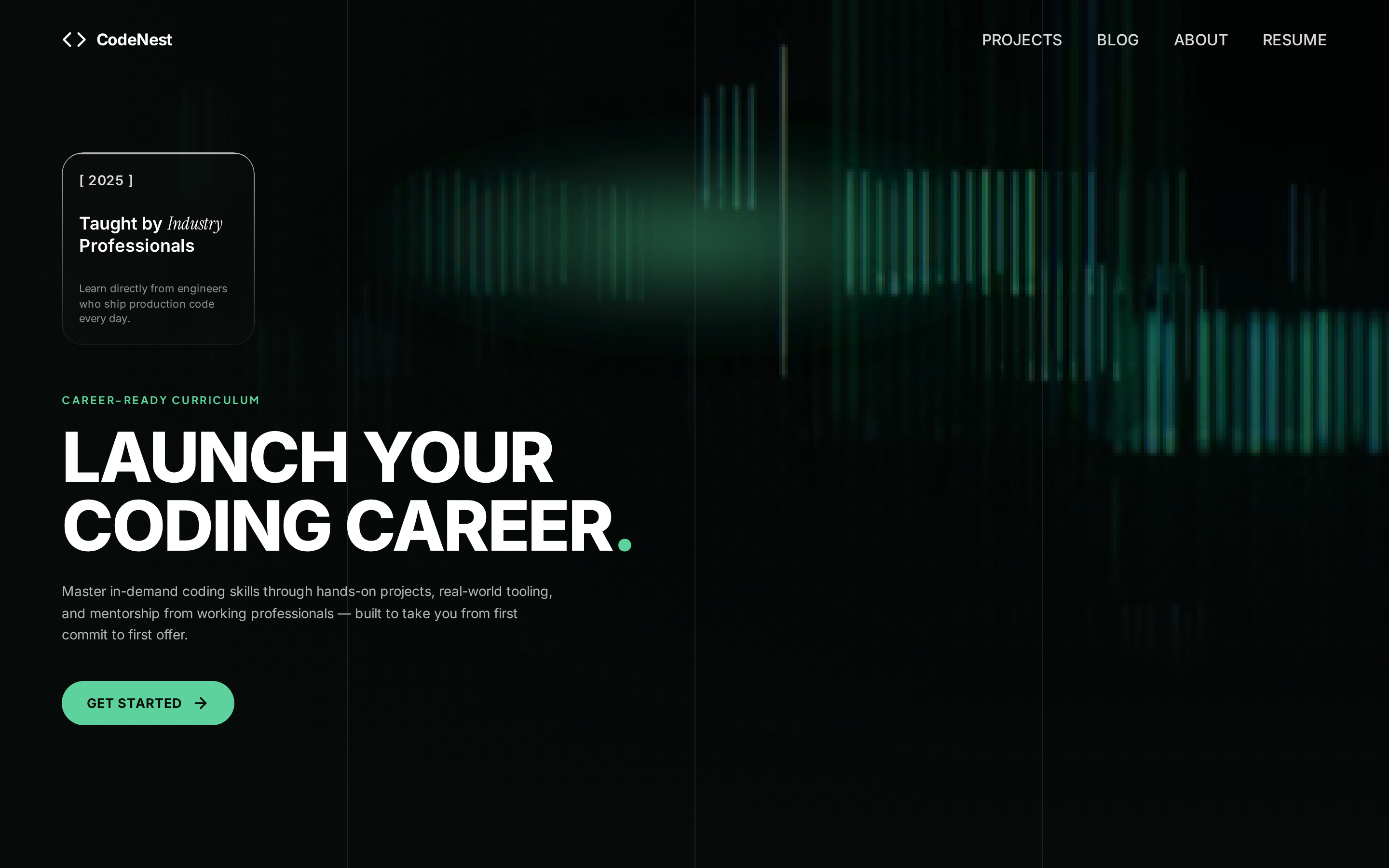
 High-end dark cinematic hero for a coding-education platform: full-screen HLS background video, a liquid-glass card, green-accent uppercase typography, central glow, desktop grid lines, and a working mobile hamburger menu.
 prototype Read full prompt →
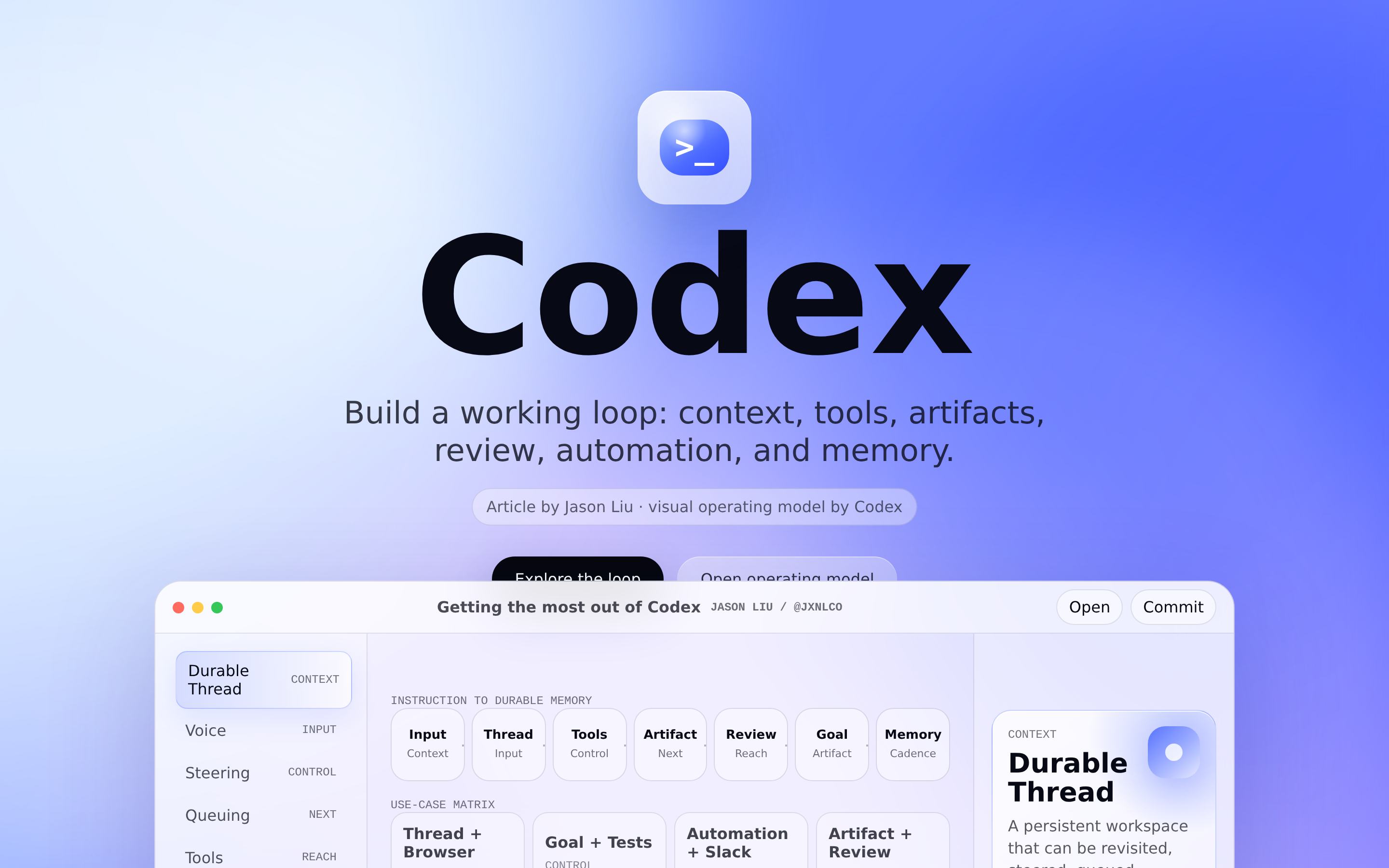
 Turn a long-form article, thread, memo, or product narrative into a Codex-style clickable capability map with a workflow loop, use-case matrix, and responsive detail panel.
A comprehensive 9-shot cinematic video sequence for a sci-fi film titled 'Crimson Horizon', detailing everything from a rocket launch to an eerie alien encounter on Mars.
 prototype Read full prompt →
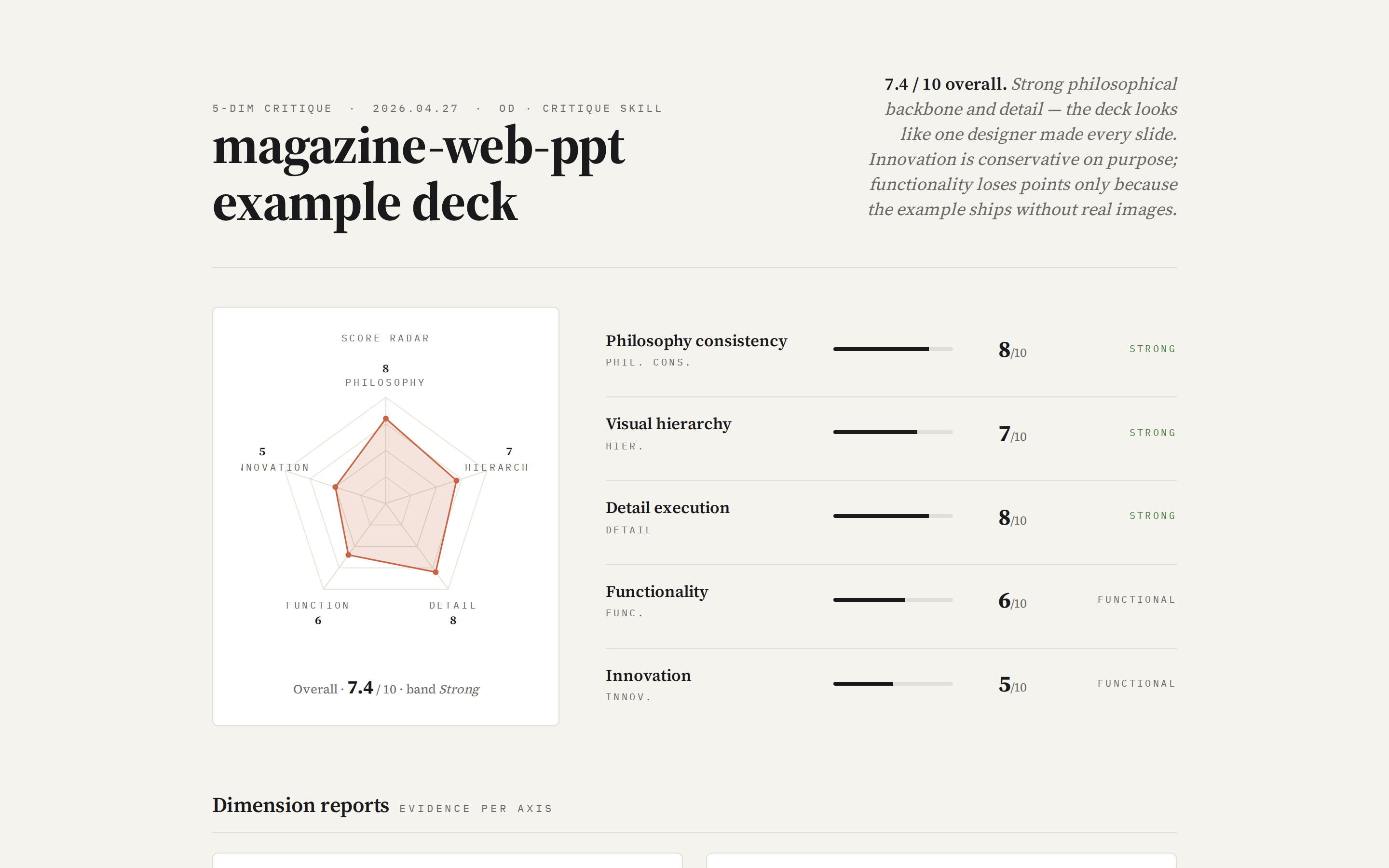
 Run a 5-dimension expert design review on any HTML artifact in the project — Philosophy / Visual hierarchy / Detail / Functionality / Innovation, each scored 0–10. Outputs a single self-contained HTML report with a radar chart, evidence-backed scores, and three lists: Keep / Fix / Quick-wins. Use when the brief asks for a "design review", "design critique", "5 维度评审", "design audit", or "what's wrong with my design".
An extensive video generation prompt for a cyberpunk game trailer, detailing character design, UI animations, and environmental transitions from a white void to a favela.
 prototype Read full prompt →
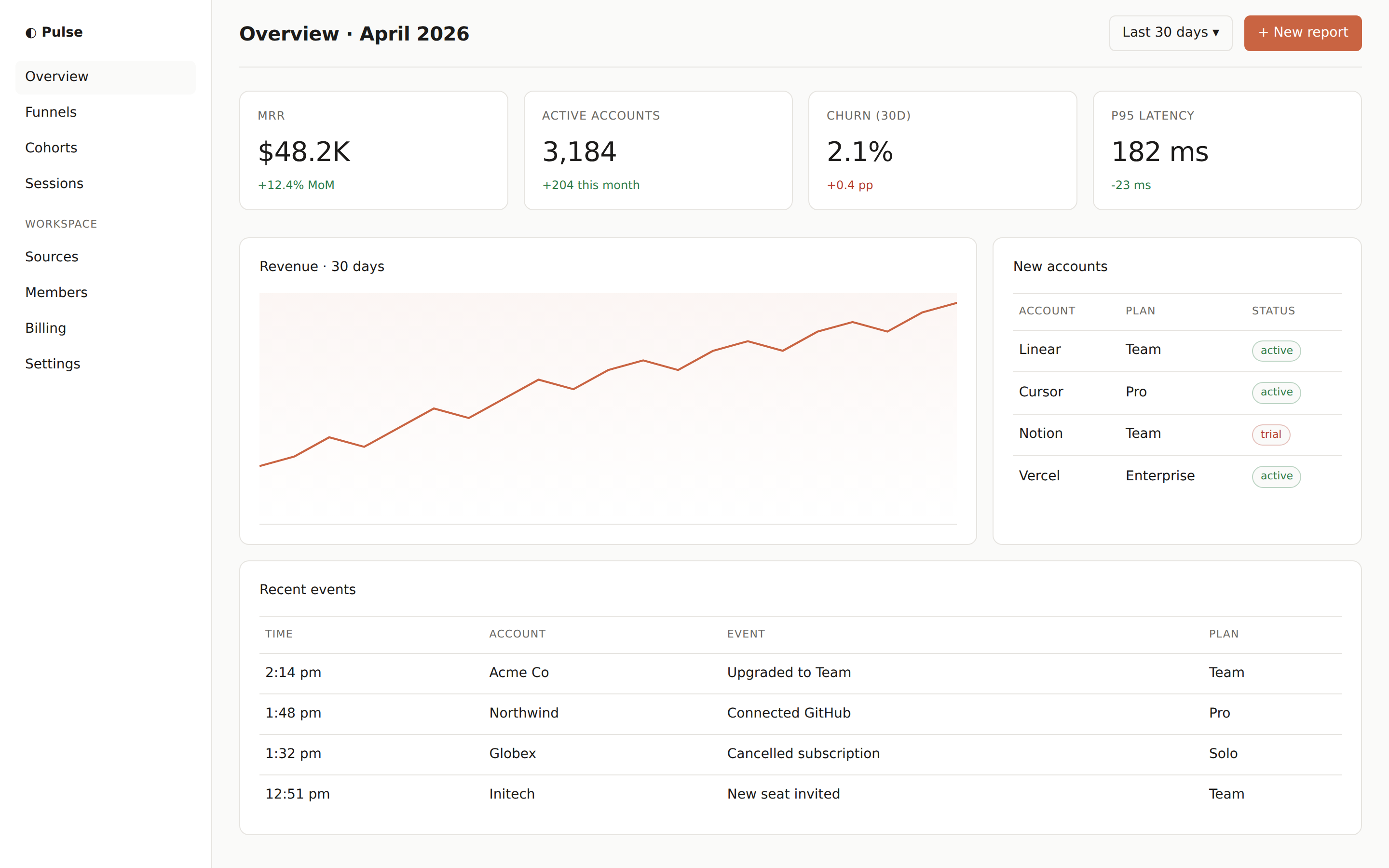
 Admin / analytics dashboard in a single HTML file. Fixed left sidebar, top bar with user/search, main grid of KPI cards and one or two charts. Use when the brief asks for a "dashboard", "admin", "analytics", or "control panel" screen.
 prototype Read full prompt →
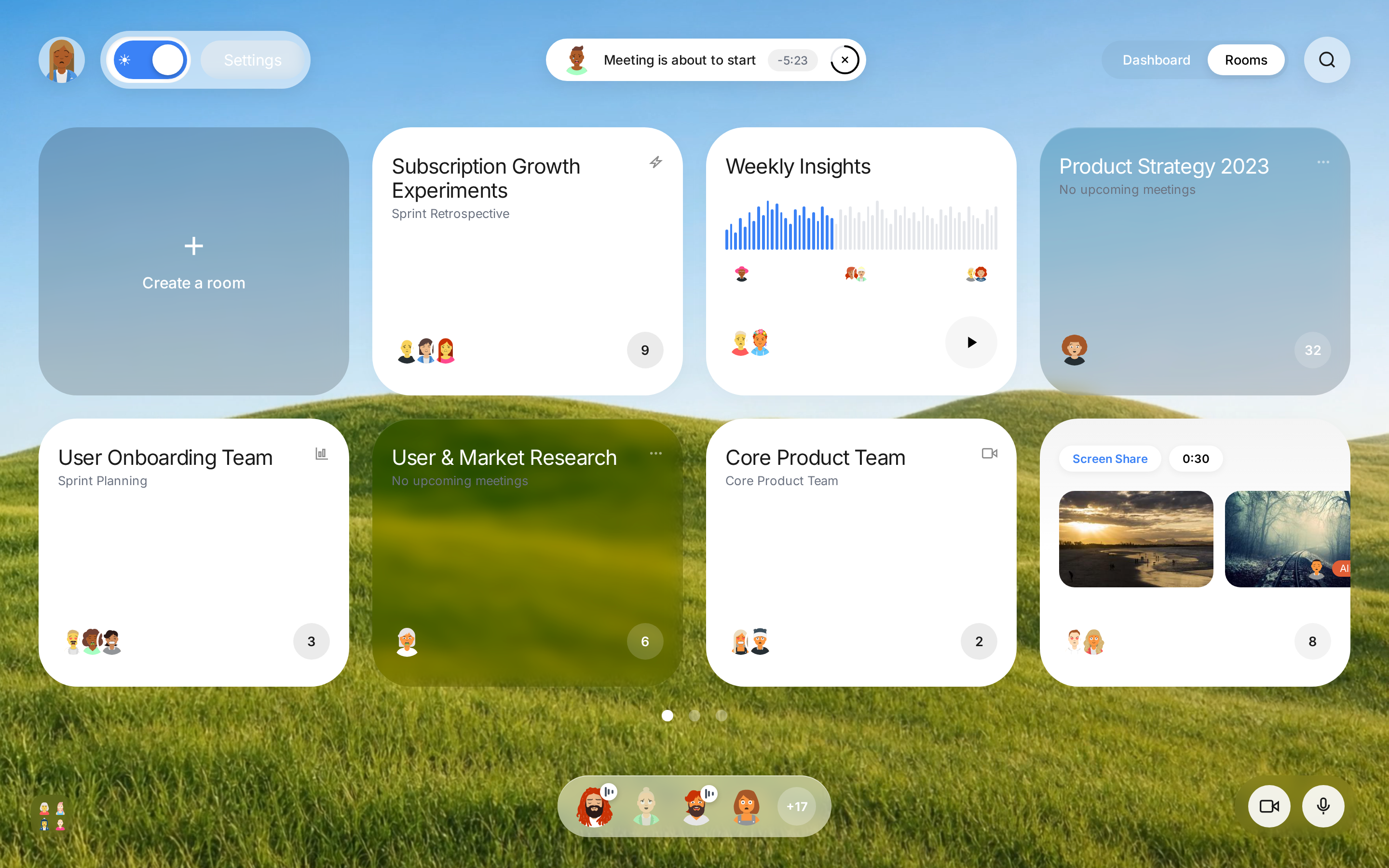
 Premium liquid-glassmorphism conference dashboard: dual fullscreen background videos swapped by theme, a 4x2 glass/solid card grid, animated voice-wave participant indicators, and a floating control bar.
 prototype Read full prompt →
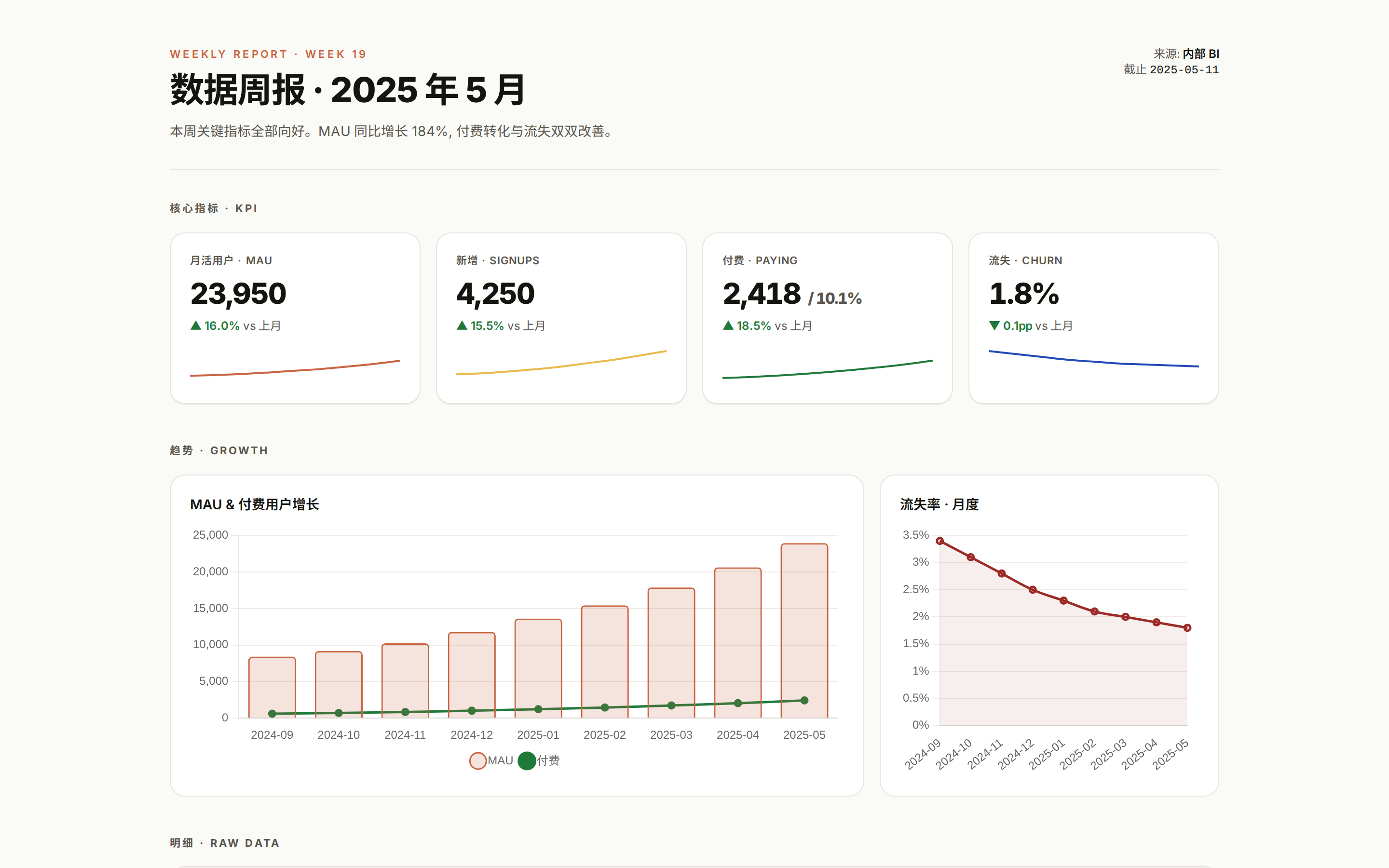
 Turns CSV, Excel, or JSON data into a polished visual report page.
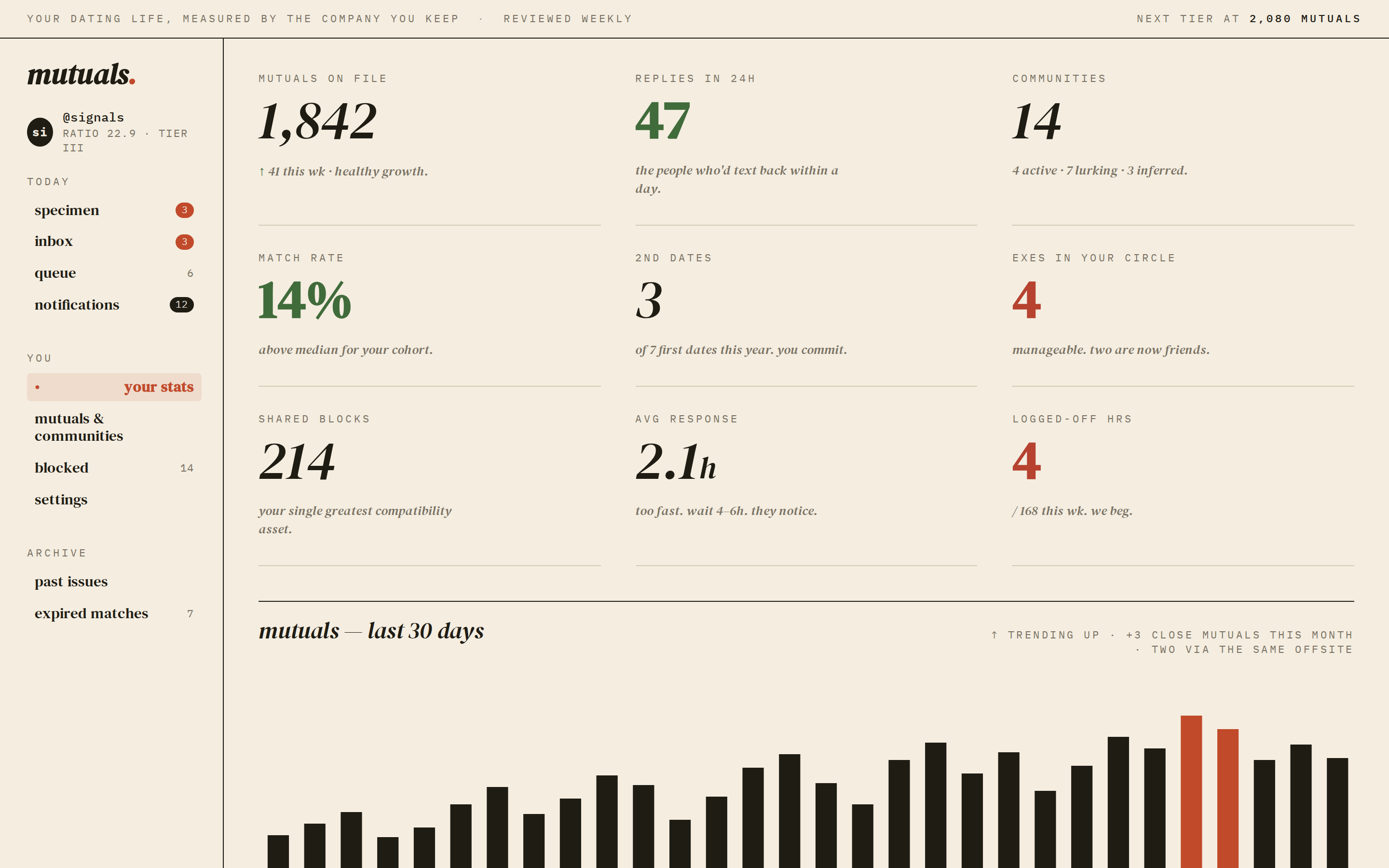 prototype Read full prompt →
 A consumer-feeling dating / matchmaking dashboard — left rail navigation, ticker bar of community signals, headline KPIs, a 30-day mutual-matches bar chart, and a match-rate trend block. Editorial typography, restrained accent. Use when the brief asks for a "dating site", "matchmaking", "community dashboard", "social network dashboard", or any consumer product where the data is the story.
 prototype Read full prompt →
 Discounted cash flow valuation and intrinsic value analysis for public companies. Use when the brief asks for DCF, fair value, intrinsic value, price target, undervalued or overvalued analysis, or "what is this company worth?"
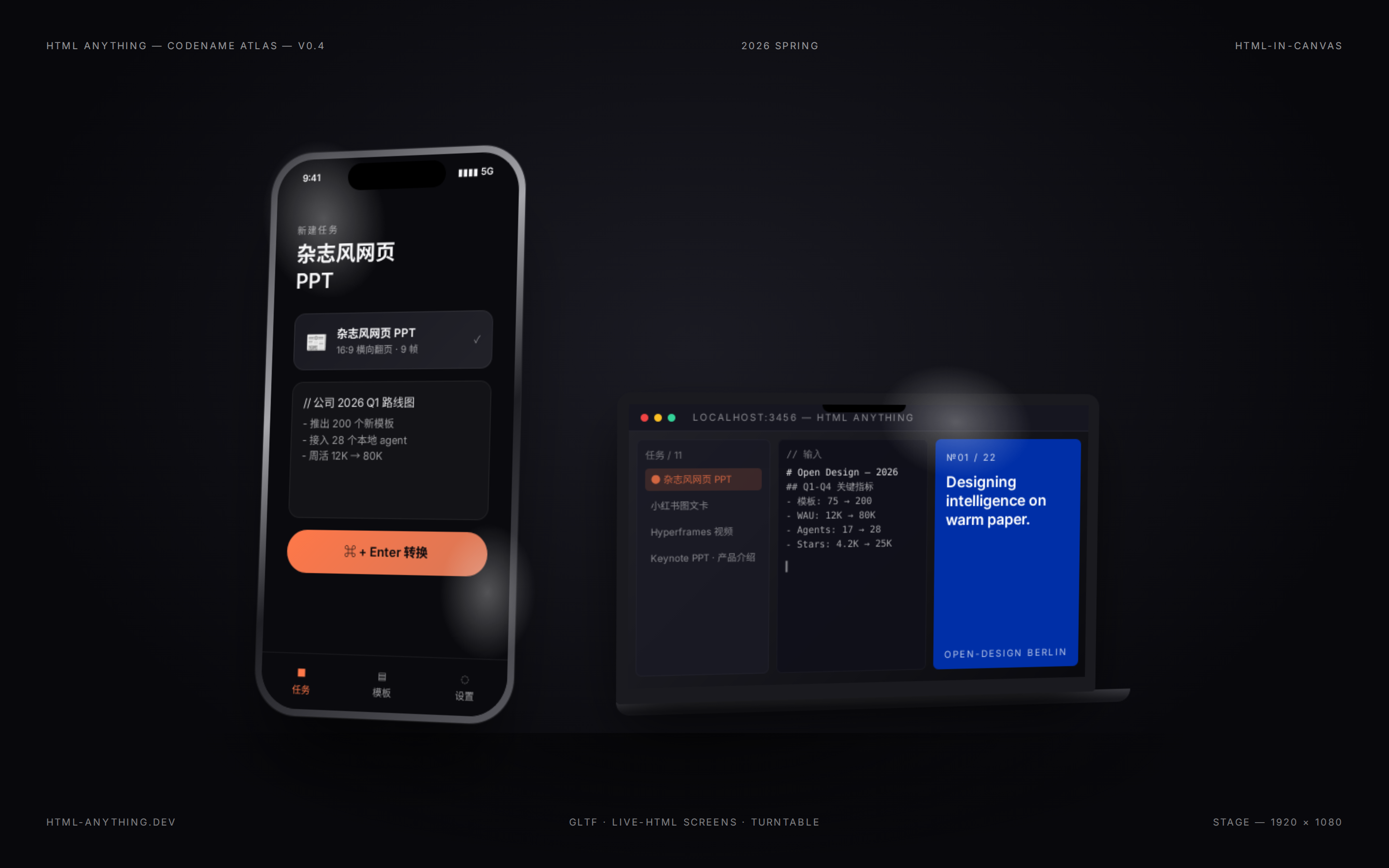 prototype Read full prompt →
 Static iPhone and MacBook 3D-style showcase with real HTML embedded on screens, glass-lens refraction, and 360-degree turntable composition.
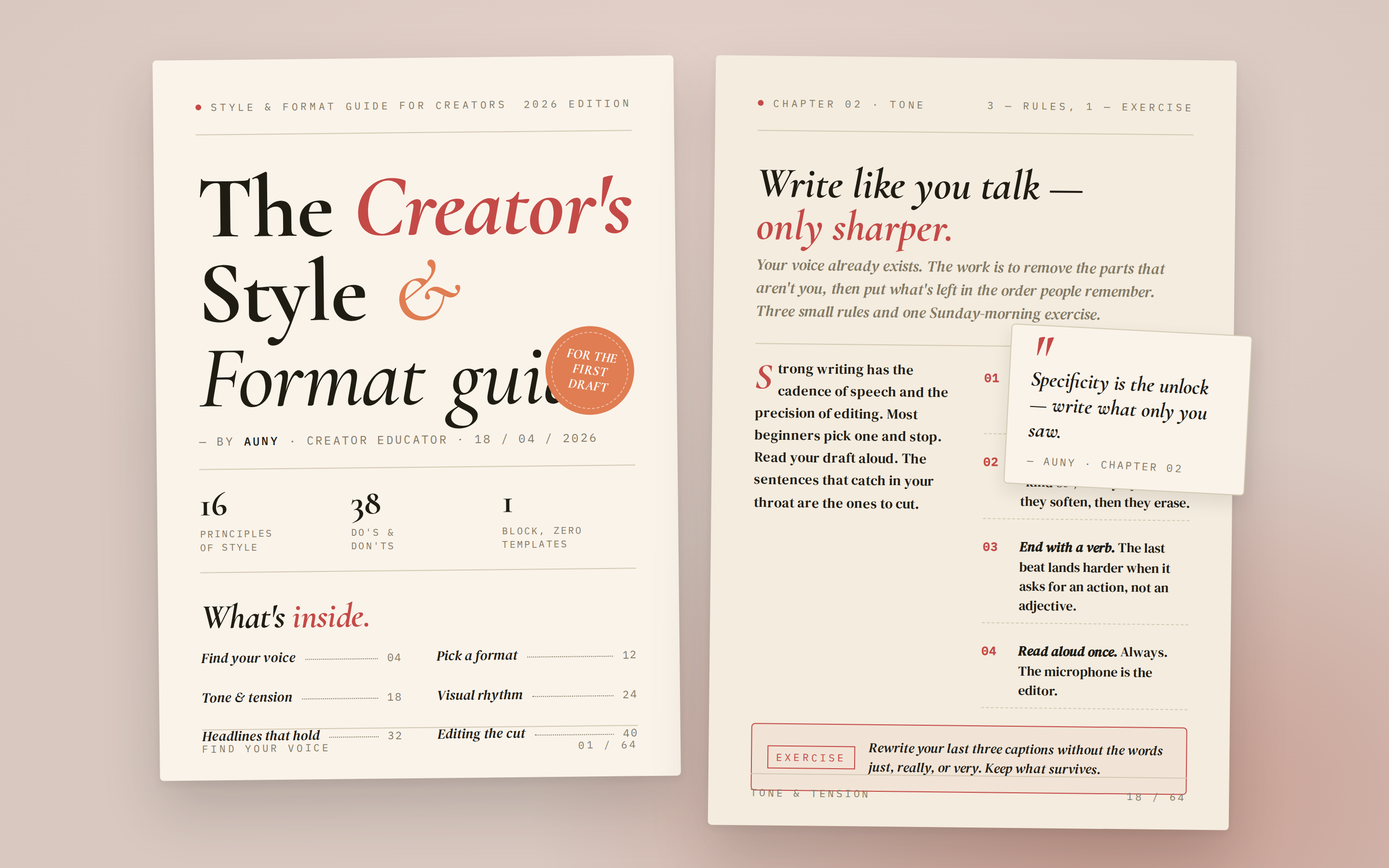 prototype Read full prompt →
 A two-spread digital e-guide preview — page 1 is a cover (display title, author, "What's inside" stats, table of contents teaser); page 2 is a spread (lesson body with pull-quote and a step list). Lifestyle / creator brand tone. Use when the brief asks for an "e-guide", "digital guide", "lookbook", "lead magnet", "creator guide", "playbook", "PDF guide", or "电子指南".
 prototype Read full prompt →
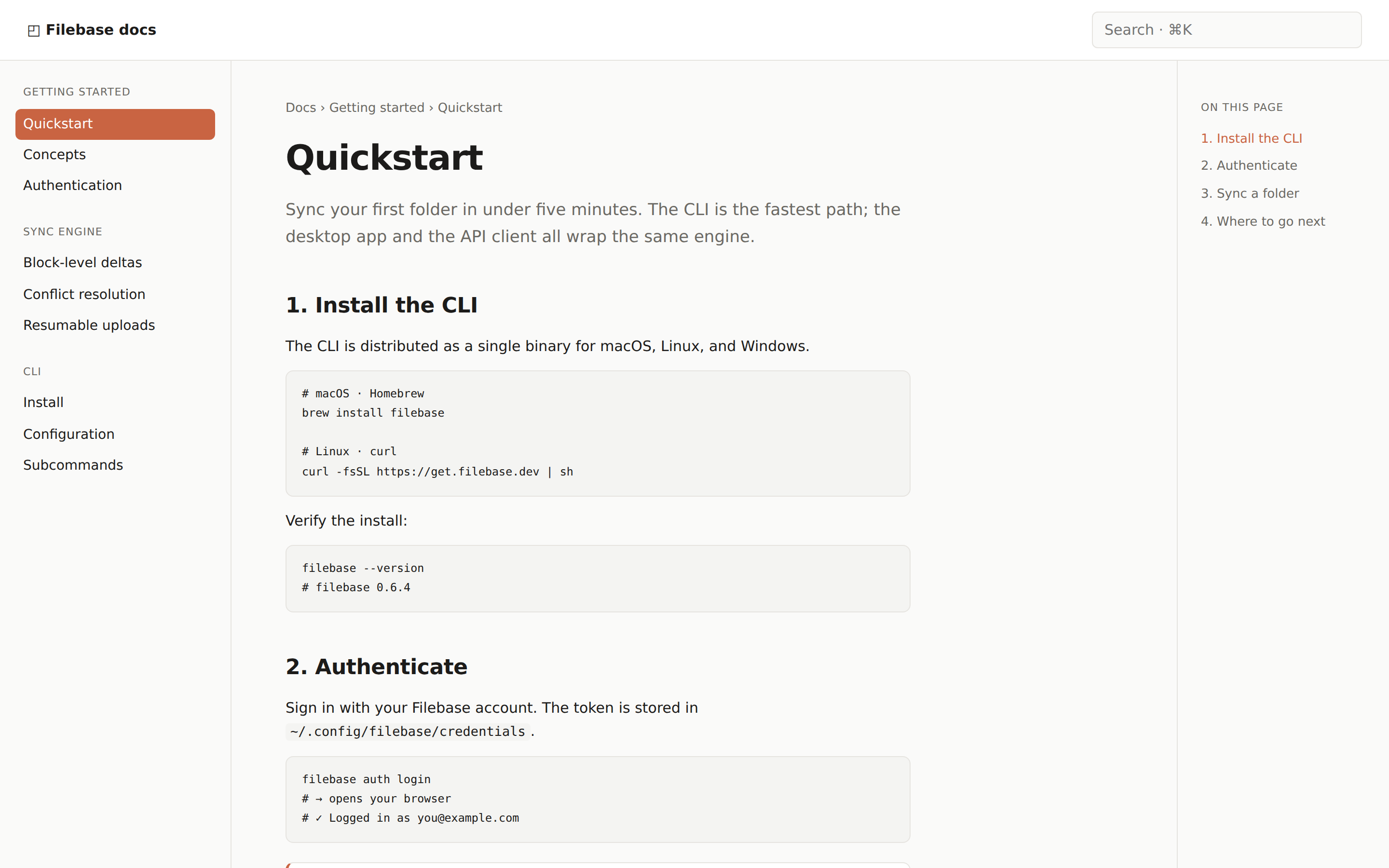
 A documentation page — inline-start nav, scrollable article body, inline-end table of contents. Use when the brief mentions "docs", "documentation", "guide", "API reference", or "tutorial".
 prototype Read full prompt →
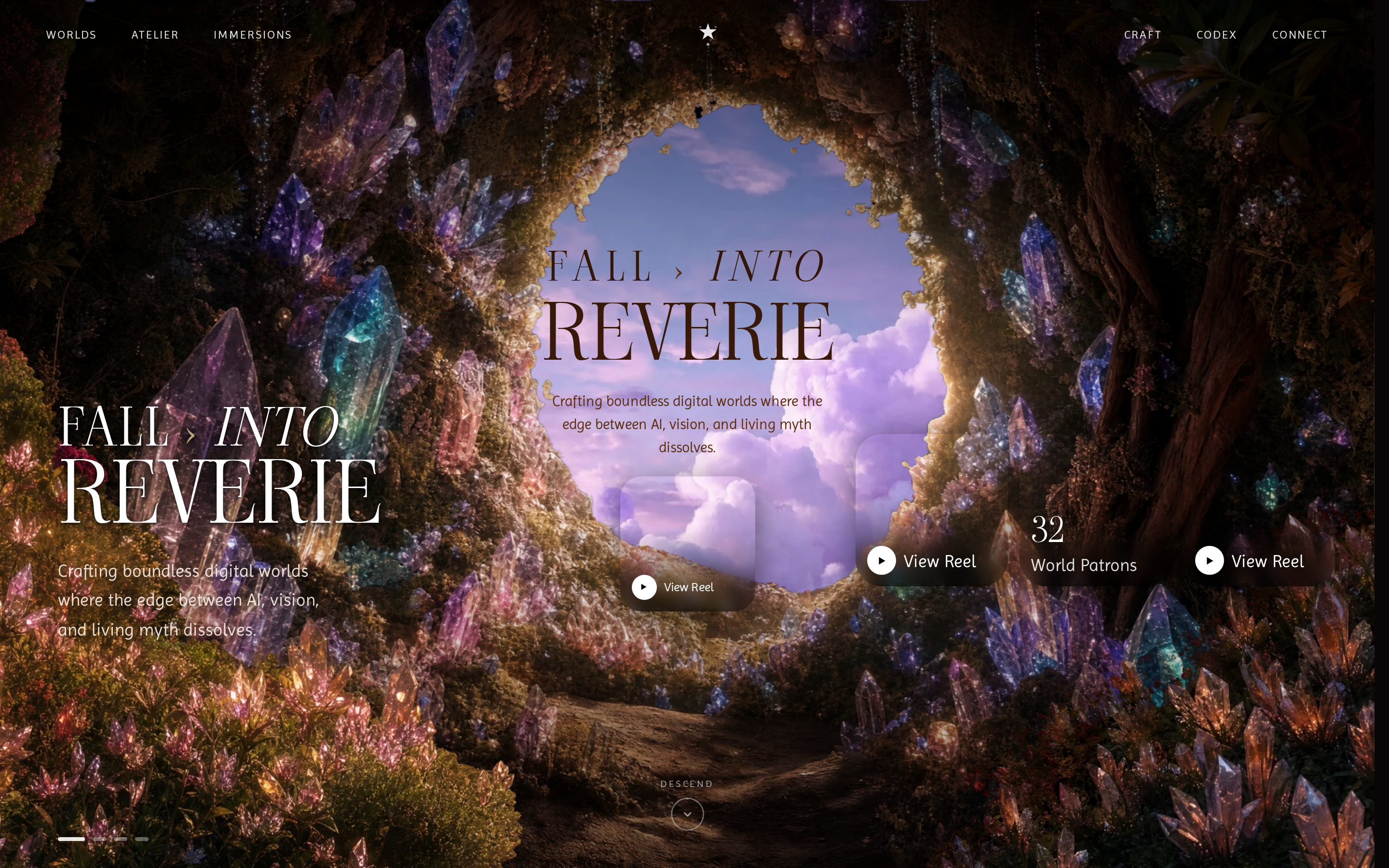
 Immersive single-page parallax landing: a sticky viewport zooms a portal image toward you on scroll, curtains sweep open on entrance, and a curved arc card slider reveals nine dream-world destinations in scene two.
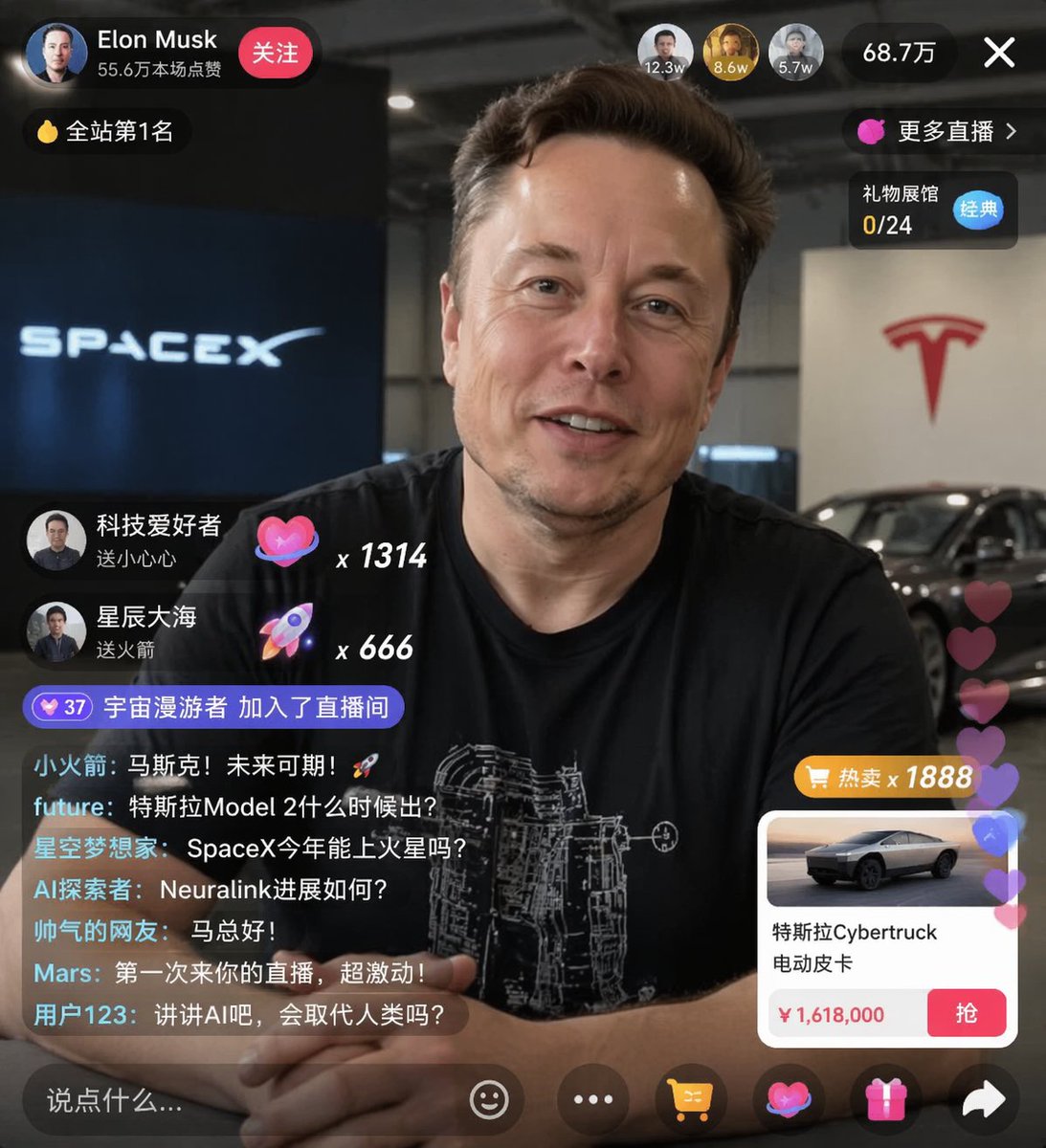 image Read full prompt →
 Generates a realistic social media live stream interface overlaying a portrait, featuring customizable chat messages, gift popups, and a product purchase card.
 prototype Read full prompt →
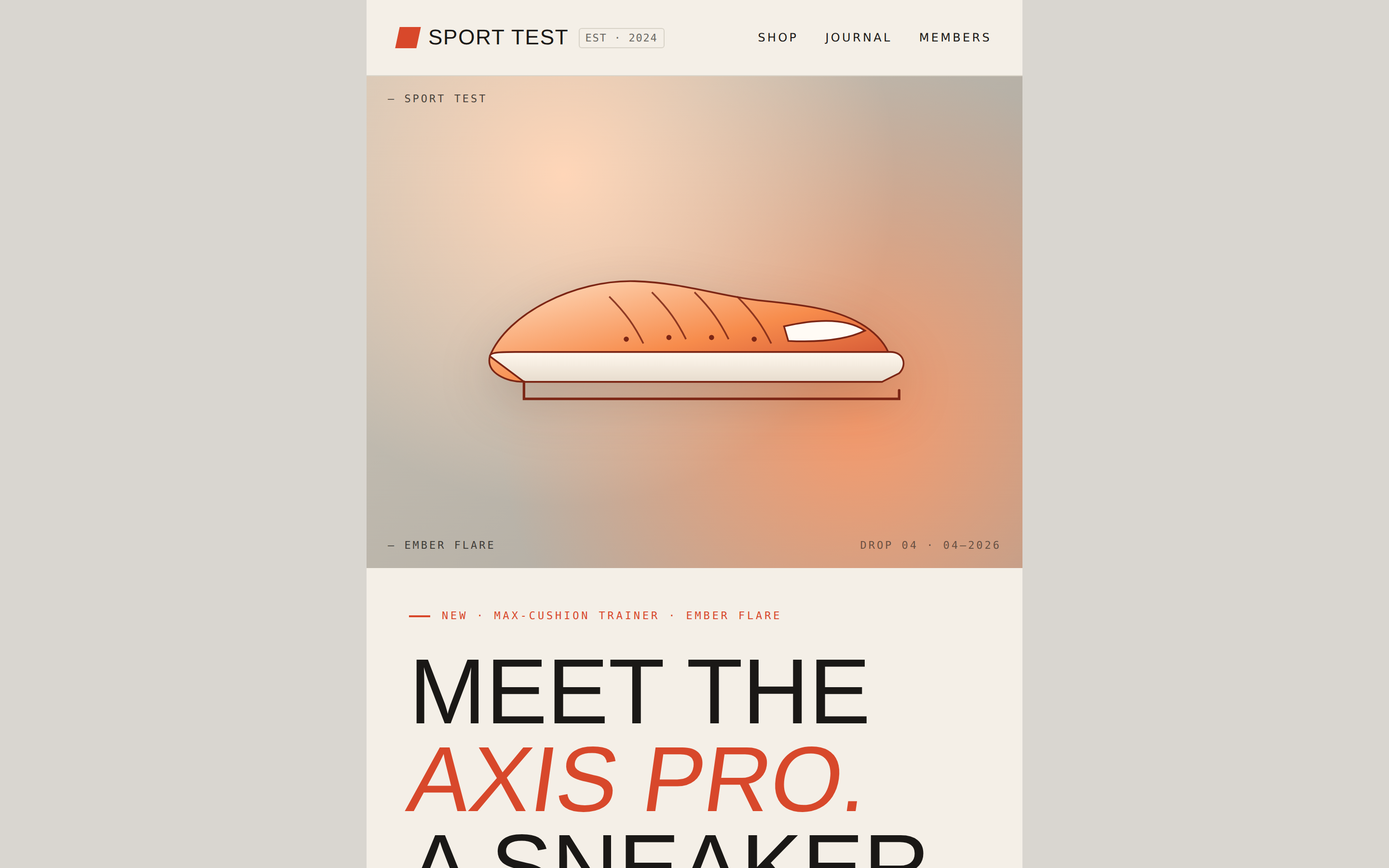
 A brand product-launch email — masthead with wordmark, hero image block, headline lockup with skewed-italic accent, body copy, primary CTA, and a specifications grid. Pure HTML email layout (centered single column, table fallback). Use when the brief asks for an "email", "newsletter blast", "MJML", "product launch email", or "email template".
 prototype Read full prompt →
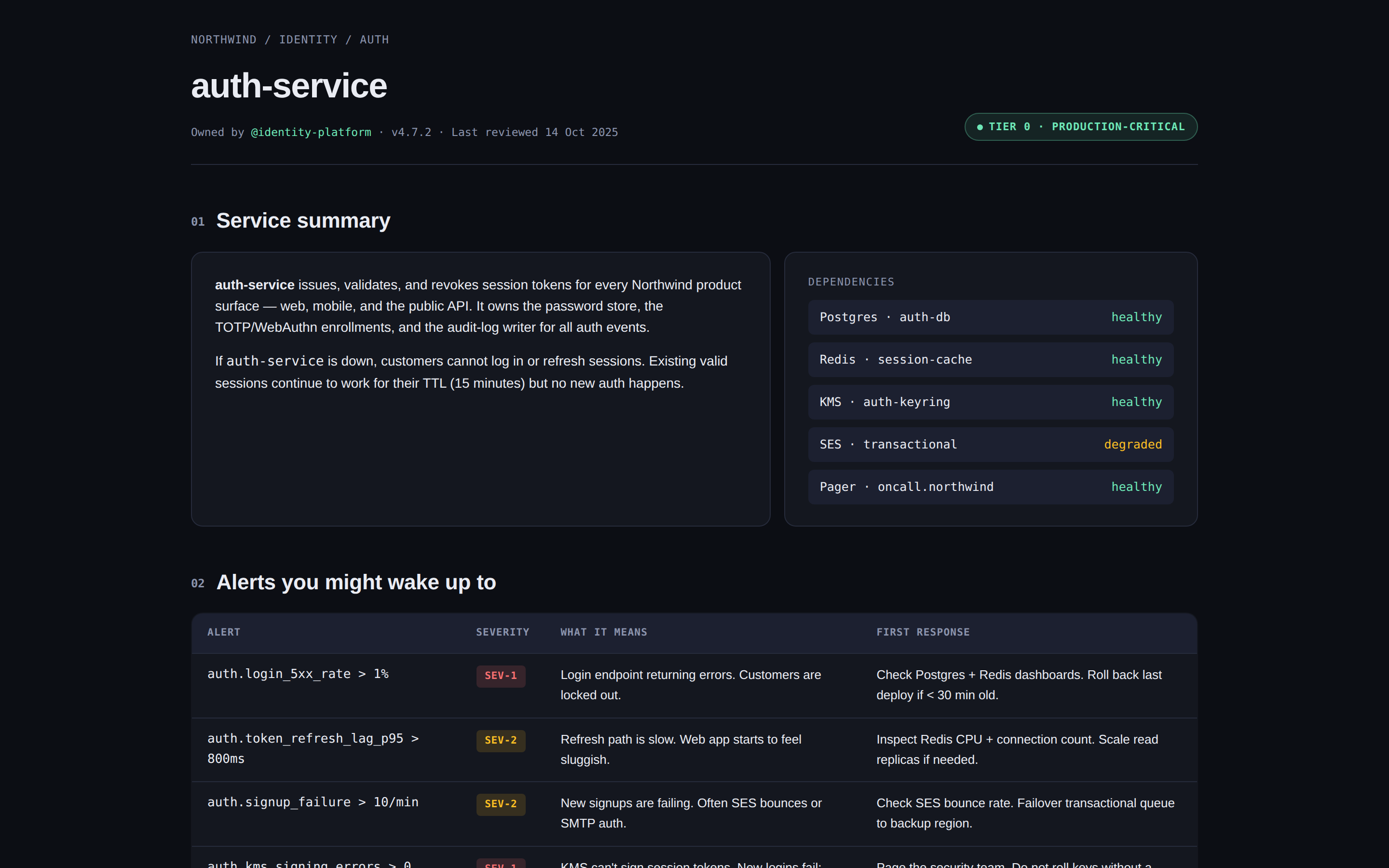
 An engineering runbook — service overview, alerts table, dashboards links, common procedures with copy-pasteable commands, on-call rotation, and an incident-response checklist. Use when the brief mentions "runbook", "ops doc", "on-call guide", "SRE doc", or "运维手册".
 prototype Read full prompt →
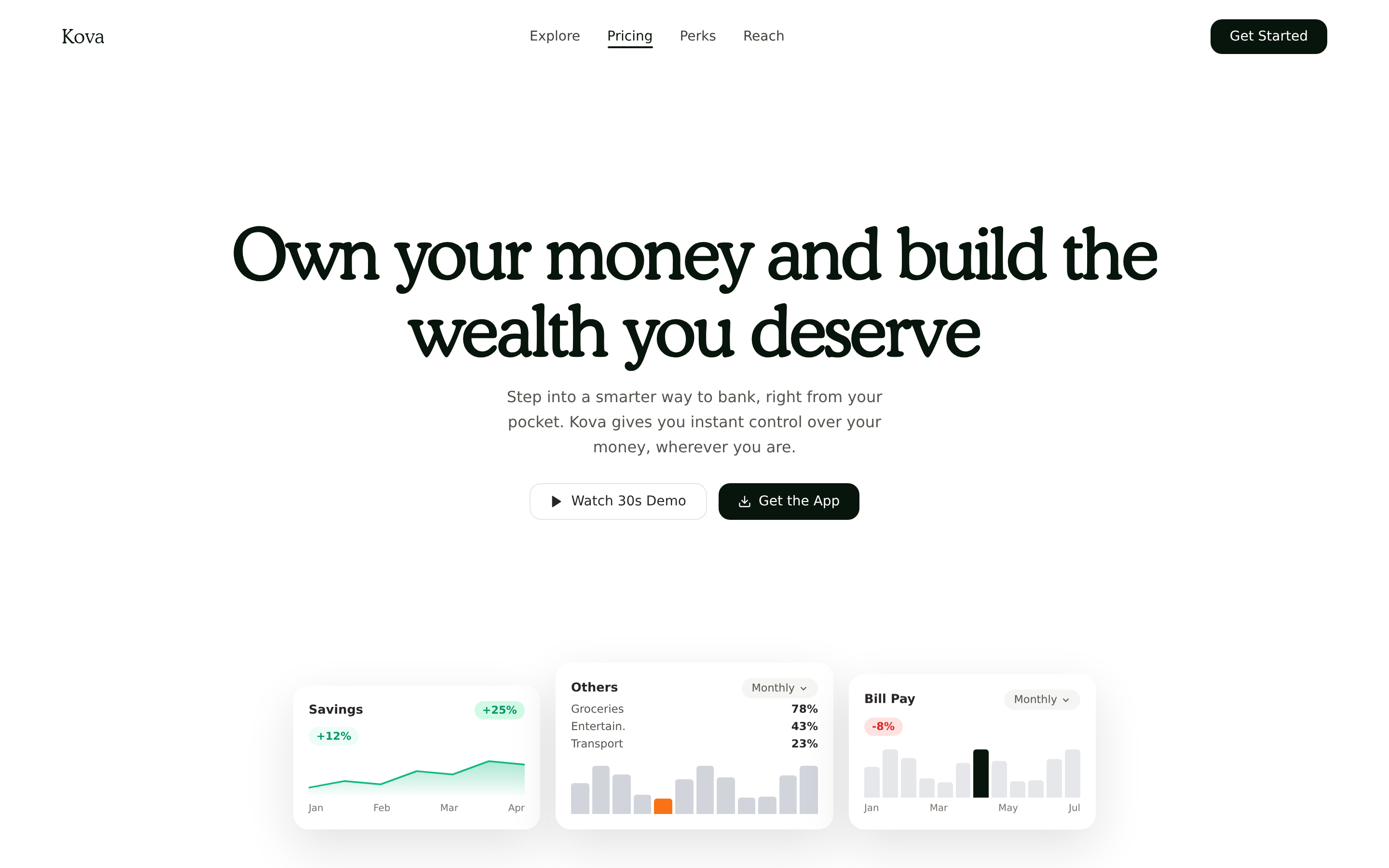
 Premium Kova fintech landing: full-screen hero with a forward/reverse boomerang video background, FadeUp blur reveals, floating dashboard cards (savings line + spend bar charts), a split testimonial with a square autoplay video, and a 4-up features grid with image cards and a donut spend chart.
 prototype Read full prompt →
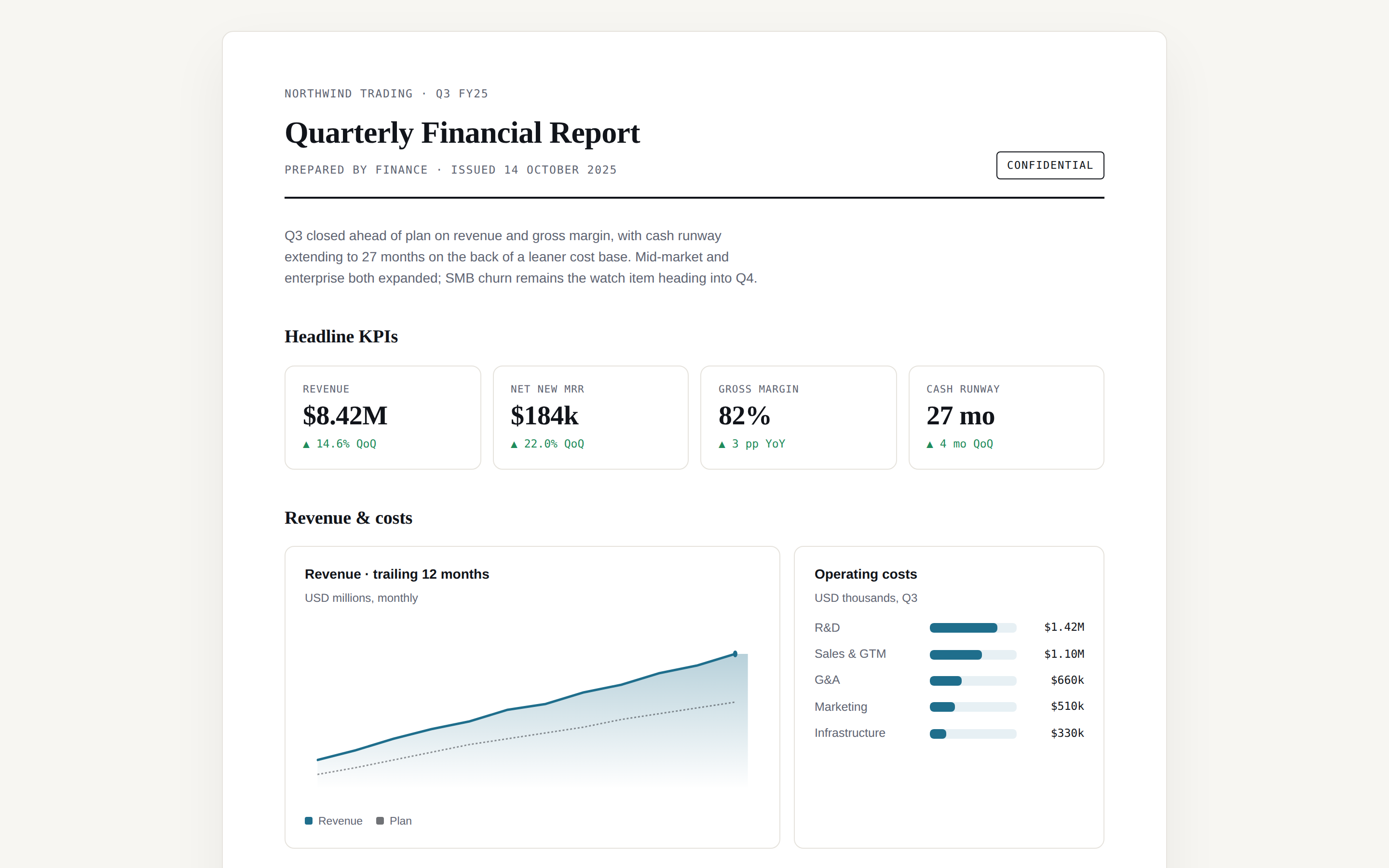
 Quarterly / monthly financial report — masthead with KPIs, revenue and burn charts, P&L summary table, top-line highlights, and an outlook paragraph. Use when the brief mentions "financial report", "Q3 report", "MRR review", "P&L", or "财报".
 prototype Read full prompt →
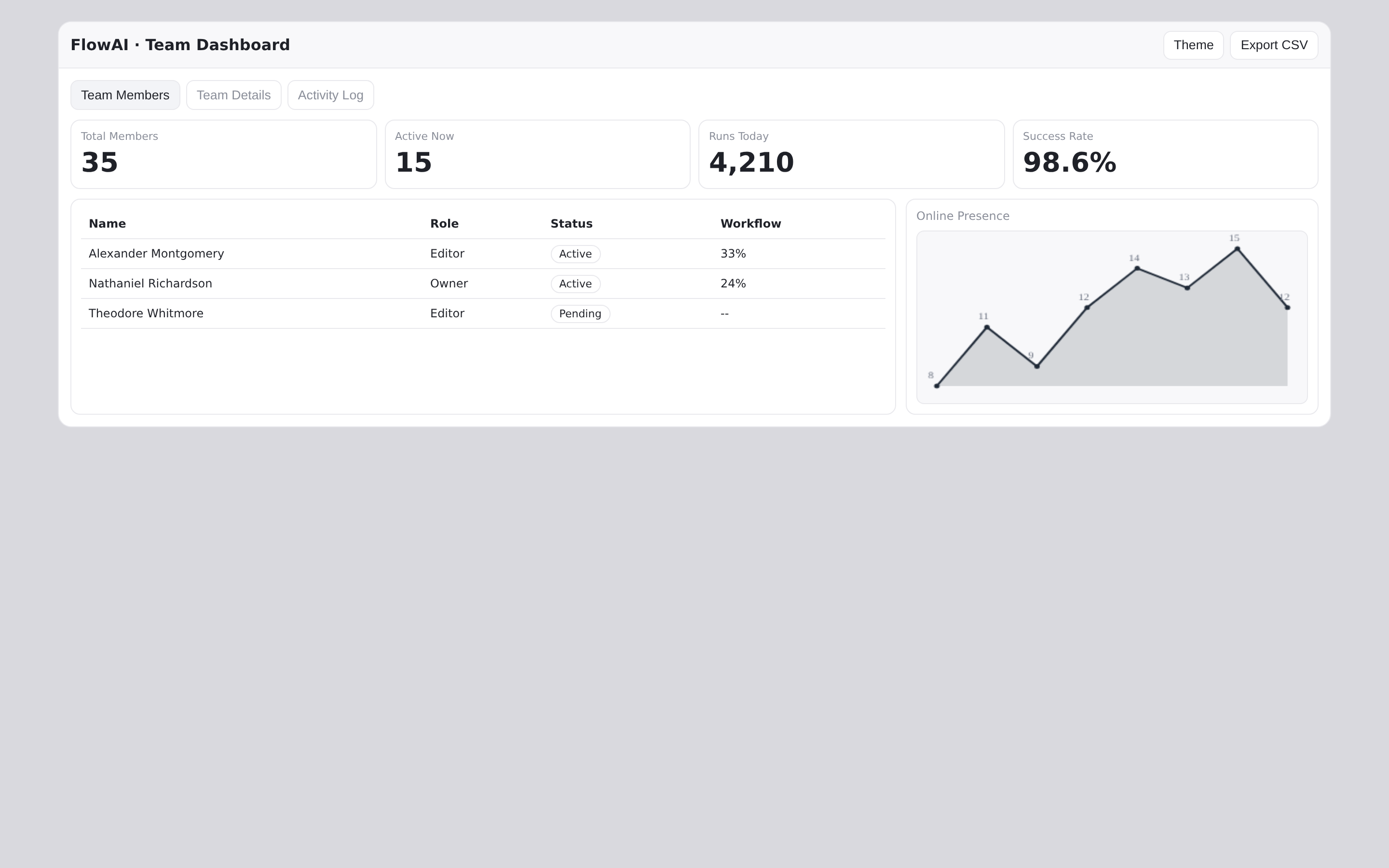
 Team-management dashboard skill in the FlowAI aesthetic — three tabs (Team Members, Team Details, Activity Log), KPI stat row, member table, role distribution bar chart, online presence and activity sparklines, and a top-contributors panel, all in a single self-contained HTML file with light/dark theming, hoverable chart tooltips, click-to-zoom panels, and CSV export. Use when the brief asks for a team / workspace admin dashboard, an interactive admin dashboard with charts, or names FlowAI.
A complex dark comedy prompt for Seedance 2.0 featuring an orange cat official and a hyena emperor in a satirical Qing dynasty setting.
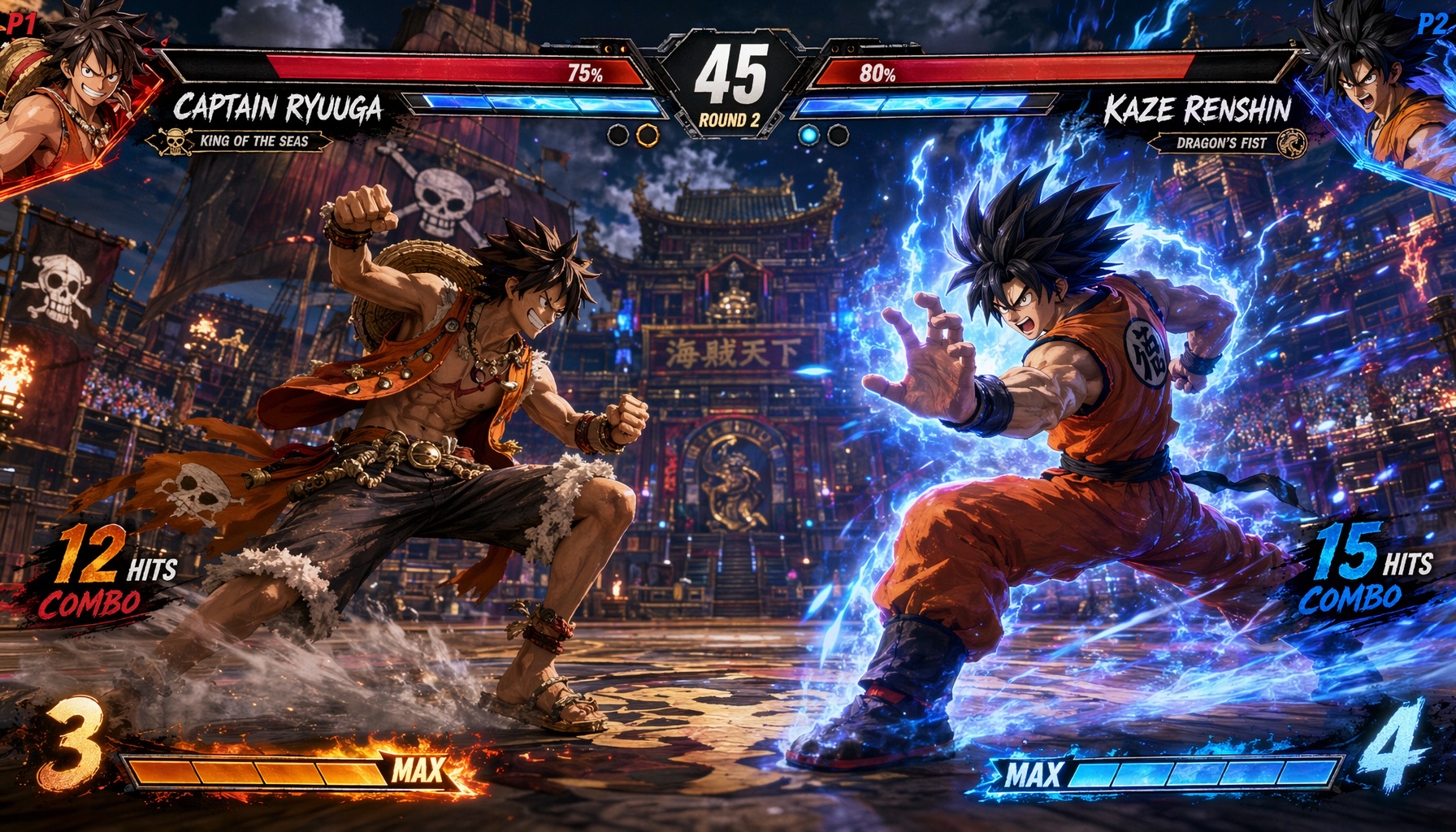 image Read full prompt →
 An in-game fighting game key visual / combat screenshot in the style of Street Fighter 6 or Tekken 8 intro art. Two anime-style male warriors square off in the center of a dramatic nighttime Chinese temple courtyard — a shirtless straw-hat pirate with a warm orange-red fire aura on the left, and a spiky-haired martial artist in an orange gi charging a massive crackling blue lightning energy sphere on the right. Ships with a complete fighting-game HUD (dual health bars, round timer, P1/P2 portrait panels with named fighters and emblems, per-side combo counters and max gauges). Warm-orange vs cool-blue split color grading matches the rival-fighter convention of the genre. Tuned for gpt-image-2 at 16:9.
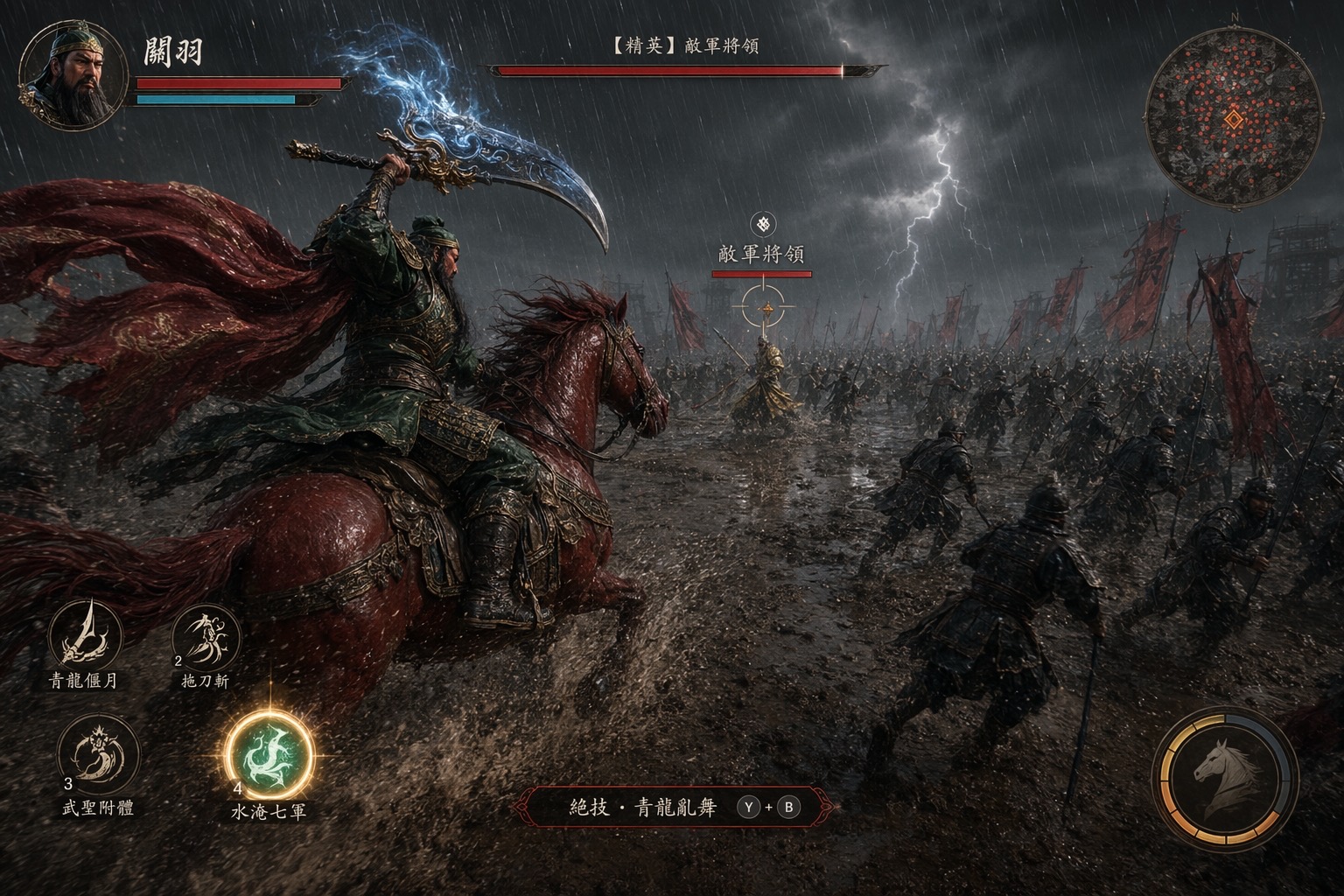 image Read full prompt →
 An in-game action-RPG screenshot of the iconic Three Kingdoms scene where Guan Yu rides his Red Hare warhorse through a torrential-rain battlefield and charges toward the enemy general Yan Liang. Rendered in the cinematic photoreal style of Black Myth: Wukong, Unreal Engine 5, third-person tracking camera from behind-and-left of the mounted hero. Full boss-fight HUD (portrait, minimap with dense enemy dots, skill hotbar with a finisher prompt, floating boss HP bar on the enemy general) turns the scene into a AAA ARPG combat moment. Tuned for gpt-image-2 at 16:9.
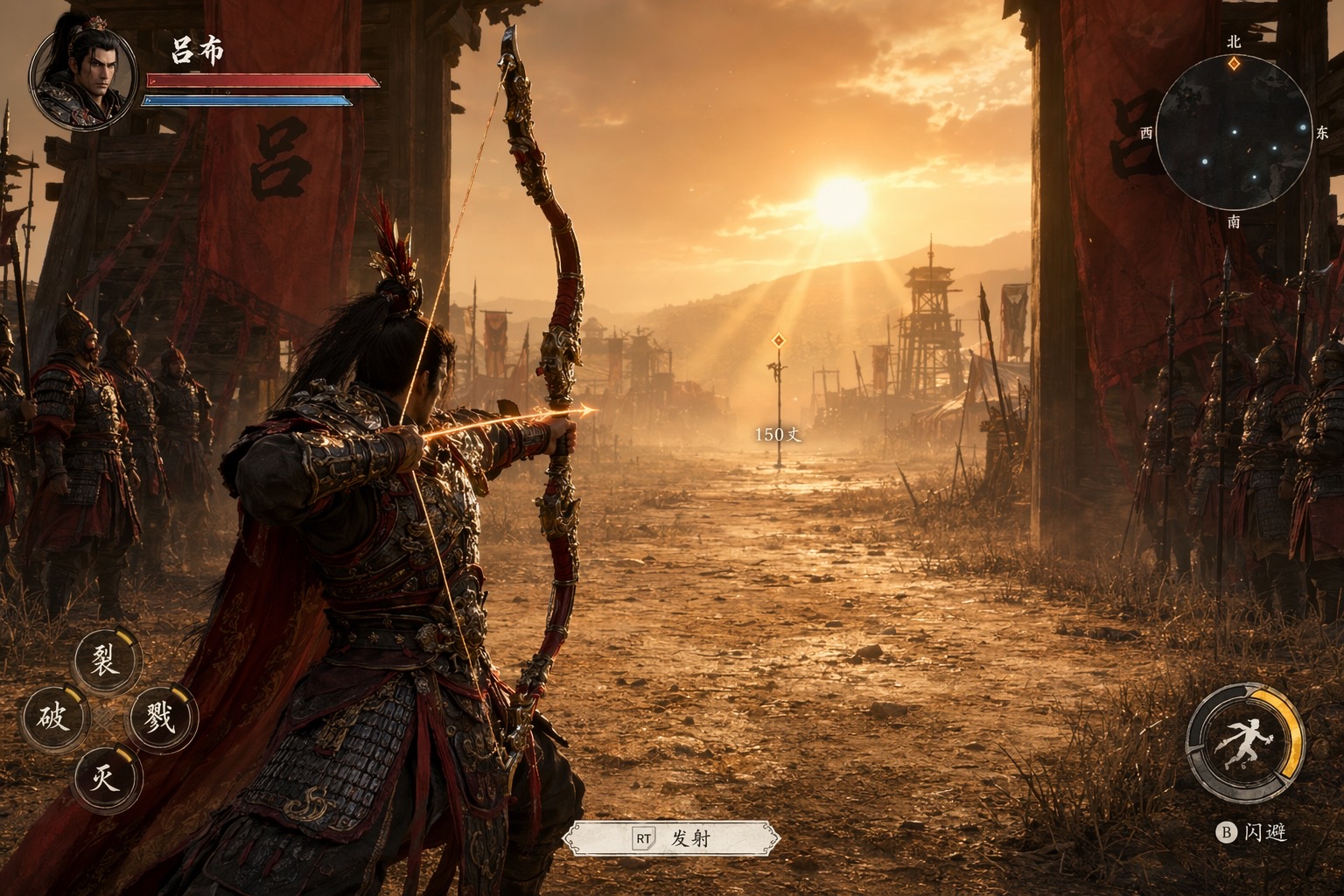 image Read full prompt →
 An in-game action-RPG screenshot of the famous Three Kingdoms scene where Lü Bu shoots down a distant halberd at the camp gate to stop a battle. Rendered in the cinematic photoreal style of Black Myth: Wukong, Unreal Engine 5 Nanite/Lumen, third-person over-the-shoulder gameplay camera. Full in-game HUD overlay (HP + qi bars, minimap, skill hotbar, lock-on target marker with distance readout to the far halberd) makes it read as a real next-gen ARPG capture rather than a cutscene. Tuned for gpt-image-2 at 16:9.
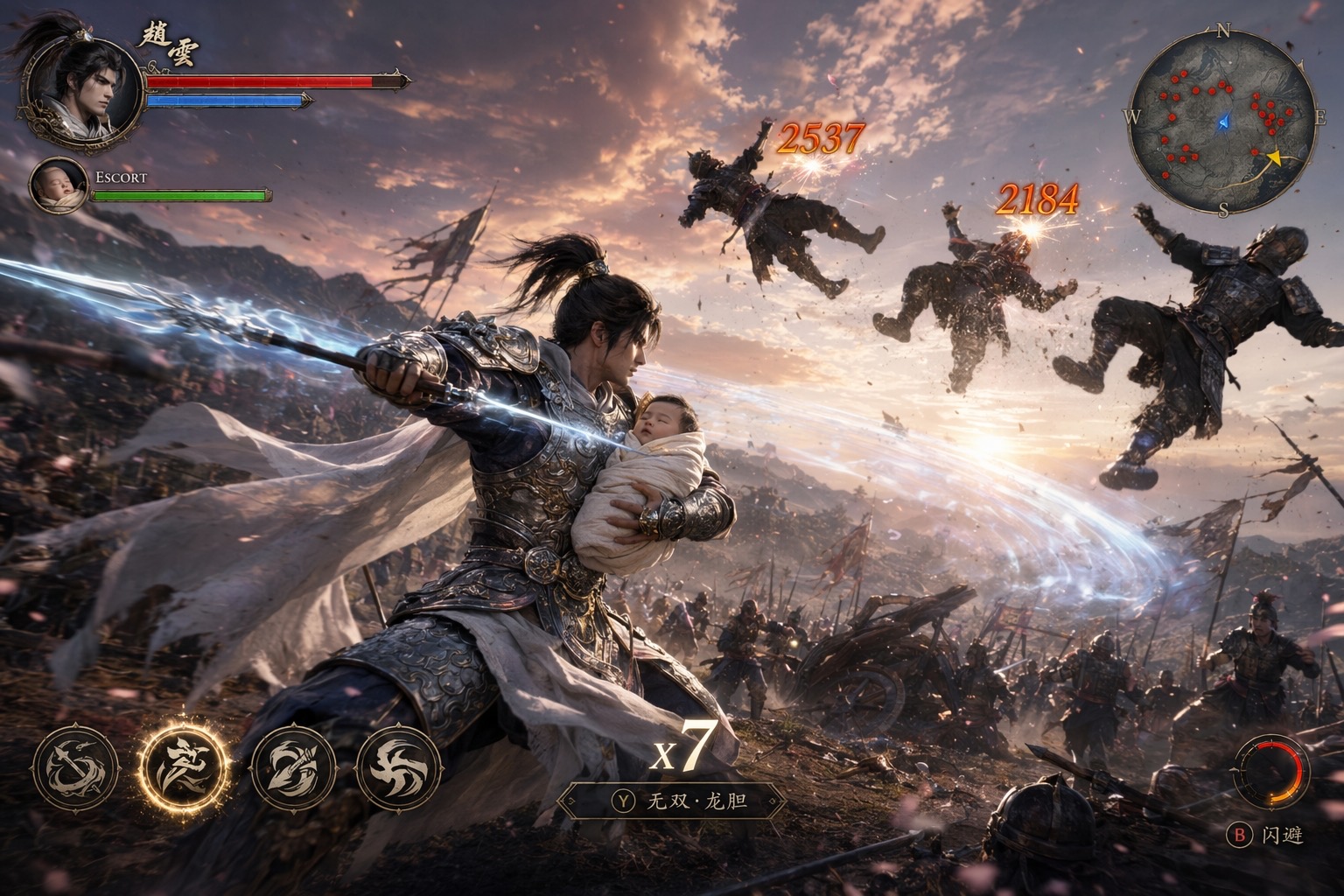 image Read full prompt →
 An in-game action-RPG screenshot of the legendary Three Kingdoms scene where Zhao Yun cradles the infant Liu Chan in one arm and fights his way through enemy lines with a spear in the other at Changbanpo. Rendered in the cinematic photoreal style of Black Myth: Wukong combined with Elden Ring, Unreal Engine 5 with full Nanite, Lumen ray-tracing, and volumetric god-rays. The emotional core — one arm protecting the swaddled baby, one arm fighting for life — is reinforced by a full HUD overlay including a dedicated ESCORT protection bar for the baby, a combo counter, and mid-air damage-number popups on flung enemies. Tuned for gpt-image-2 at 16:9.
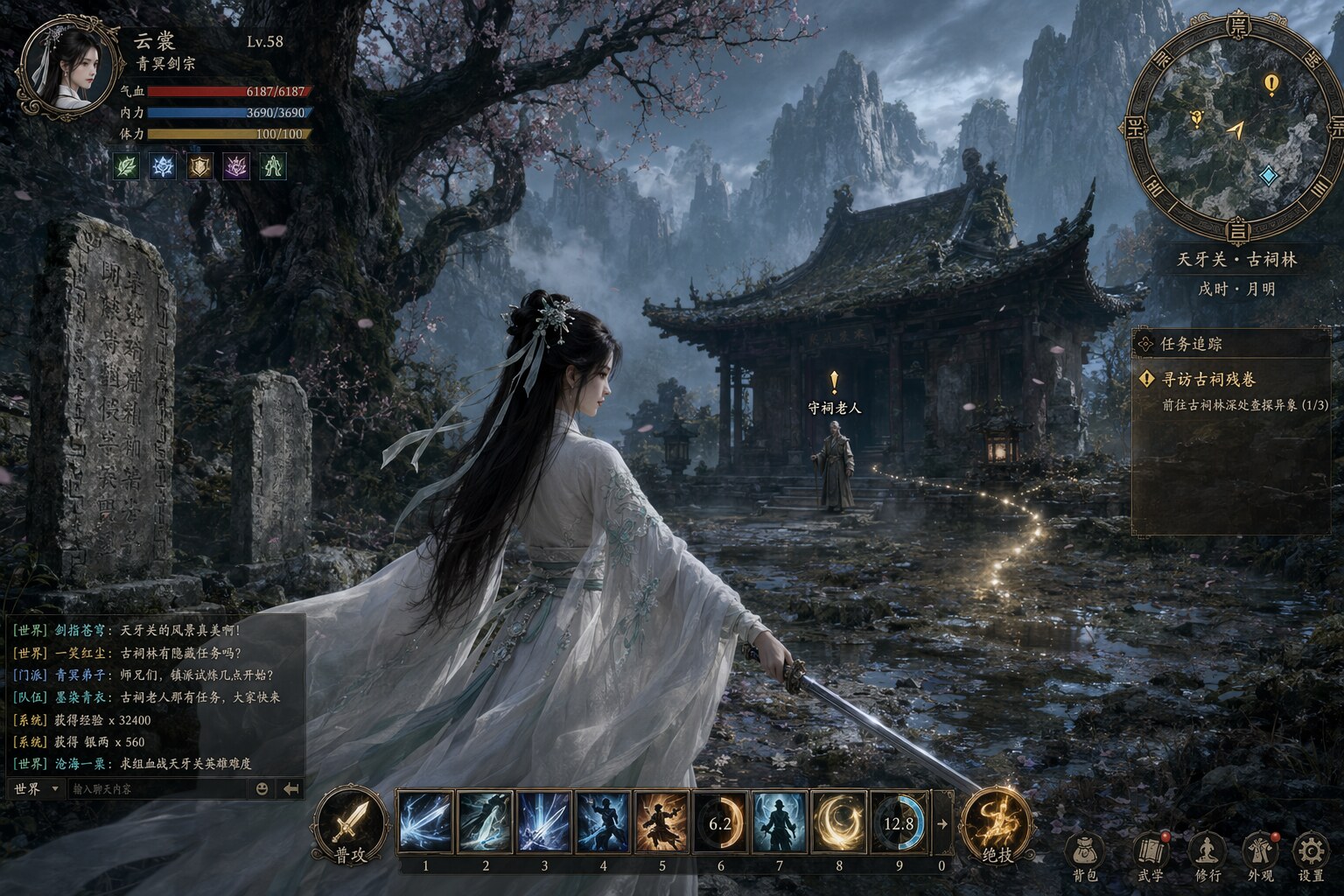 image Read full prompt →
 Generates an in-game HUD screenshot mockup for a AAA ancient-China open-world MMO, in the cinematic photoreal style of Black Myth: Wukong. A beautiful female swordswoman protagonist anchors the center of the frame in a misty mountain ancient-shrine scene, surrounded by a complete MMO HUD: top-left character portrait with HP/MP/stamina bars and buff icons, bottom-center skill hotbar with Chinese-calligraphy skill icons, top-right minimap with quest markers, right-side quest tracker panel, bottom-left scrolling chat window, floating world-space NPC nameplates and quest exclamation mark. Rendered as a realistic monitor screenshot, 16:9, suitable for pitch decks, gamescom-style key art, and Xiaohongshu/bilibili game teasers.
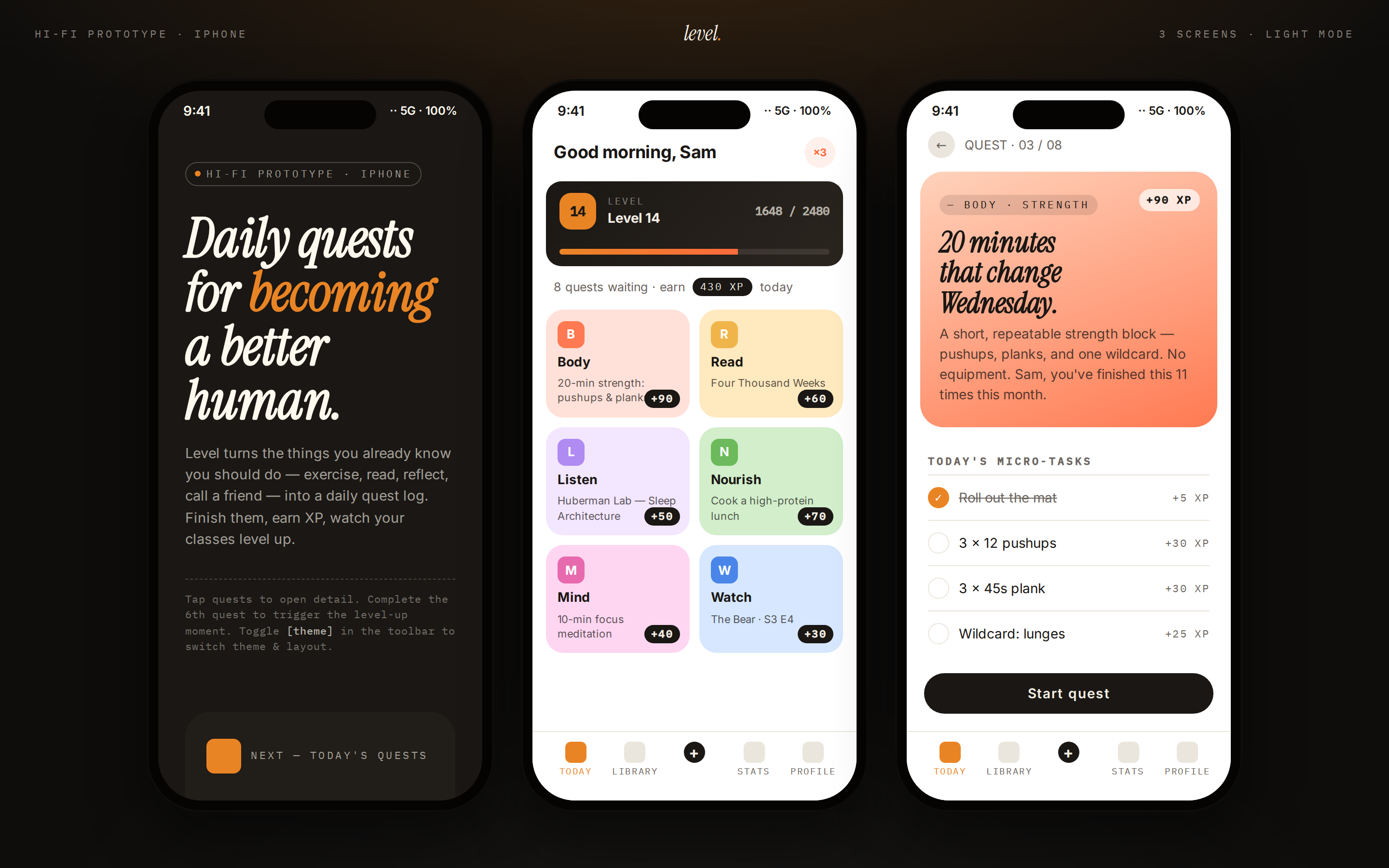 prototype Read full prompt →
 A multi-frame gamified mobile-app prototype — three phone frames on a dark showcase stage. Frame 1: cover / poster, Frame 2: today's quests with XP ribbons and a level bar, Frame 3: quest detail. Vivid quest tiles, level ribbon, bottom tab bar. Use when the brief asks for a "gamified app", "habit tracker", "RPG-style life app", "level-up app", "daily quests", "XP / streak app", or "ELI5-style explainer app".
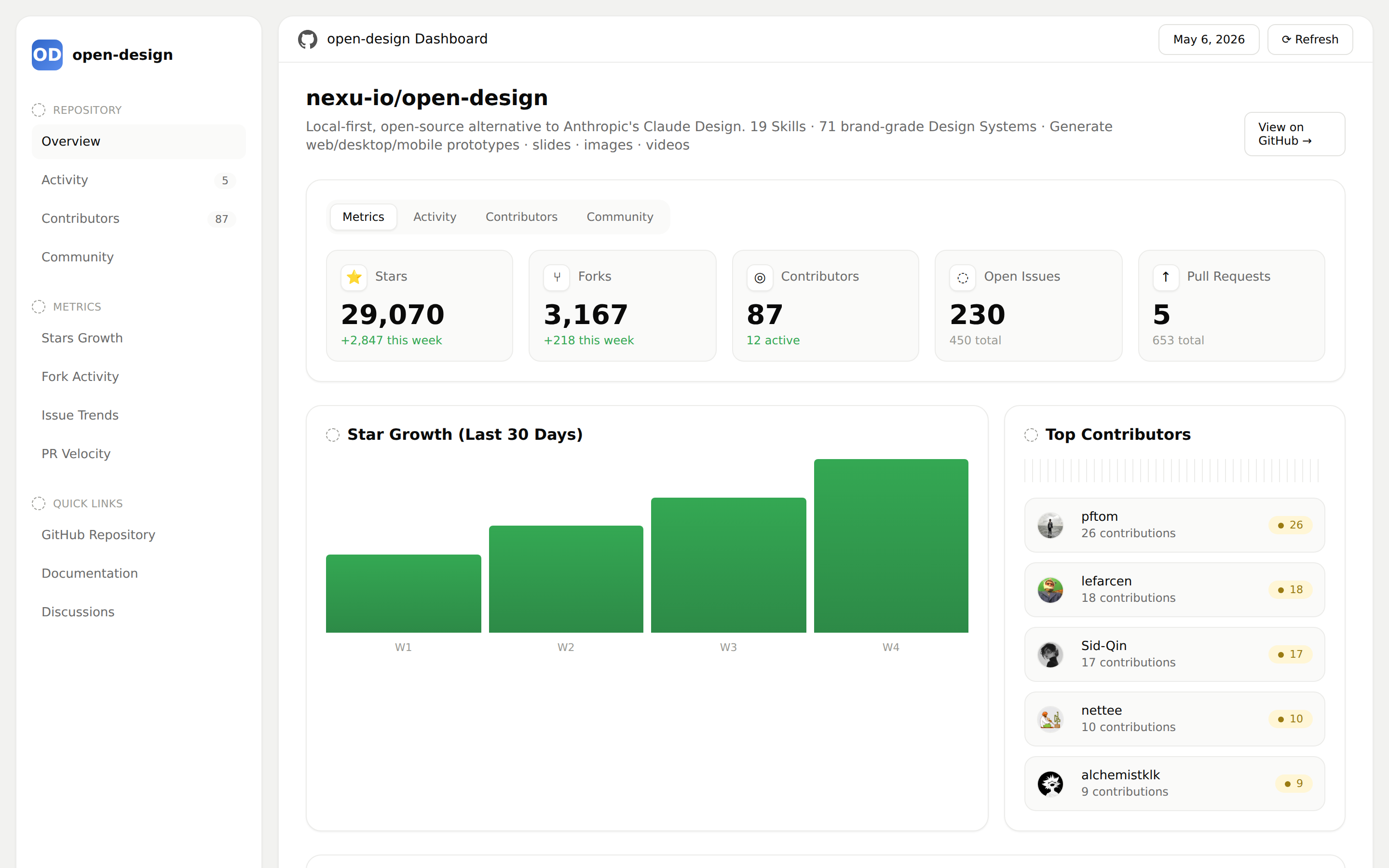 prototype Read full prompt →
 GitHub repository analytics dashboard — stars, forks, contributors, issues, pull requests, recent activity, and top contributors. Use when the brief asks for a GitHub repo dashboard, open-source growth report, repository health page, or GitHub analytics view.
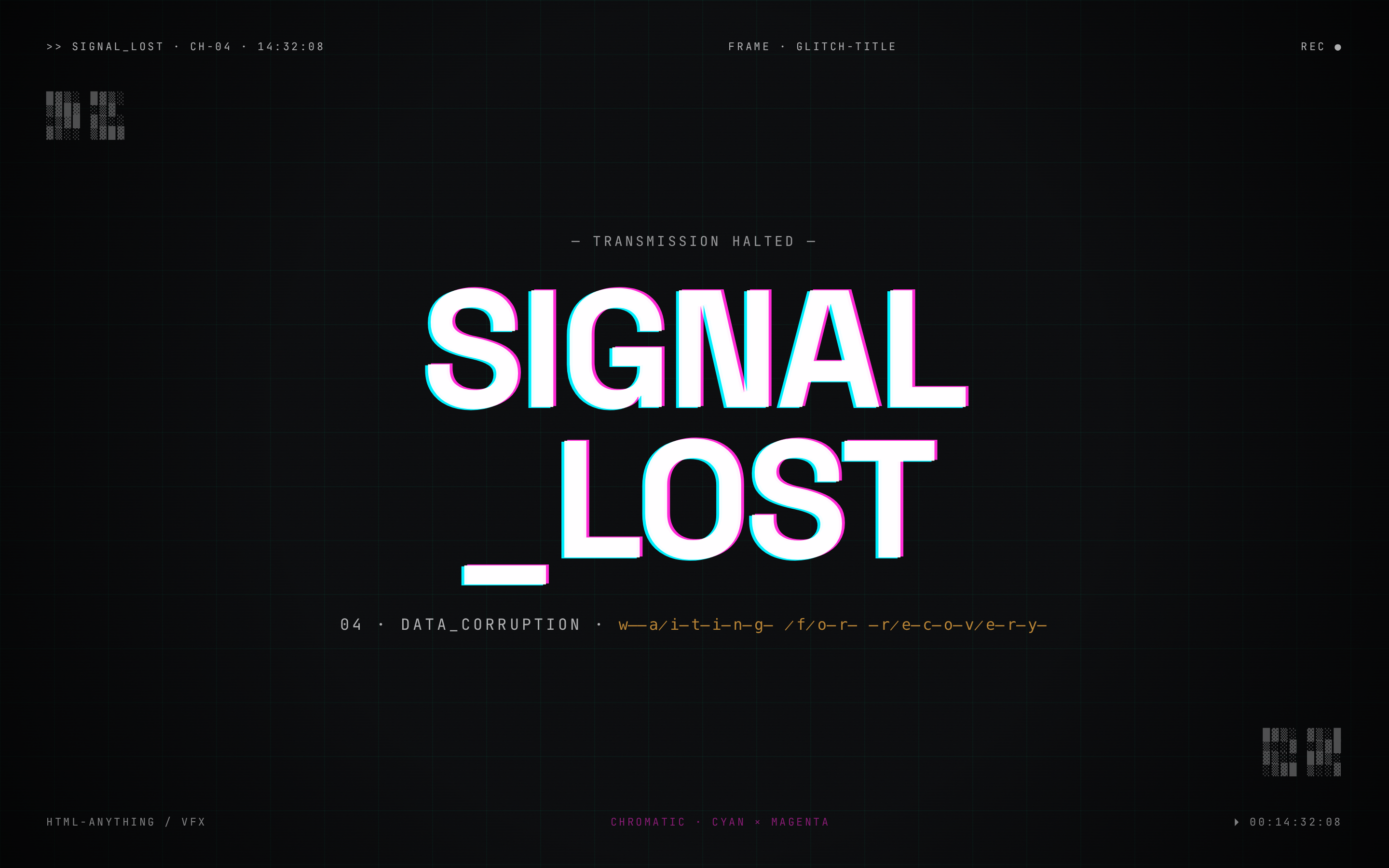 video Read full prompt →
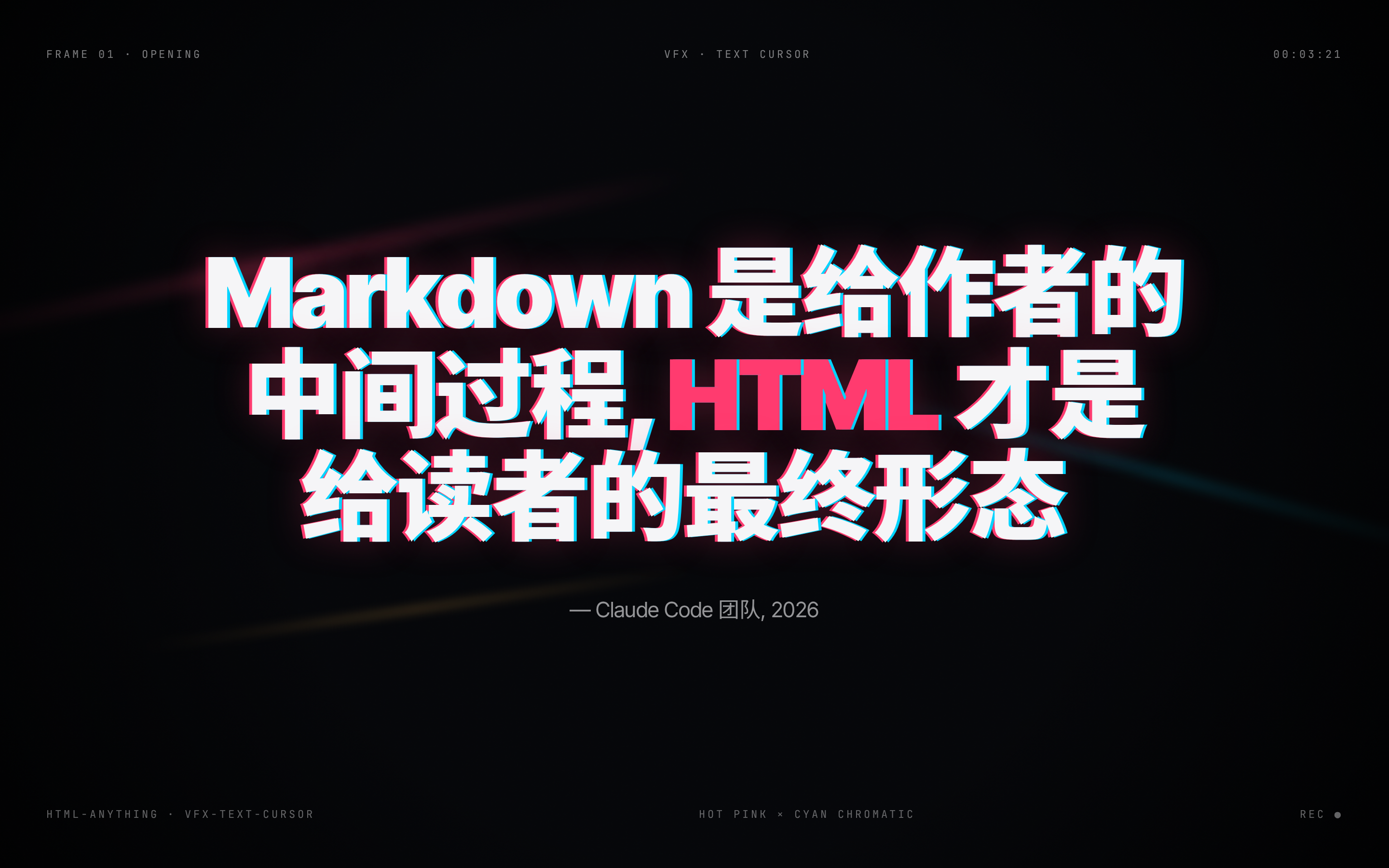
 Digital glitch, chromatic offset, and data-corruption title frame for video transitions or cyberpunk heroes.
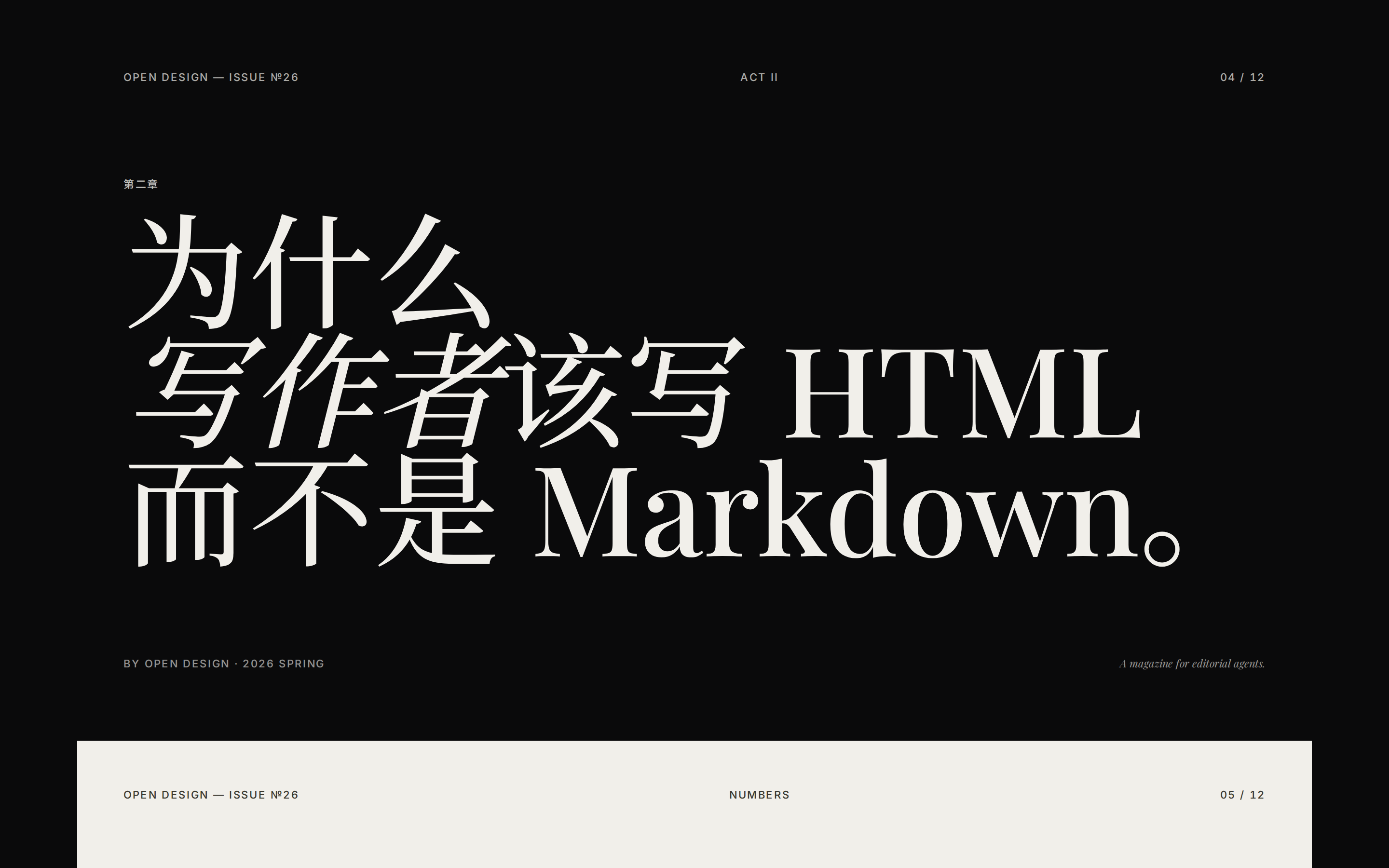 deck Read full prompt →
 Editorial magazine meets e-ink: 10 layouts and 5 palettes (Ink, Indigo Porcelain, Forest Ink, Kraft Paper, Dune).
 deck Read full prompt →
 生成"电子杂志 × 电子墨水"风格的横向翻页网页 PPT(单 HTML 文件),含 WebGL 流体背景、衬线标题 + 非衬线正文、章节幕封、数据大字报、图片网格等模板。当用户需要制作分享 / 演讲 / 发布会风格的网页 PPT,或提到"杂志风 PPT"、"horizontal swipe deck"、"editorial magazine"、"e-ink presentation"时使用。
 image Read full prompt →
 Create, repair, validate, preview, and package Codex-compatible animated pet spritesheets from character art, screenshots, generated images, or visual references. Use when a user wants to hatch a Codex pet, create a custom animated pet, or build a built-in pet asset with an 8x9 atlas, transparent unused cells, row-by-row animation prompts, QA contact sheets, preview videos, and pet.json packaging. This skill composes the installed $imagegen system skill for visual generation and uses bundled scripts for deterministic spritesheet assembly.
A detailed, multi-scene video generation prompt for Seedance 2.0, designed to create a Hollywood Haute Couture Fantasy film. The prompt specifies style, resolution (8K), rendering engine (Unreal Engin
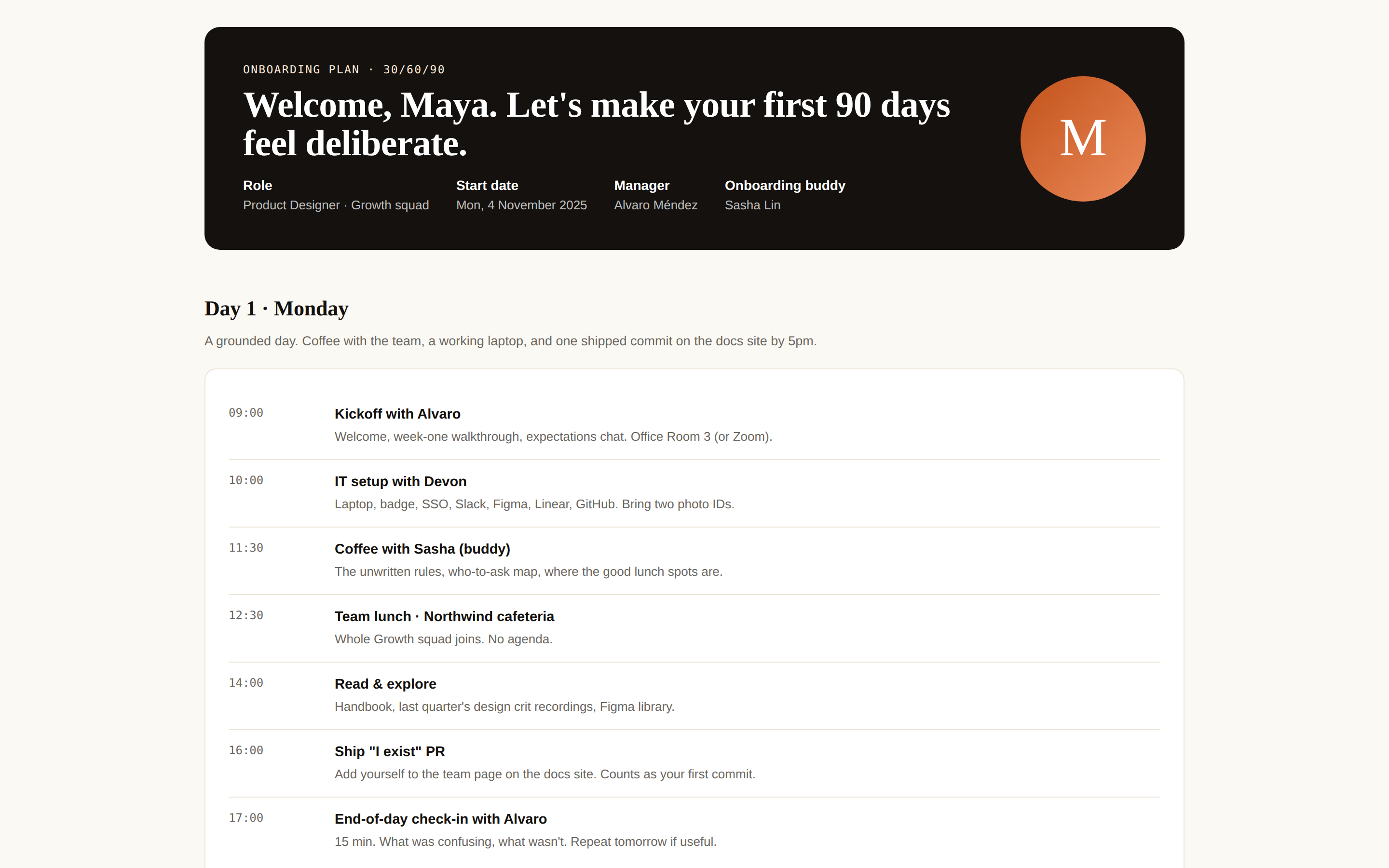 prototype Read full prompt →
 A new-hire onboarding plan as a single page — first week schedule, buddy + manager intro, learning track, equipment checklist, and "you're set when…" outcomes. Use when the brief mentions "onboarding", "new hire", "first week plan", or "入职".
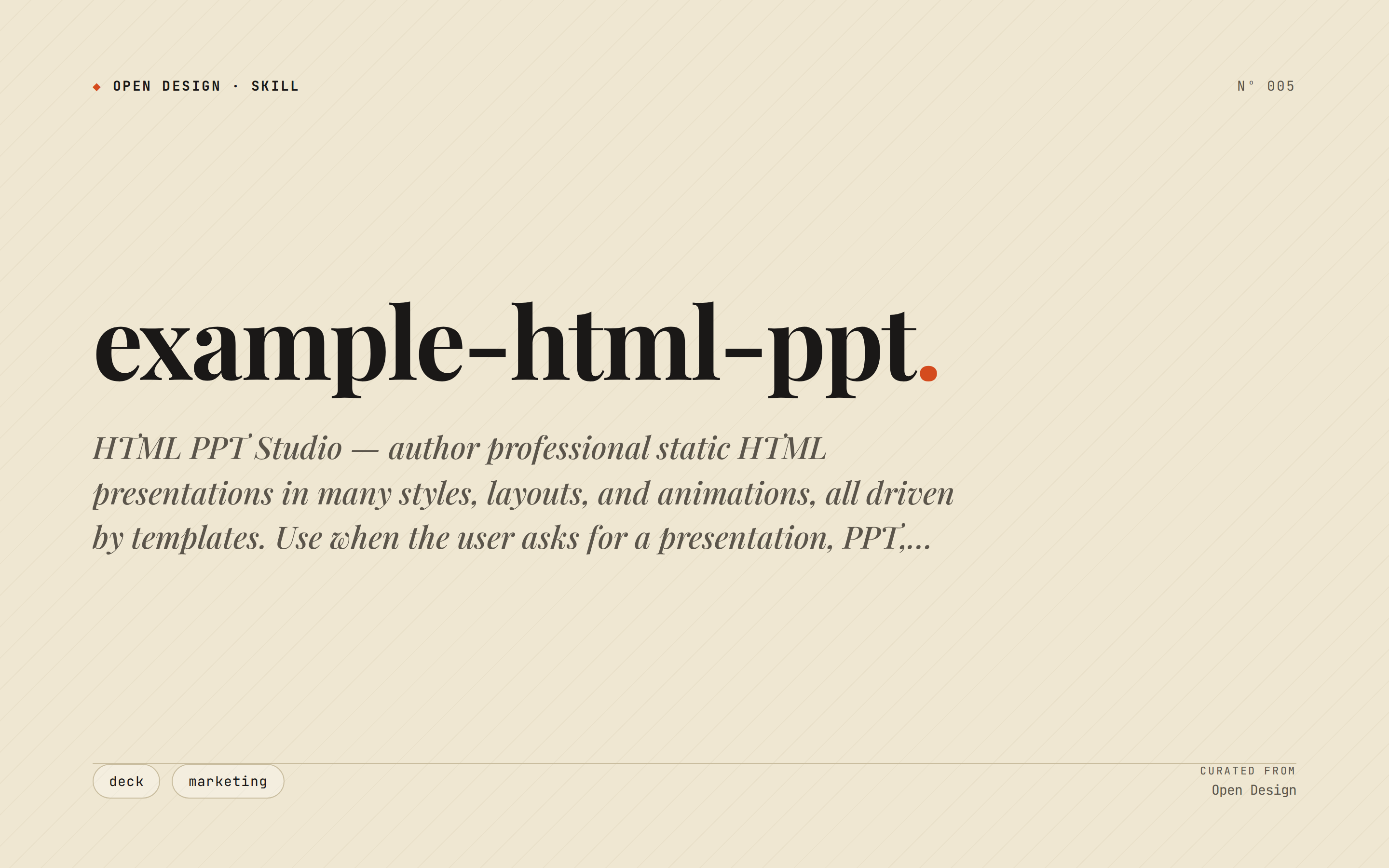 deck Read full prompt →
 HTML PPT Studio — author professional static HTML presentations in many styles, layouts, and animations, all driven by templates. Use when the user asks for a presentation, PPT, slides, keynote, deck, slideshow, "幻灯片", "演讲稿", "做一份 PPT", "做一份 slides", a reveal-style HTML deck, a 小红书 图文, or any kind of multi-slide pitch/report/sharing document that should look tasteful and be usable with keyboard navigation. Triggers include keywords like "presentation", "ppt", "slides", "deck", "keynote", "reveal", "slideshow", "幻灯片", "演讲稿", "分享稿", "小红书图文", "talk slides", "pitch deck", "tech sharing", "technical presentation".
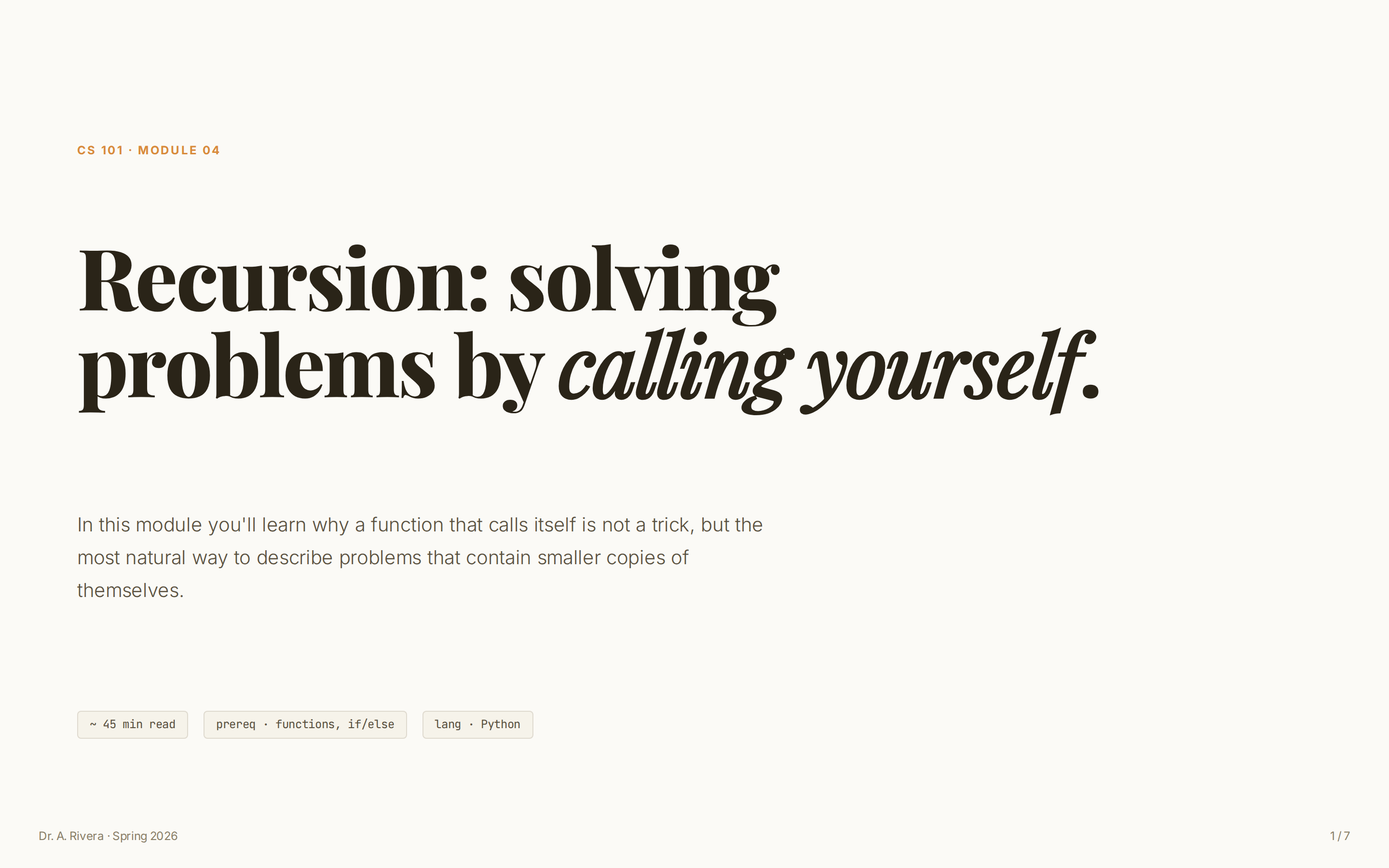 deck Read full prompt →
 Online-course / workshop module deck — warm paper background + Playfair serif, persistent left sidebar of learning objectives, MCQ self-check page. Use for teaching modules, training materials, workshop slides.
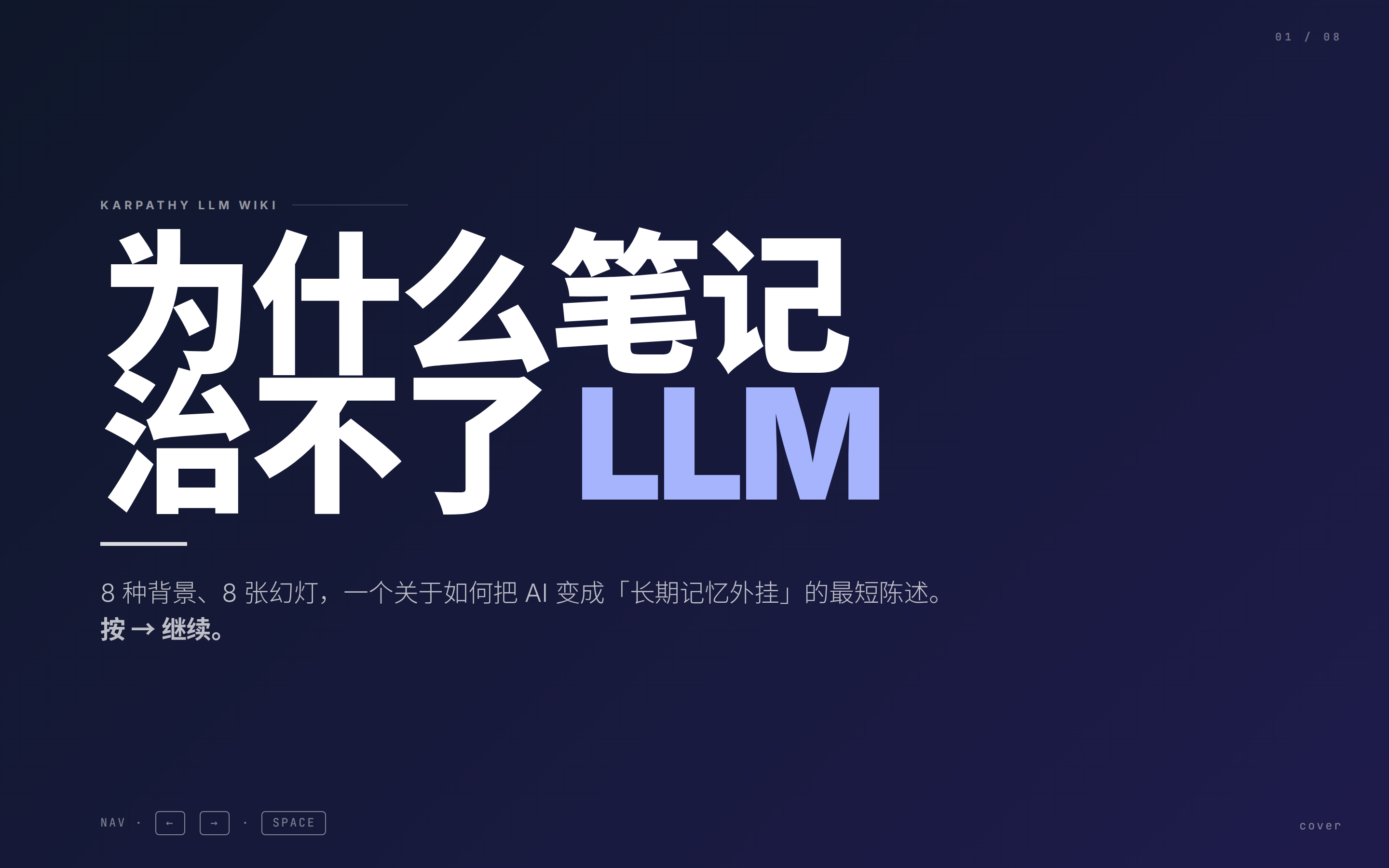 deck Read full prompt →
 8 页极简方向键 keynote — 每页一个独立单色背景(靛 / 奶 / 绛 / 翠 / 灰 / 紫 / 白 / 炭),各自配色,160px display 标题 + 4px 短粗 accent 线分隔、箭头 → 前缀的 Mono 列表、左下 ← → kbd 提示 + 右下页码、巨大呼吸留白。适合"有话要说但没什么可看"的 keynote、launch、公开演讲。
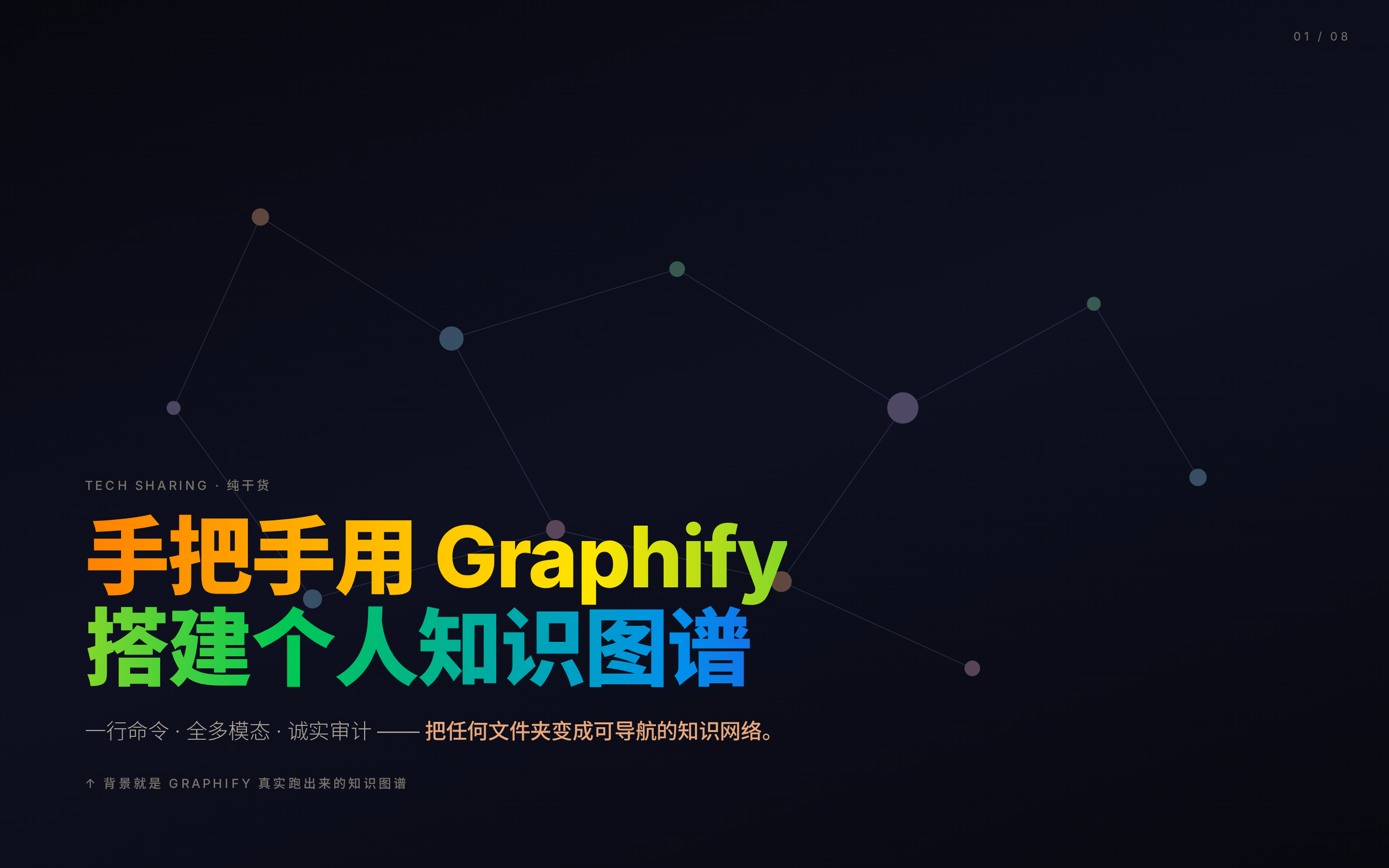 deck Read full prompt →
 暗底知识图谱 deck — #06060c→#0e1020 深夜渐变 + 漂浮 blur orbs、封面 SVG 力导向图谱、彩虹渐变标题、JetBrains Mono 命令行高亮、glass-morphism 卡片。适合 dev-tool / CLI / 知识图谱 / 数据可视化的发布会,"AI-native + 科幻 + 暖色" 调子。
 deck Read full prompt →
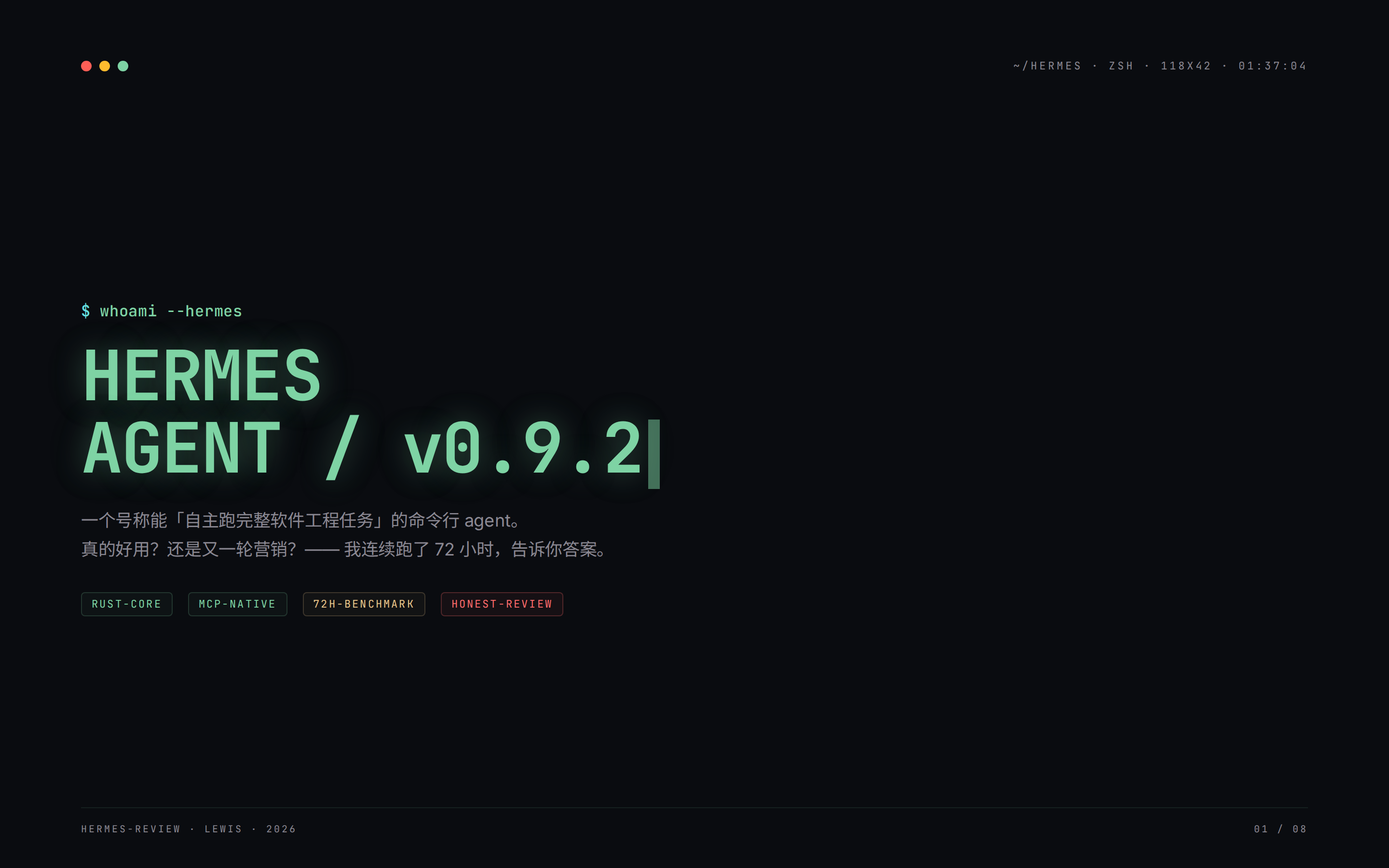
 暗终端 honest-review deck — #0a0c10 黑底 + 56px 赛博网格 + CRT 暗角 + 扫描线、窗口红绿灯 chrome、`$ prompt` 命令行标题、薄荷绿 #7ed3a4 大字、JetBrains Mono、stroke-only 柱状图、blinking 光标、琥珀/绿/红三档 tag、暗色代码块。适合 CLI / agent / dev tool 测评(含 trace、diff、benchmark)。
 deck Read full prompt →
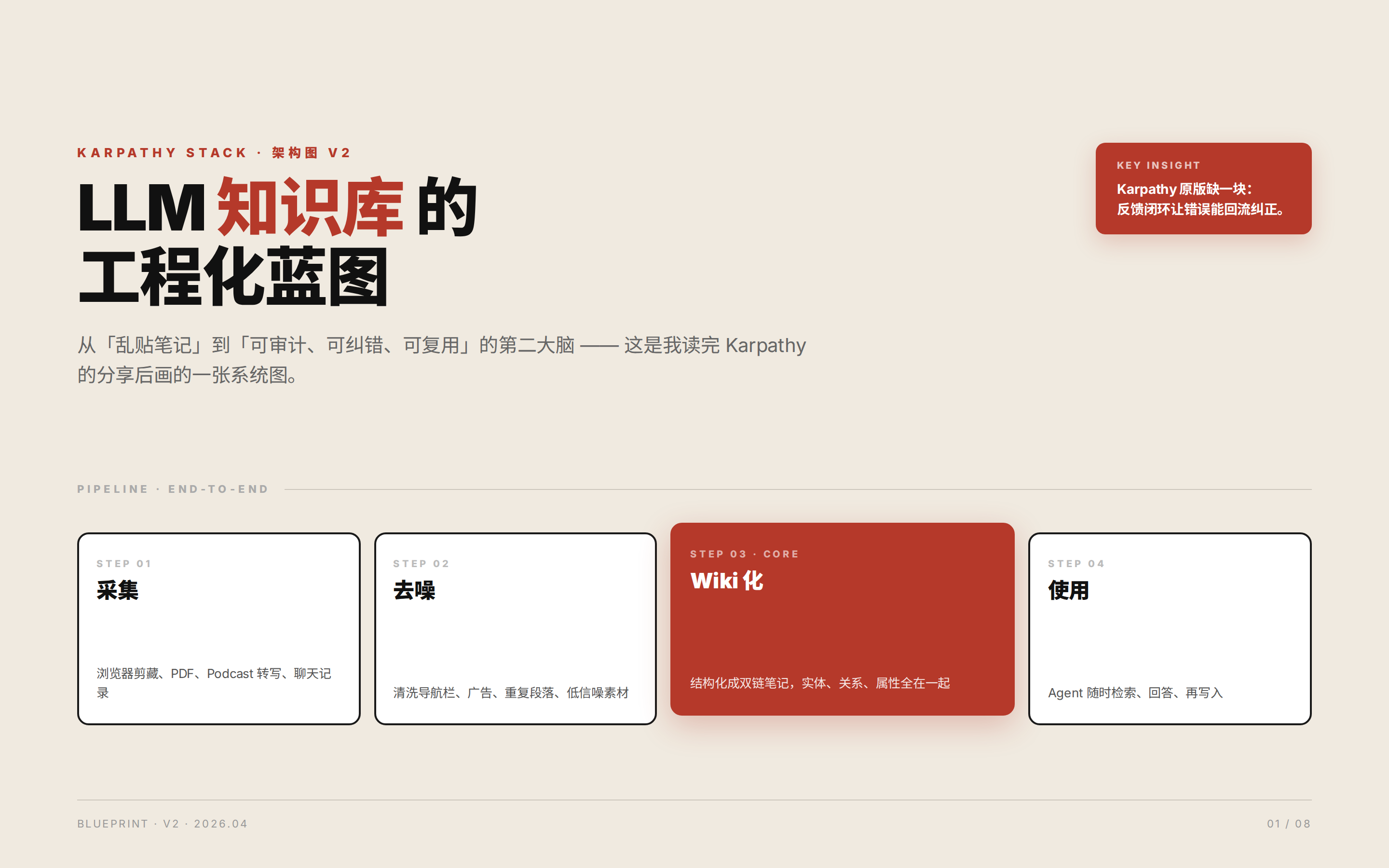
 奶油蓝图架构 deck — 奶油纸 #F0EAE0 底色 + 单一锈红 #B5392A 高亮、48px 蓝图网格 mask、2px 黑边硬卡片、pipeline 步骤盒(其中一个抬高)、右侧锈红 insight callout、Playfair 衬线大字、SVG 虚线反馈环。零渐变零软阴影,认真且印刷友好。
 deck Read full prompt →
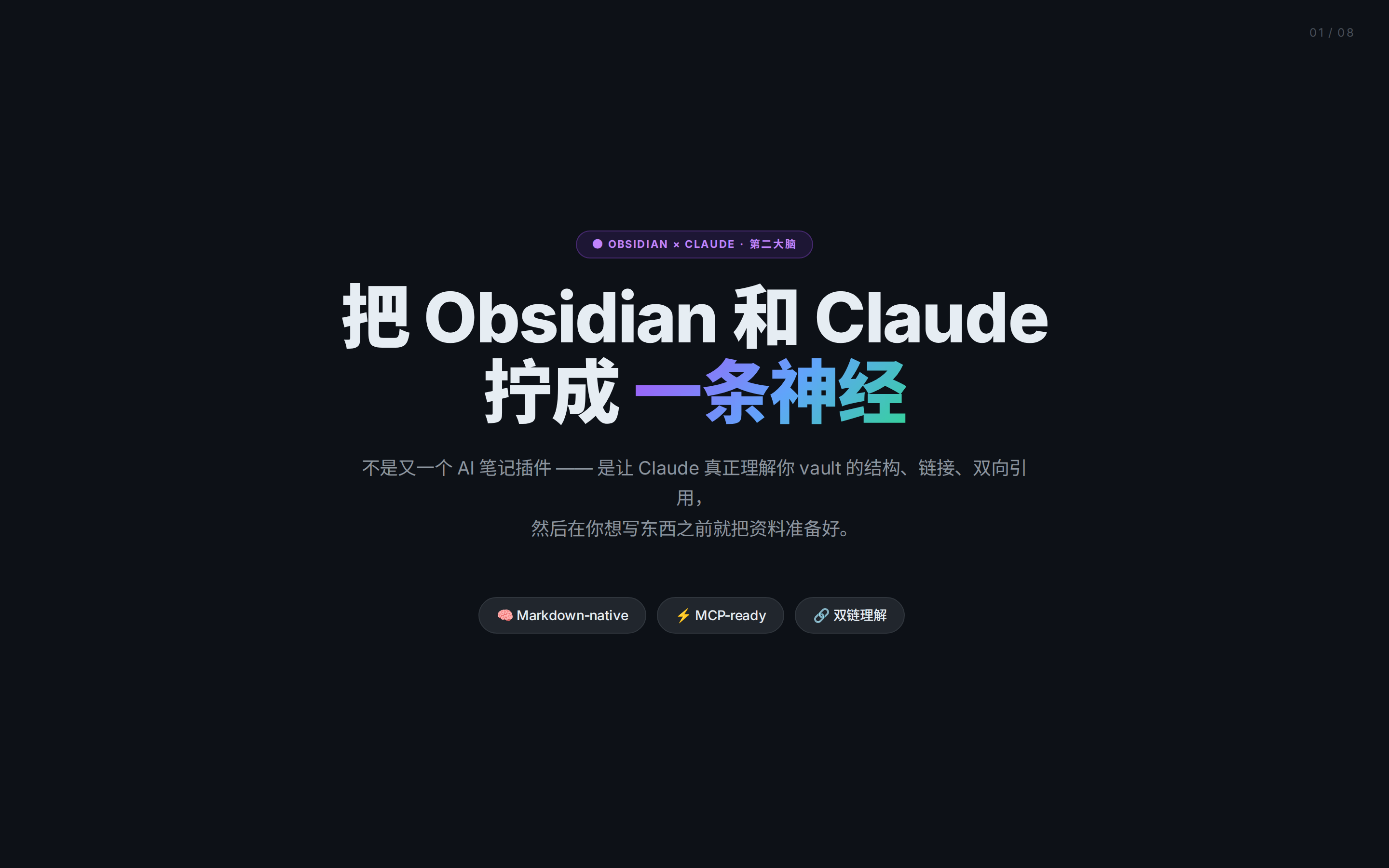
 GitHub 暗紫渐变 deck — GitHub-dark #0d1117 + 紫蓝 radial 环境光 + 60px 网格 mask、居中布局、紫色 pill 标签、三色渐变标题(#a855f7→#60a5fa→#34d399)、GitHub 风代码 palette、紫色左边框高亮块。适合开发者工作流 / MCP / Agent / dev tool 教程,类似 GitHub Blog / Linear Changelog。
 deck Read full prompt →
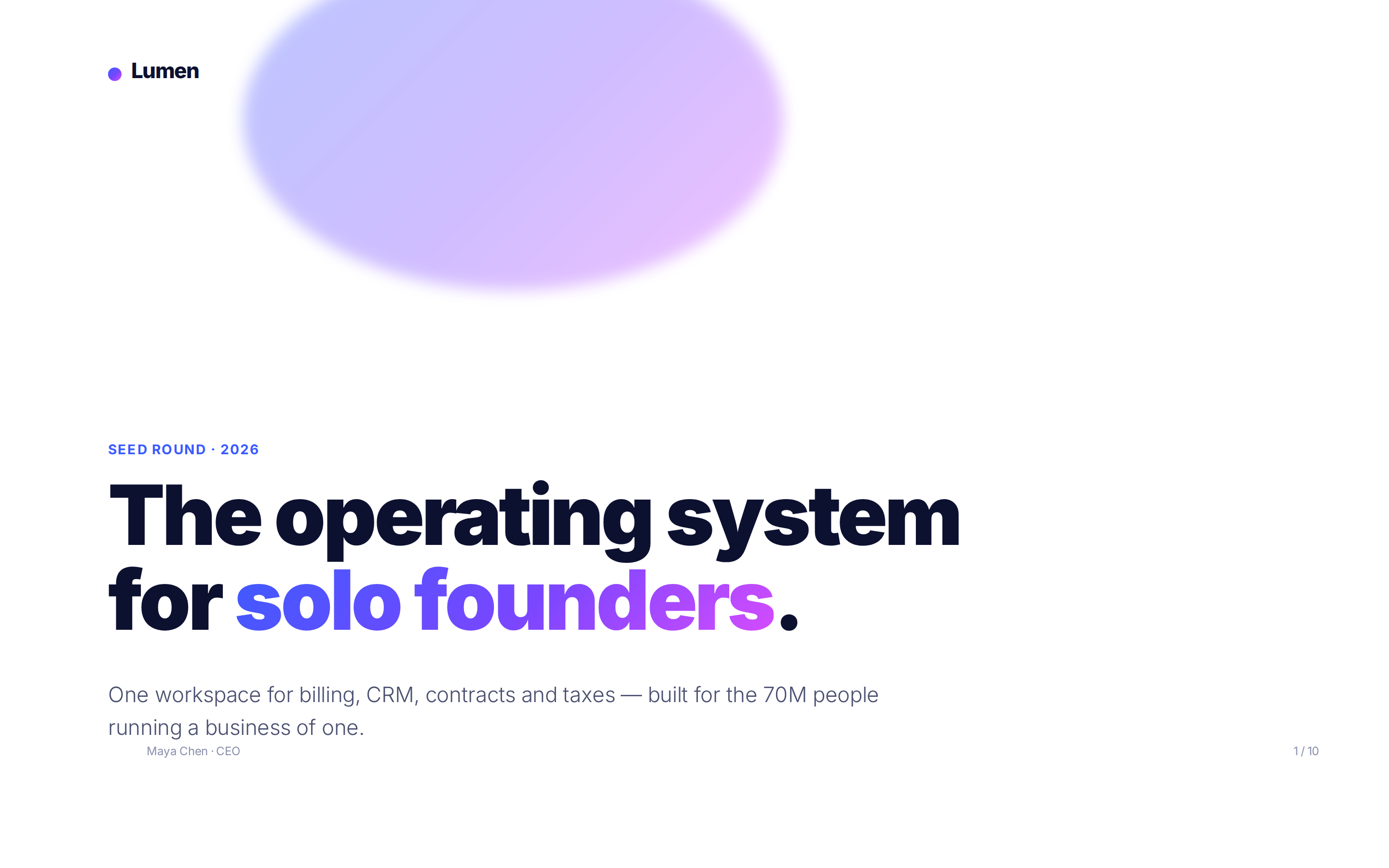
 Investor-ready 10-slide HTML pitch deck — white + blue→purple gradient hero, big numbers, traction bar chart, $4.5M-style ask page. Use when the user wants a fundraising deck, seed-round pitch, or VC meeting slides.
 deck Read full prompt →
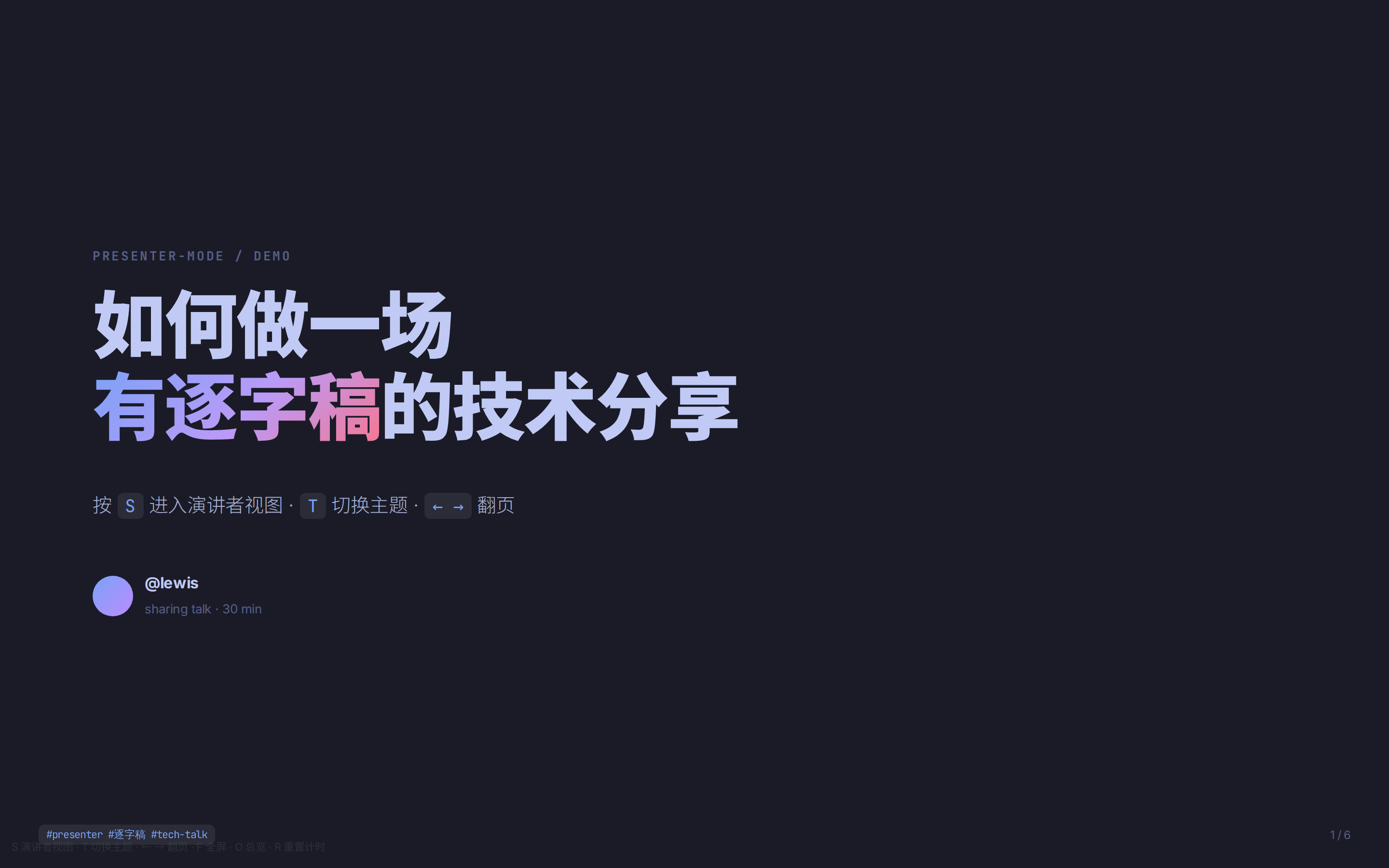
 演讲者模式专用 deck — tokyo-night 默认主题,5 套主题 T 键切换,每页带 150-300 字逐字稿示例(<aside class="notes">),按 S 打开 popup(CURRENT / NEXT / SCRIPT / TIMER 四张磁吸卡片)。用于技术分享、公开演讲、课程讲解,怕忘词或要提词器的场景。
 deck Read full prompt →
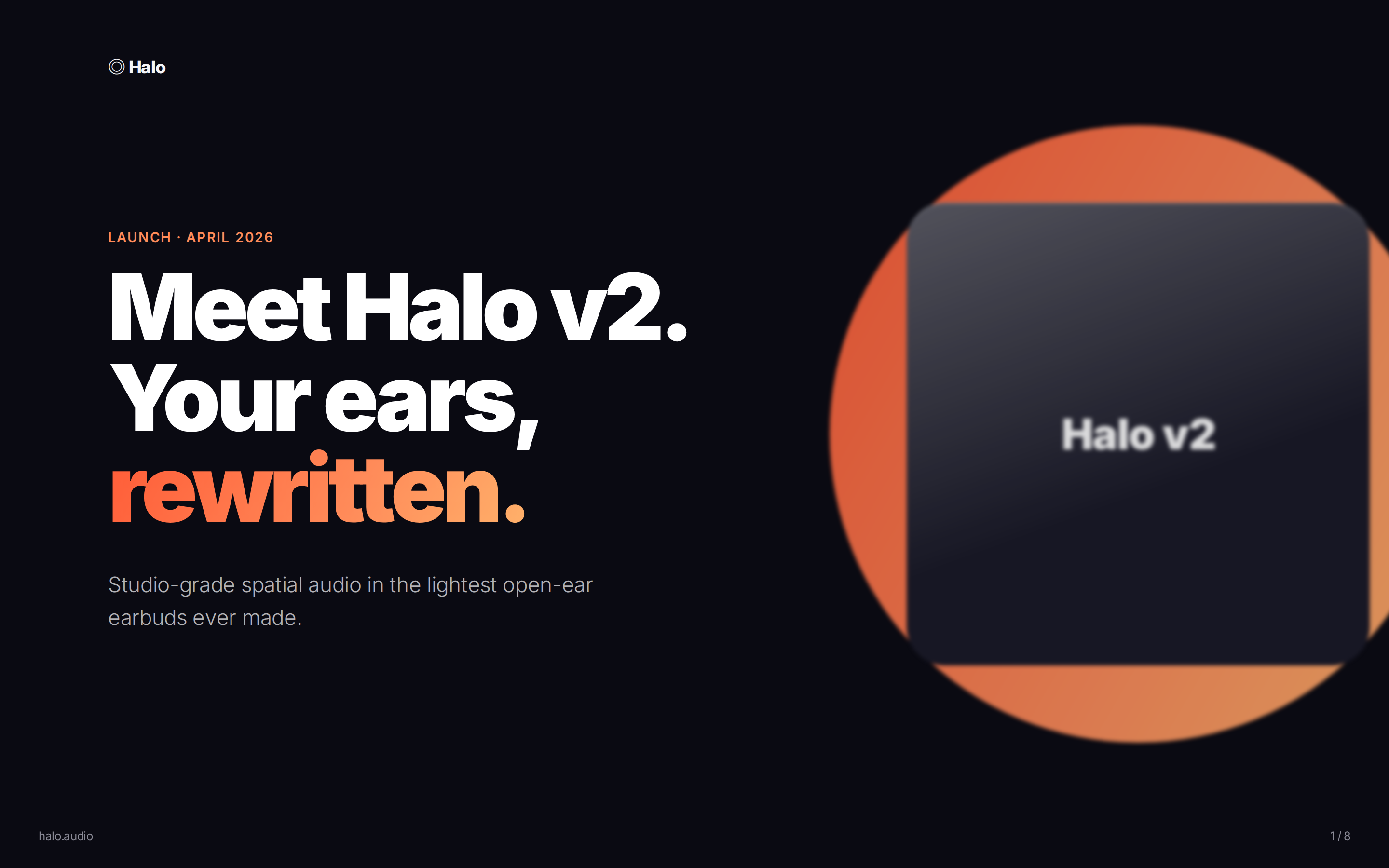
 Launch keynote deck — dark hero + light content, warm orange→peach accent, feature cards, pricing tiers, CTA. Use when announcing a product, launching a feature, or doing a keynote-style reveal.
 prototype Read full prompt →
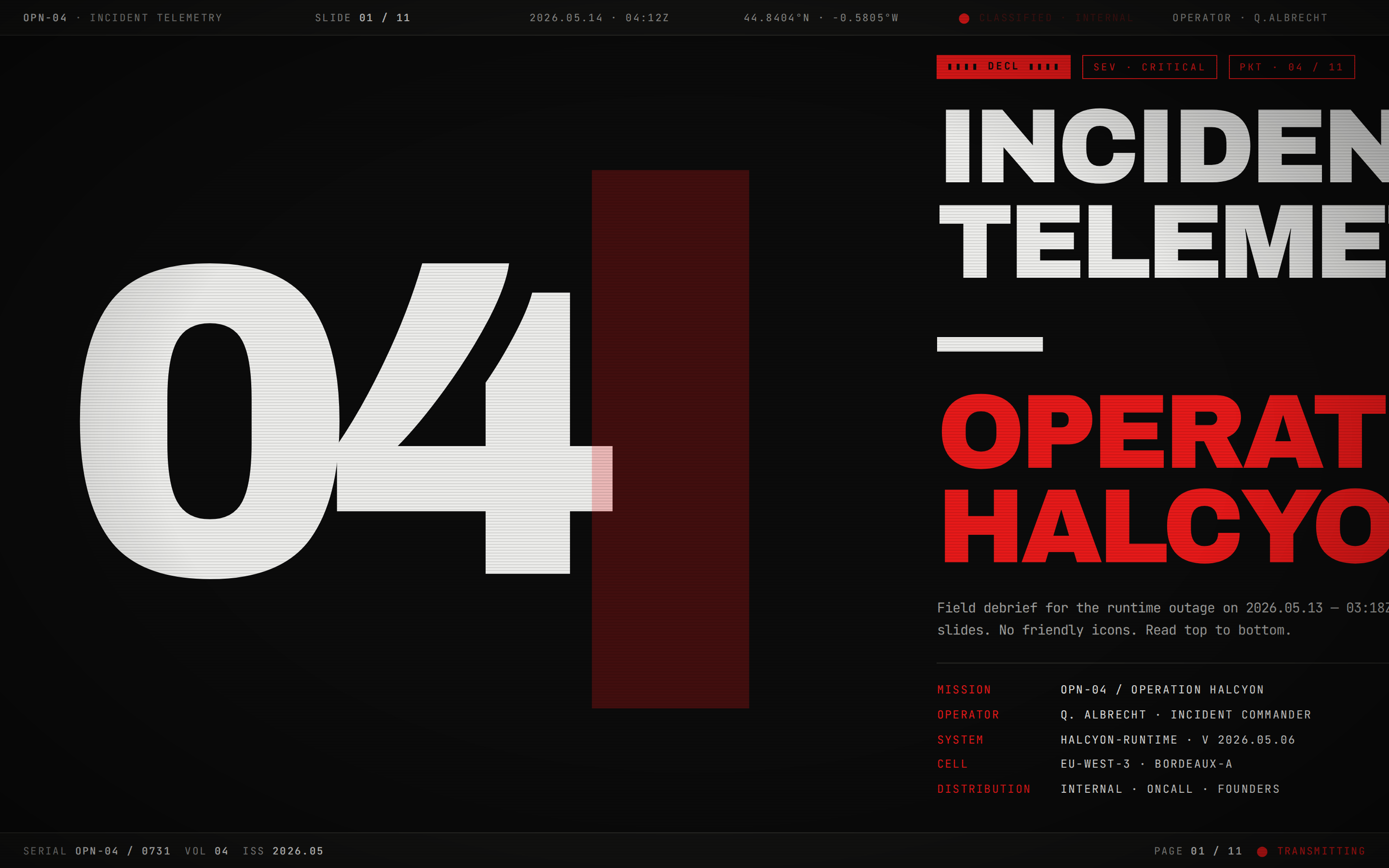
 16:9 HTML deck in tactical-telemetry / CRT-terminal taste. Deactivated-CRT charcoal slides, white-phosphor monospace, hazard-red accent, scanline overlay, ASCII syntax, density over decoration. Distilled from Leonxlnx/taste-skill `brutalist-skill` (Tactical Telemetry mode).
 prototype Read full prompt →
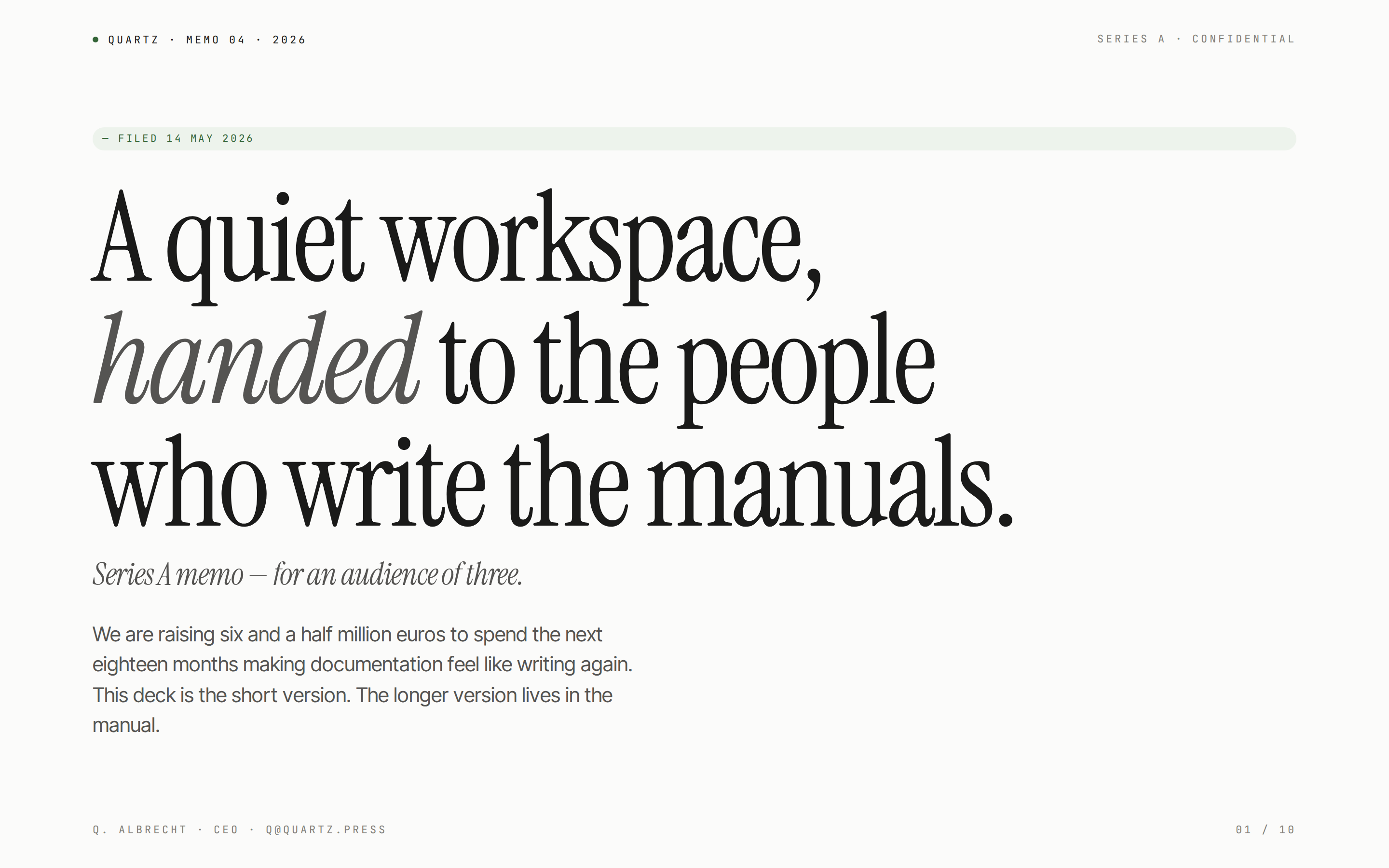
 16:9 HTML deck in editorial-minimalist taste. Warm cream slides, serif display + grotesque body, hairline rules, monospace meta, generous macro-whitespace, one accent. Distilled from Leonxlnx/taste-skill `minimalist-skill`.
 deck Read full prompt →
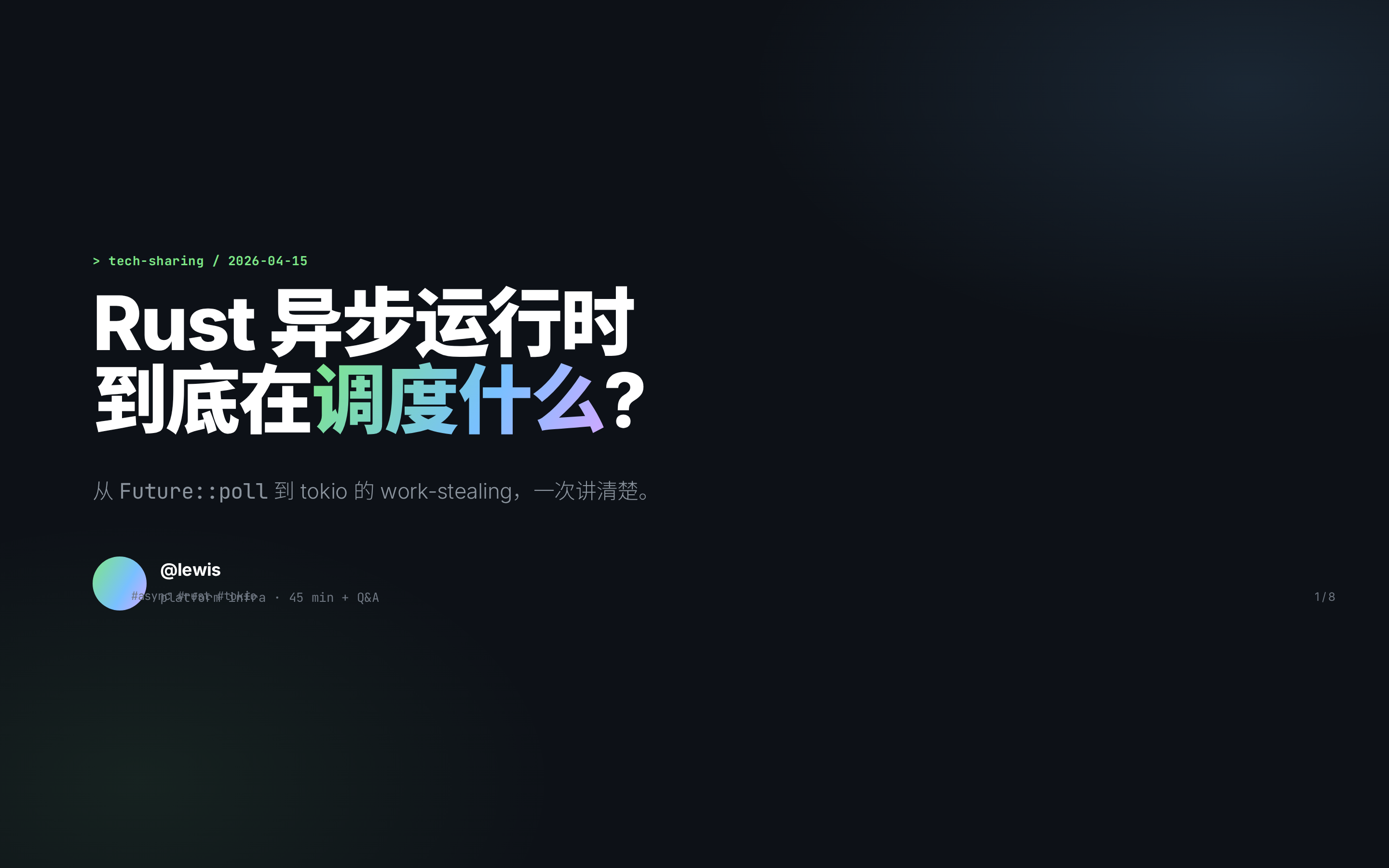
 Conference / internal tech-talk deck — GitHub-dark, JetBrains Mono, terminal code blocks, agenda + Q&A pages. Use for engineering presentations, internal sharing sessions, conference talks, and code-heavy walkthroughs.
 deck Read full prompt →
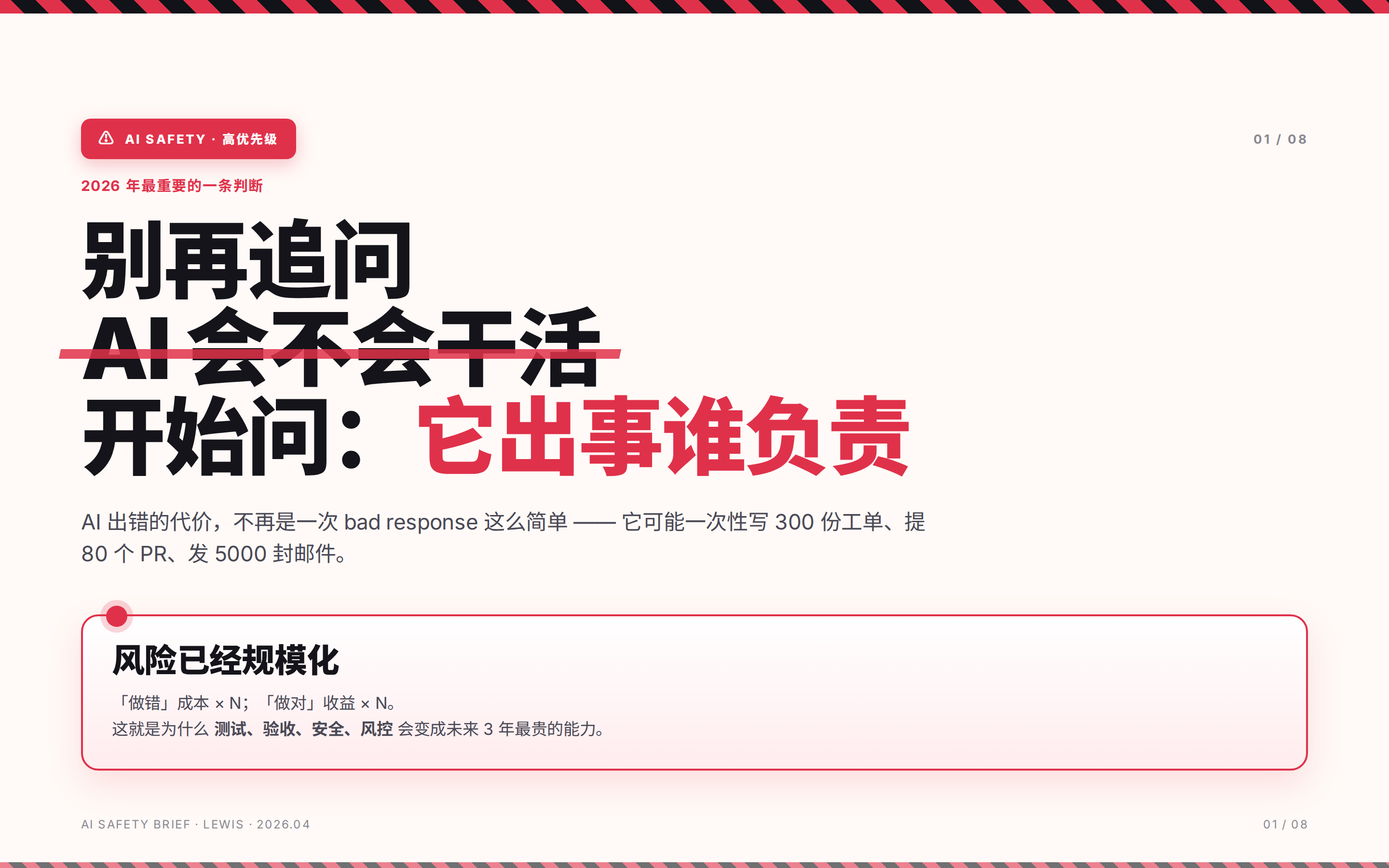
 红琥珀警示 deck — 顶/底 45° 红黑 hazard 条纹、红色删除线否定标题、L1/L2/L3 绿/琥珀/红 tier 卡片、圆点状态 alert box、policy-yaml 代码块(红左边框 + bad 关键词高亮)、红绿 checklist、Q1 事故堆叠柱状图。适合安全 / 风险 / 事故复盘 / 红队 / 上线前 AI 评审 / policy-as-code。
 deck Read full prompt →
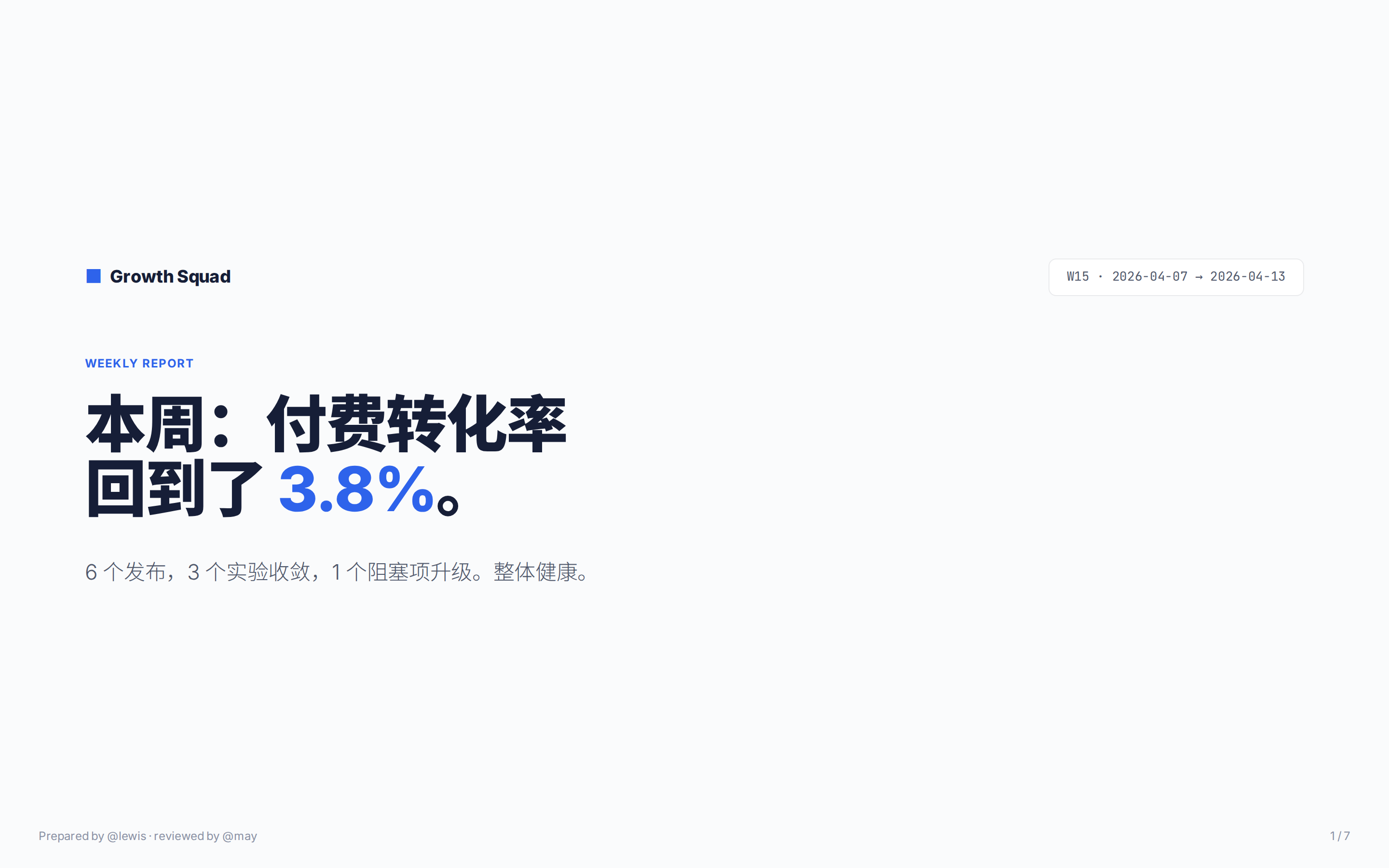
 Team weekly / status-update deck — corporate clarity, 8-cell KPI grid, shipped list, 8-week bar chart, next-week table. Use for 周报, business reviews, team status updates, and exec dashboards.
 deck Read full prompt →
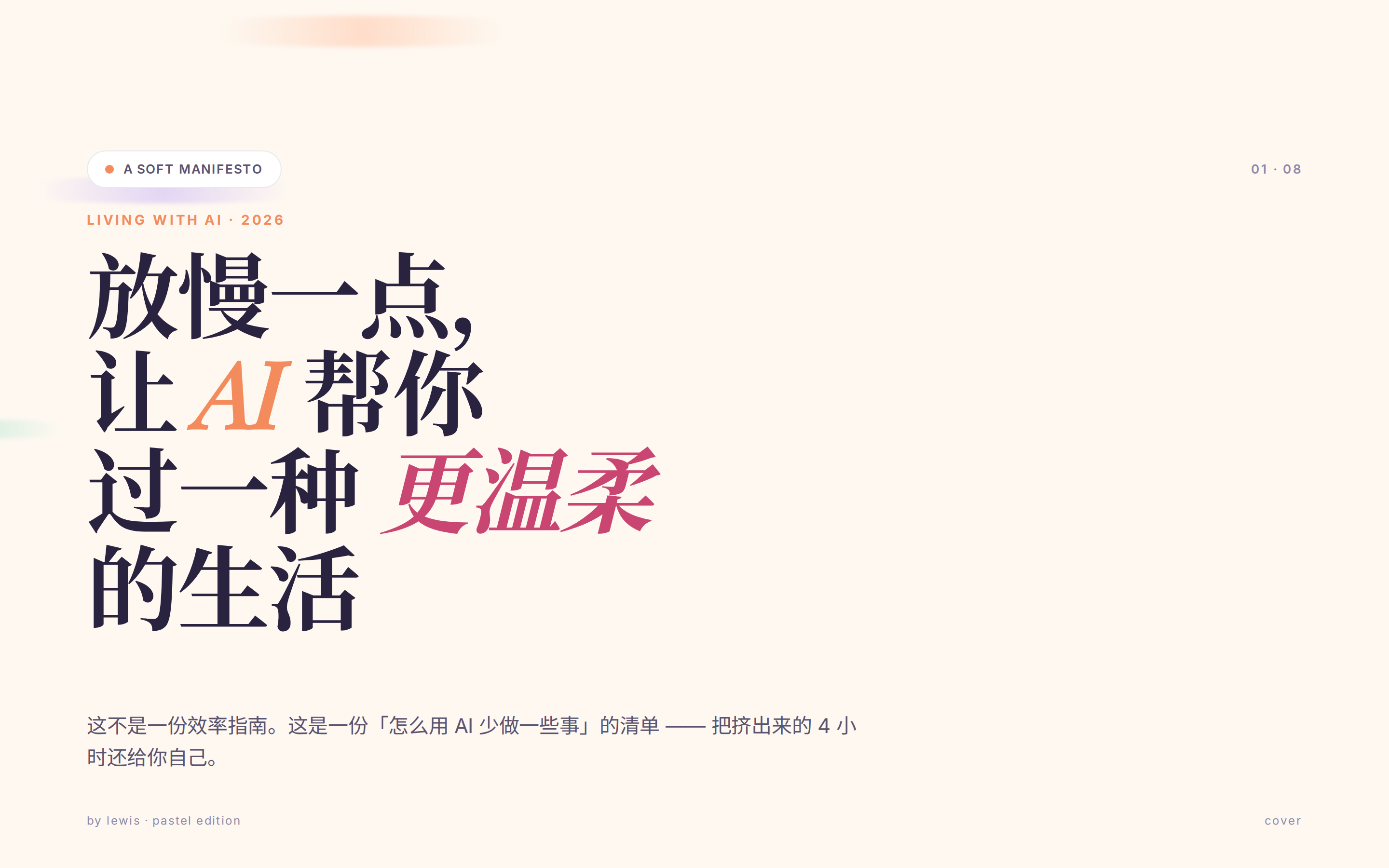
 柔和马卡龙慢生活 deck — 奶油 #fef8f1 底 + 三个柔光 blob、Playfair 斜体衬线 display 标题混 sans 正文、28px 圆角马卡龙卡片(桃 / 薄荷 / 天 / 紫 / 柠 / 玫)、Playfair 斜体 01-04 序号、SVG donut 图、chip+page 顶栏。适合生活方式 / 个人成长 / 慢生活 / 情绪类内容,"杂志、手作、不太科技"的感觉。
 deck Read full prompt →
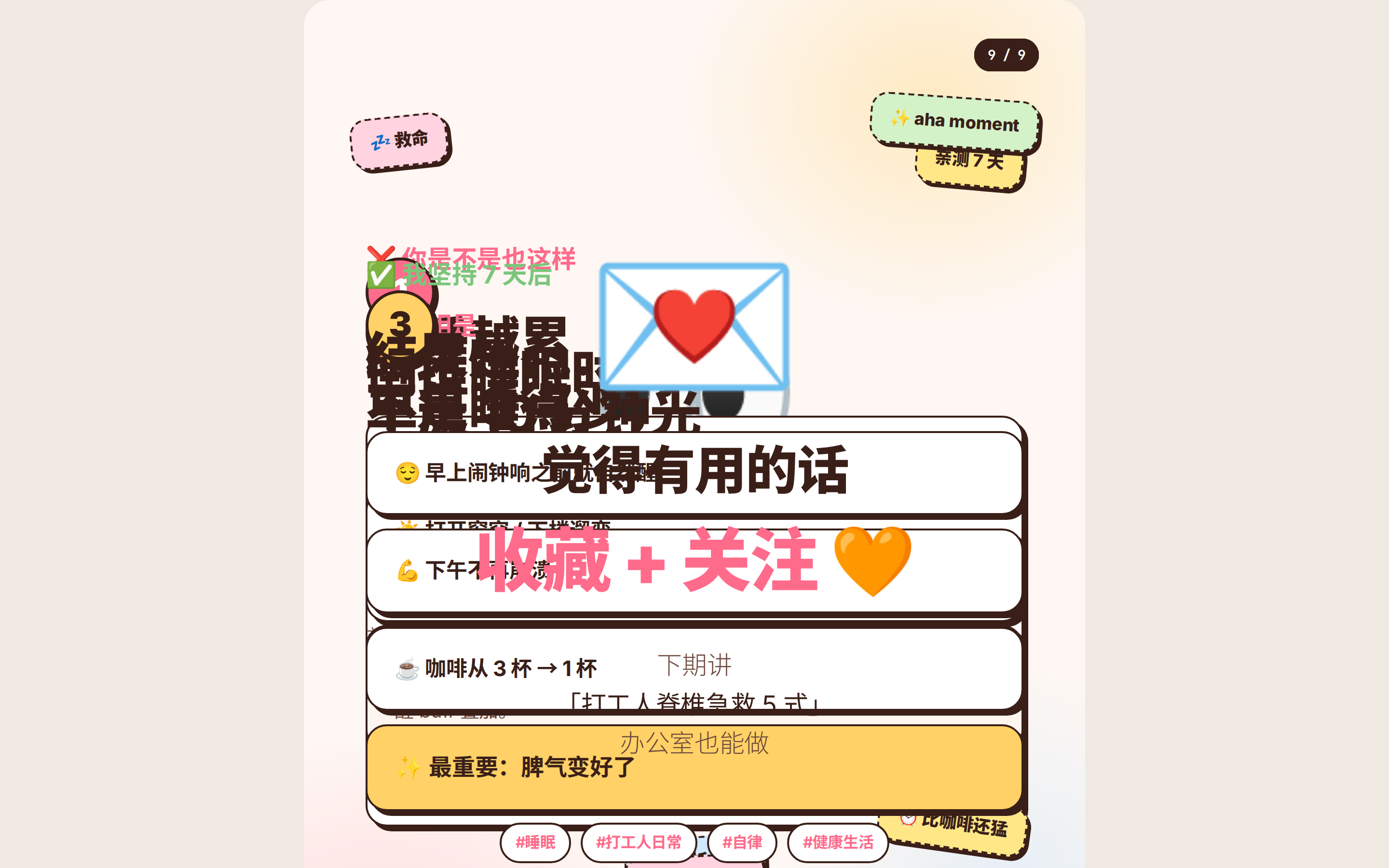
 小红书 / Instagram 风 9 页 3:4 竖版图文(810×1080)— 暖色 pastel、虚线 sticker 卡片、底部页码点点。用于发小红书图文、Instagram carousel、品牌种草内容。
 deck Read full prompt →
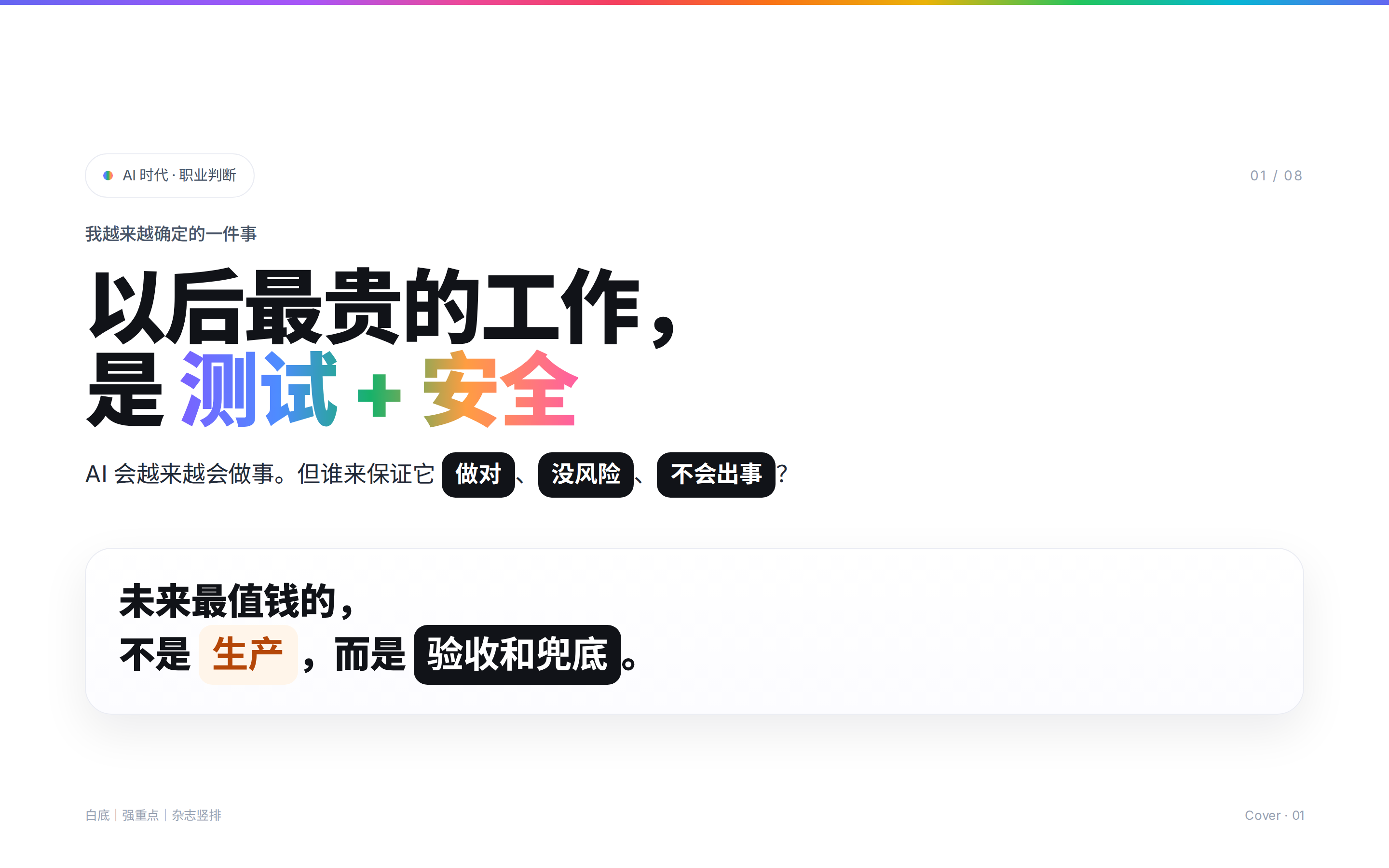
 白底杂志风 deck — 纯白背景 + 顶部 10 色彩虹 bar、80-110px display 标题、紫→蓝→绿→橙→粉渐变文字、马卡龙软卡片组(粉/紫/蓝/绿/橙)、黑底白字 .focus pill、引用大块。同时适合发小红书图文 + 横版 PPT 双用。
 deck Read full prompt →
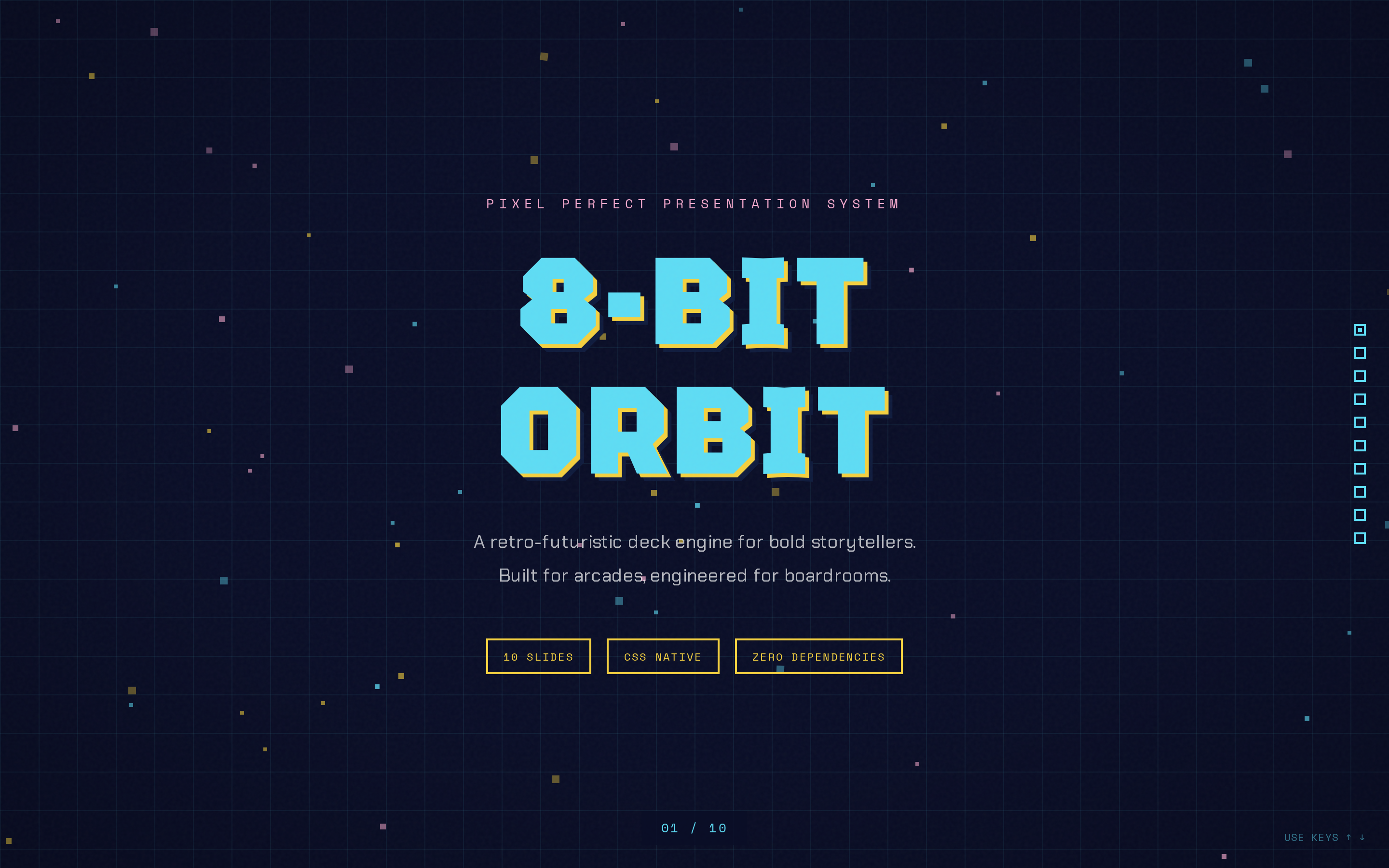
 8-Bit Orbit — Pixel-art neon arcade aesthetic on a deep navy void. Anything that should feel like a CRT screen at 2am: cyberpunk, gaming, web3, indie dev tools, hackathon demos.
 deck Read full prompt →
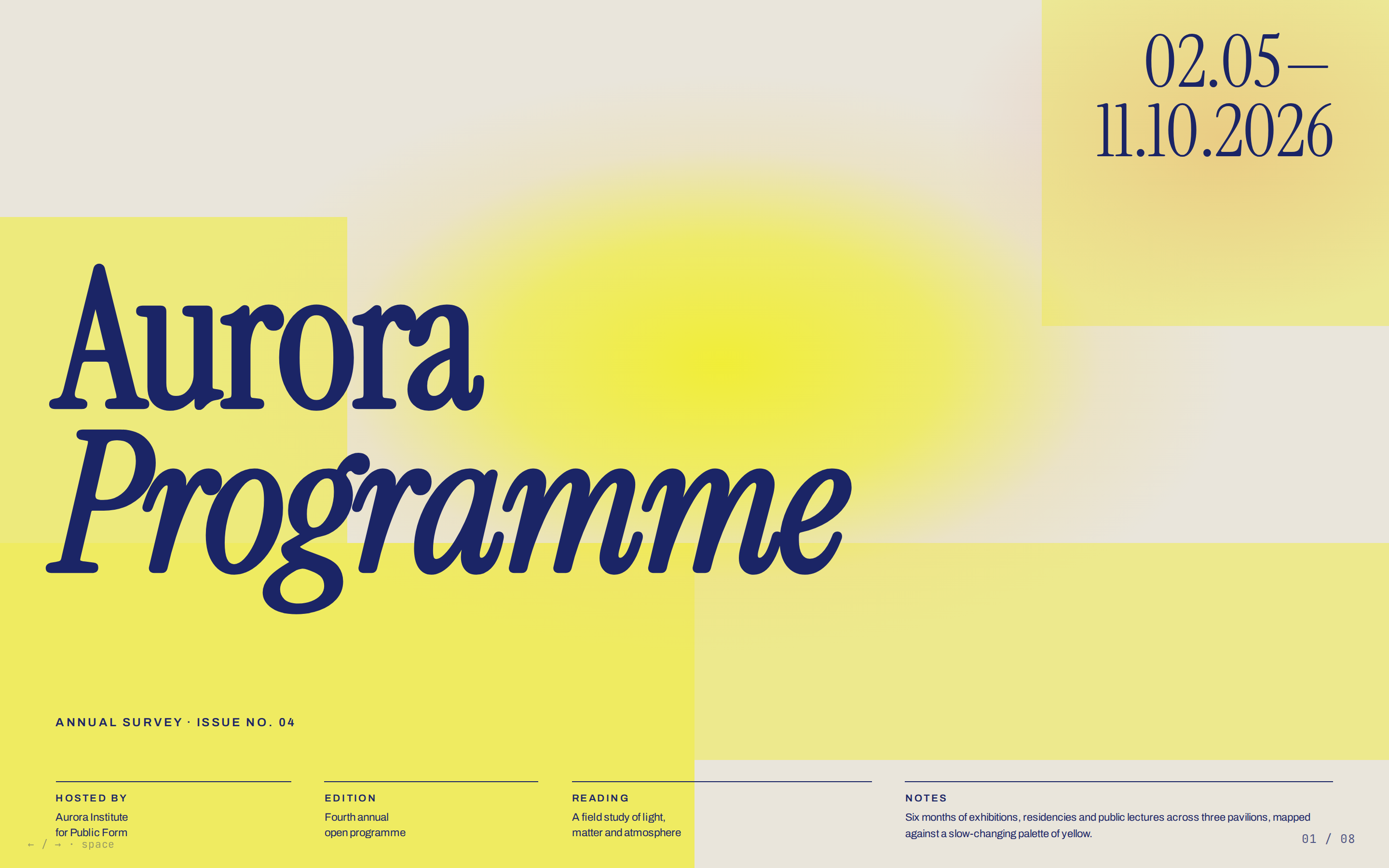
 Biennale Yellow — Solar yellow on warm parchment with deep indigo serif and atmospheric sun-glow gradients. Anything that should feel like an art-biennale poster or a museum's annual programme: exhibition decks, arts-institution announcements, design conference brochures, curatorial pitches, literary publications, studio retrospectives.
 deck Read full prompt →
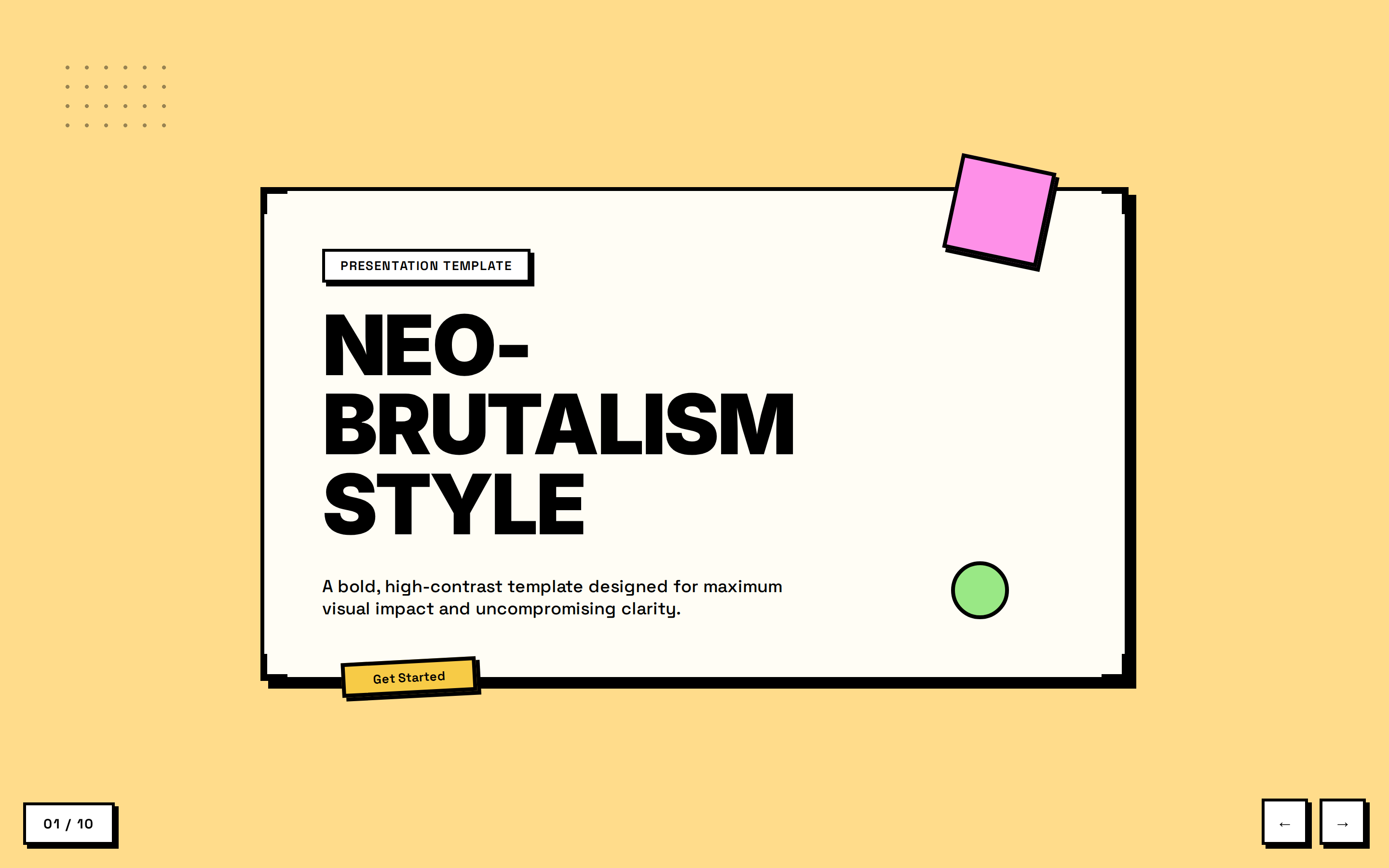
 BlockFrame — Neobrutalist deck with pastel-neon color blocks and chunky black borders. Anything that should feel pop-graphic and design-led: indie SaaS launches, agency credentials, creative reviews, brand redesigns.
 deck Read full prompt →
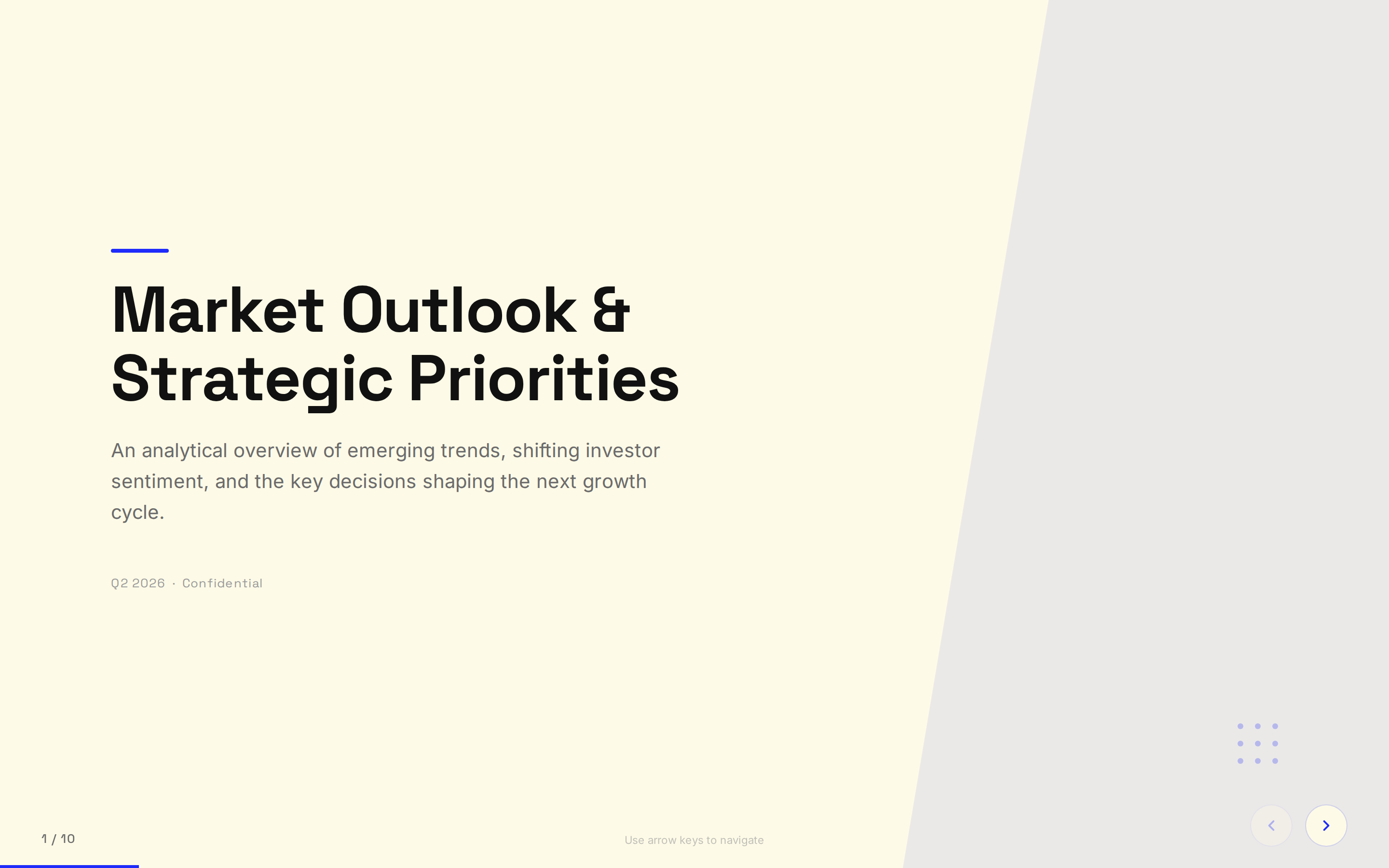
 Blue Professional — Cream paper background with electric cobalt blue accents; clean modern professional. Anything that should feel modern-considered and lightly authoritative: B2B SaaS pitches, consulting deliverables, advisory updates, investor reports.
 deck Read full prompt →
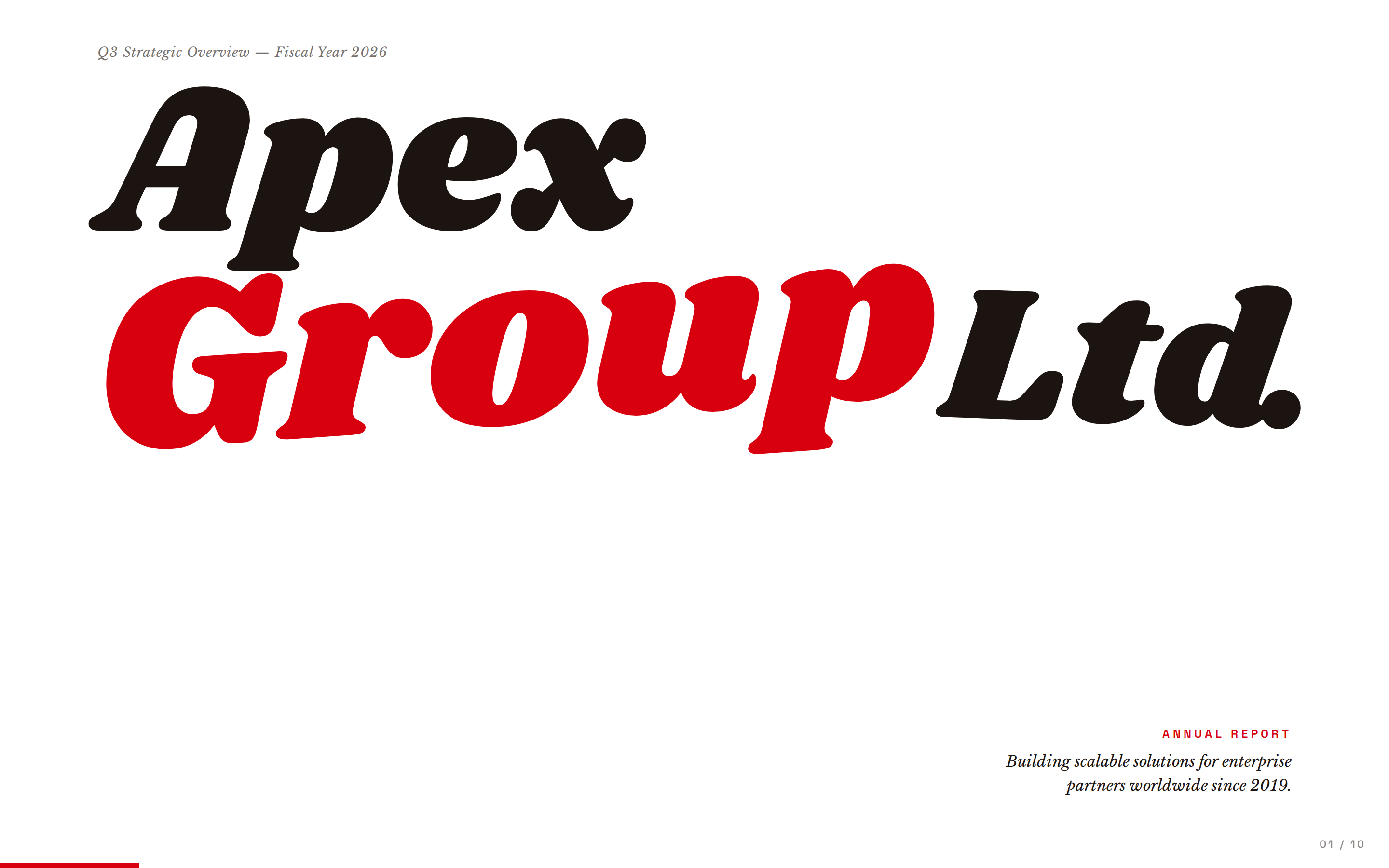
 Bold Poster — Editorial poster aesthetic with massive Shrikhand display and a single fire-engine red accent. Anything that should land like a magazine cover: brand manifestos, founder vision decks, editorial / cultural pitches, creative reviews.
 deck Read full prompt →
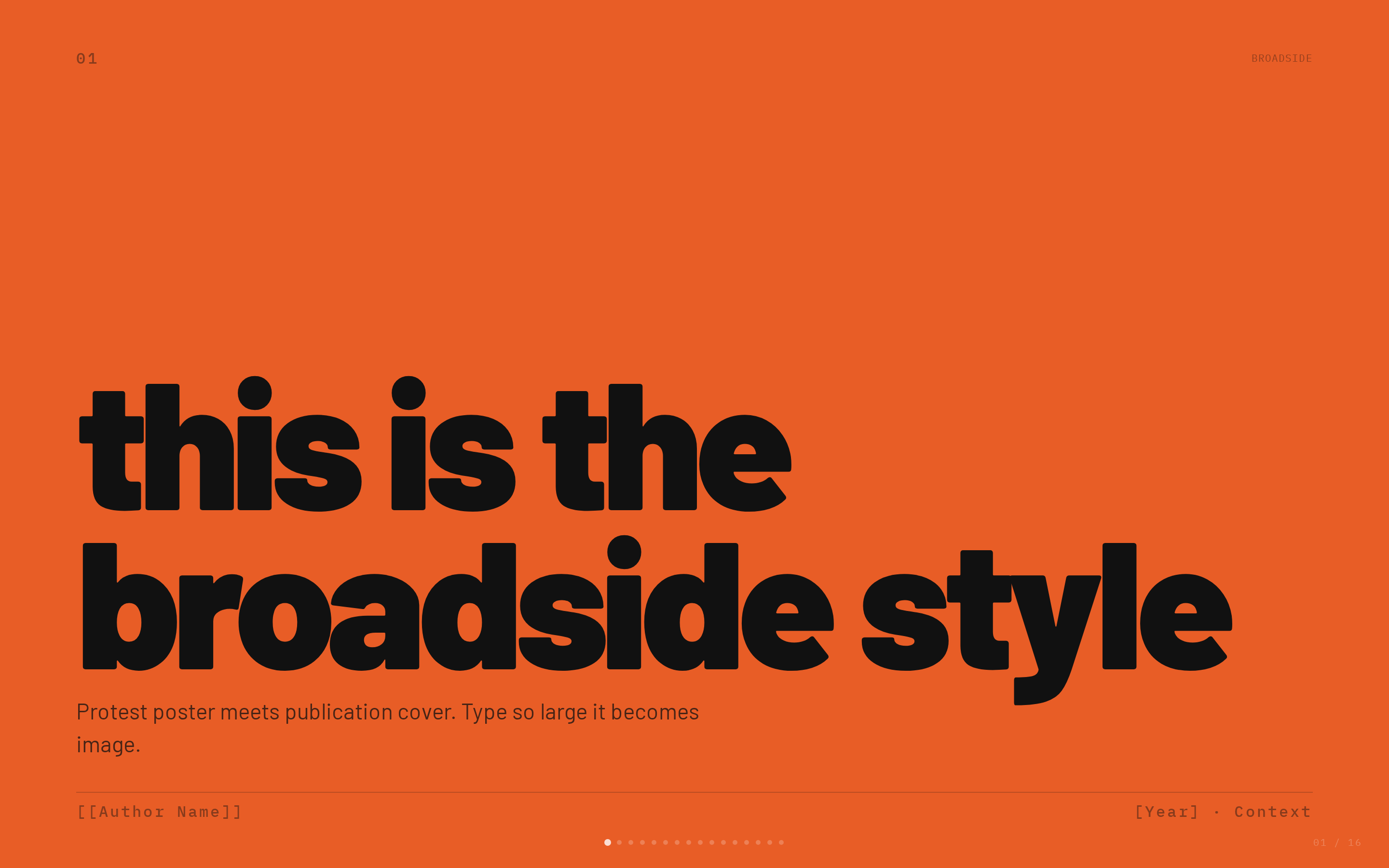
 Broadside — Dark editorial canvas with a single fire orange accent and bilingual Latin/Chinese type stack. Anything that should land like a broadside newspaper headline: brand manifestos, magazine and cultural pitches, design talks, bilingual EN/CN decks, founder vision statements.
 deck Read full prompt →
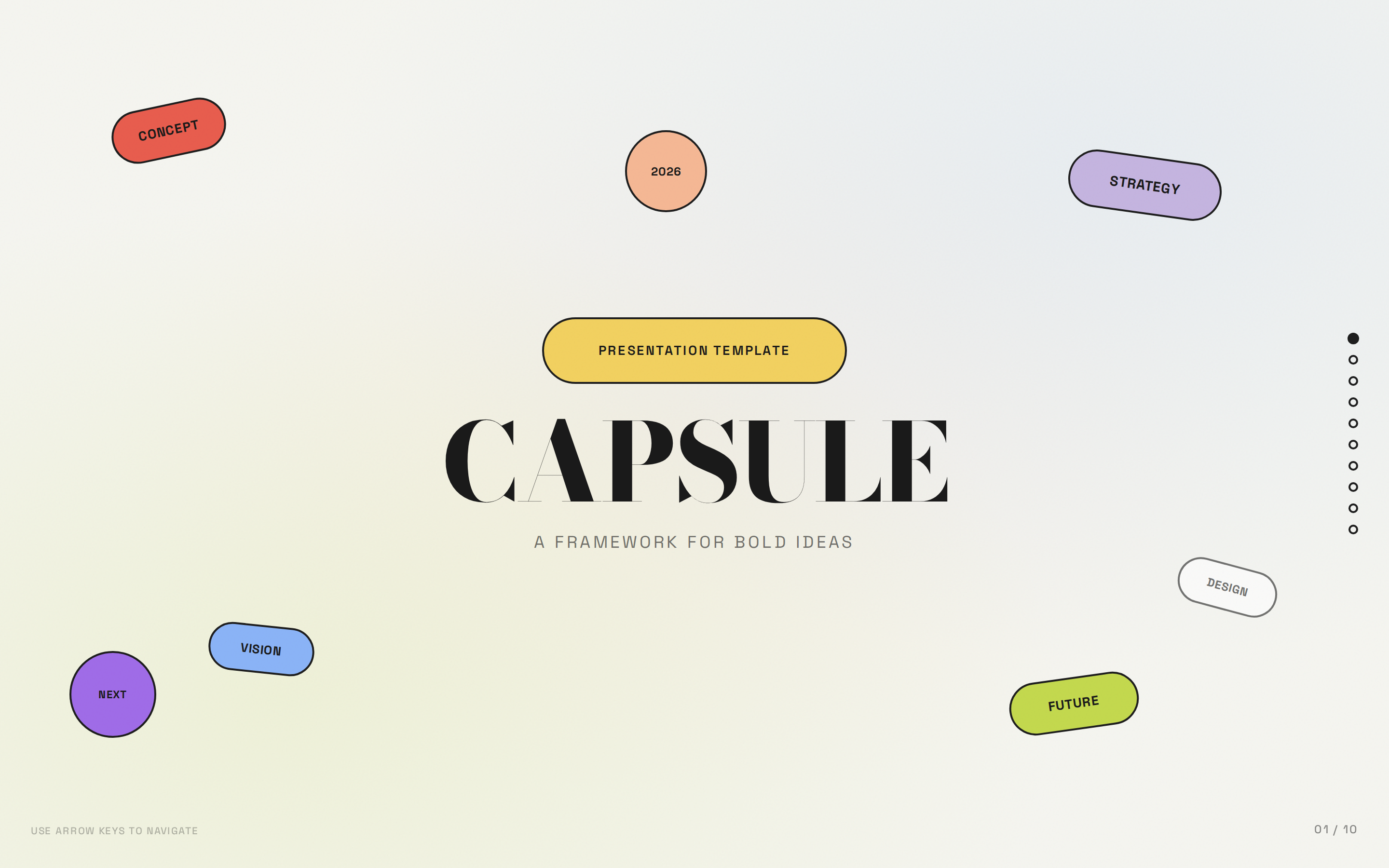
 Capsule — Modular pill-shaped cards on warm bone with a full pastel-pop palette. Anything that should feel modular, modern, and a little Y2K: lifestyle brands, creator portfolios, DTC launches, beauty / wellness, agency credentials.
 deck Read full prompt →
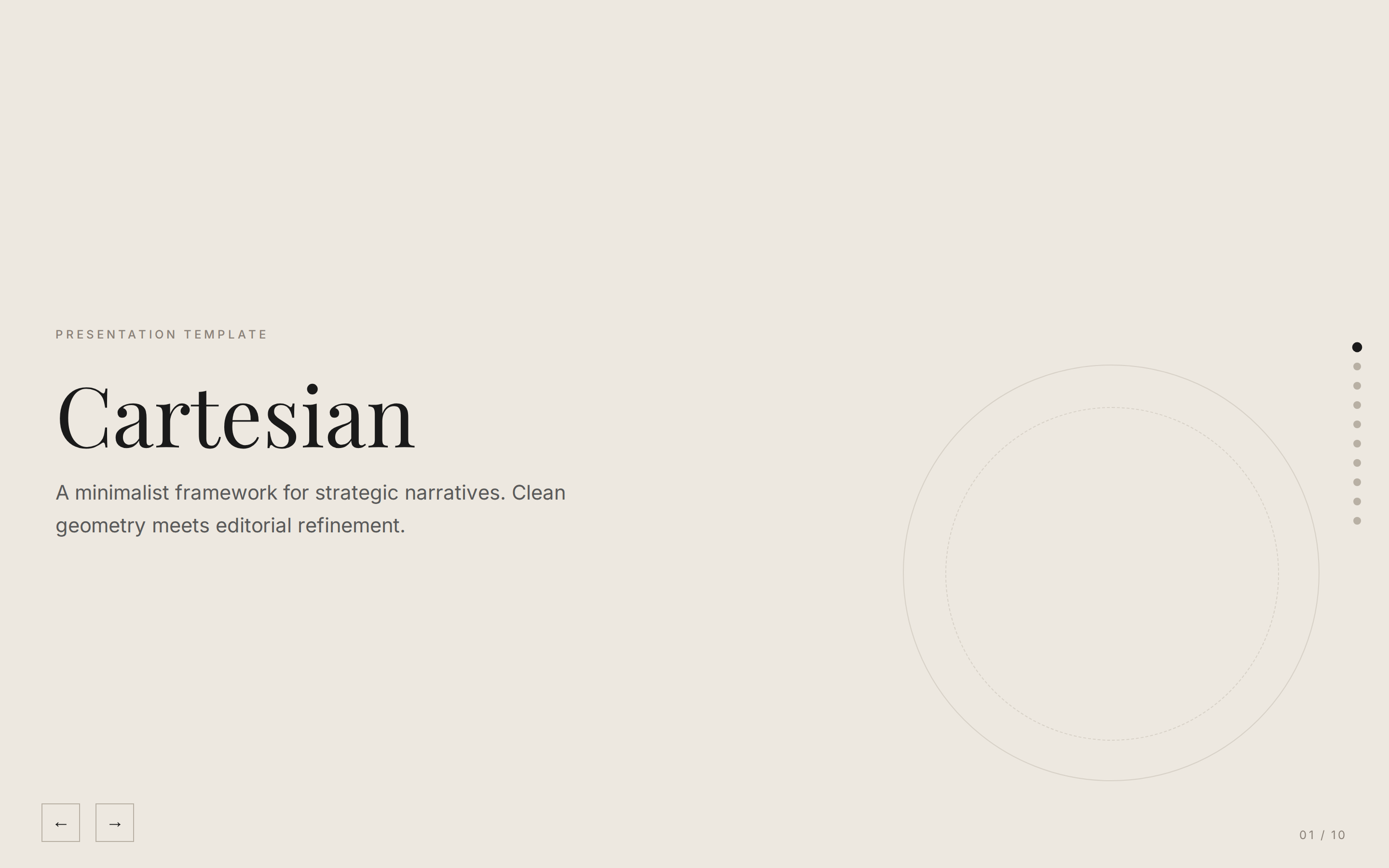
 Cartesian — Quiet warm-neutral palette with classical Playfair serifs; tasteful and unhurried. Anything that should feel quiet, considered, and grown-up: investment theses, white papers, advisory work, longform research, gallery / cultural decks.
 deck Read full prompt →
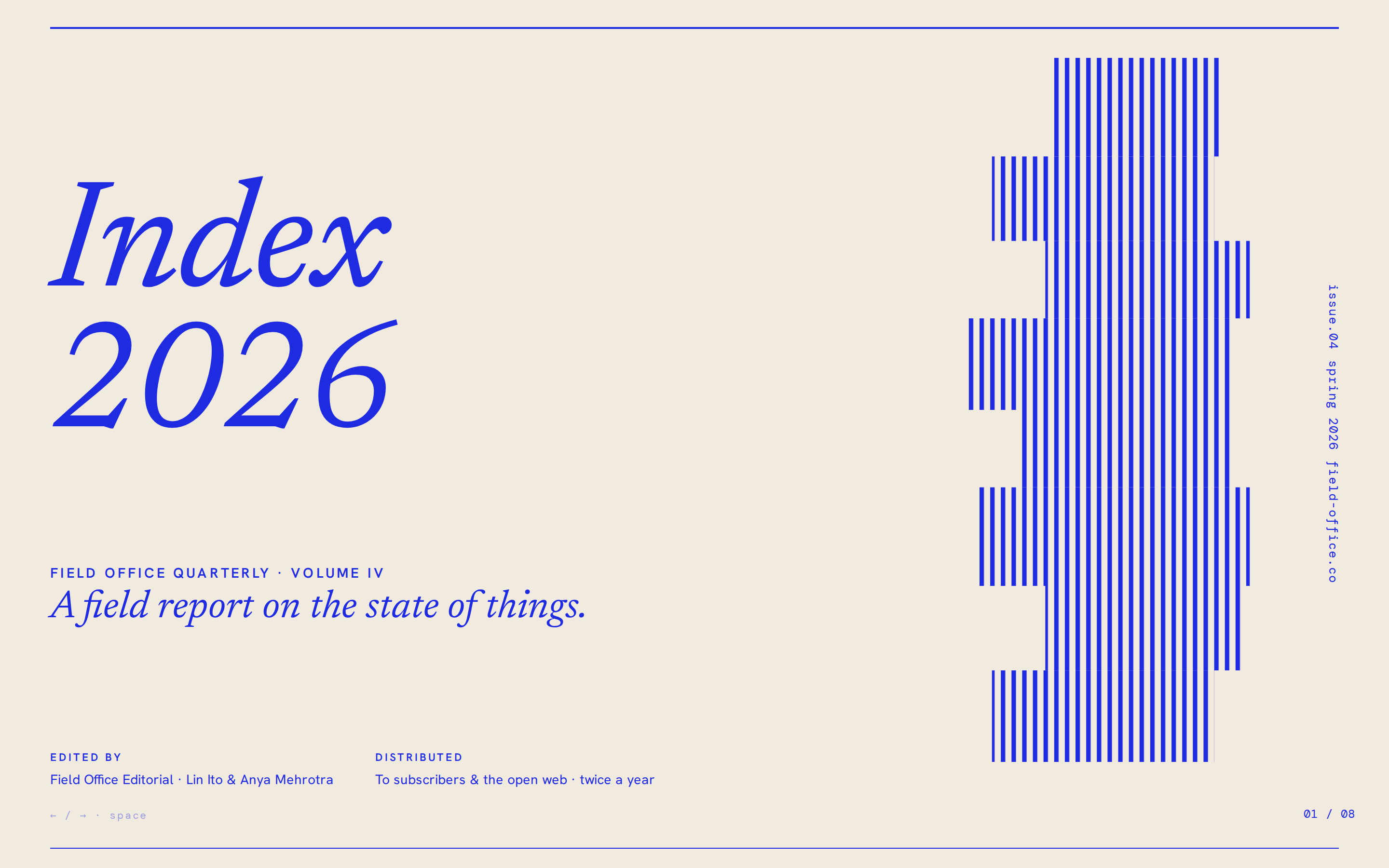
 Cobalt Grid — Electric cobalt italic serifs on a graph-paper canvas, anchored by stair-stepped pixel-glitch decorations and slim hairline rules. Anything that should feel like a quietly serious design / research bulletin, art publication, or curated trend report.
 deck Read full prompt →
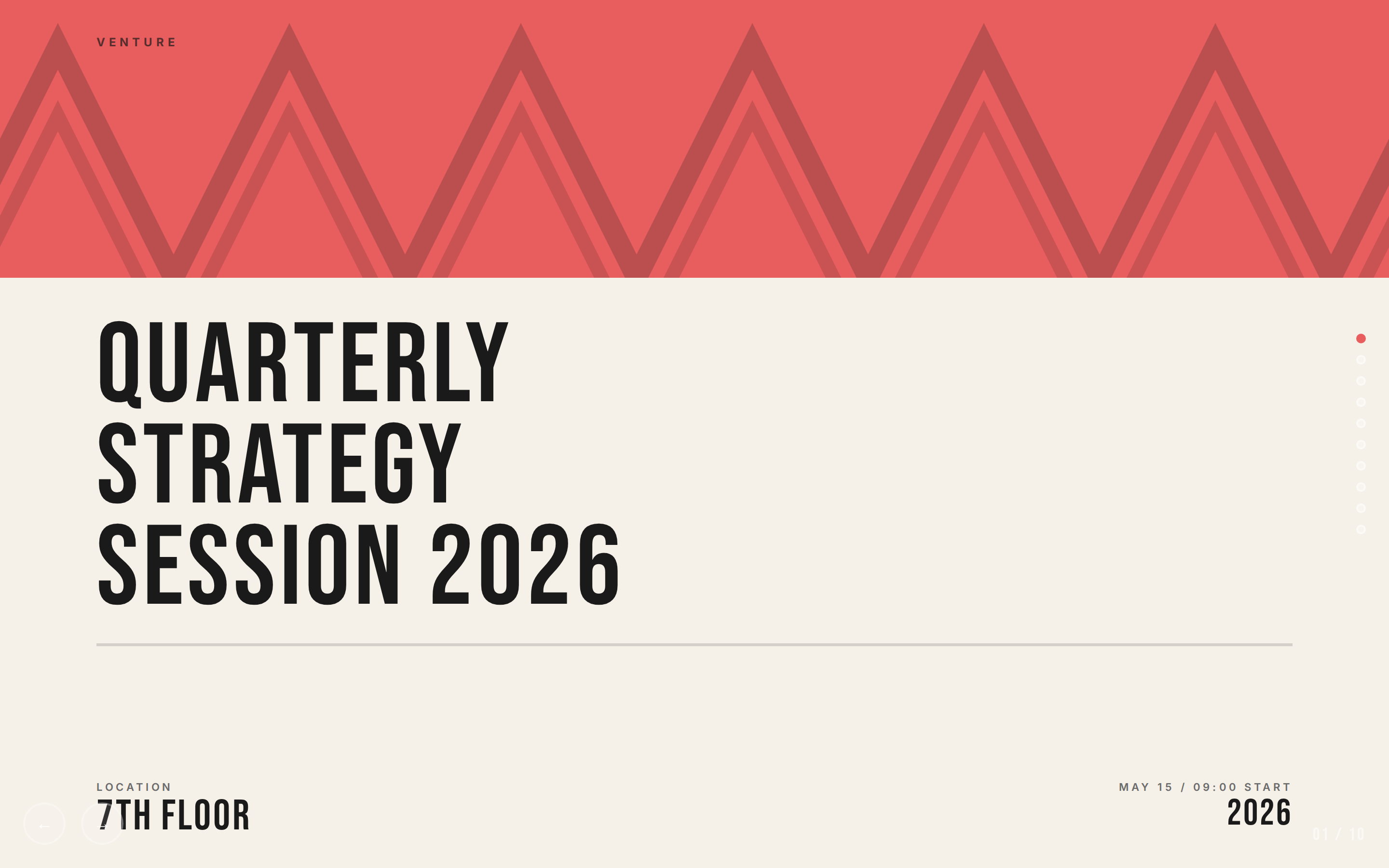
 Coral — Cream and coral on near-black, set in oversized Bebas Neue. Anything that should feel warm-graphic and editorial: fashion, beauty, fitness, F&B, lifestyle brands, agency credentials.
 deck Read full prompt →
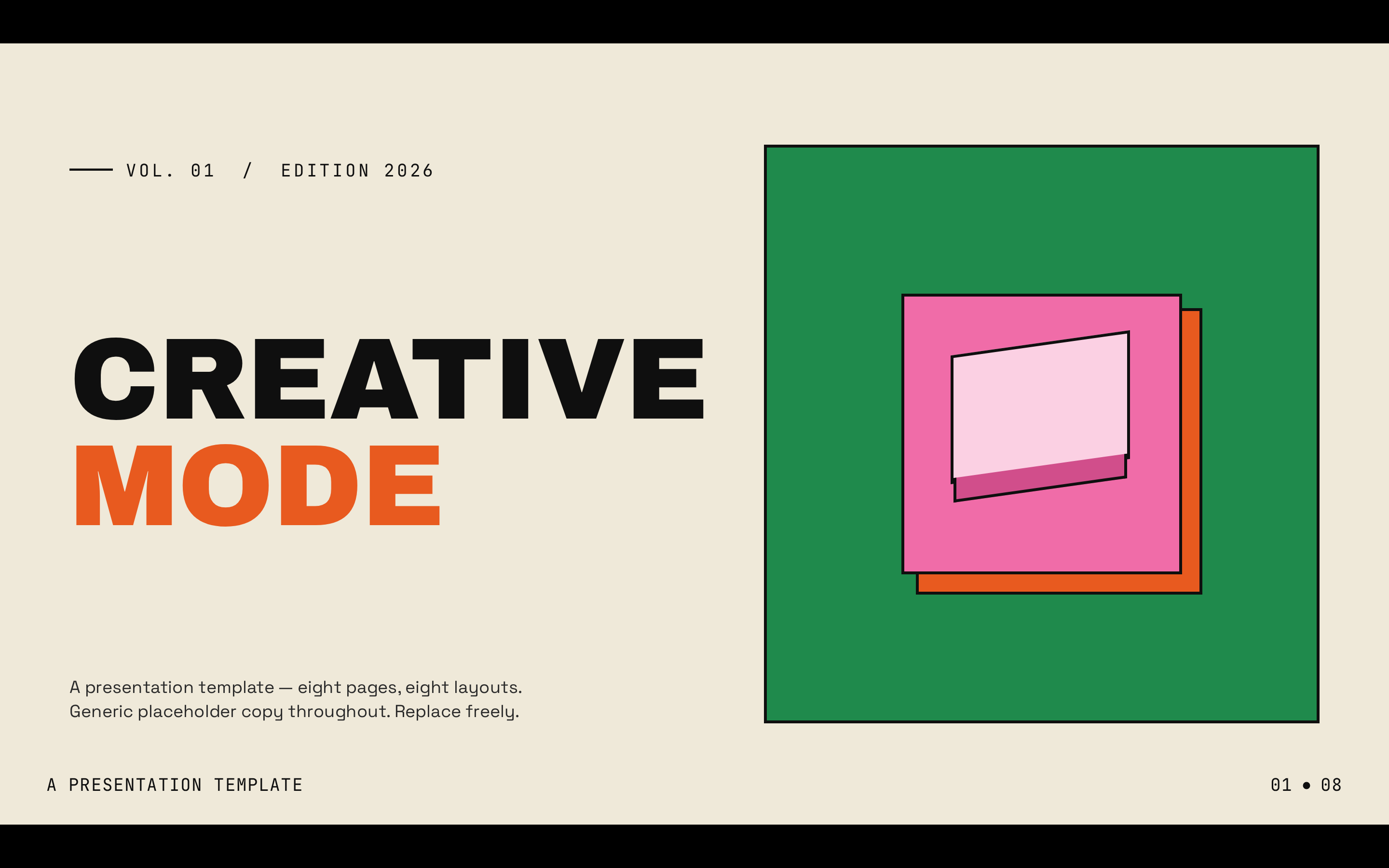
 Creative Mode — Cream paper canvas with confident multi-color (green, pink, orange, yellow) accents and Archivo Black display. Anything that should feel design-led and confident: creative agency pitches, design studio decks, ad shop credentials, brand creative reviews, art-direction reviews.
 deck Read full prompt →
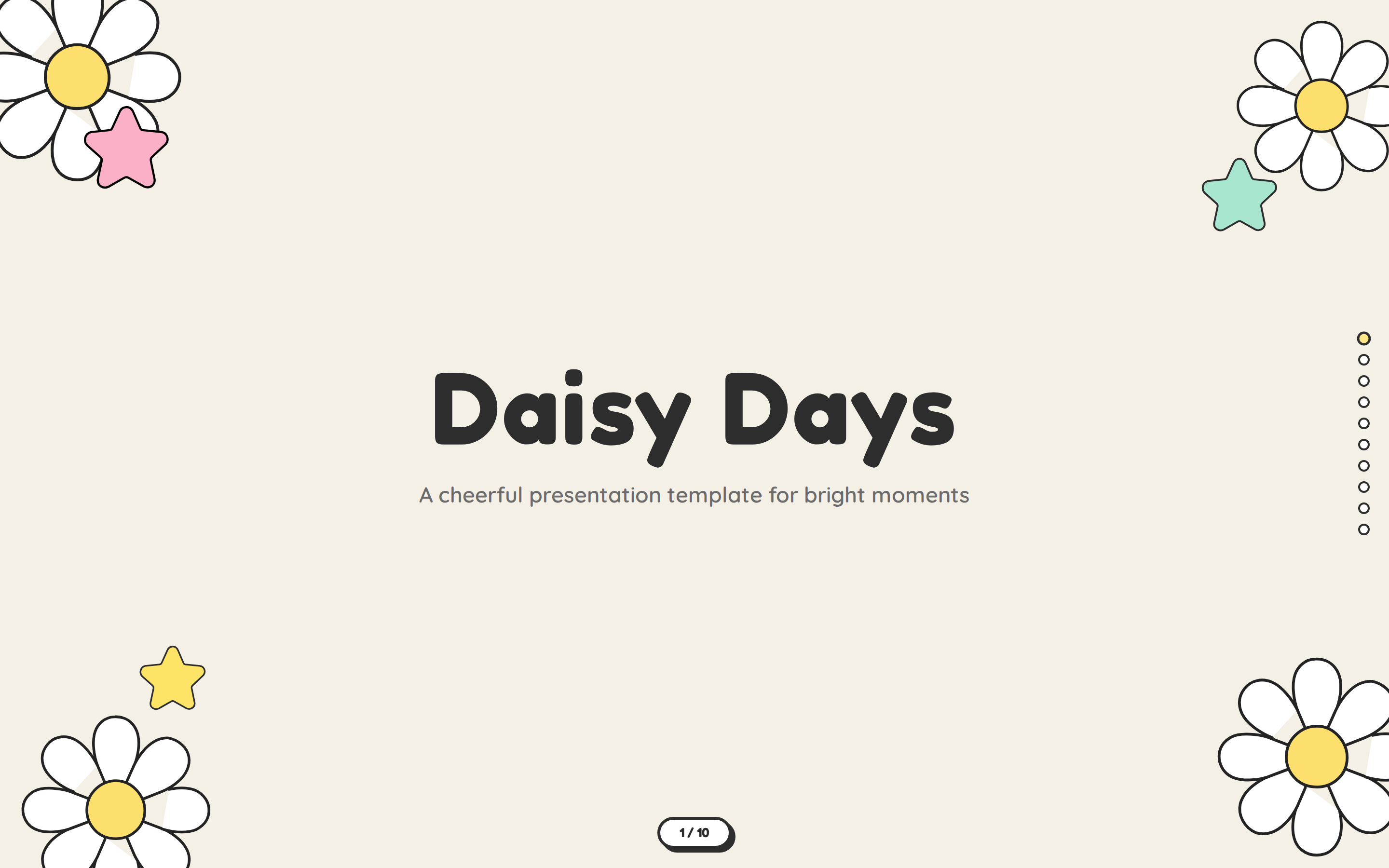
 Daisy Days — Cheerful pastel deck with hand-drawn daisies, stars, and rainbows. Friendly, soft, and warm. Anything that should feel friendly, soft, and joyful: educational content, kids and family, wellness programs, community workshops, creator portfolios for craft / illustration.
 deck Read full prompt →
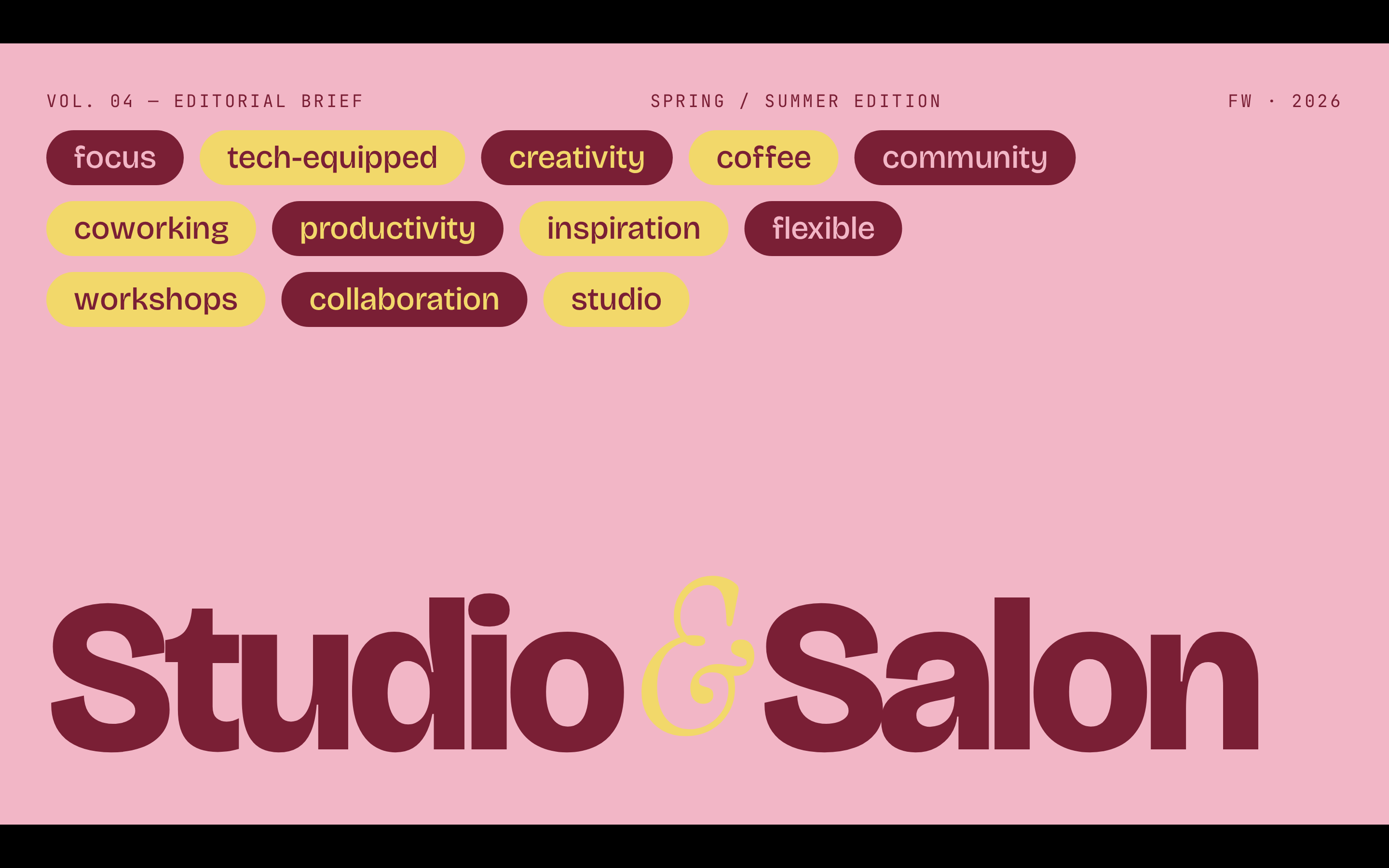
 Editorial Tri-Tone — Three-color editorial system: dusty pink, mustard cream, and deep burgundy, set in Bricolage + Instrument Serif. Anything that should feel like a fashion-magazine spread: editorial pitches, fashion brand decks, lifestyle media, art direction reviews.
 deck Read full prompt →
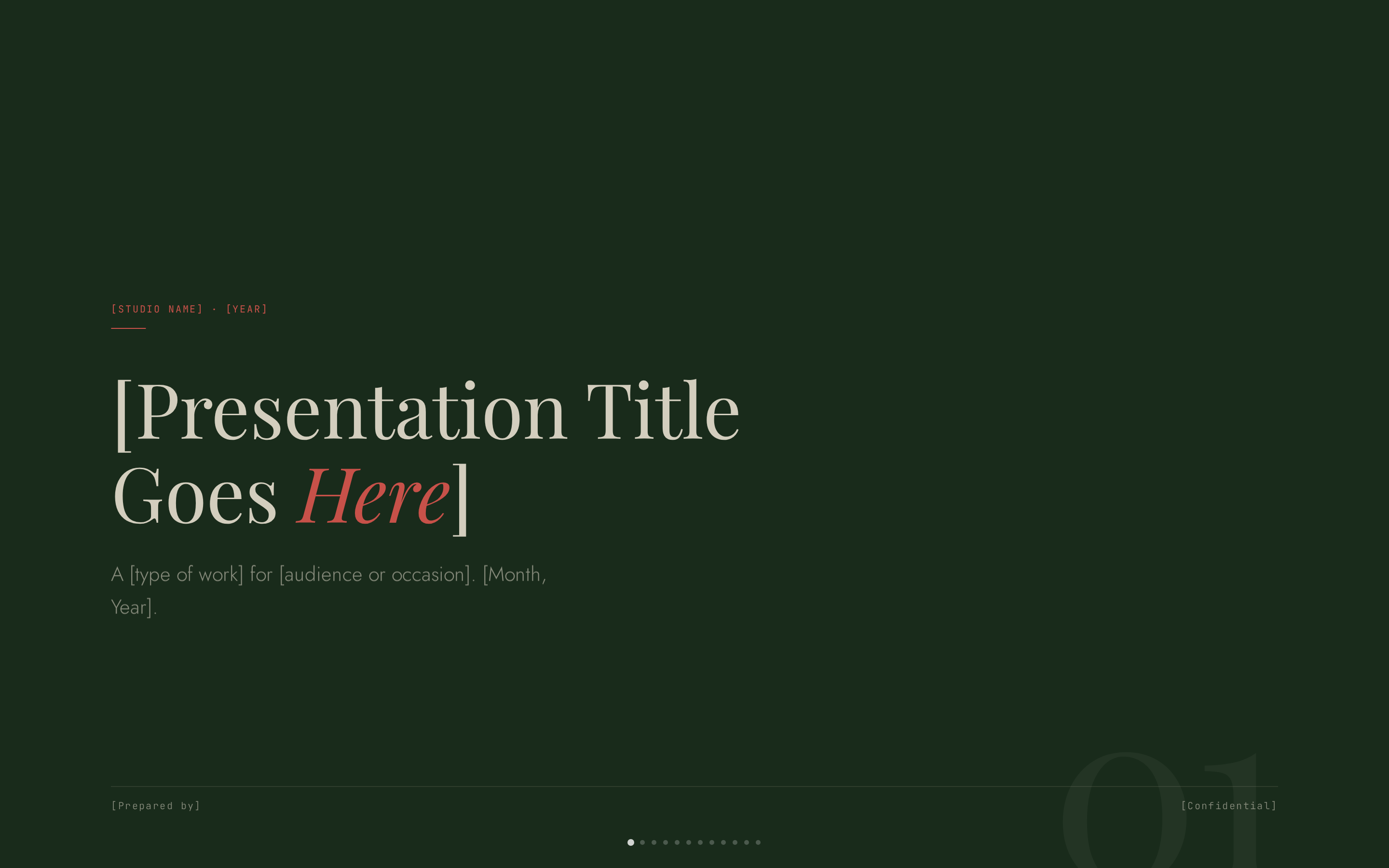
 Grove — Forest-green canvas with cream type, classical Playfair serifs, and a single rust accent. Anything that should feel organic, considered, and grown-up: sustainability and wellness brands, outdoor / nature products, wineries and restaurants, literary or arts decks, advisory deliverables, bilingual EN/CN reports.
 deck Read full prompt →
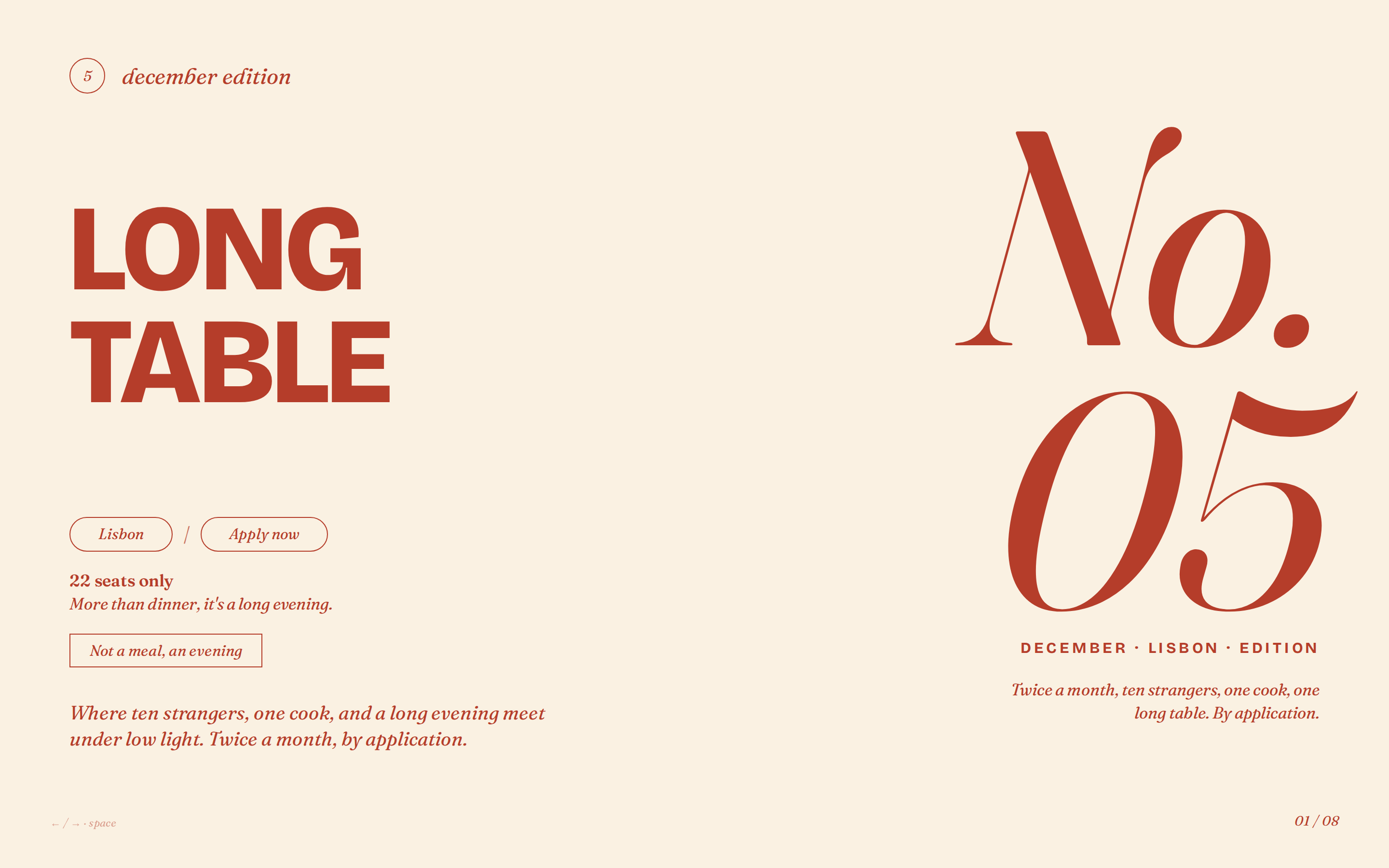
 Long Table — Warm cream and rust-red supper-club aesthetic with bold uppercase grotesk headlines, italic Fraunces, and pill-shaped outlined buttons. Anything that should feel like a warm, intimate, modern hospitality / community brand: supper clubs, dinner series, small restaurants, creative-studio events, membership pitches, lifestyle and wine brands.
 deck Read full prompt →
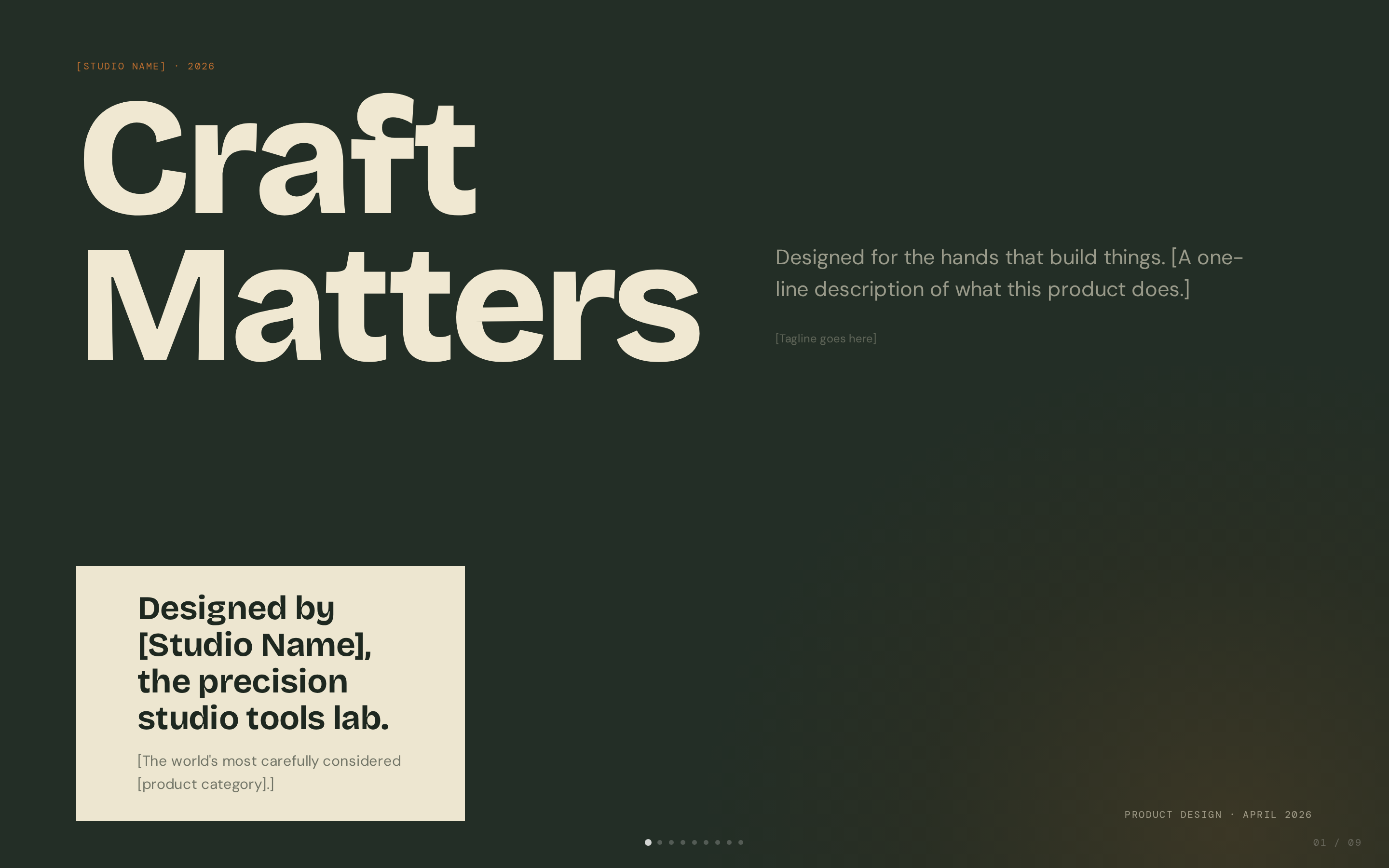
 Mat — Dark sage canvas with bone paper and burnt-orange accent; mid-century modern with wood undertones. Anything that should feel mid-century, tactile, and intentional: design studio credentials, architecture / interior brands, ceramics / craft / furniture, advisory decks.
 deck Read full prompt →
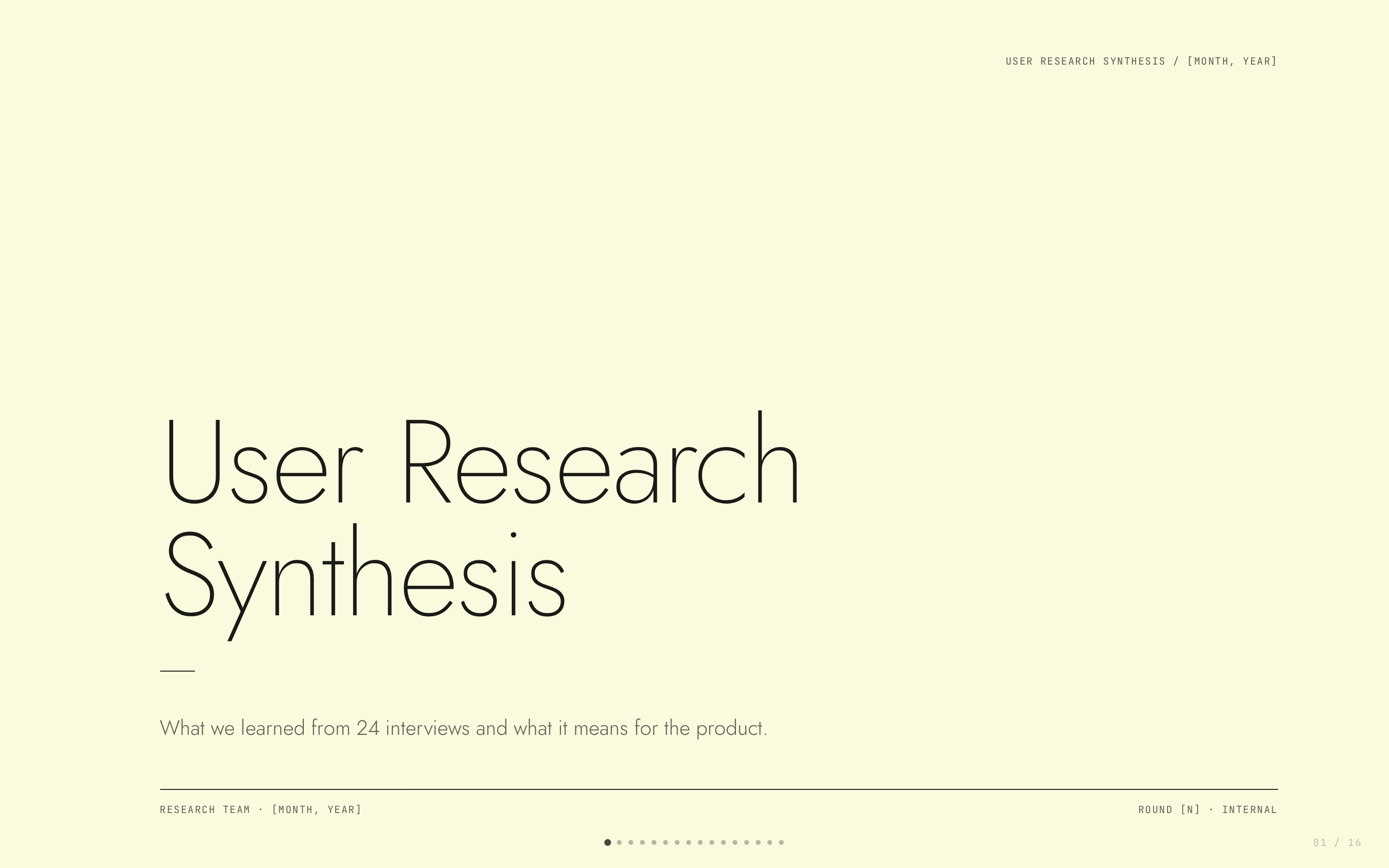
 Monochrome — Ivory ledger paper with all-black type; Lora serif headlines, Jost body, no color at all. Anything that should feel like a hand-typeset ledger: user research synthesis, white papers, longform reports, academic and policy briefs, advisory deliverables, bilingual EN/CN reports.
 deck Read full prompt →
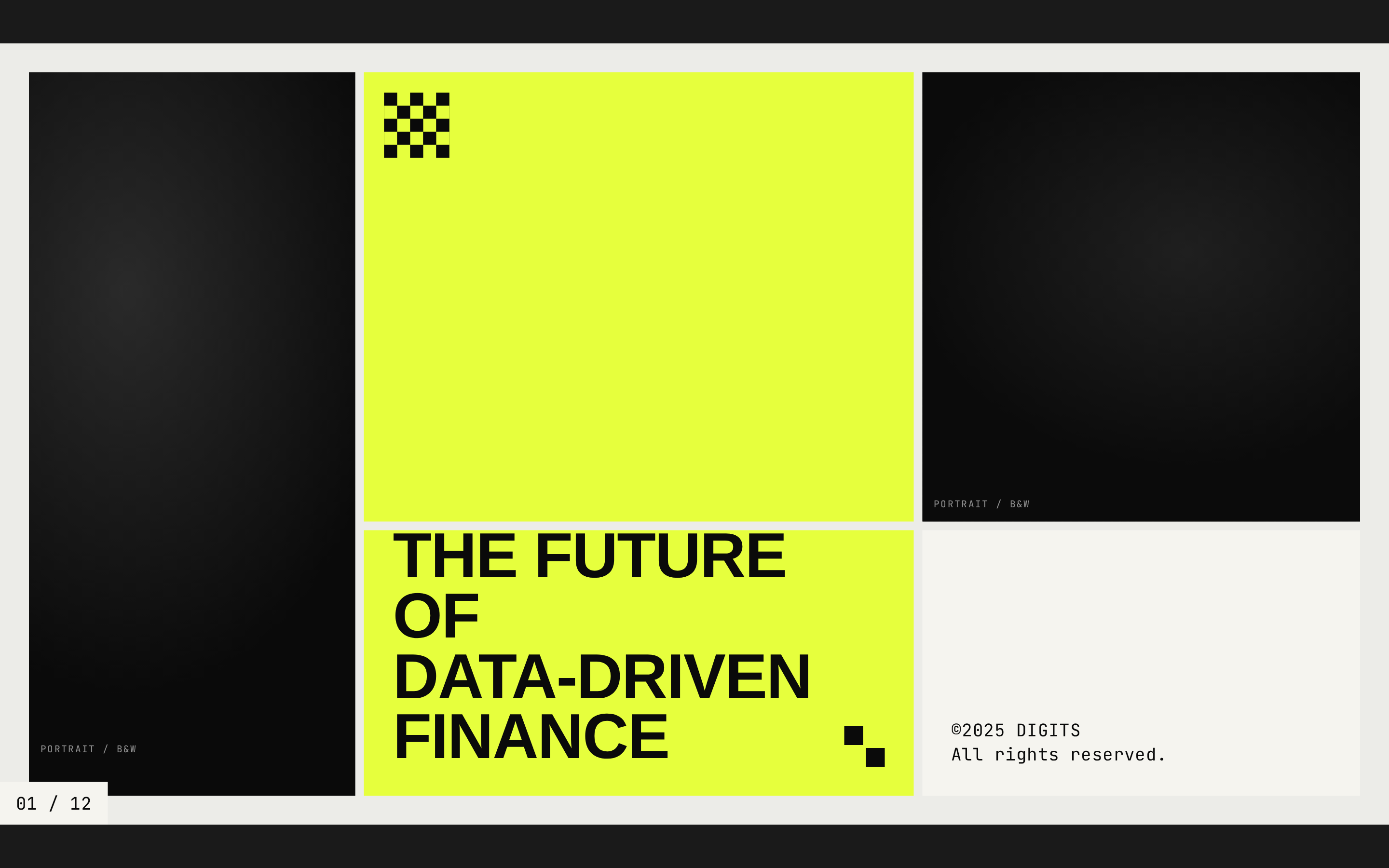
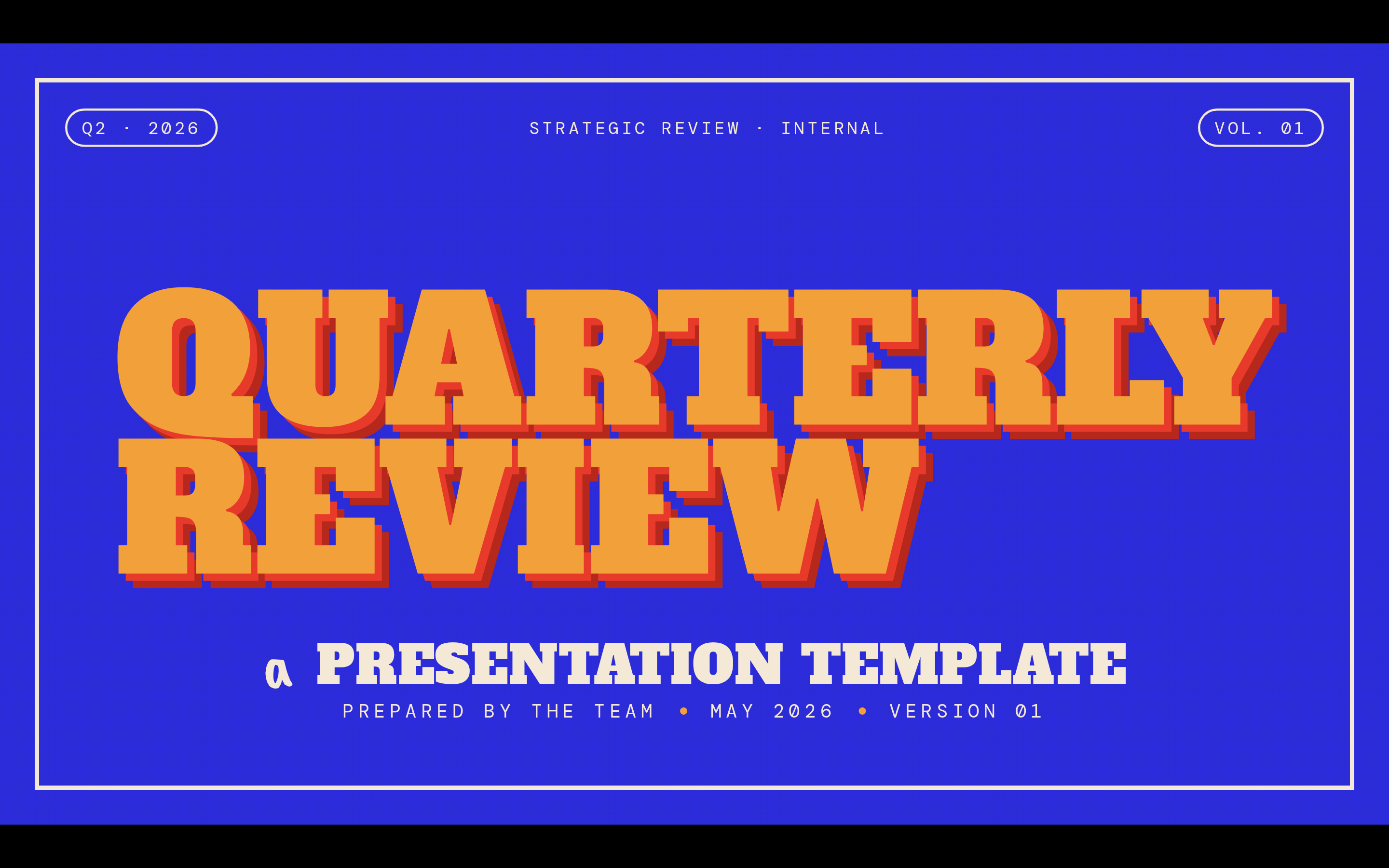
 Neo-Grid Bold — Editorial neo-brutalism with a single neon yellow accent on off-white paper. Anything that should feel confident and editorial-graphic: design-led pitches, brand work, founder talks, conference keynotes.
 deck Read full prompt →
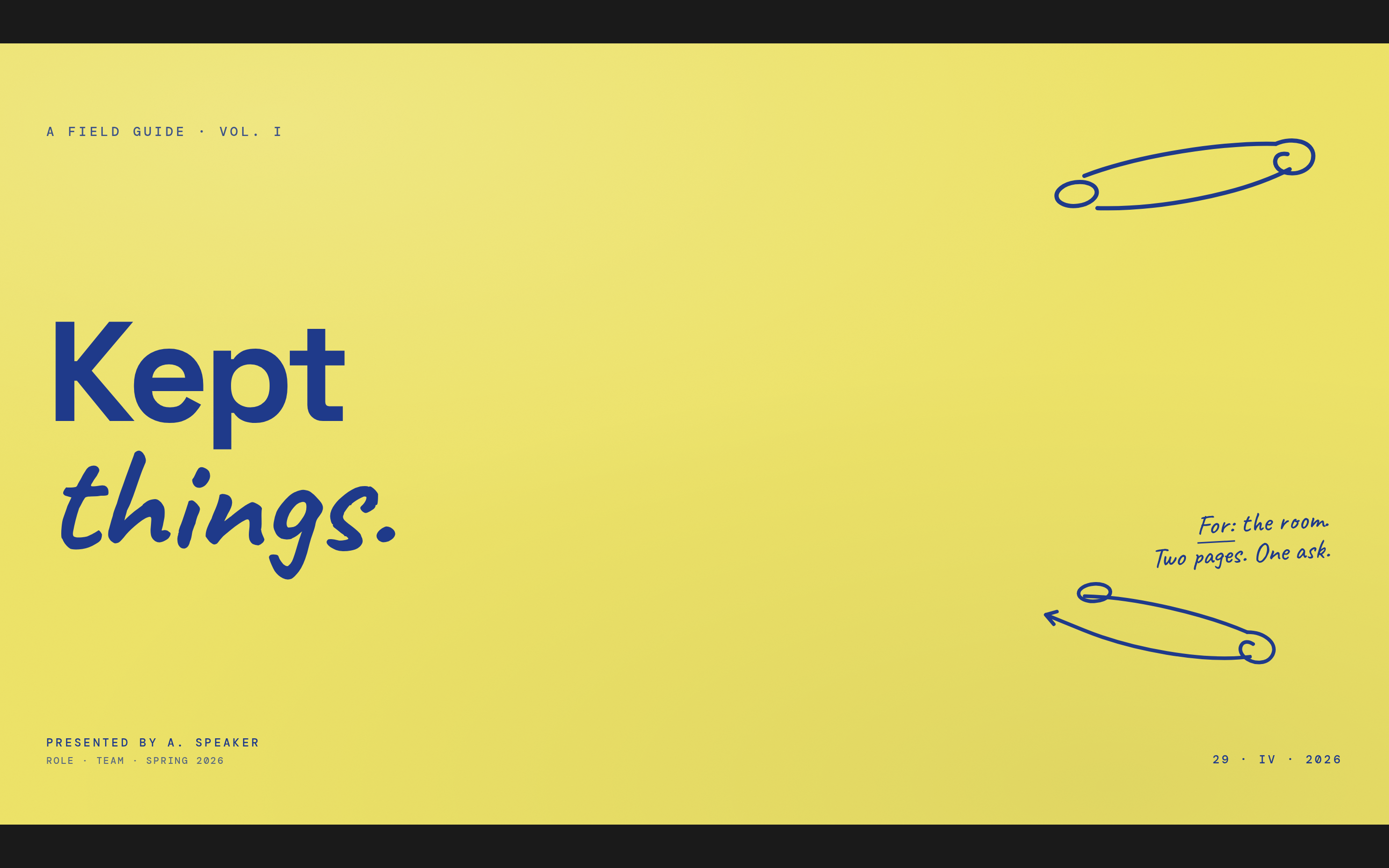
 People's Platform (Block & Bold) — Activist poster energy: blue, orange, red on cream, with Alfa Slab + Caveat Brush. Anything that should feel honest, loud, and graphic: cultural commentary, manifestos, civic and community decks, design talks, campaign pitches.
 deck Read full prompt →
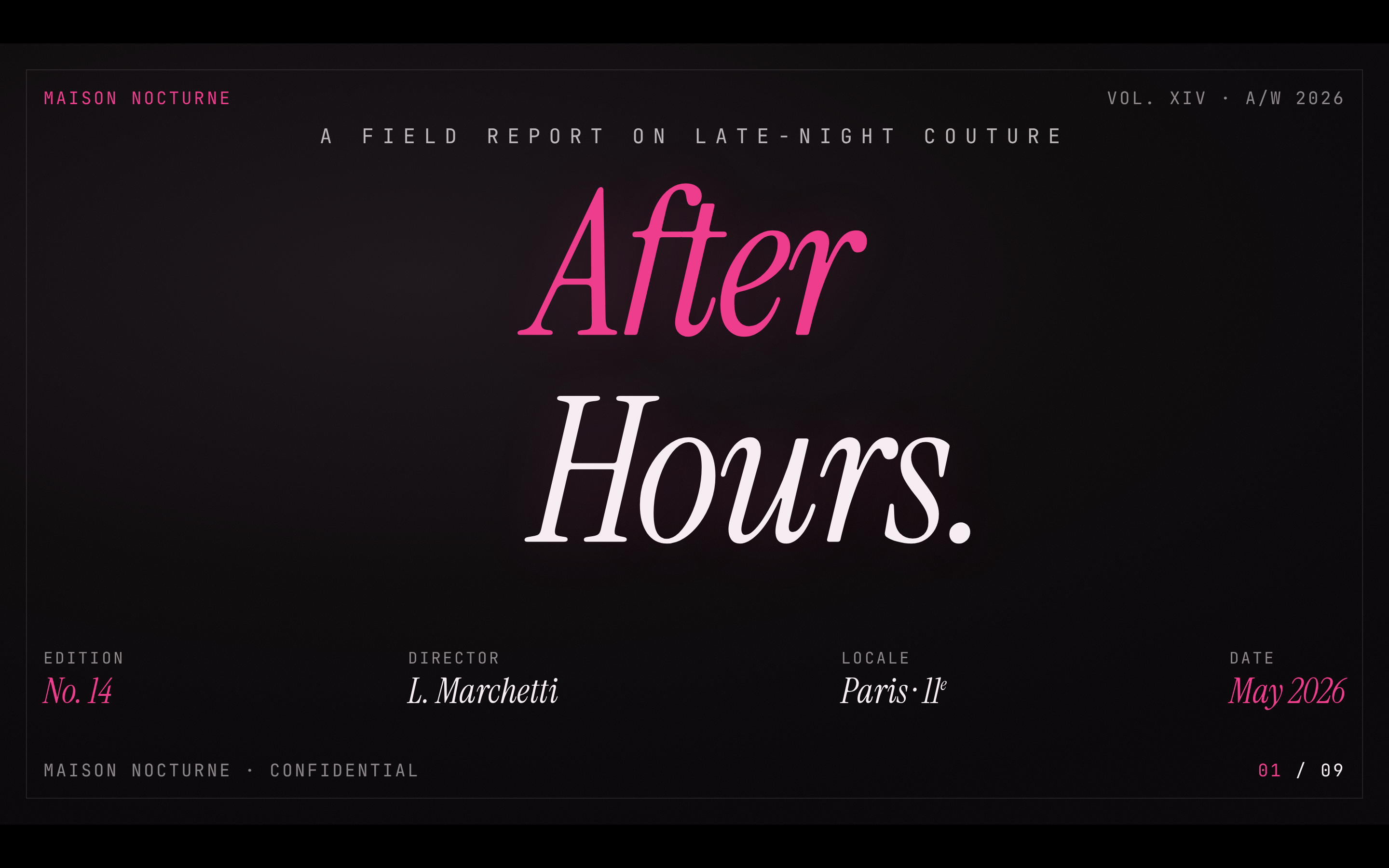
 Pin & Paper — Yellow paper with safety-pin illustrations, ink-blue handwritten Caveat, paper-grain texture. Anything that should feel hand-crafted, warm, and literary: qualitative research findings, founder reflections, longform brand stories, workshop debriefs.
 deck Read full prompt →
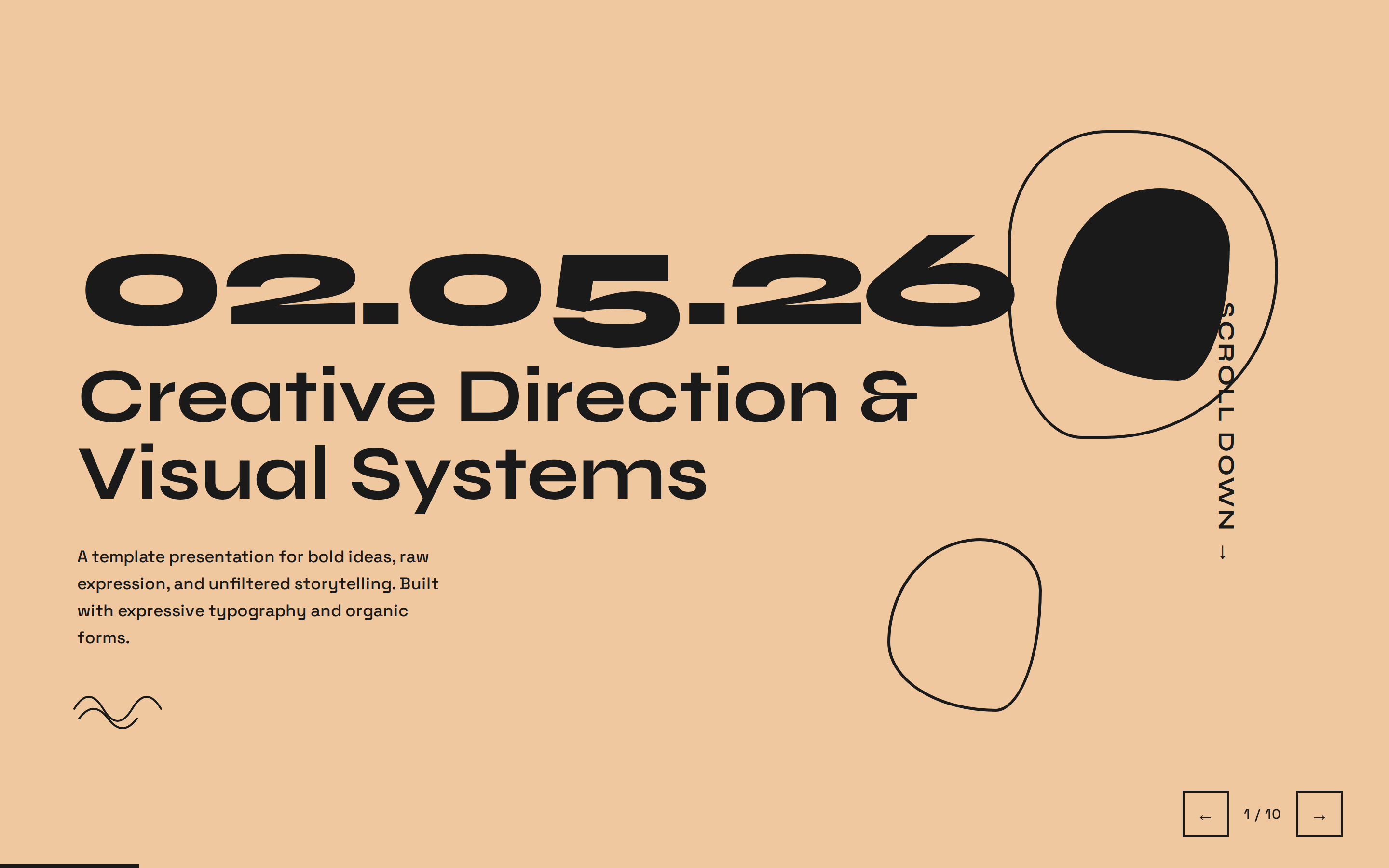
 Pink Script — After Hours — Black canvas, hot pink accent, pearl-cream paper, Instrument Serif headlines: late-night editorial luxury. Anything that should feel nocturnal, intentional, and a little luxe: fashion brand decks, creator personal brands, after-hours / nightlife / spirits launches, luxury product reveals, editorial features.
 deck Read full prompt →
 Playful — Sun-warm peach background with Syne display: a friendly indie launch deck. Anything that should feel warm, indie, and approachable: creator portfolios, indie product launches, lifestyle brands, small-business pitches, newsletter / community decks.
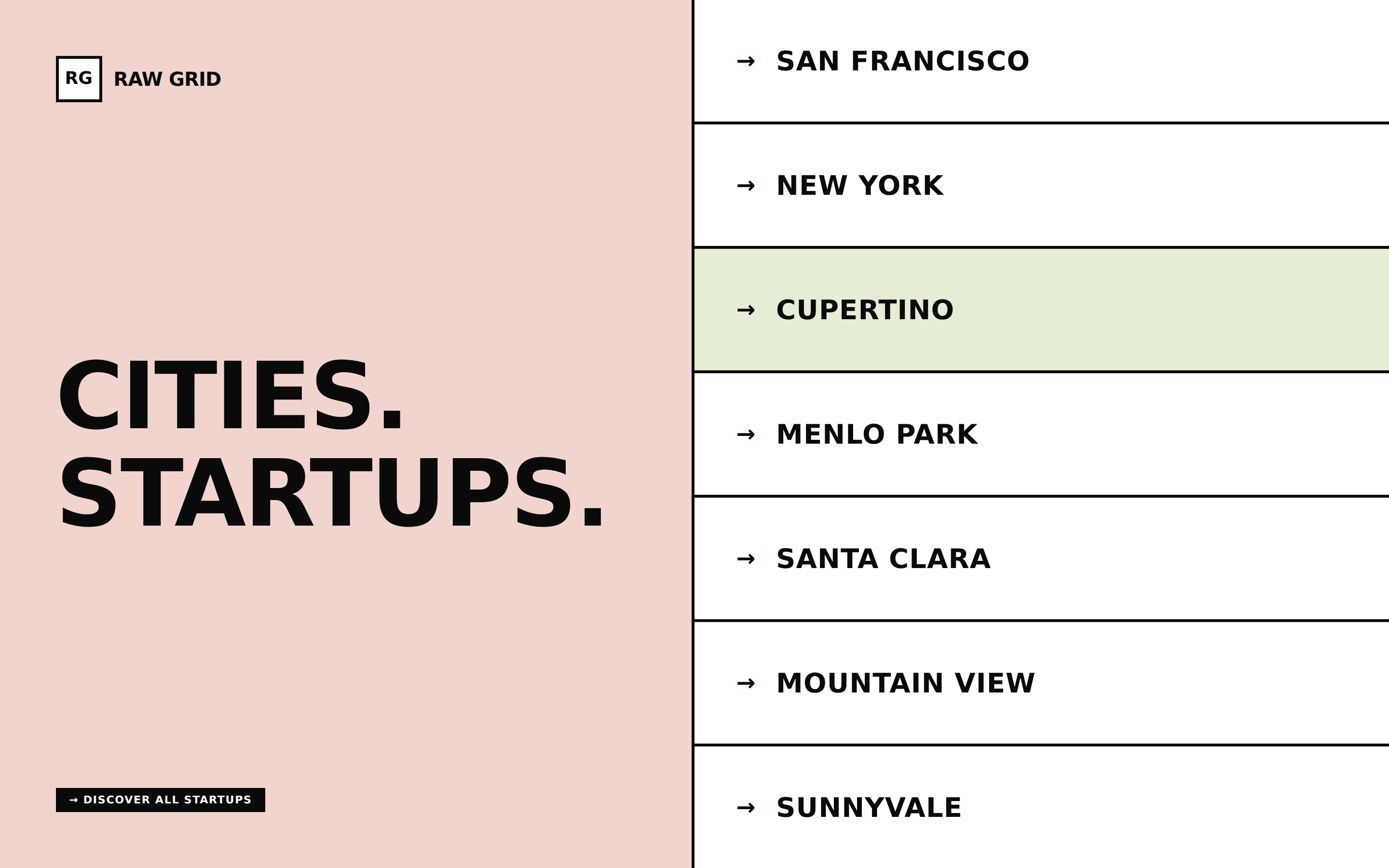 deck Read full prompt →
 Raw Grid — Neo-brutalist deck with thick borders, offset shadows, and a pink/sage/ink palette. Anything that should feel direct and graphic-confident: founder pitches, accelerator demos, brand decks, indie launches, creator portfolios.
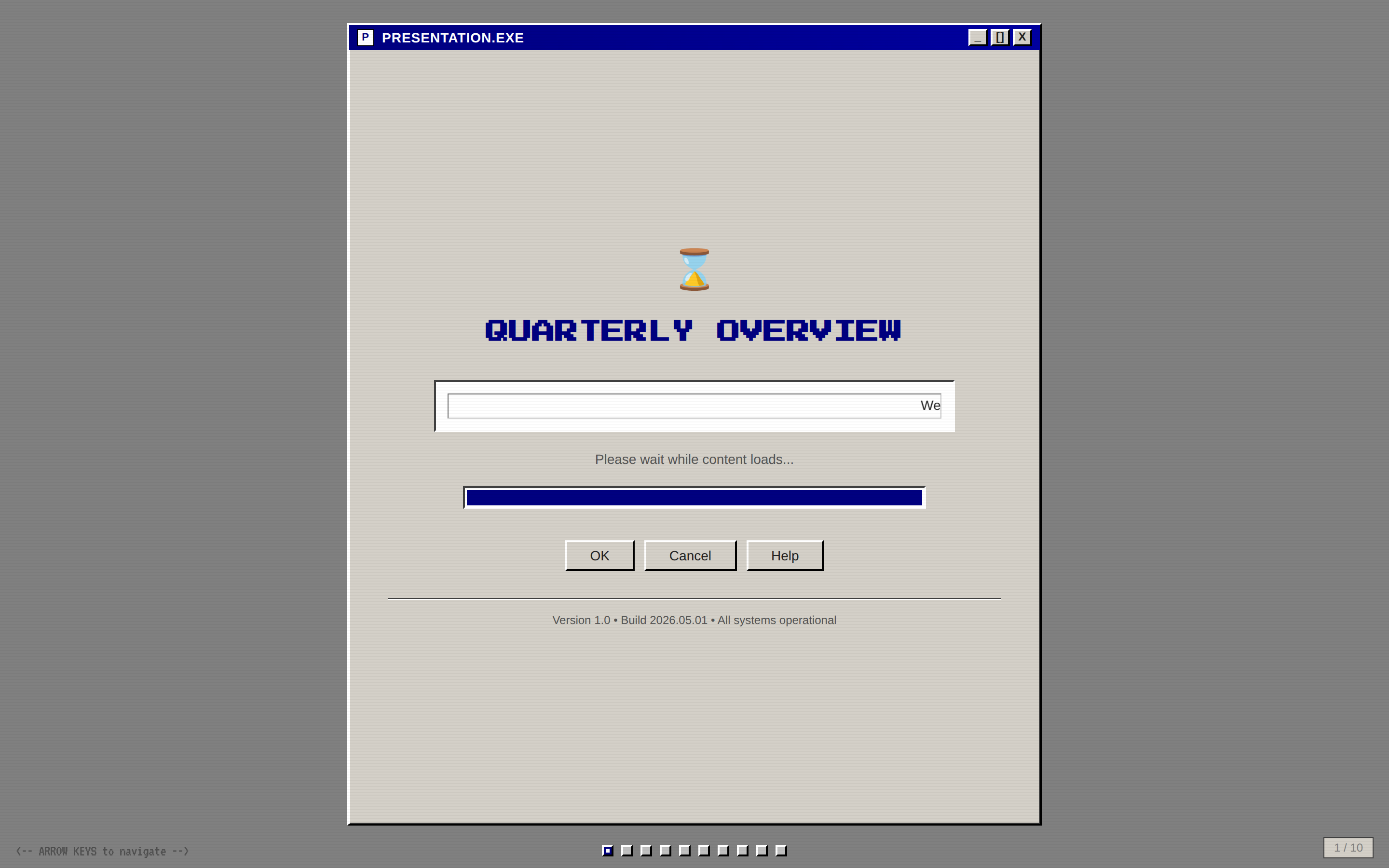 deck Read full prompt →
 Retro Windows — Windows 95 chrome: gray title bars, MS Sans Serif, pixel typography, full nostalgia. Anything that should feel knowingly nostalgic: retro gaming, Y2K-aesthetic brands, creator portfolios with a 90s vibe, tech-history talks, deliberately tongue-in-cheek decks.
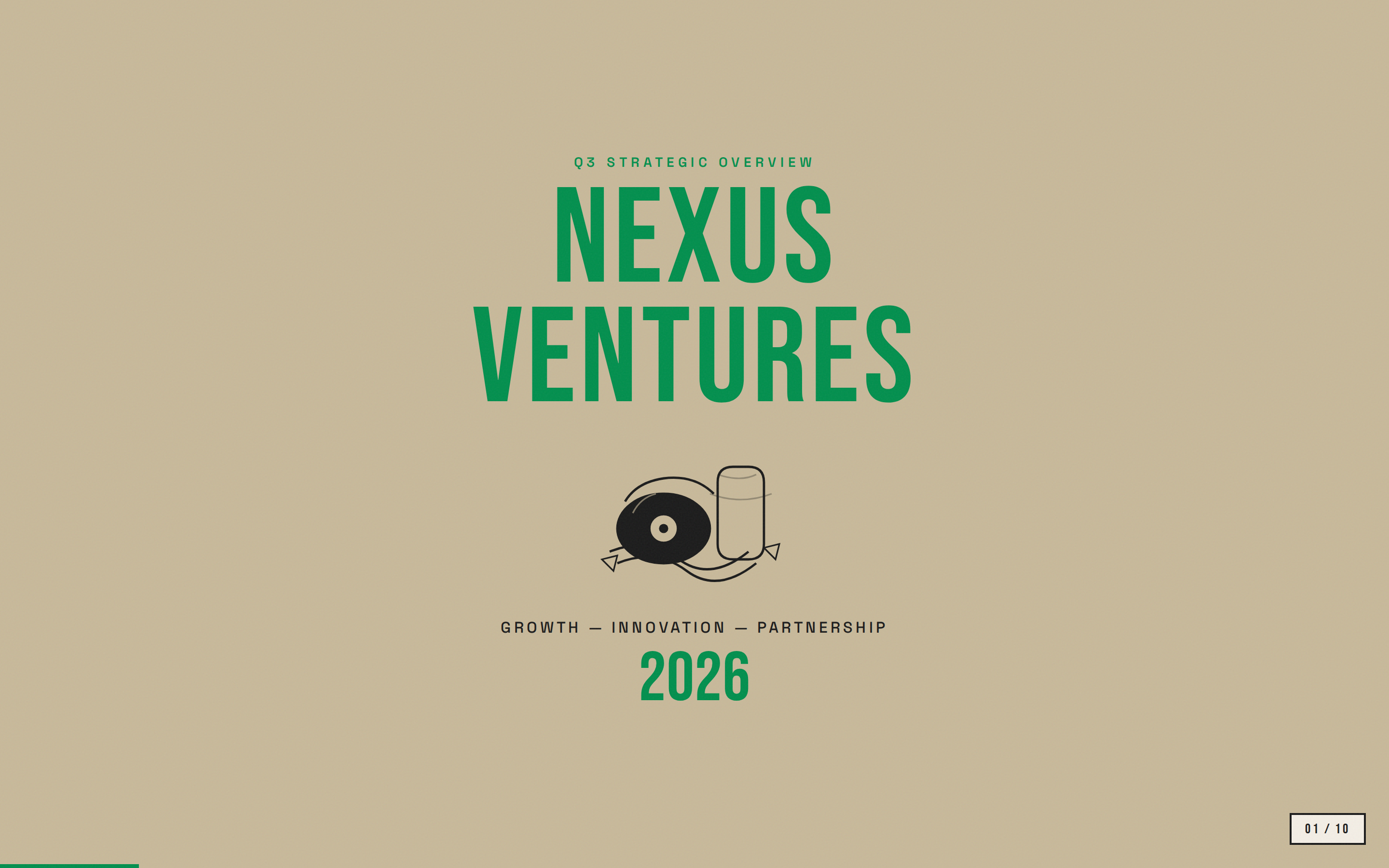 deck Read full prompt →
 Retro Zine — Beige paper with green accent and Bebas Neue + Caveat: a riso-printed zine in HTML form. Anything that should feel printed, lo-fi, and crafted: indie zines and publications, music / arts brands, creator portfolios, small-batch craft launches, community decks.
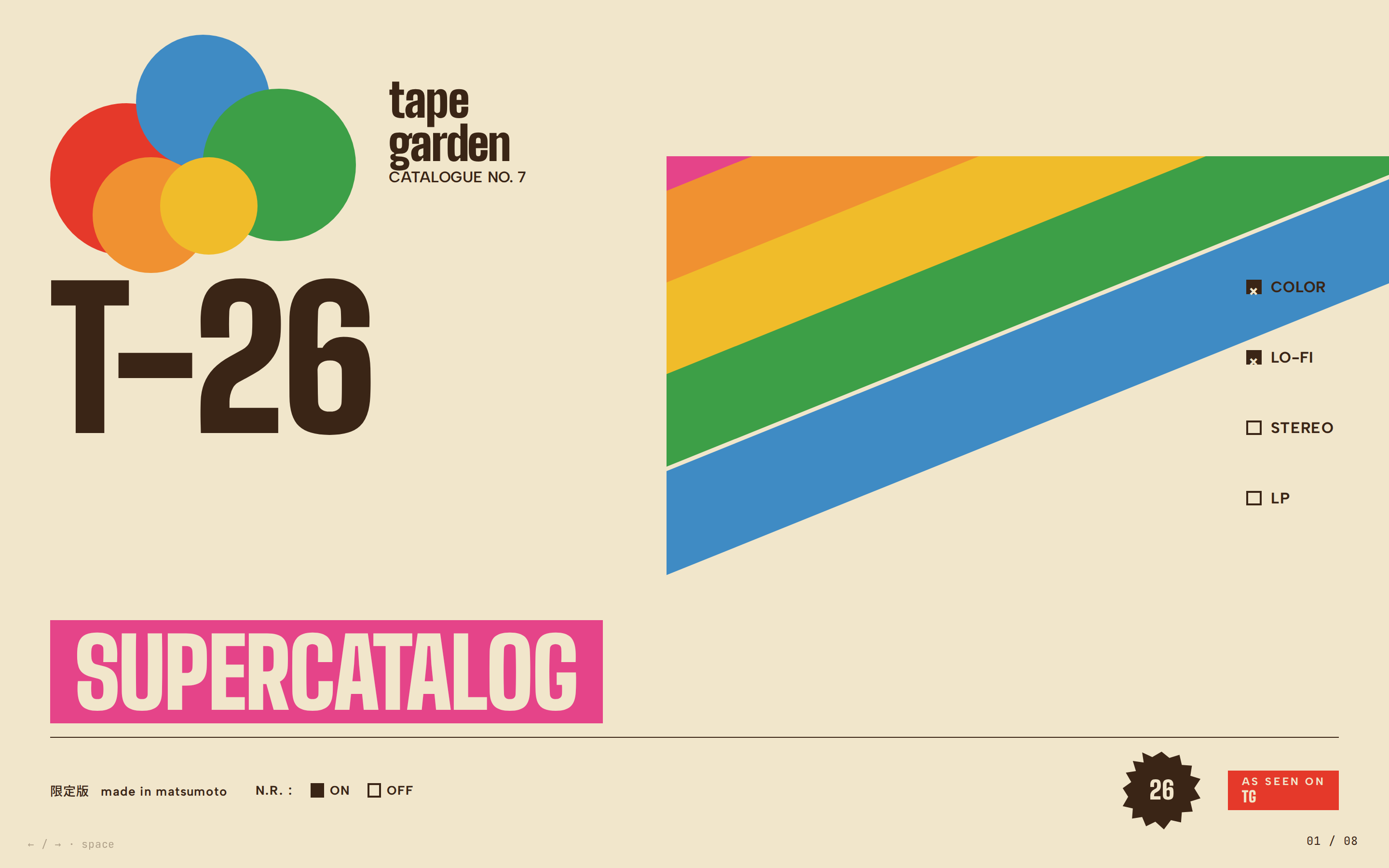 deck Read full prompt →
 Sakura Chroma — Vintage Japanese cassette-package aesthetic: cream paper, diagonal rainbow ribbons, condensed bold type, JIS-style spec checkboxes. Anything that should feel like a vintage Japanese cassette package or a TDK / Sony / Sakura Color product catalogue: indie hardware brand decks, music-label release schedules, analog studio retrospectives, zine and magazine pitches, kawaii-tech product launches, creative-studio annual reports.
 deck Read full prompt →
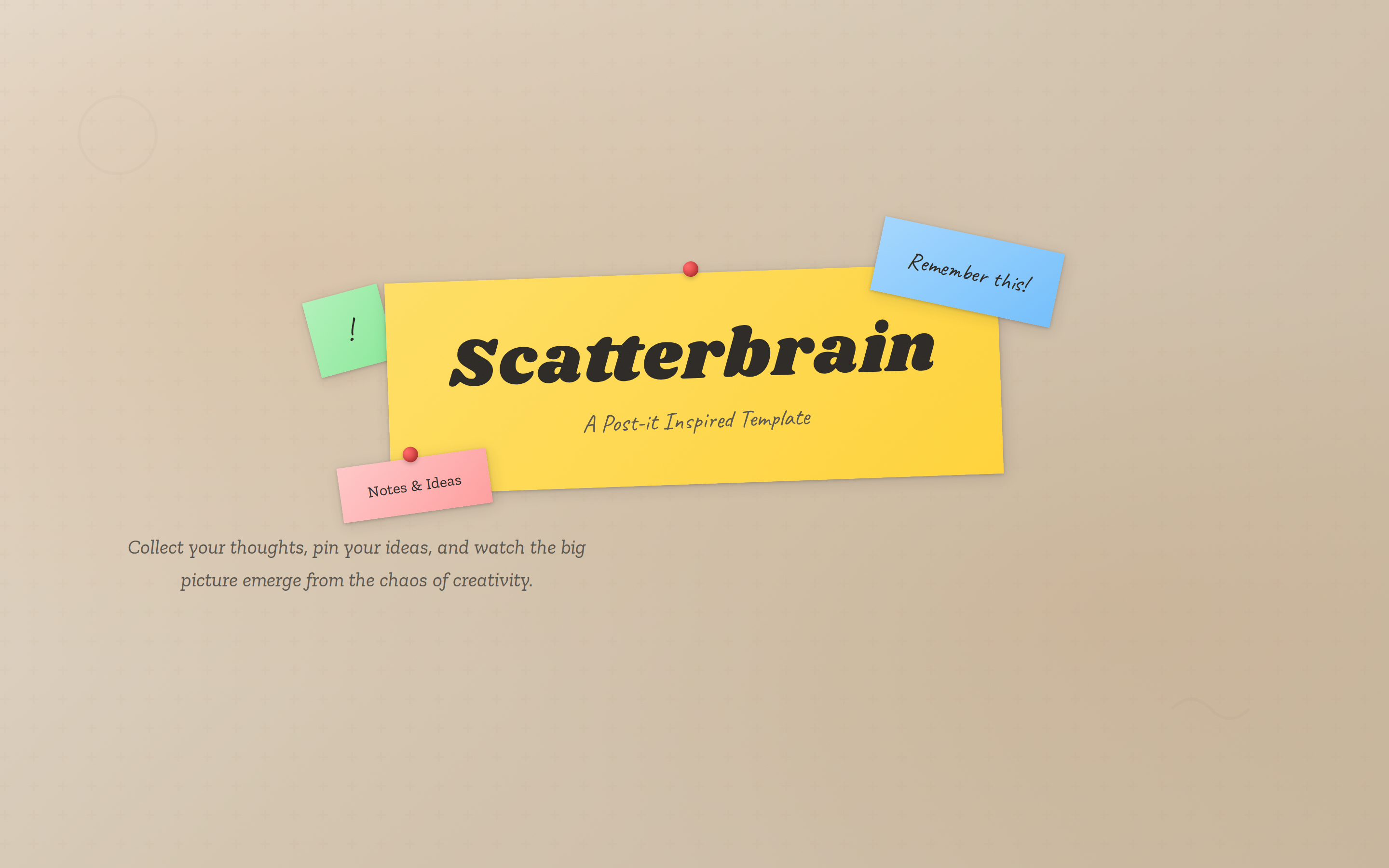
 Scatterbrain — Post-it inspired: pastel sticky notes, Caveat handwriting, Shrikhand and Zilla Slab type stack. Anything that should feel like a designer's whiteboard: brainstorms, workshops, creative-agency credentials, design-thinking sessions, ideation pitches, art-direction reviews.
 deck Read full prompt →
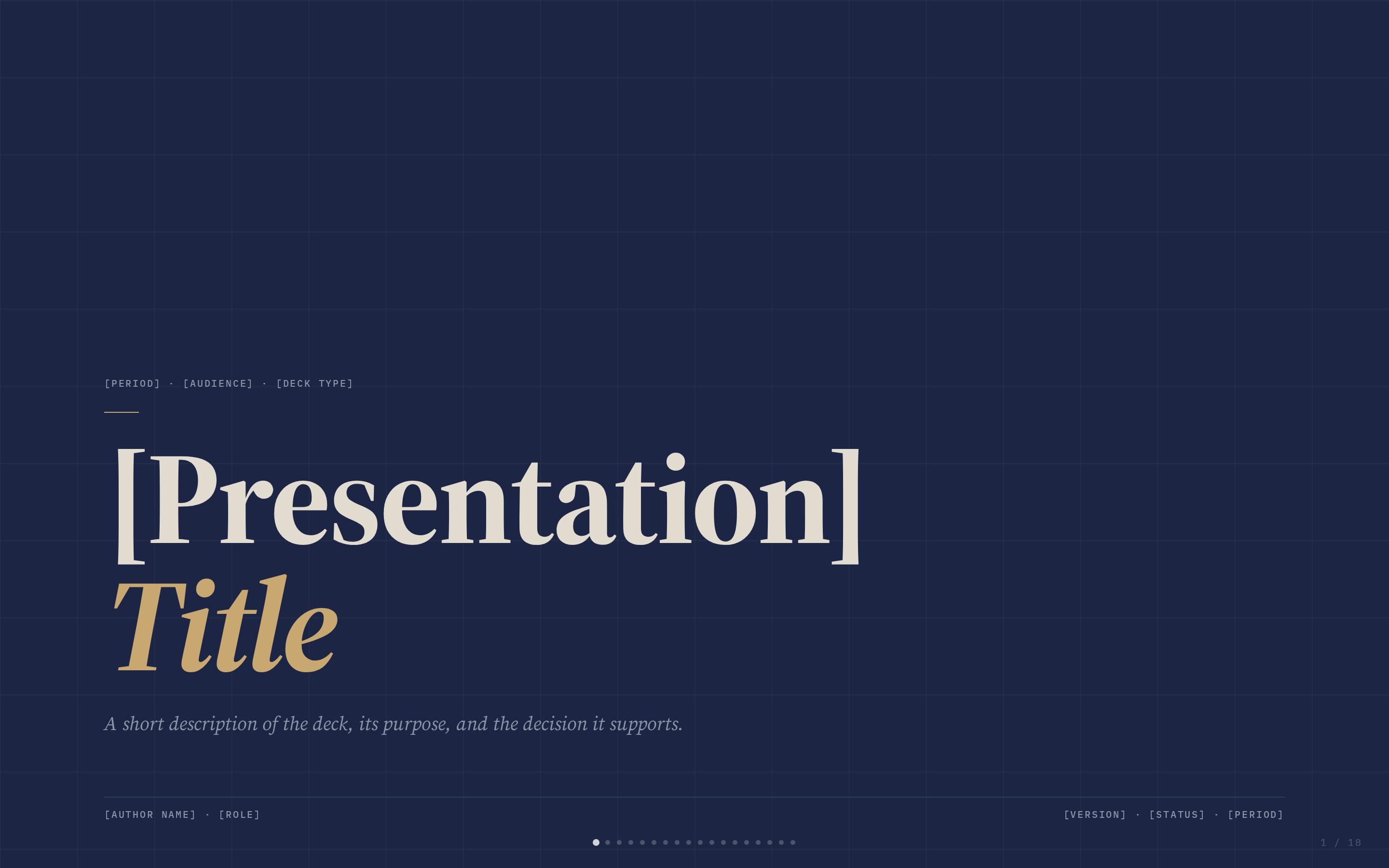
 Signal — Deep navy canvas with bone paper and a single muted-gold accent; institutional with quiet weight. Anything that should feel weighty, considered, and credibly institutional: investor decks, board presentations, consulting deliverables, legal / policy briefs, advisory pitches.
 deck Read full prompt →
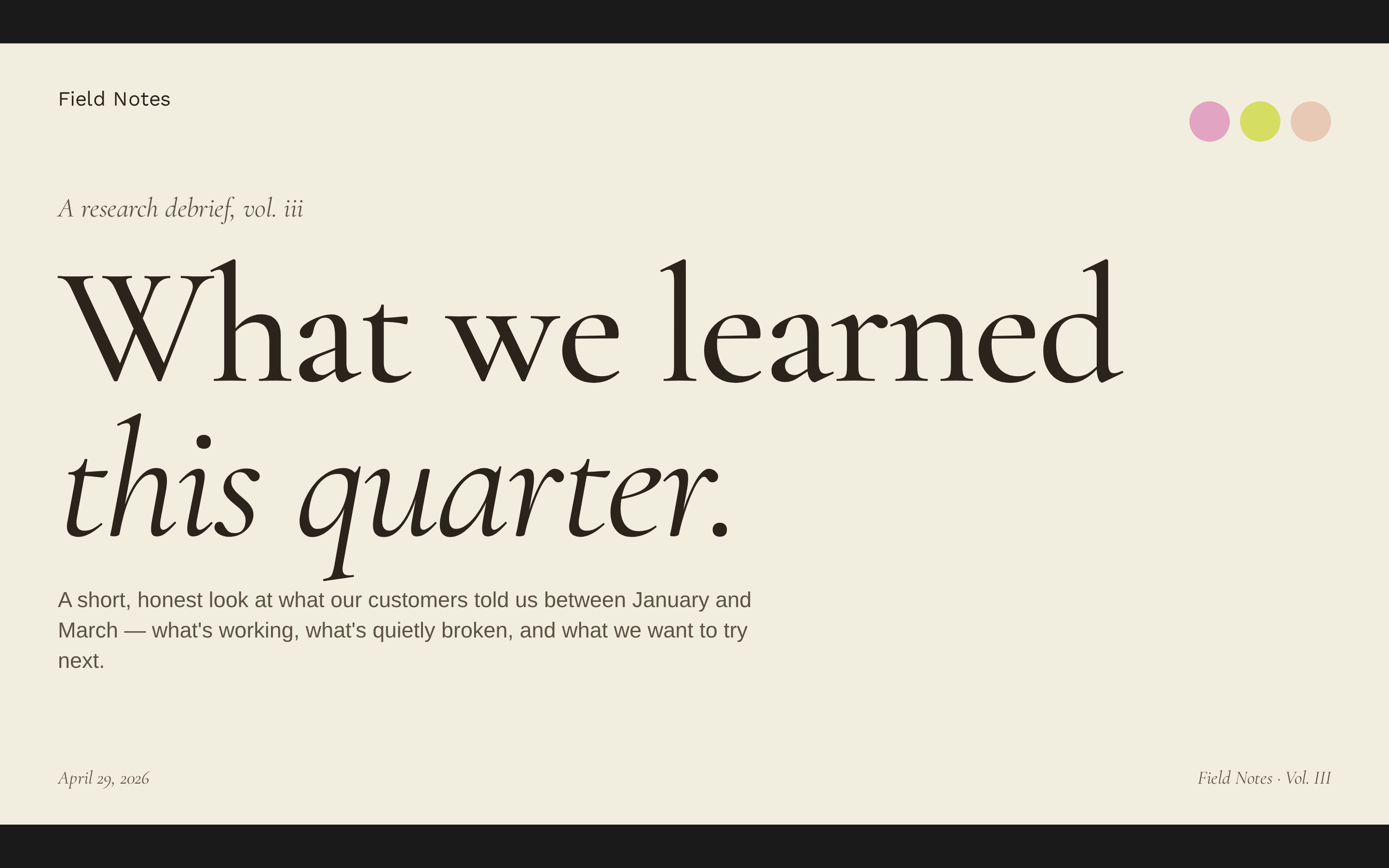
 Soft Editorial — Cormorant Garamond serif on warm paper with sage, blush, and lemon accents. Anything that should feel literary, elegant, and unhurried: editorial features, longform brand stories, gallery / museum decks, advisory deliverables, wedding / lifestyle media, founder essays.
 deck Read full prompt →
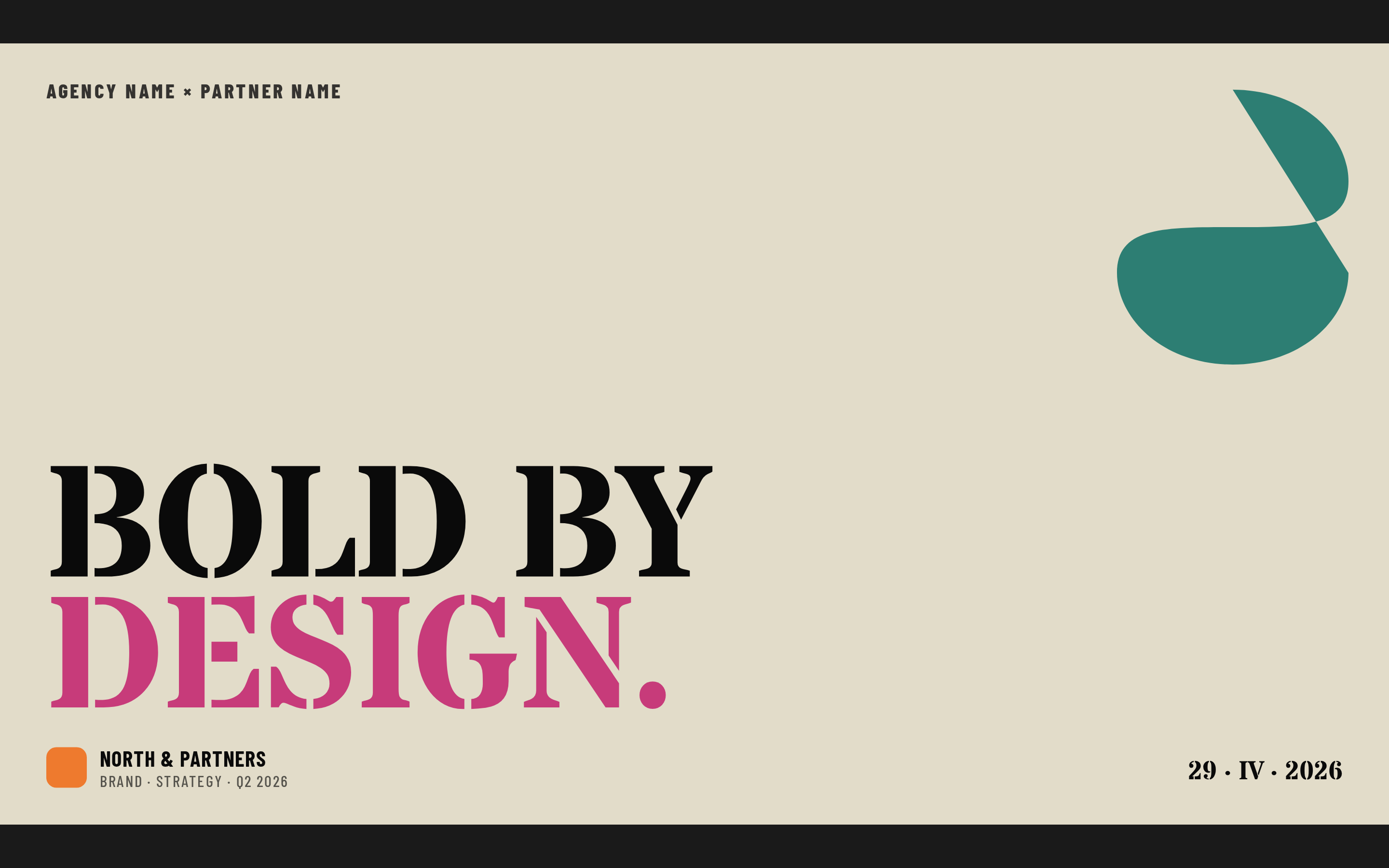
 Stencil & Tablet — Bone paper with stencil-cut headlines and a six-color earth palette: archaeology meets brand. Anything that should feel archival, tactile, and weighty-graphic: museum and cultural-institution decks, art / architecture brands, longform research, heritage and craft brands, manifestos.
 deck Read full prompt →
 Studio — Black canvas with electric-yellow type; high-voltage design studio aesthetic. Anything that should feel electric and design-led: studio credentials, creative agency pitches, brand showcases, art-direction reviews, fashion / sneaker brand work.
 deck Read full prompt →
 Vellum — Deep navy canvas with warm-yellow italic Cormorant serifs and a single dusty teal accent. A quiet, scholarly aesthetic. Anything that should feel scholarly, literary, and quietly intelligent: research synthesis, white papers, academic and policy briefs, advisory deliverables, longform editorial pieces, founder reflections.
Instruction for Seedance 2 to create an in-place walking animation for a specific character reference.
 video Read full prompt →
 Create video compositions, animations, title cards, overlays, captions, voiceovers, audio-reactive visuals, and scene transitions in HyperFrames HTML. Use when asked to build any HTML-based video content, add captions or subtitles synced to audio, generate text-to-speech narration, create audio-reactive animation (beat sync, glow, pulse driven by music), add animated text highlighting (marker sweeps, hand-drawn circles, burst lines, scribble, sketchout), or add transitions between scenes (crossfades, wipes, reveals, shader transitions). Covers composition authoring, timing, media, and the full video production workflow. For CLI commands (init, lint, preview, render, transcribe, tts) see the hyperframes-cli skill.
 video Read full prompt →
 Hyperframes / Remotion-compatible continuous frame animation with autoplay support.
A 6-second vertical 1080×1920 HyperFrames hype clip — Apple-style $0 → $10,000 counter with green flash, money burst particles, cash-stack icon, kicker headline. Built on the HyperFrames `apple-money-count` catalog block.
A 12-second 16:9 app showcase composition — three floating iPhone screens hover in 3D space, each rotating in turn to surface a different feature, beat-synced label callouts, end logo lockup. Built directly on the HyperFrames `app-showcase` catalog block.
A 30-second 16:9 HyperFrames sizzle reel — fast cuts, beat-synced kinetic typography, audio-reactive scale on display words, shader transitions between five scenes, end-card with logo bloom. Modelled on the aisoc-hype archetype from the student kit.
A 30-second HyperFrames composition modelled on Linear/ClickUp-style product films — UI 3D reveals, beat-synced kinetic typography, animated UI screenshots, end-card with logo outro. Built from HF catalog blocks (ui-3d-reveal, app-showcase, logo-outro) plus shader transitions between scenes.
A 4-second 16:9 logo outro — piece-by-piece wordmark assembly with bloom, shimmer sweep across the final lockup, soft grain overlay, single-line CTA. Built on the HyperFrames `logo-outro`, `shimmer-sweep`, and `grain-overlay` blocks.
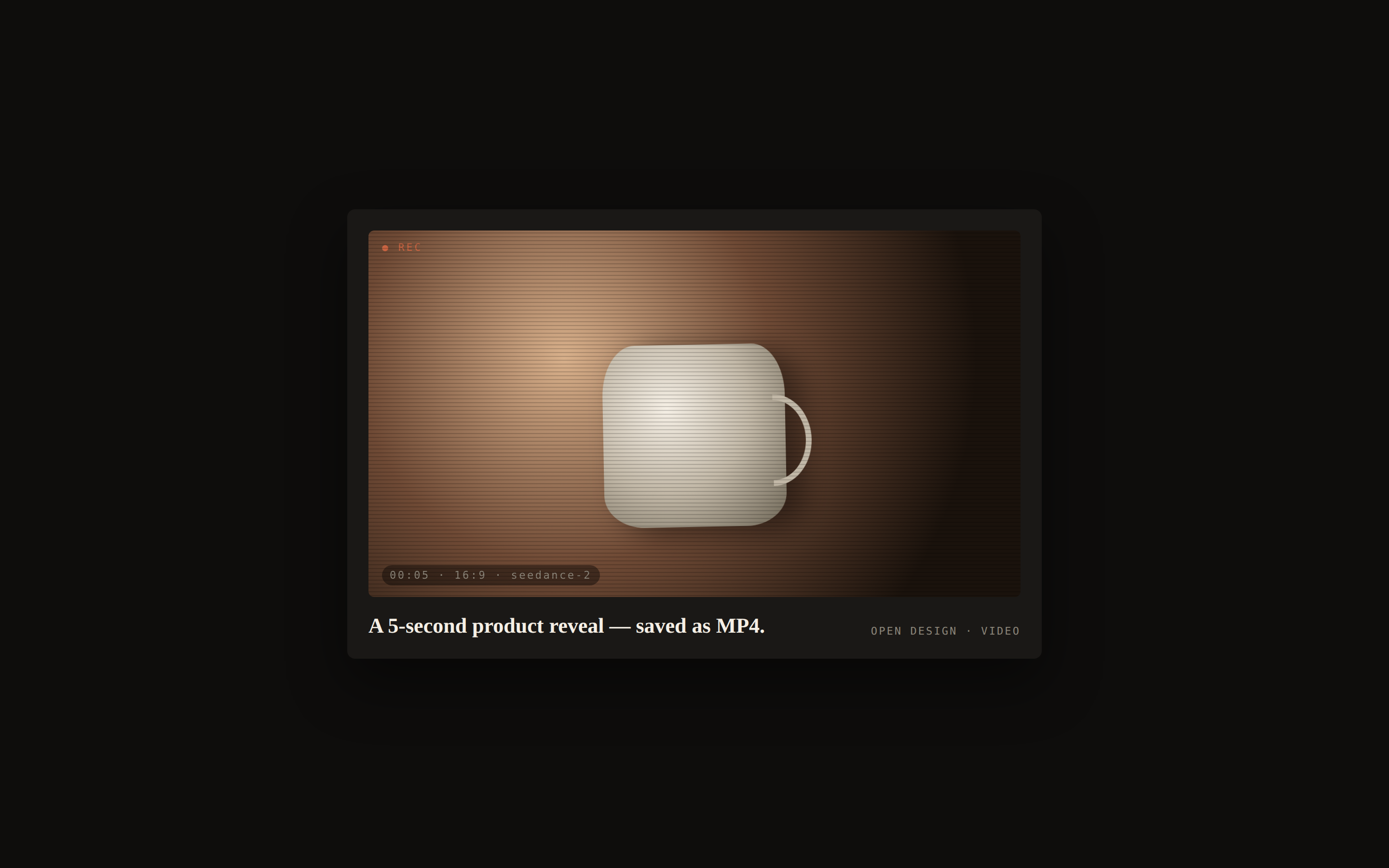
A 5-second HyperFrames composition for a high-end product reveal — dark canvas, single warm accent, slow push-in title card, kinetic kicker line, restrained motion. The agent renders MP4 from HTML+GSAP via puppeteer; no stock footage needed.
A 15-second vertical 1080×1920 HyperFrames composition that stacks four animated social cards over a face-cam loop — an X post, a Reddit reaction, a Spotify now-playing card, and an Instagram-follow CTA at the end. Each card is a HyperFrames catalog block; the choreography is the value-add.
A vertical 1080×1920 HyperFrames short — TTS-narrated talking-head over a face-cam loop, with karaoke-style word-synced captions, animated lower third, and a tiktok-follow overlay at the end. Mirrors the may-shorts-19 archetype from the HyperFrames student kit.
A 12-second 16:9 data infographic — animated bar + line chart with staggered category reveal, NYT-style serif headline, footnote source, kinetic value labels. Built directly on the HyperFrames `data-chart` catalog block.
An 8-second 16:9 cinematic flight-route map — realistic terrain zoom, animated plane gliding from origin to destination along a curved path, labelled cities, kinetic distance counter. Built directly on the HyperFrames `nyc-paris-flight` catalog block, repurposable for any city pair.
A 15-second 16:9 HyperFrames composition that captures a live website at three viewport sizes, then animates between them with a chromatic radial split between scenes. Mirrors the hyperframes-sizzle student-kit archetype where the site is the source asset.
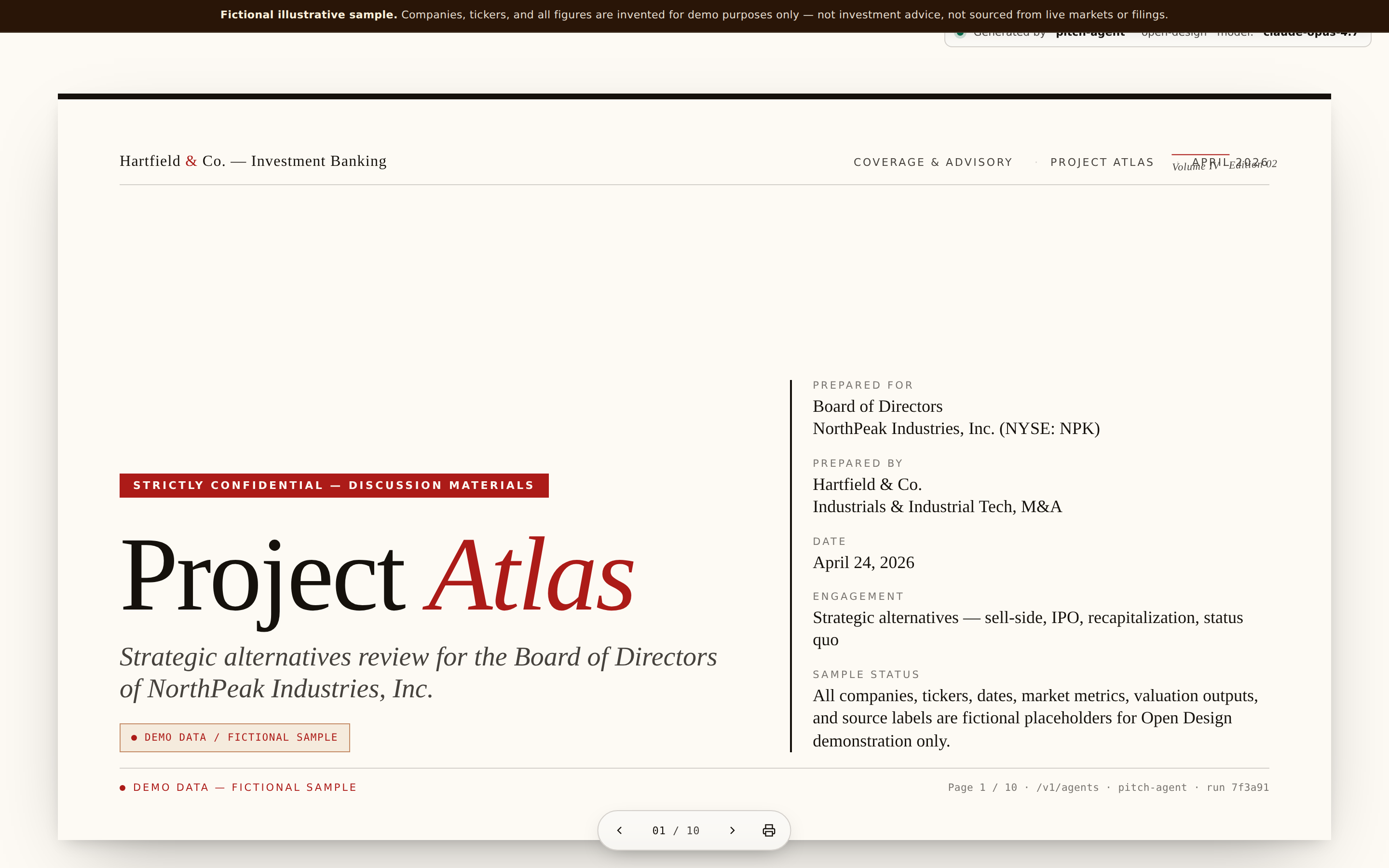 deck Read full prompt →
 Investment-banking pitch book for strategic alternatives — trading comps, precedent transactions, valuation football field, DCF sensitivity, strategic-options matrix, process recommendation. Built by adapting `assets/template.html` so IB-specific chrome, disclosure bands, and source labels are preserved. Use for Board / sell-side discussion materials. Not a VC fundraising deck (see html-ppt-pitch-deck). Workflow adapted from Anthropic financial-services Pitch Agent (Apache-2.0).
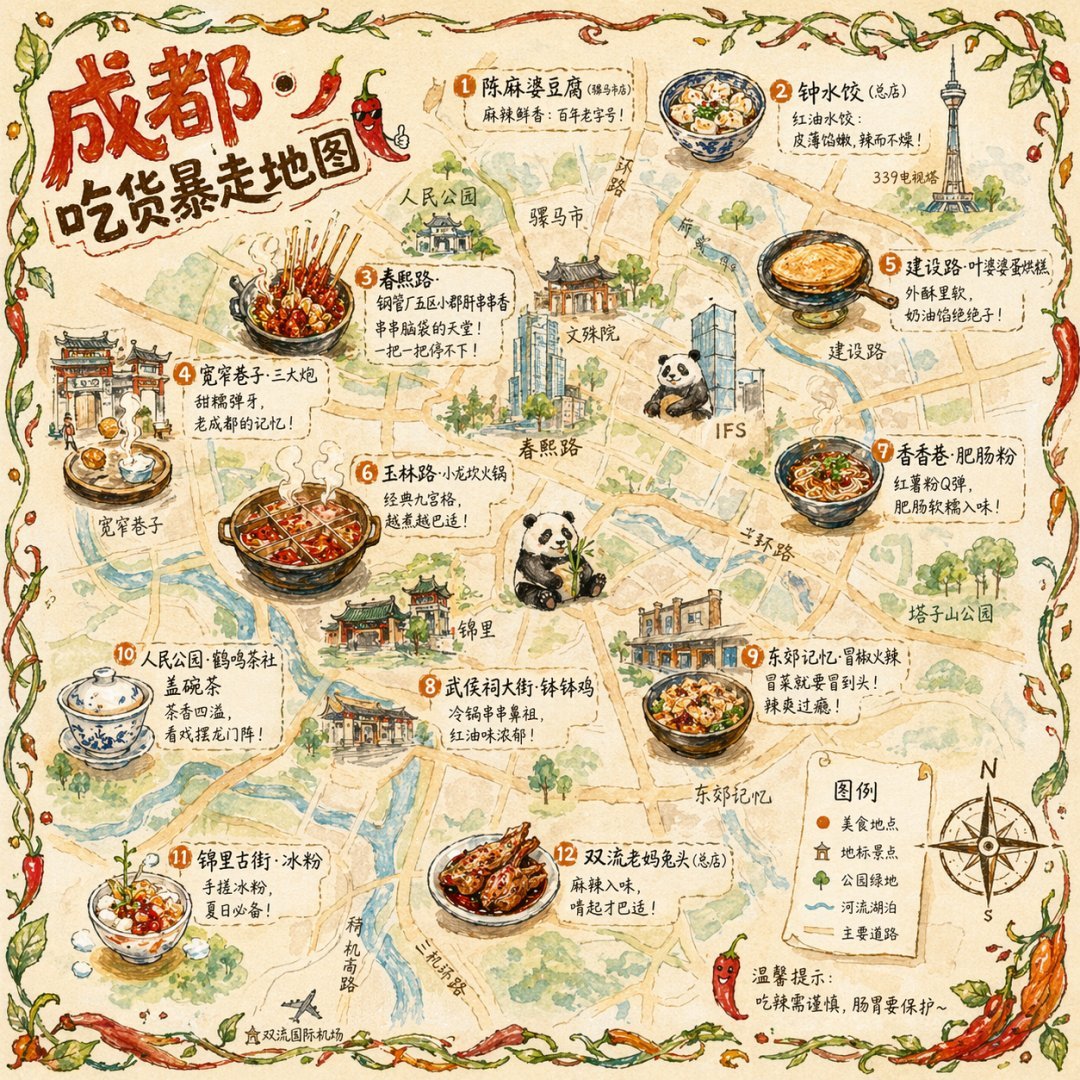 image Read full prompt →
 Generates a hand-drawn, watercolor-style tourist map featuring numbered local food specialties, landmarks, and a legend.
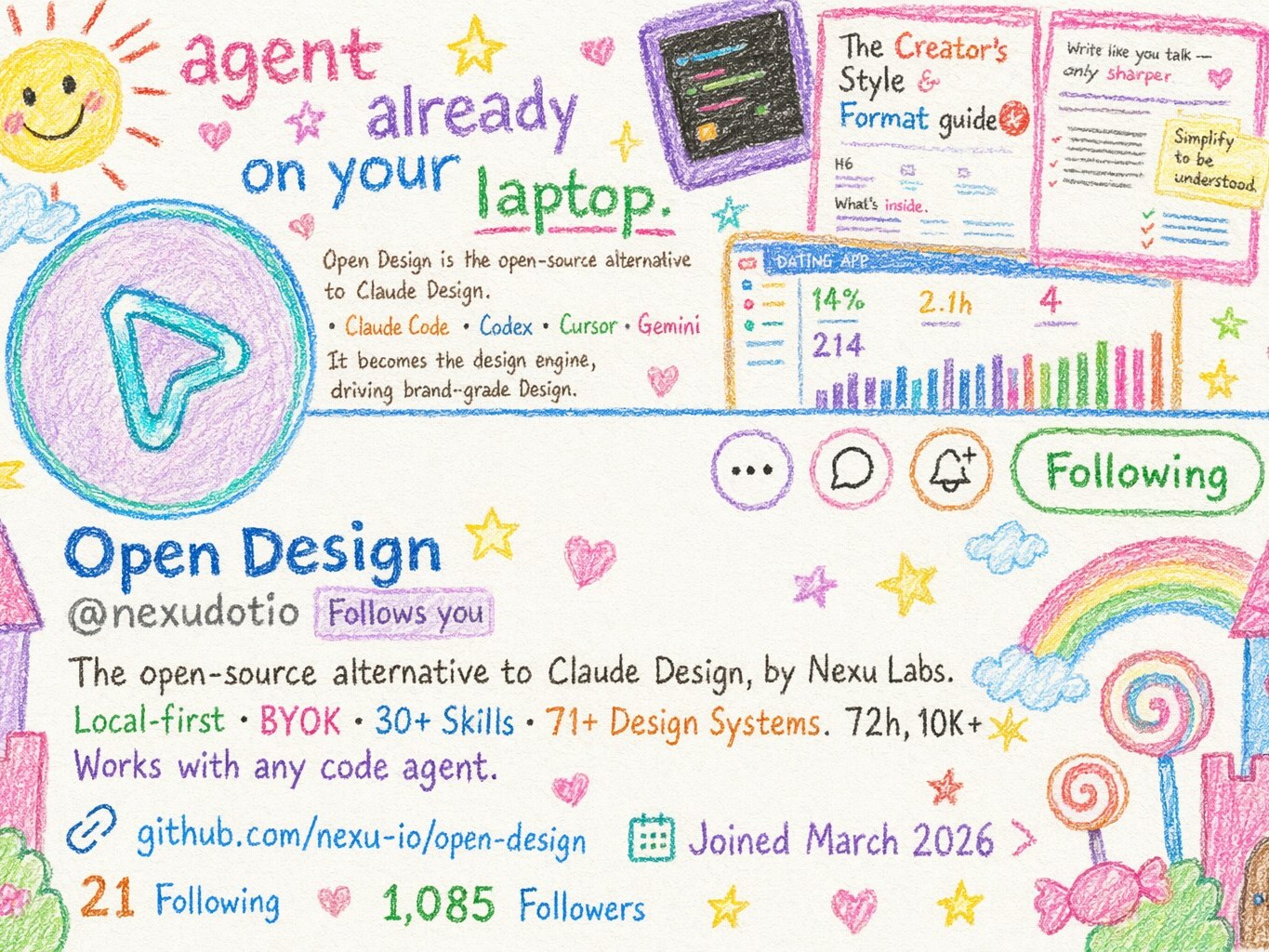 image Read full prompt →
 A style-transfer prompt that reworks any reference image (product shot, screenshot, portrait, UI mockup) into a hand-drawn crayon illustration that feels like it was made by a 10-year-old. Replaces the original palette with bright playful crayon colors on clean white paper, and sprinkles childlike whimsy — castles, candy, stars, clouds, rainbows — to amplify the innocent storybook vibe. Works as an image-to-image edit in GPT-image-2 (requires uploading a reference image alongside the prompt); well-suited to website screenshots, brand key art, product photos, and portraits.
 image Read full prompt →
 Single-image generation skill for posters, key art, and editorial illustrations. Defaults to gpt-image-2 but is provider-agnostic — the same workflow drives Flux, Imagen, or Midjourney via the active upstream tooling. Output is one or more PNG/JPEG files saved to the project folder.
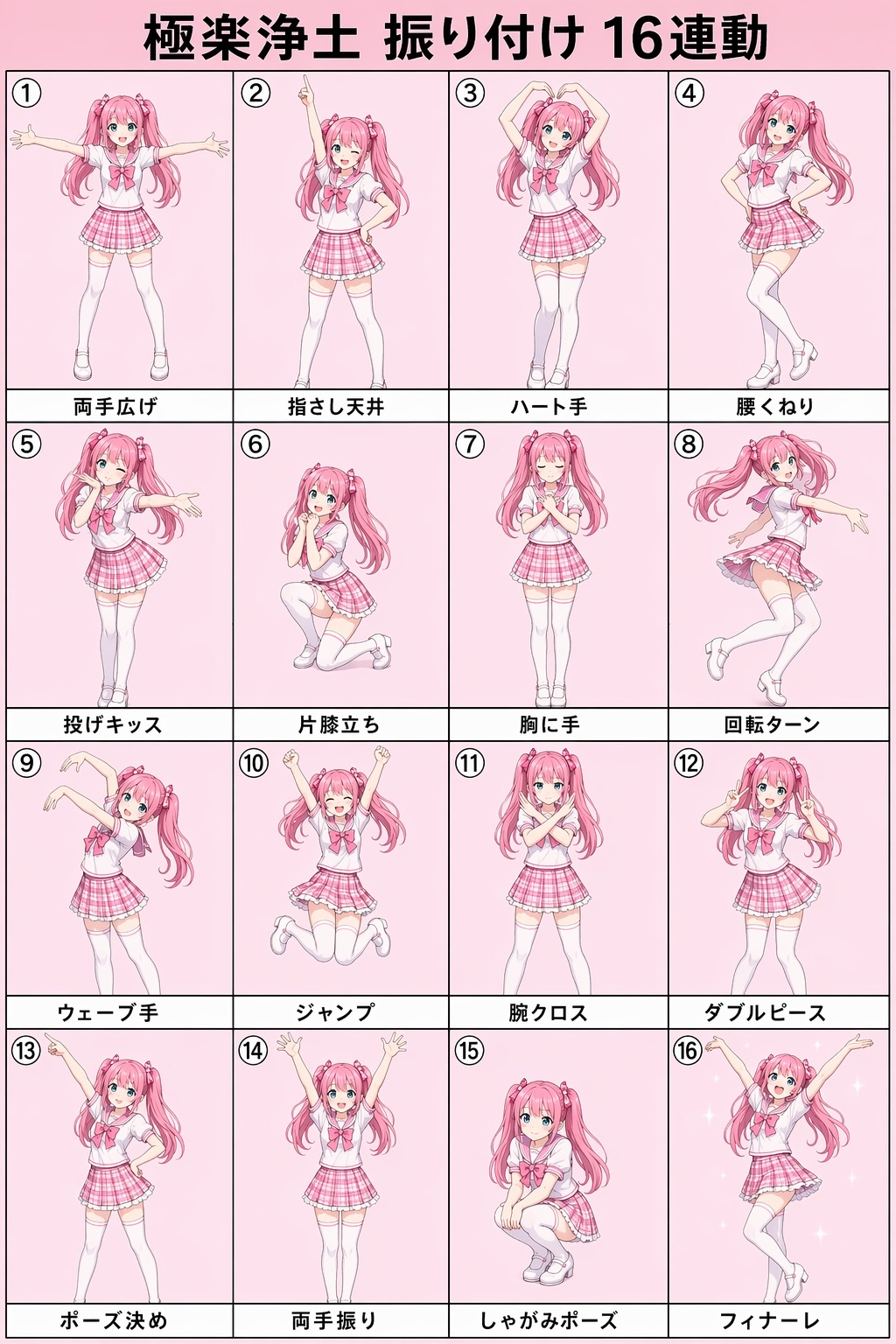 image Read full prompt →
 A single vertical 2:3 poster composed as a 4×4 grid of 16 connected square panels, forming a full choreography breakdown chart for the famous Japanese otaku dance song 極楽浄土 (Gokuraku Jodo). Each panel shows the same cute half-realistic anime idol girl (pink twin-tails, sailor-collar school-idol uniform) performing one signature pose from the dance, full-body, on a pastel-pink background with a small Japanese caption strip at the bottom and a numbered circle at the top-left. Explicitly engineered as a POSE REFERENCE sheet for AI video generation — every silhouette is crisp and unambiguous, no motion lines or background clutter. Tuned for gpt-image-2, aspect 2:3. Category: Infographic.
 prototype Read full prompt →
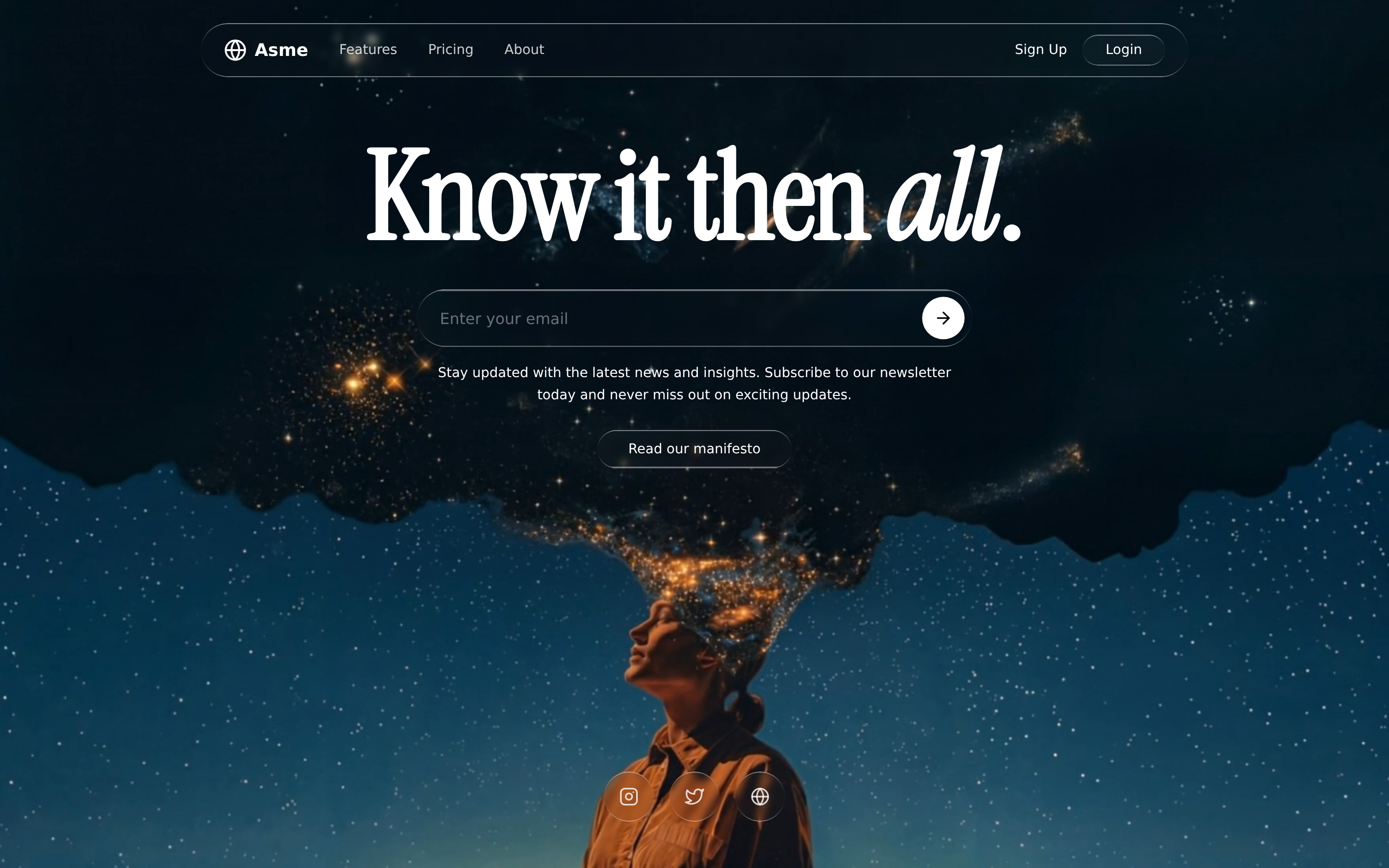
 Premium dark editorial agency landing page: an Instrument-Serif hero headline over a self-crossfading fullscreen hero video, liquid-glass nav and buttons, and scroll-revealed About / Featured-Video / Philosophy / Services sections.
 prototype Read full prompt →
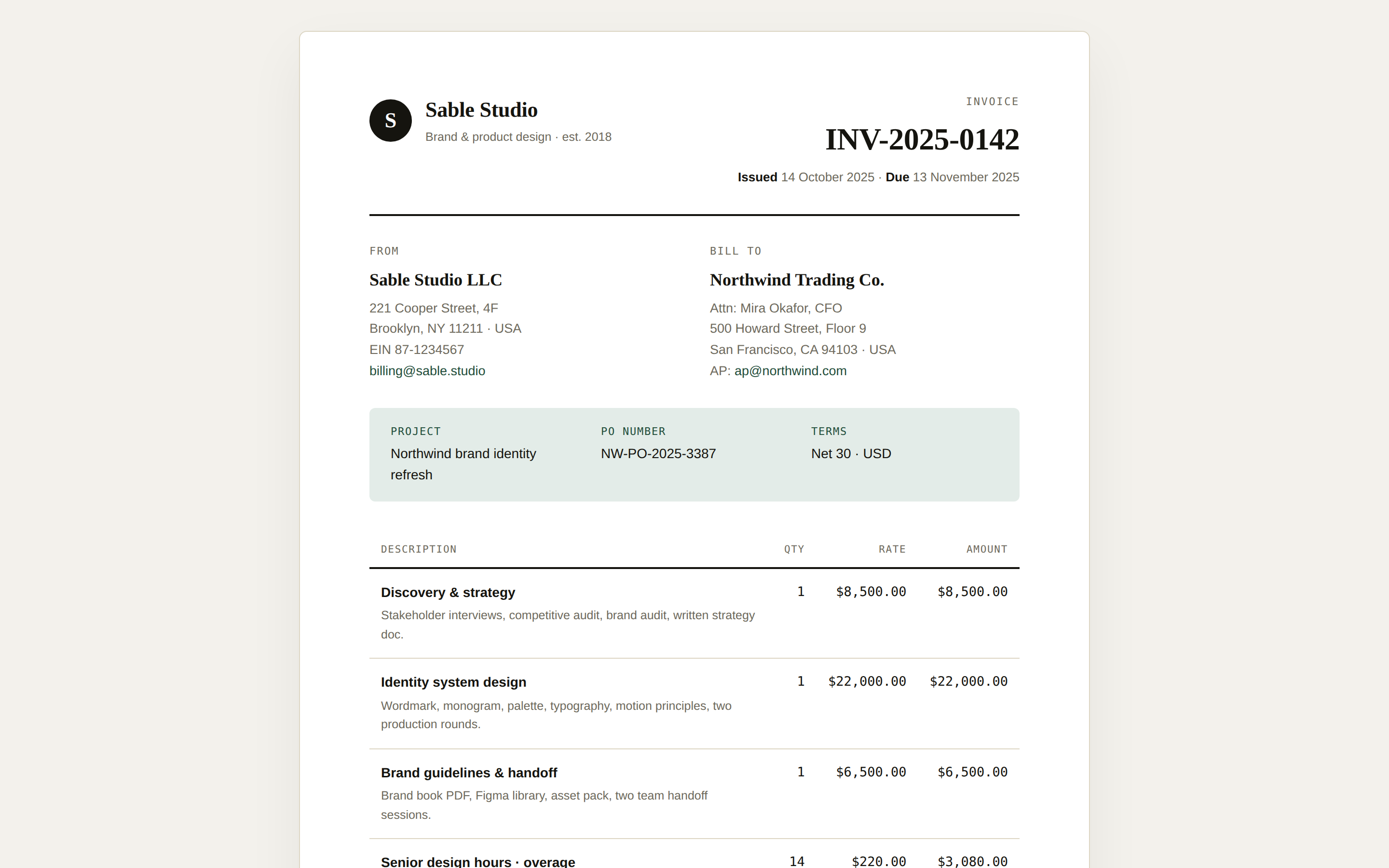
 A printable invoice page — sender + recipient block, line items table, tax breakdown, totals, and payment instructions. Use when the brief mentions "invoice", "bill", "billing statement", or "发票".
 deck Read full prompt →
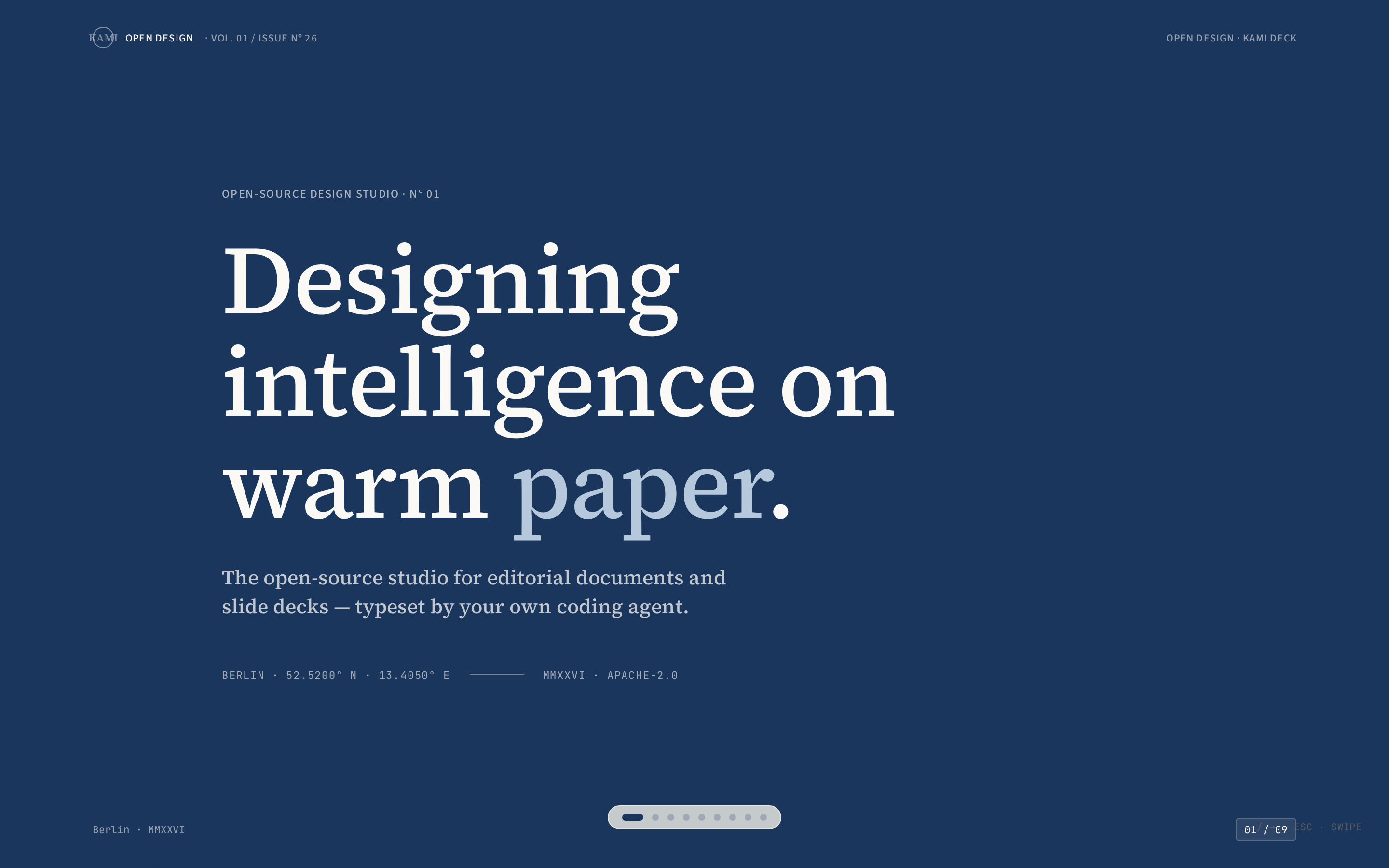
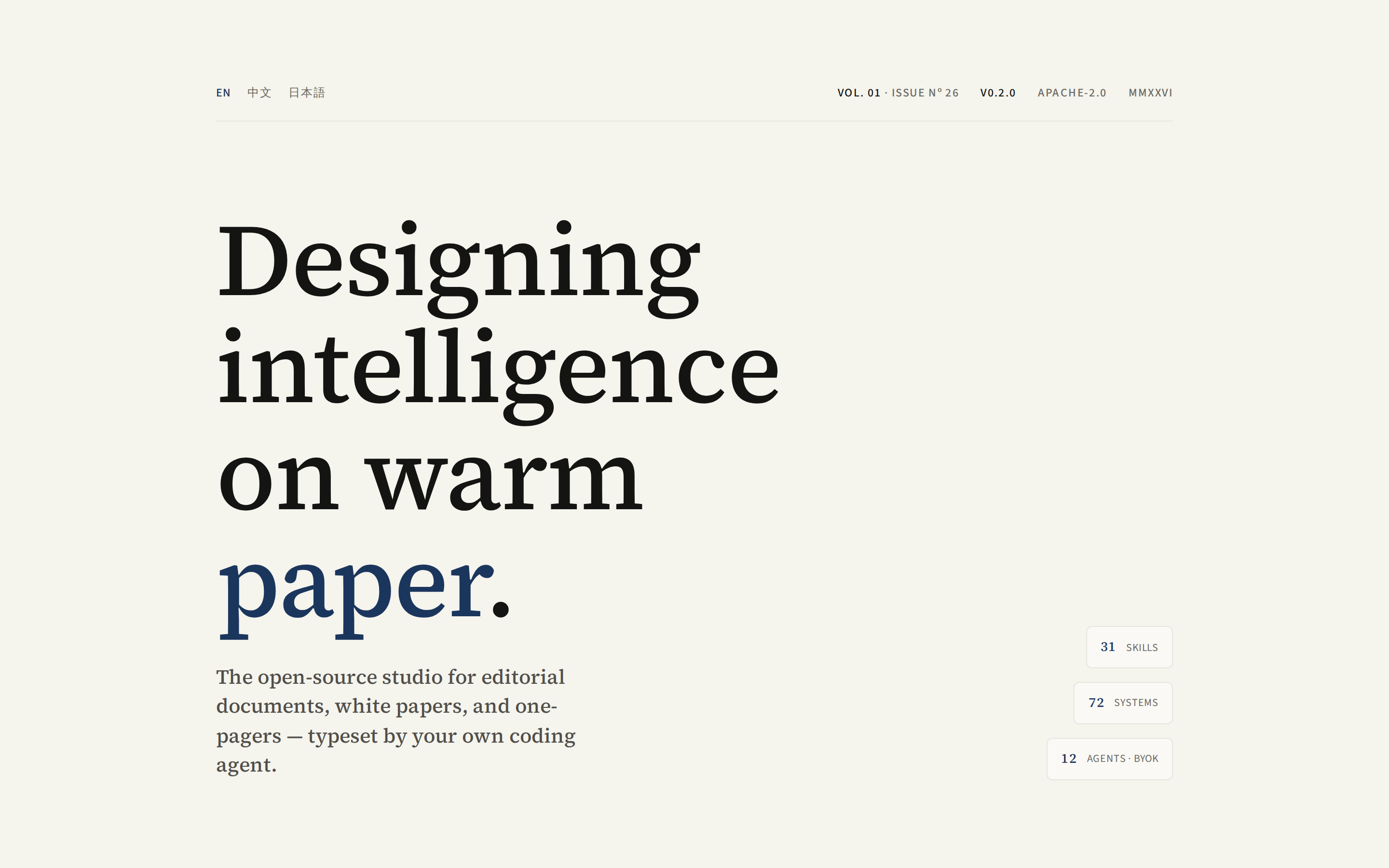
 Produce a print-grade slide deck in the kami (紙 / 纸) design system — warm parchment background (or ink-blue for cover / chapter slides), serif at one weight, ink-blue accent ≤ 5% per slide, no italic. Horizontal magazine swipe pagination (←/→ · wheel · swipe · ESC overview). One self-contained HTML file, zero dependencies beyond Google Fonts.
 prototype Read full prompt →
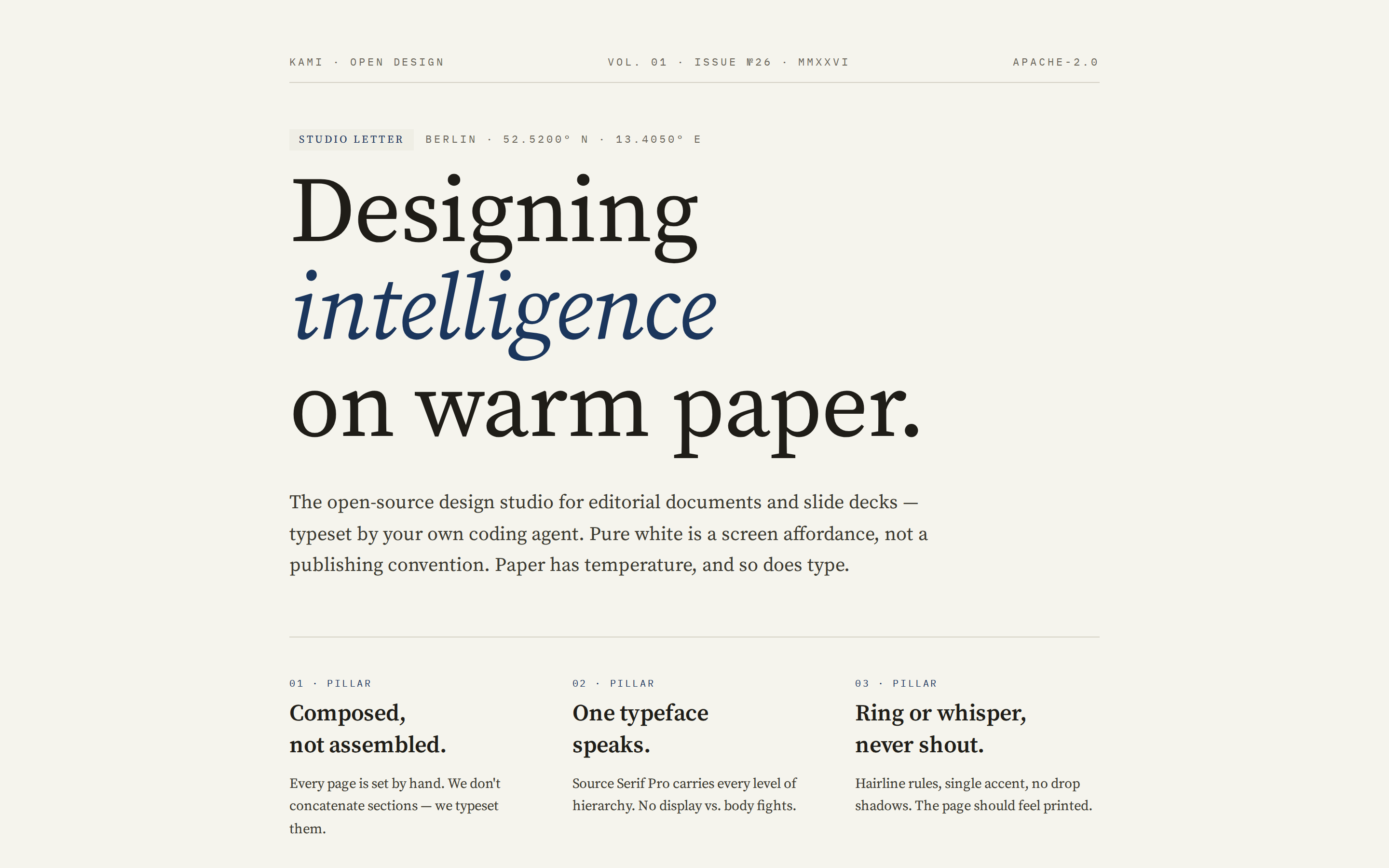
 Produce a print-grade single-page kami (紙 / 纸) document — warm parchment canvas, ink-blue accent, serif at one weight, no italic, no cool grays. The output reads like a professional white paper or studio one-pager, not an app UI. Multilingual by design (EN · zh-CN · ja). One self-contained HTML file, zero dependencies.
 prototype Read full prompt →
 Warm parchment canvas (#f5f4ed), monochrome ink-blue accent (#1B365D), one serif family, and editorial-grade typography.
 prototype Read full prompt →
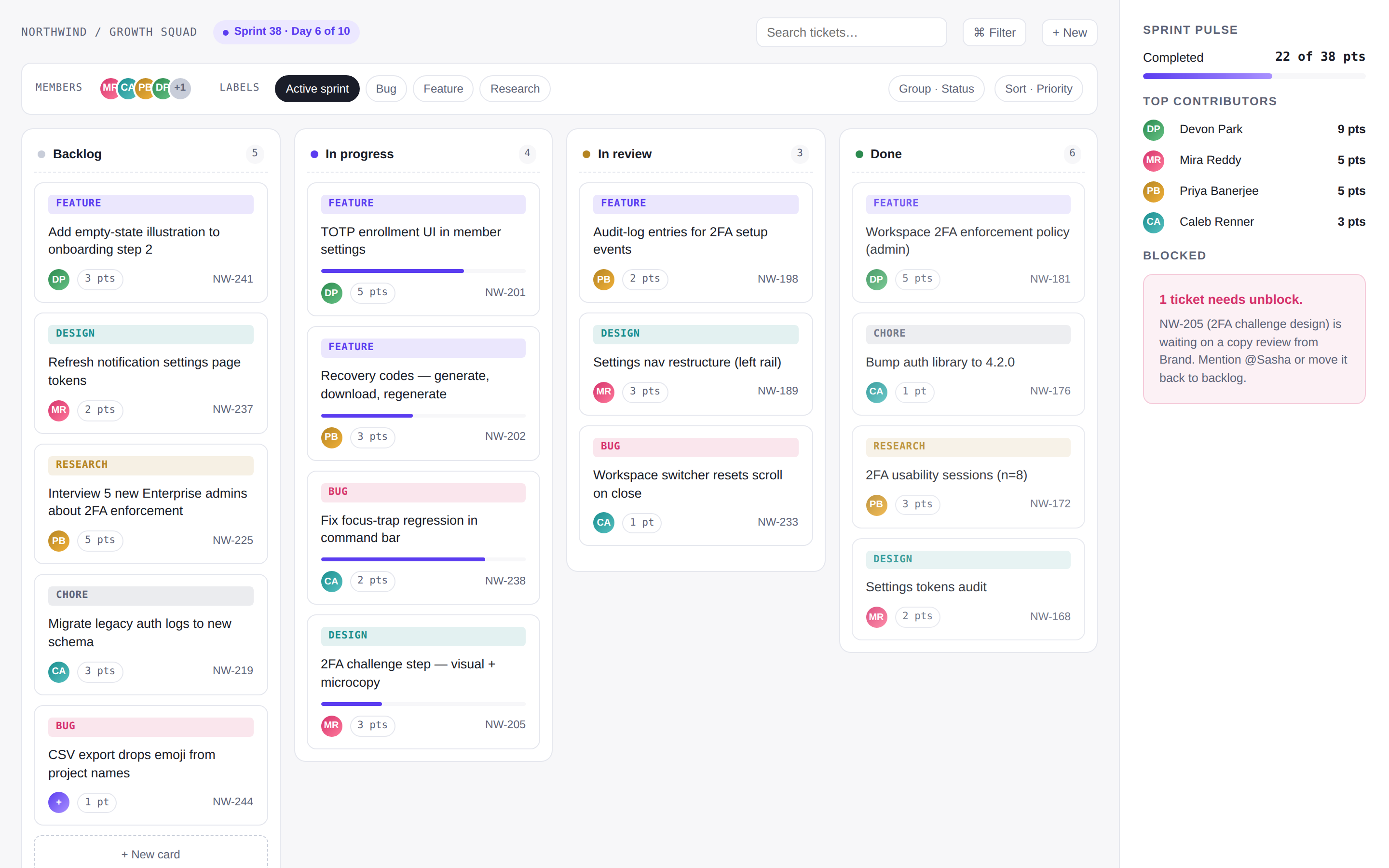
 Kanban / task board with columns (To do / In progress / In review / Done), draggable-looking cards, assignee avatars, swimlanes, and a top filter bar. Use when the brief mentions "kanban", "task board", "sprint board", "trello", "看板".
 deck Read full prompt →
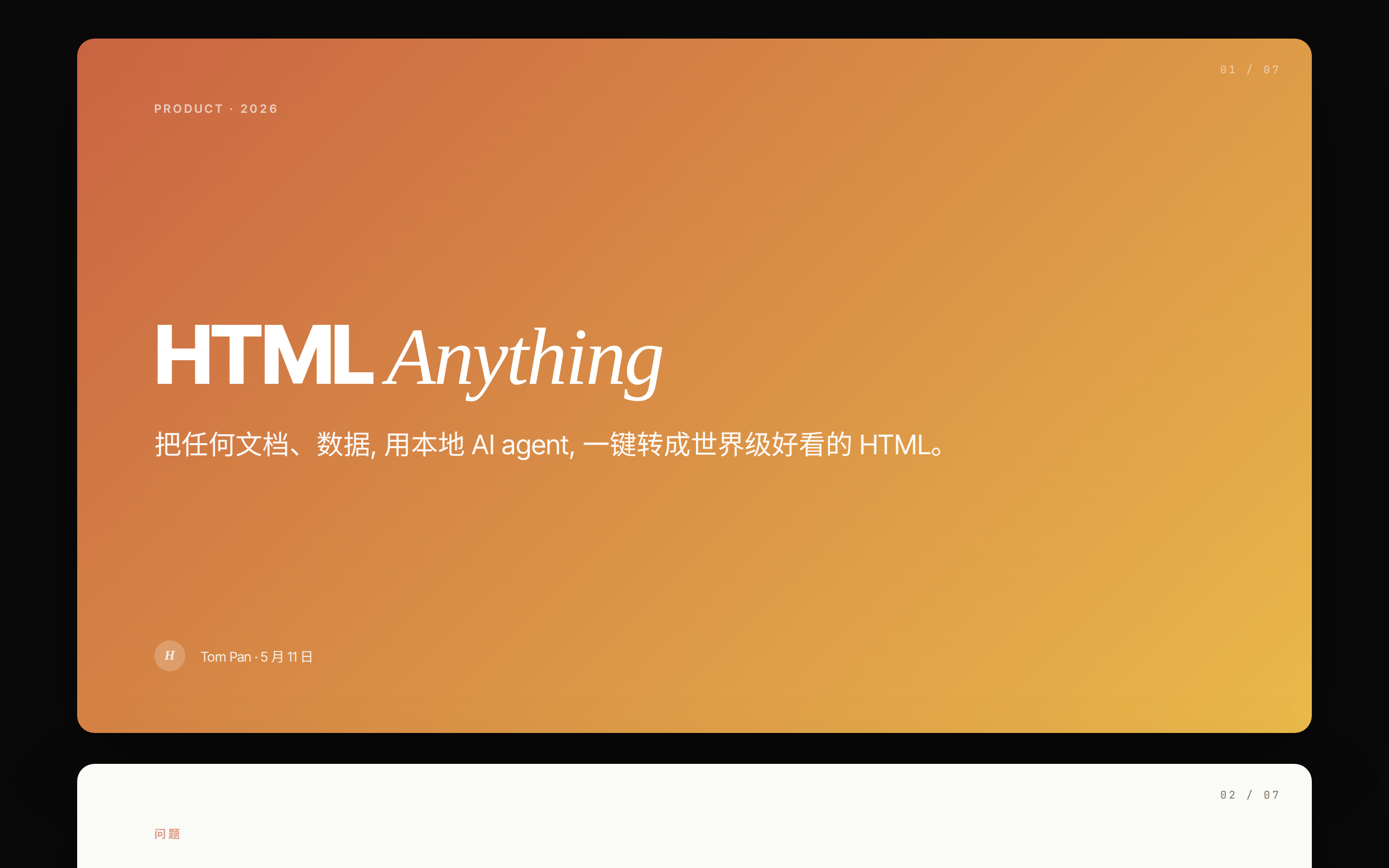
 Apple Keynote-quality slides, one card per screen, with keyboard left/right navigation.
 prototype Read full prompt →
 Recent community and social trend research over the last 30 days. Use when the brief asks what people are saying now, recent sentiment, community reactions, social proof, launch reaction, trend scan, or last-30-days context.
 prototype Read full prompt →
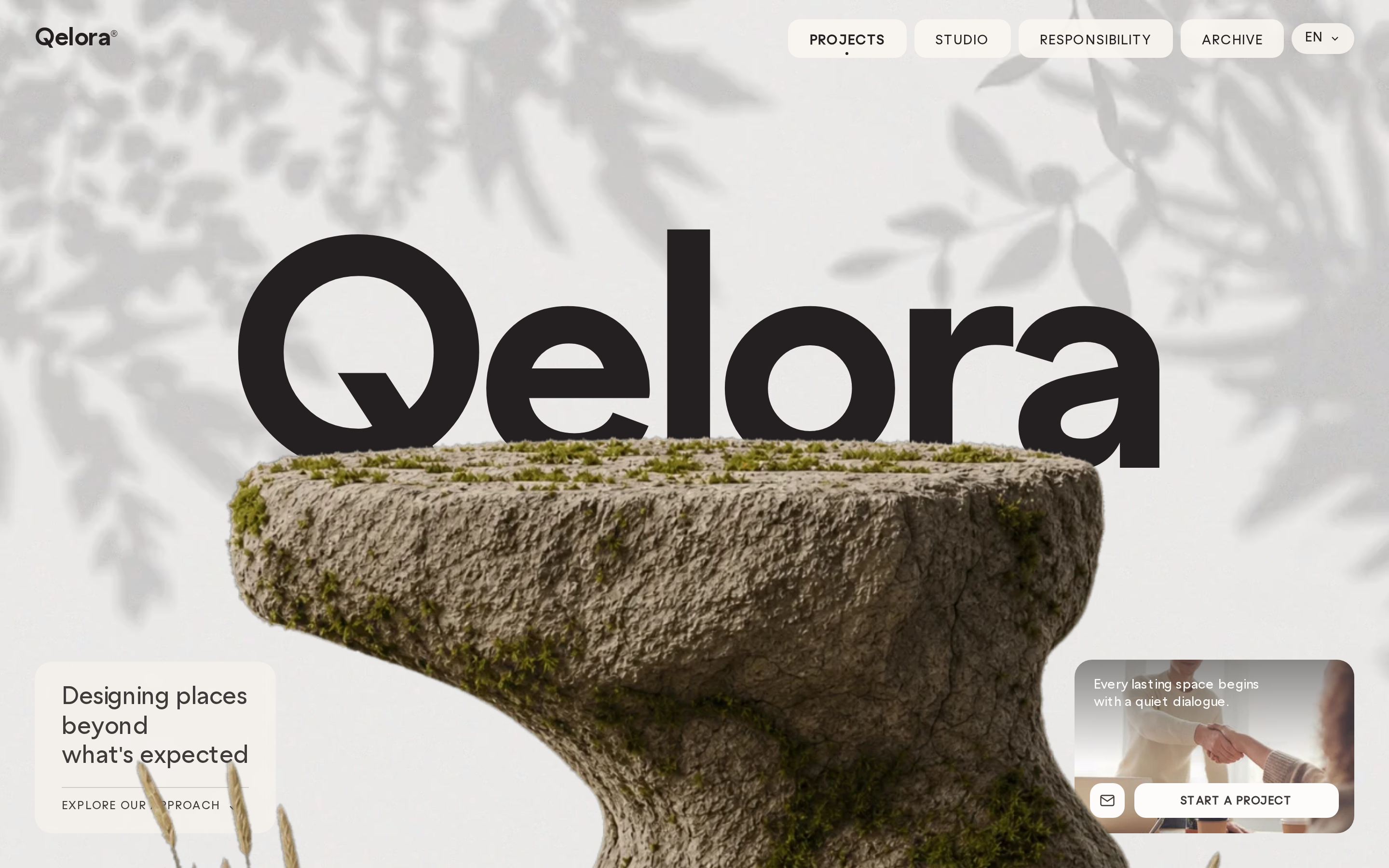
 Cinematic layered-parallax landing page for an architecture studio: fullscreen background video, a giant center brand wordmark behind a parallax sculpture slab, an animated bird-video state machine, frosted-glass nav pills and info panels, and a second full-viewport video section with a centered editorial headline.
 video Read full prompt →
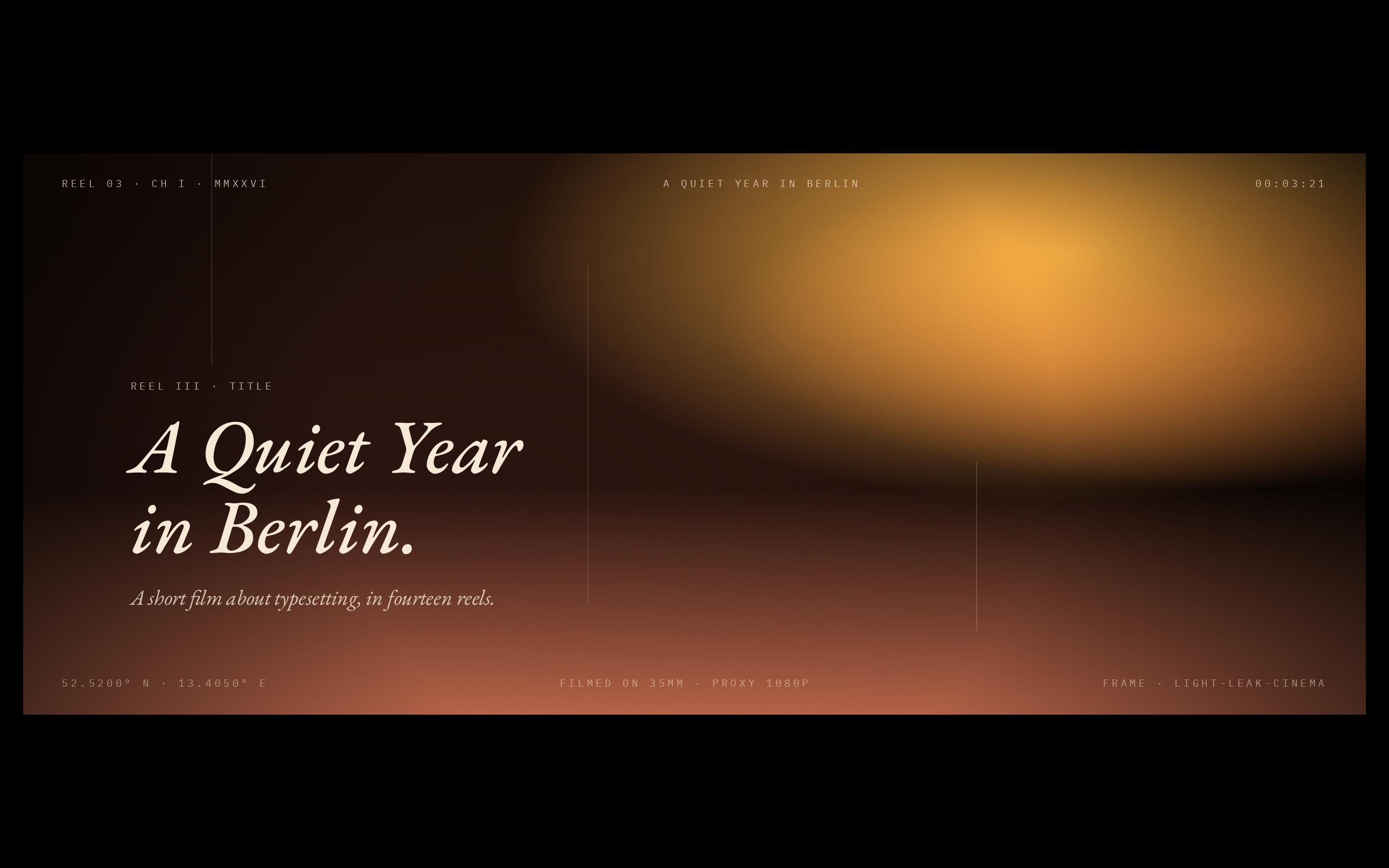
 Film light leaks, grain, 16:9 letterbox, and large serif type for cinematic openings or chapter cards.
 video Read full prompt →
 WebGL-style fluid displacement background with a quote overlay, suited to video intros, landing heroes, or posters.
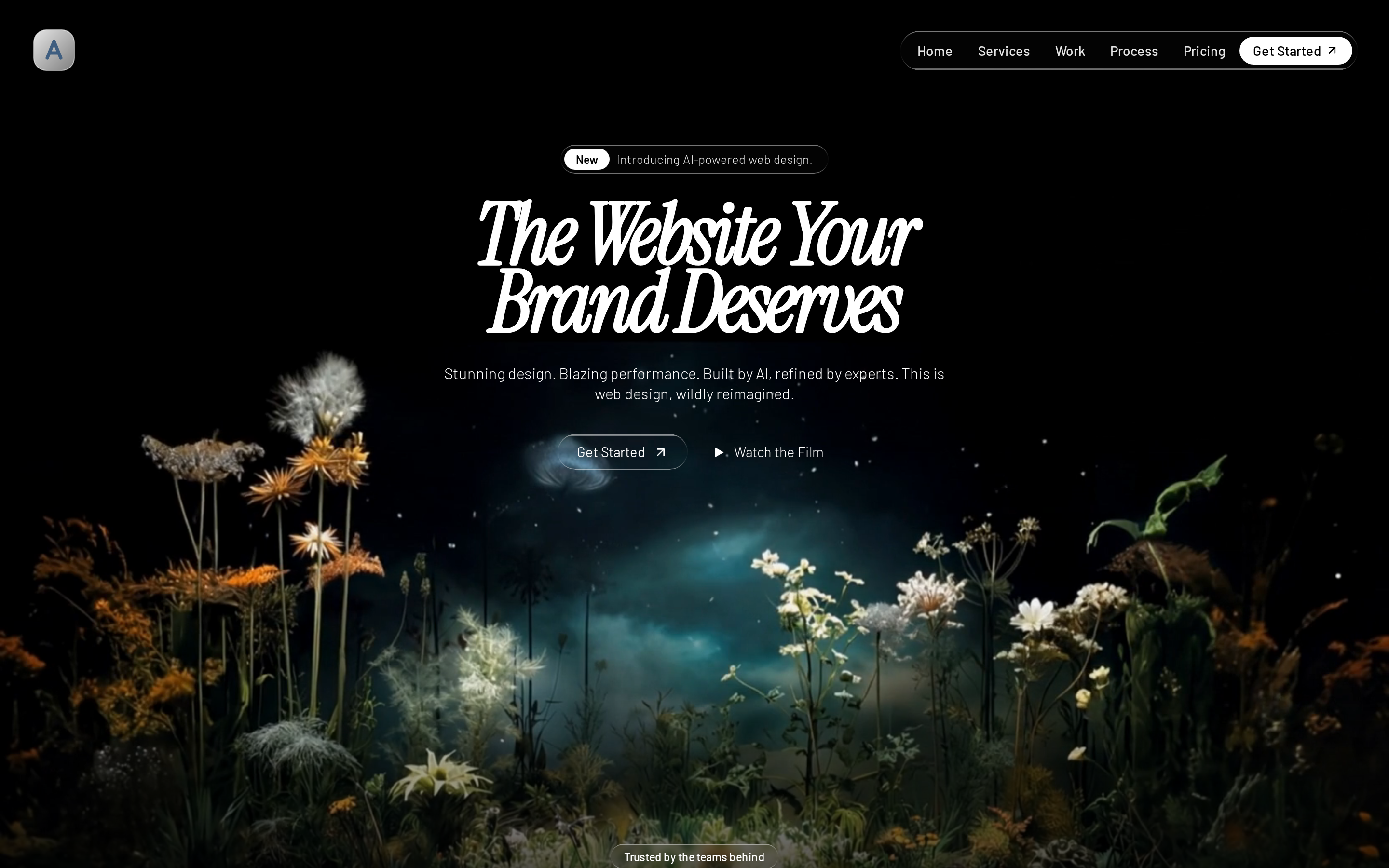 prototype Read full prompt →
 Dark, luxury single-page landing for an AI web-design agency: cinematic video backgrounds, Instrument Serif italic headings, liquid-glass cards and CTAs, BlurText word-by-word reveals, and section-by-section storytelling.
 prototype Read full prompt →
 Create refreshable, auditable Open Design artifacts backed by connector or local data. Trigger when the user asks for live dashboards, refreshable reports, synced views, or reusable data-backed artifacts.
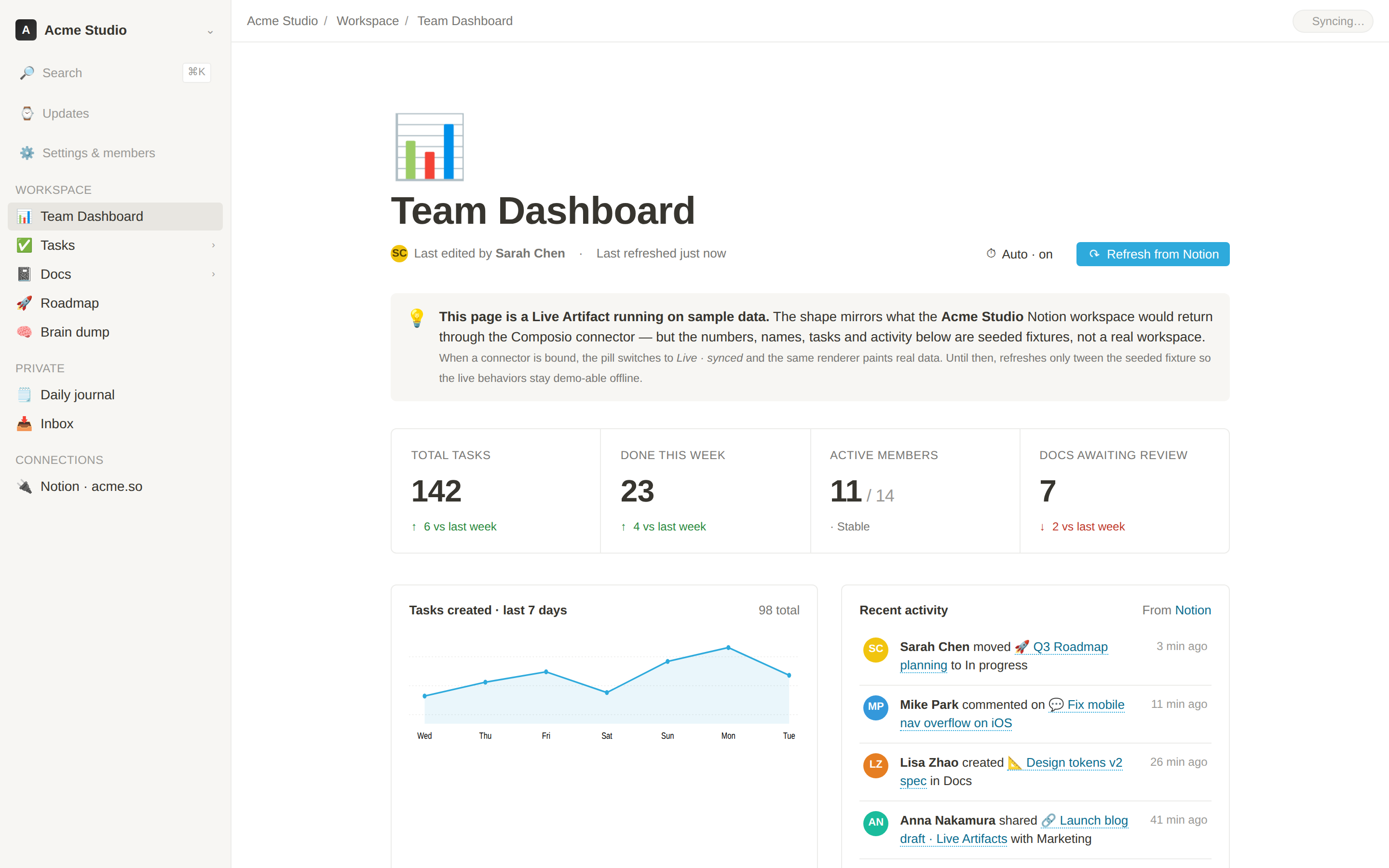 prototype Read full prompt →
 Notion-style team dashboard rendered as a Live Artifact. A single-page, self-contained HTML dashboard with KPIs, a 7-day sparkline, a real-time activity feed and a linked-database task table — wired to Notion via the Composio connector catalog. Refreshes on demand and when the artifact is opened. Falls back to seeded mock data when no connector is bound, so it works offline / in screenshots / in the picker preview.
A highly detailed, 15-second prompt for generating a live-action adaptation of an anime-style duel, featuring 'Water Breathing' (blue water dragon) versus 'Thunder Breathing' (golden lightning). The p
 video Read full prompt →
 Segmented logo assembly, glow bloom, and tagline reveal for video outros or brand closing frames.
 prototype Read full prompt →
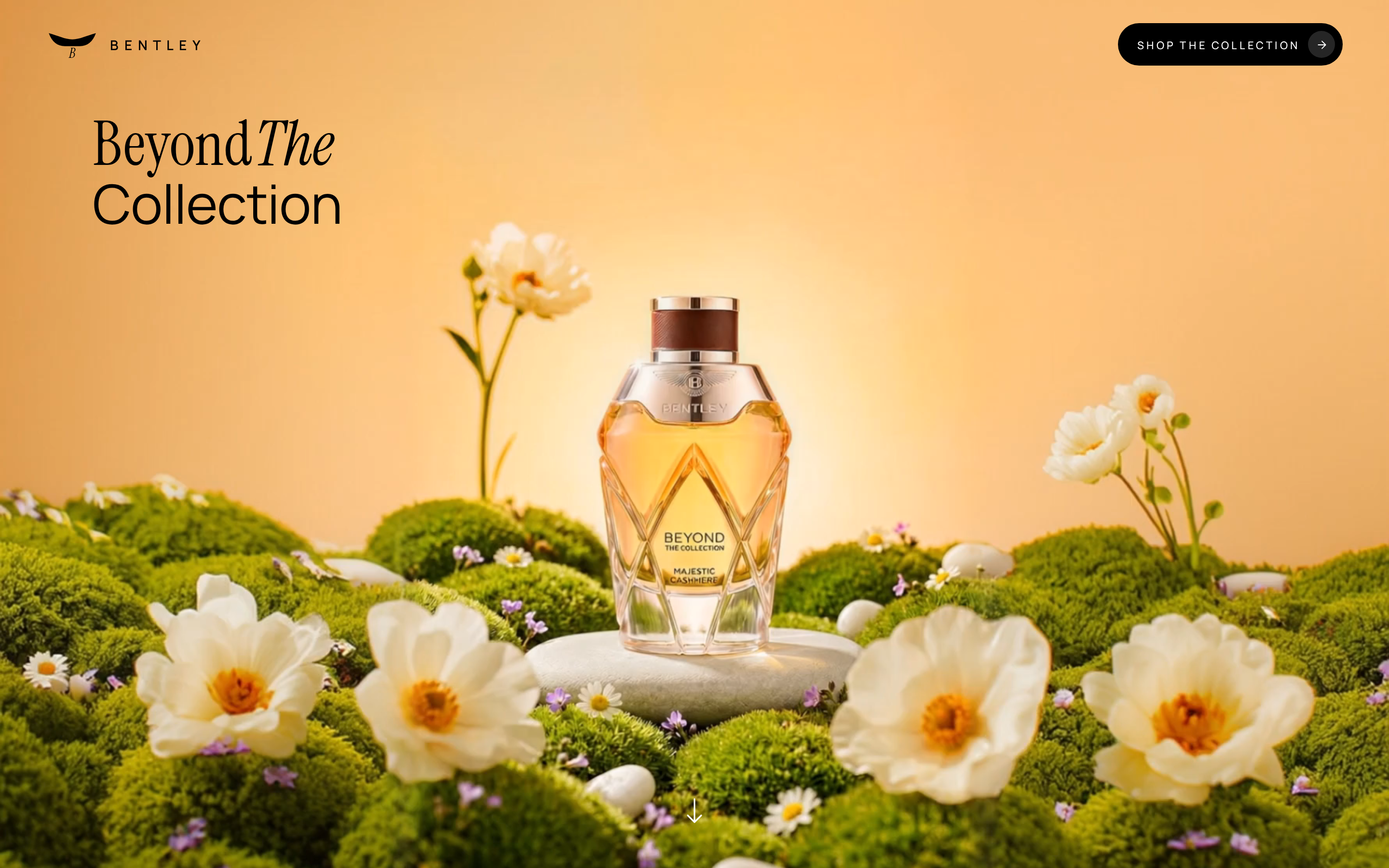
 Cinematic luxury-fragrance landing page: a fullscreen video hero, a scroll-driven elliptical clip-path reveal, an orbiting carousel of perfume bottles that scales up at a focal point, a newsletter section, and a warm parchment footer.
A highly detailed multi-shot cinematic prompt for Seedance 2.0 involving a stylish man, Dobermans, and a vintage supercar in a misty mountain setting.
 video Read full prompt →
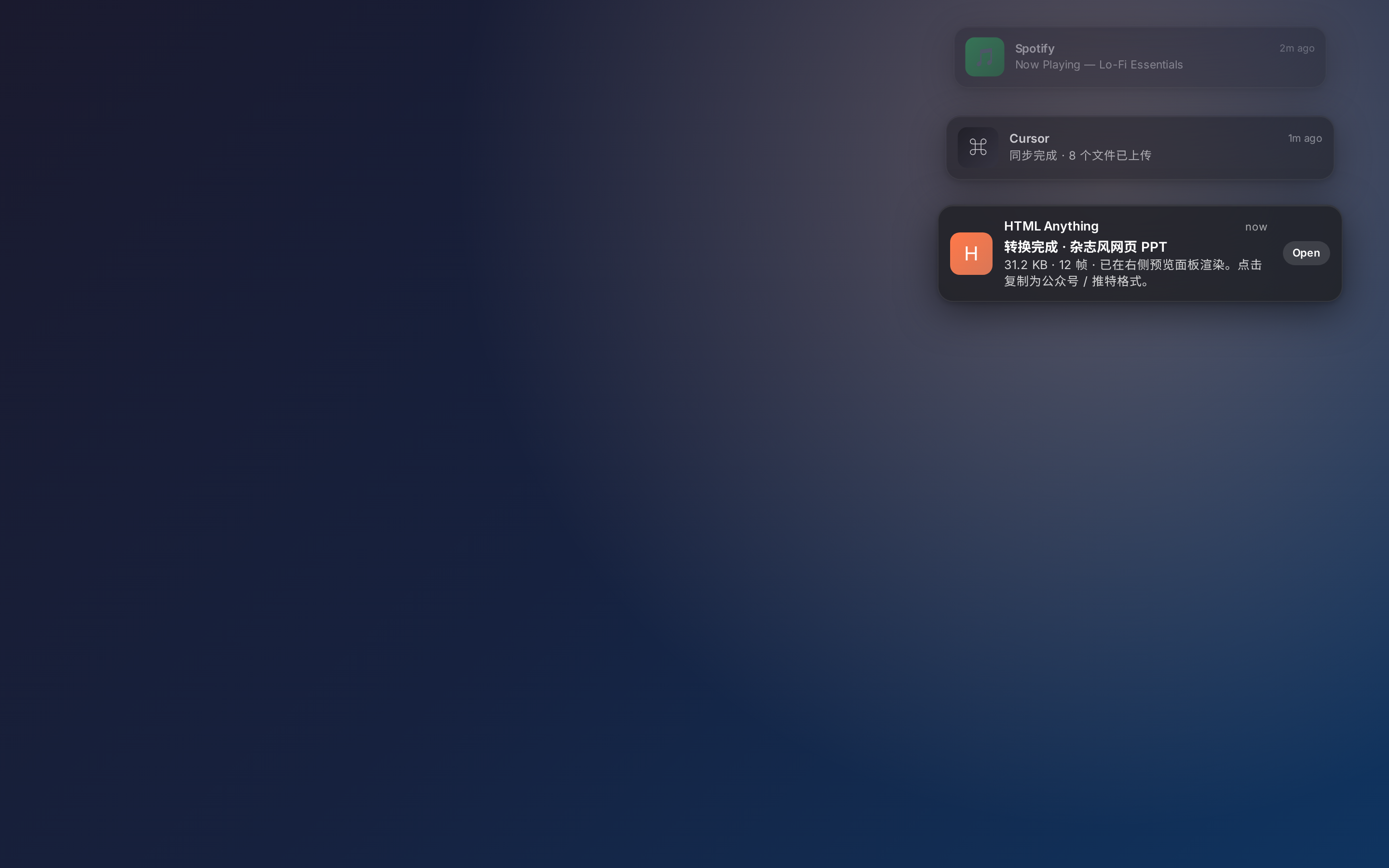
 Realistic macOS notification banner with app icon, title, and body, suited to video overlays or product teasers.
 prototype Read full prompt →
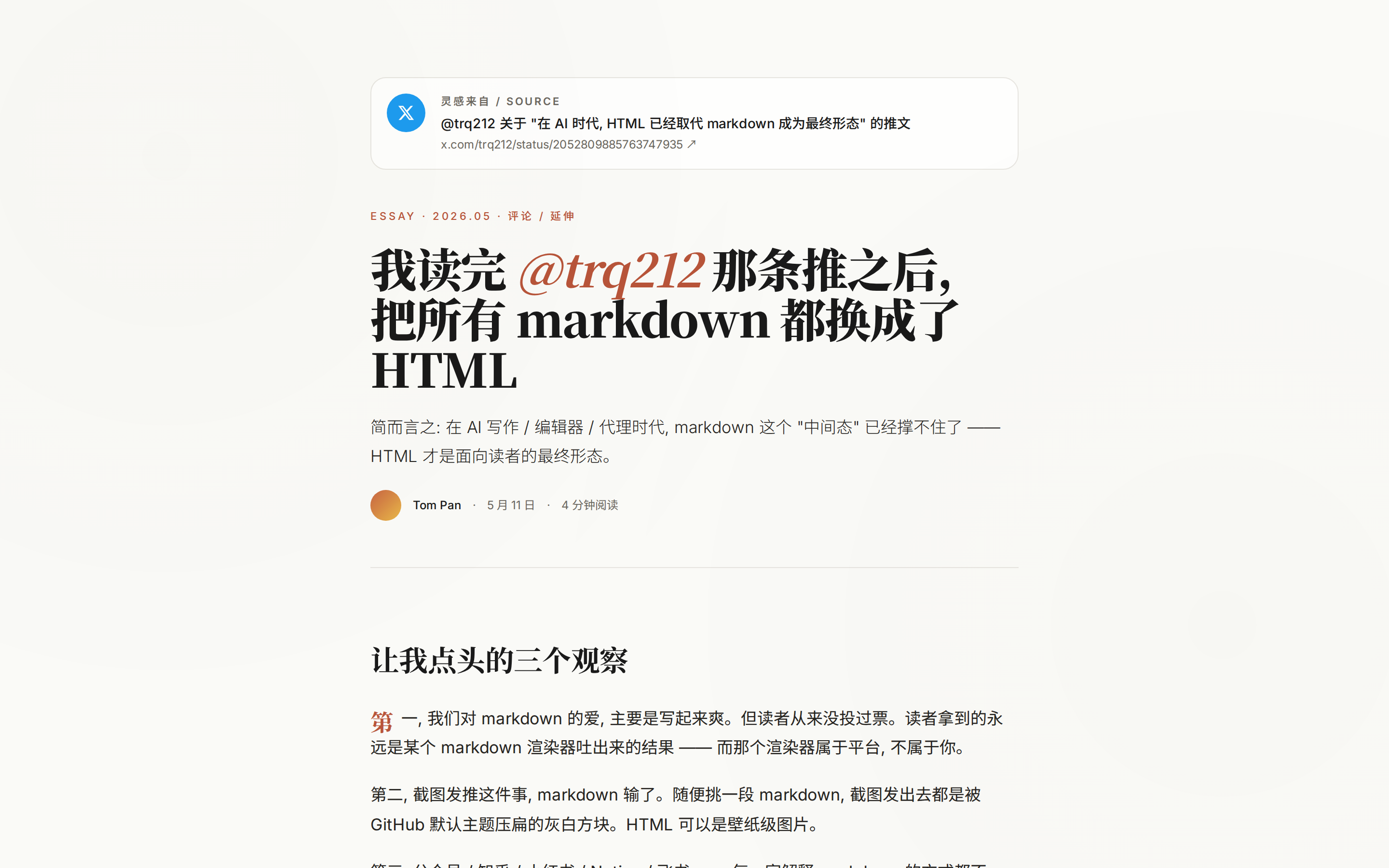
 Huashu / huashu-md-html-inspired magazine article layout for turning Markdown or notes into a polished long-form HTML essay.
 prototype Read full prompt →
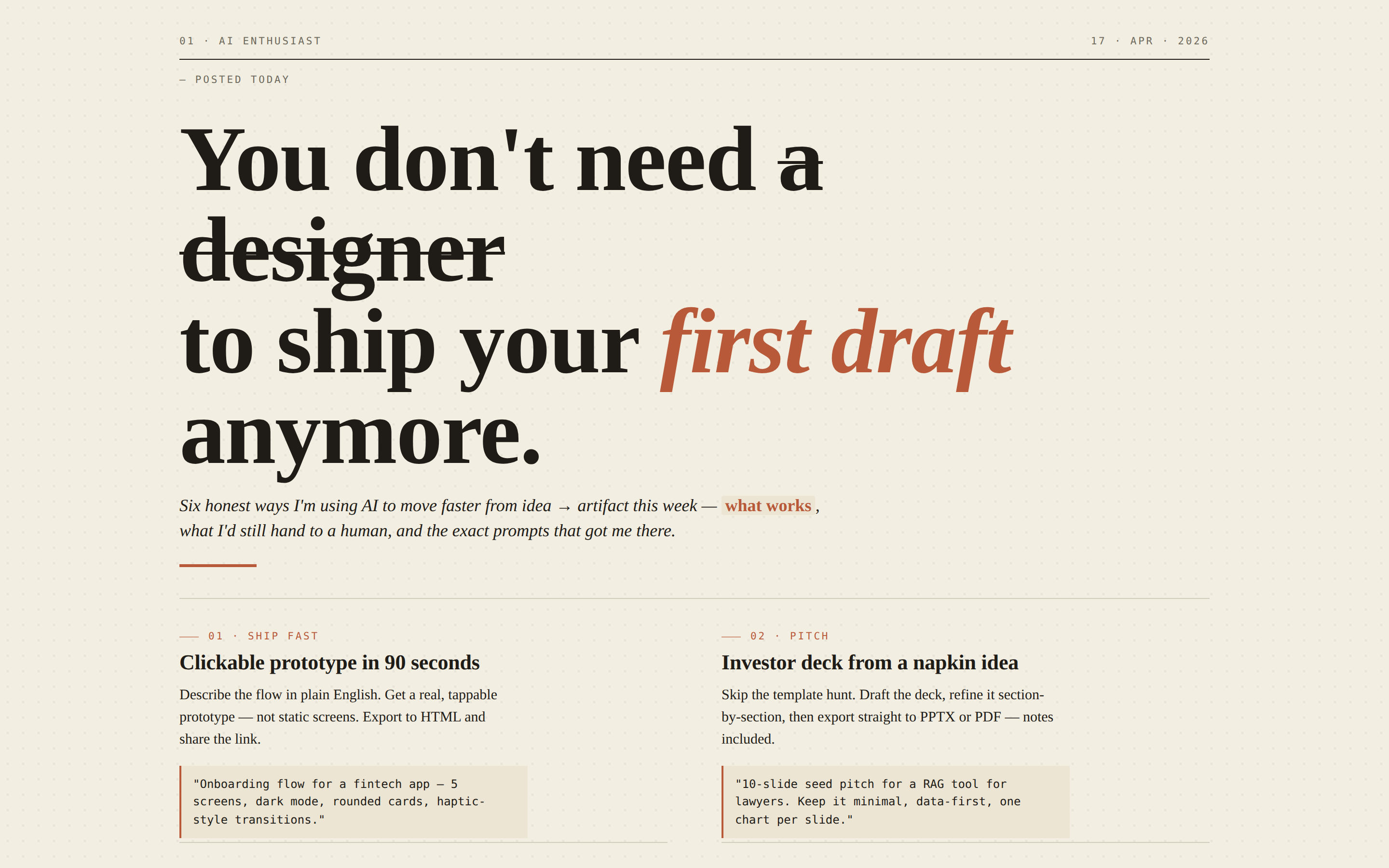
 An editorial-style poster — newsprint paper, dateline, oversized serif headline with a struck-through word and italic accent, a 2-column body block, and 6 numbered sections with annotated pull-quote captions. Reads like a Sunday-paper full-page essay or a thoughtful launch poster. Use when the brief asks for "magazine poster", "editorial poster", "newsprint", "essay layout", or "manifesto".
A detailed storyboard-style prompt for a cinematic sequence depicting a magical girl at an academy, covering arrival, discovery of power, and a magical duel.
 prototype Read full prompt →
 Vertical poster or Moments-style share image with strong visual impact.
 prototype Read full prompt →
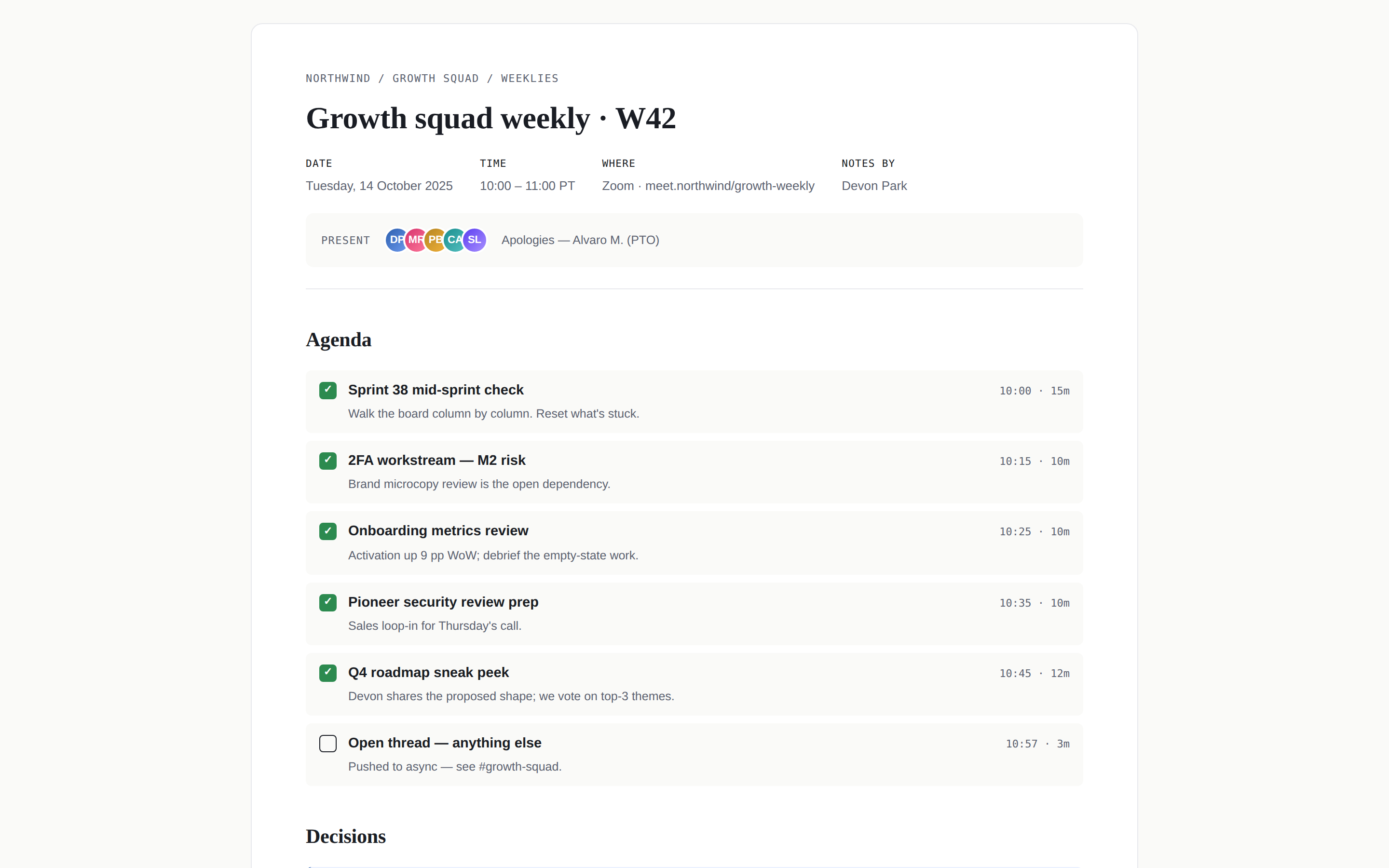
 Meeting notes page — title bar with attendees, agenda checklist, decisions block, action items table with owners + dates, and a "next meeting" footer. Use when the brief mentions "meeting notes", "minutes", "1:1 notes", "all-hands recap", or "会议纪要".
 prototype Read full prompt →
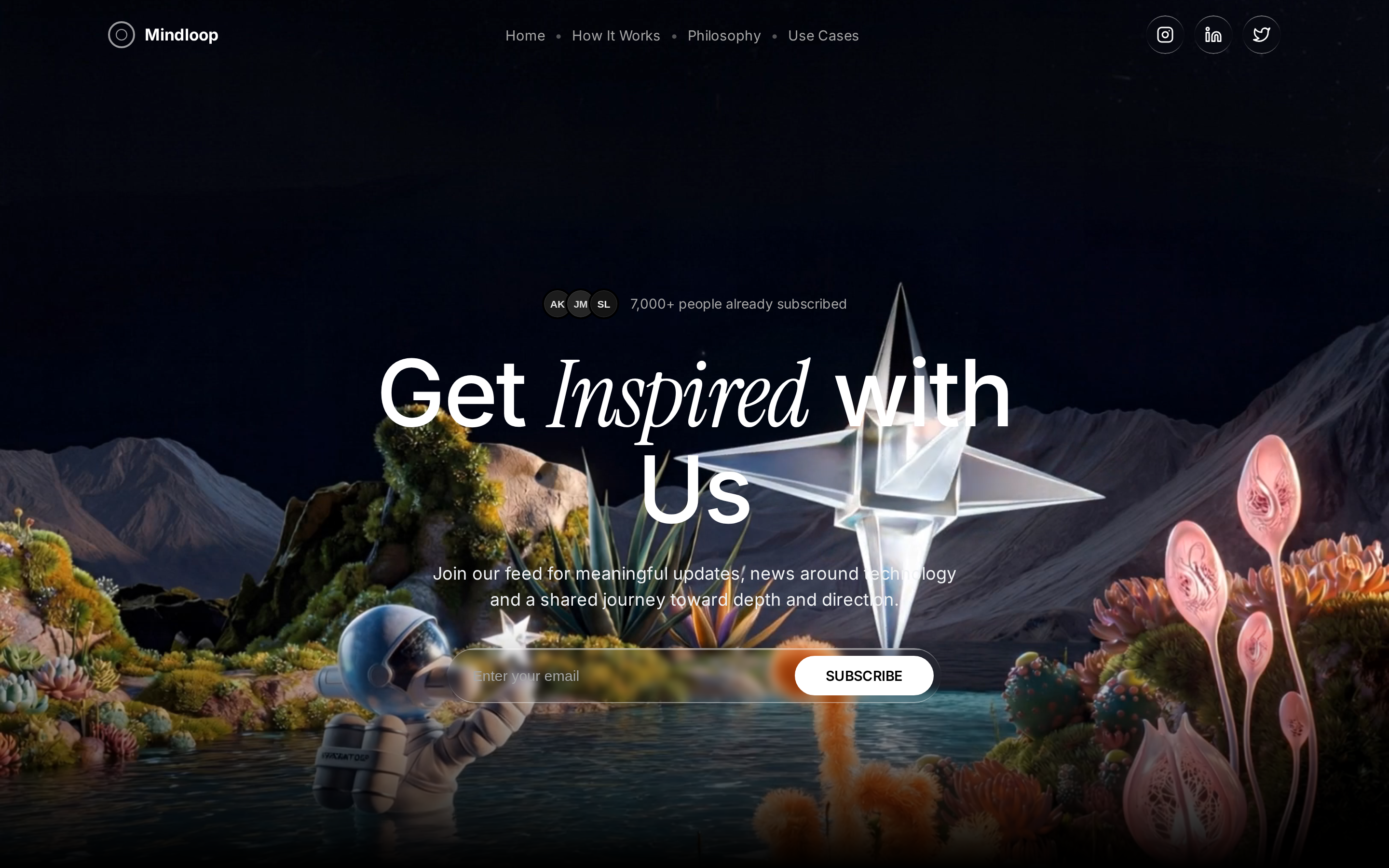
 Pure-black monochrome newsletter/content-platform landing page: fullscreen video hero, Instrument-Serif italic accent words, liquid-glass controls, scroll-driven word-by-word mission reveal, and an HLS-video CTA.
 prototype Read full prompt →
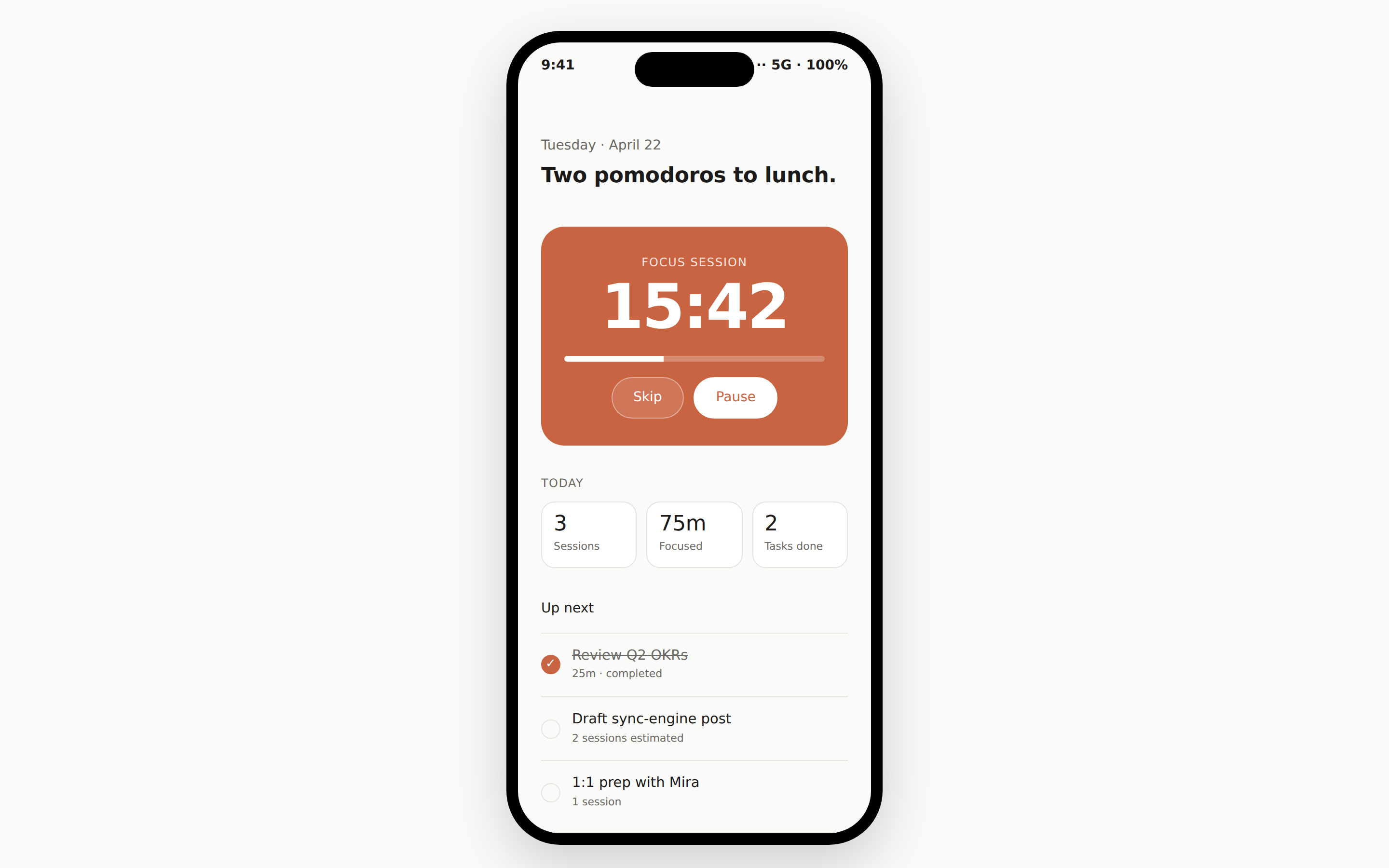
 A mobile-app screen rendered inside a pixel-accurate iPhone 15 Pro frame on the page. Built by copying the seed `assets/template.html` and pasting one screen archetype from `references/layouts.md`. Use when the brief asks for "mobile app", "iOS app", "Android app", "phone screen", or "app UI".
 prototype Read full prompt →
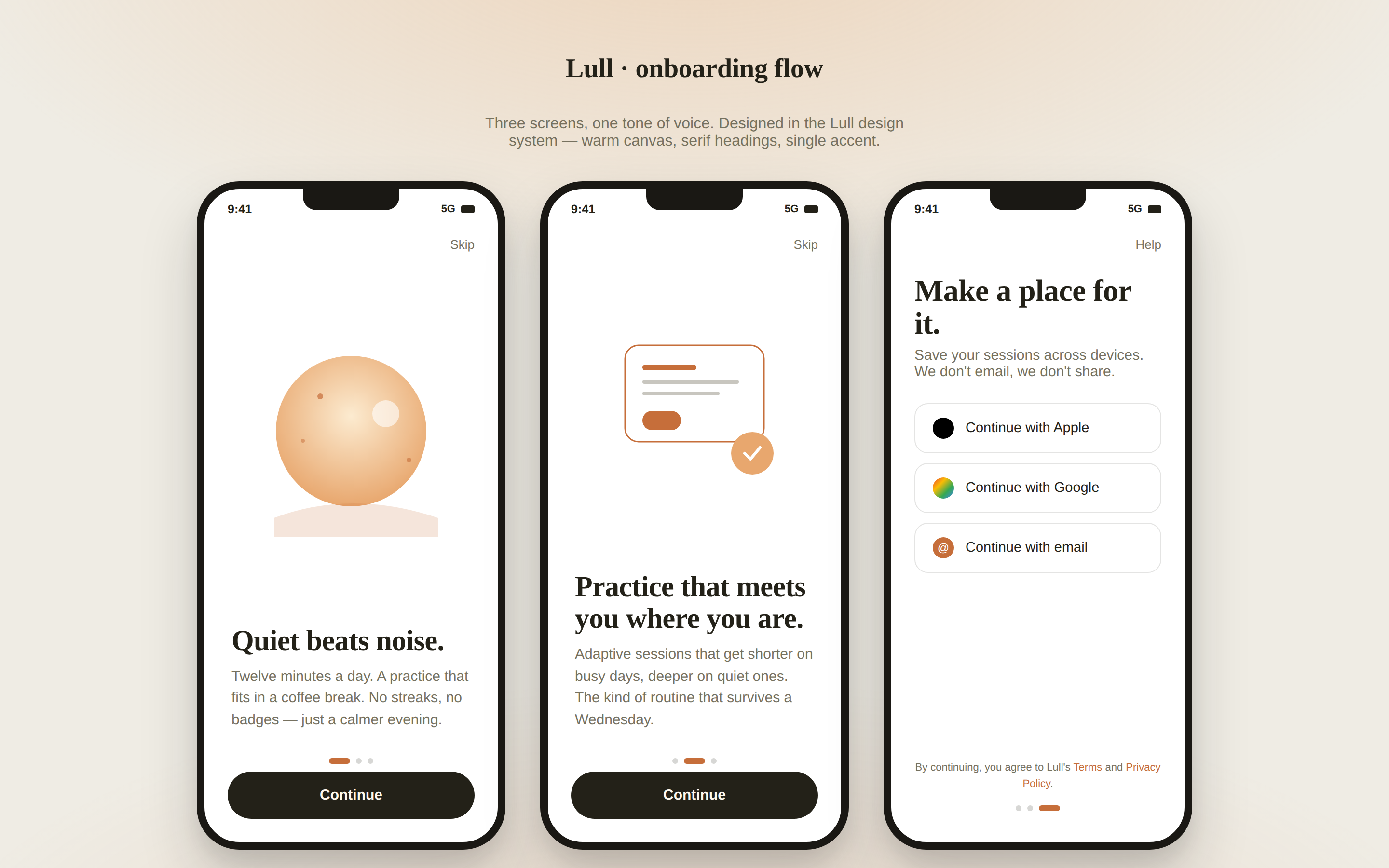
 A multi-screen mobile onboarding flow rendered as three phone frames side by side — splash, value-prop, sign-in. Status bar, swipe dots, primary CTA. Use when the brief mentions "mobile onboarding", "iOS onboarding", "phone signup", or "移动端引导".
 prototype Read full prompt →
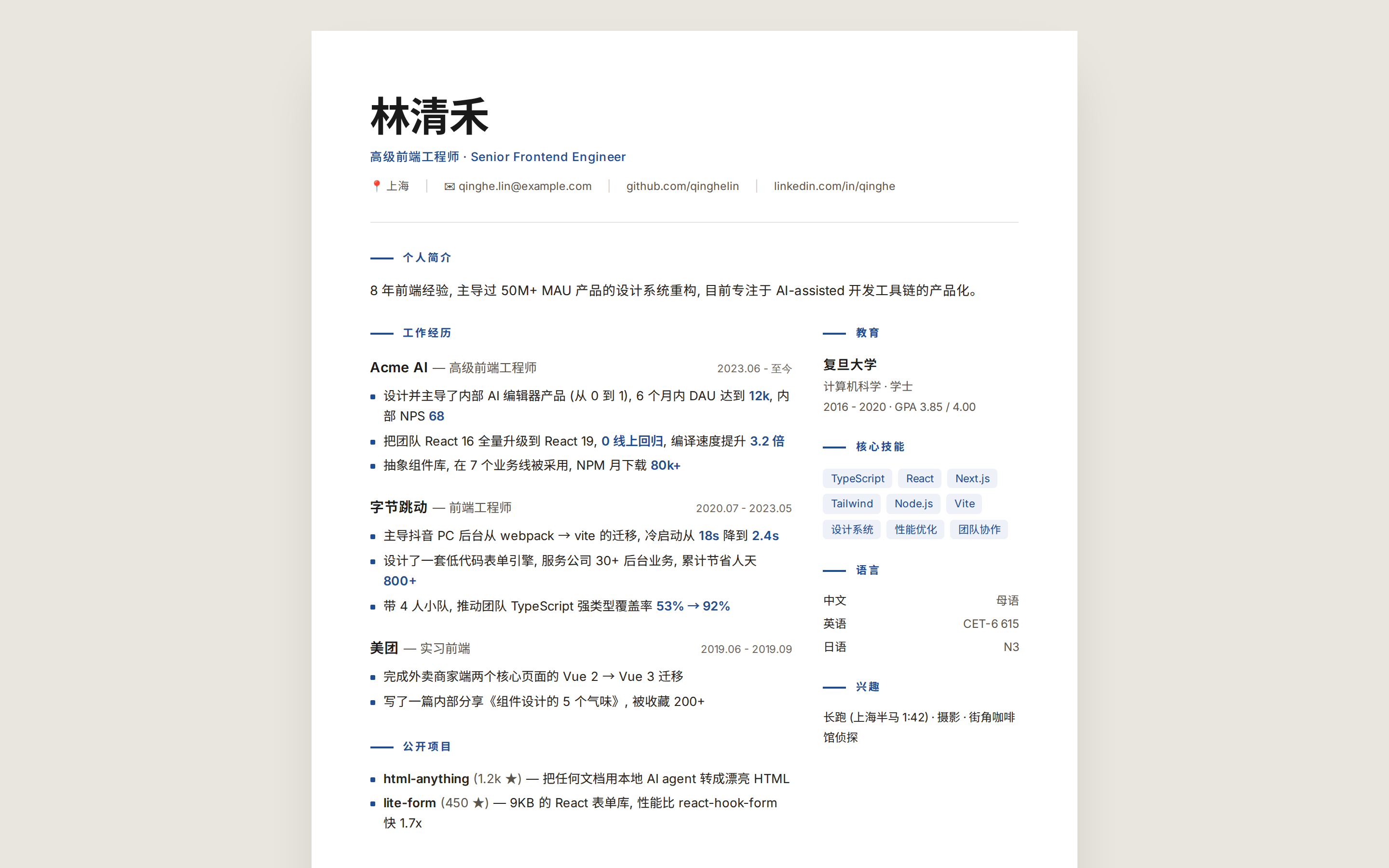
 Modern minimal resume, single A4 page, ready for print or PDF export.
A detailed, three-shot prompt for Seedance 2.0 to generate a healing, cinematic short film in the Modern Rural Aesthetics style. It specifies the style (Cinematic Commercial, 4K/8K, Extreme Macro, nat
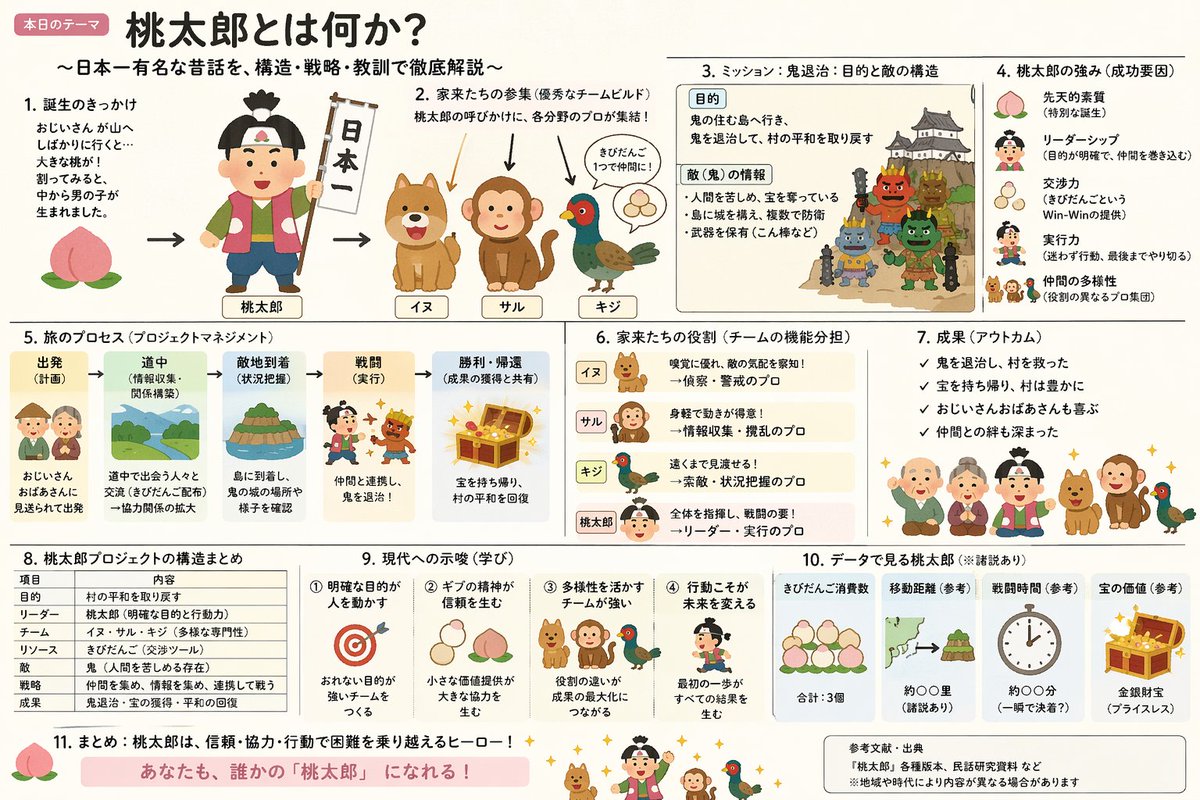 image Read full prompt →
 A prompt that combines the simple, warm aesthetic of Irasutoya illustrations with the high-information density characteristic of Japanese government slides.
 prototype Read full prompt →
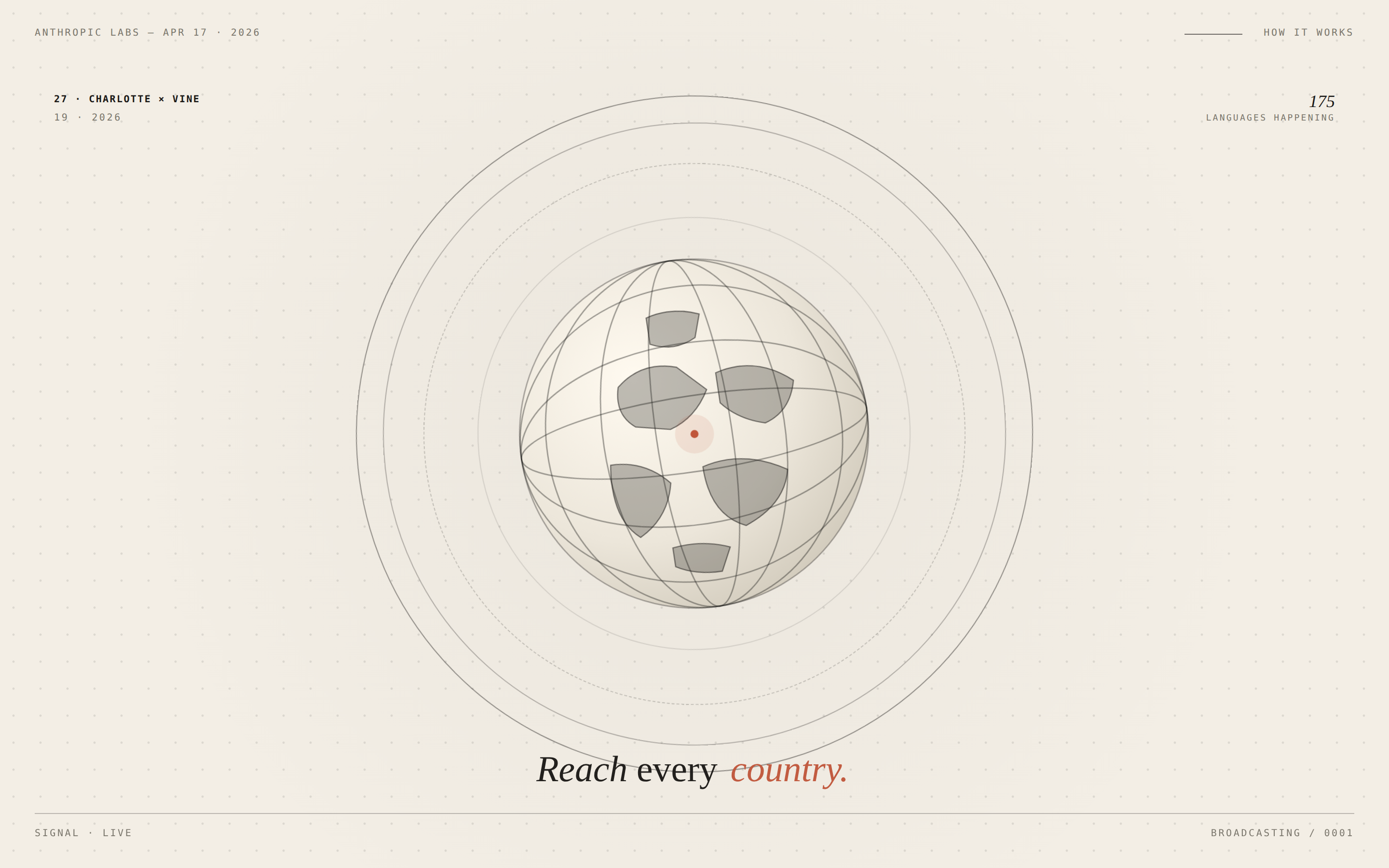
 A single-frame motion-design composition with looping CSS animations — rotating type ring, animated globe, ticking timer, parallax labels. Renders as a hero video poster you can hand straight to HyperFrames or any keyframe-based exporter. Use when the brief asks for "motion design", "animated hero", "loop", "video poster", "title card", or pairs Open Claude Design with HyperFrames for a kinetic export.
 prototype Read full prompt →
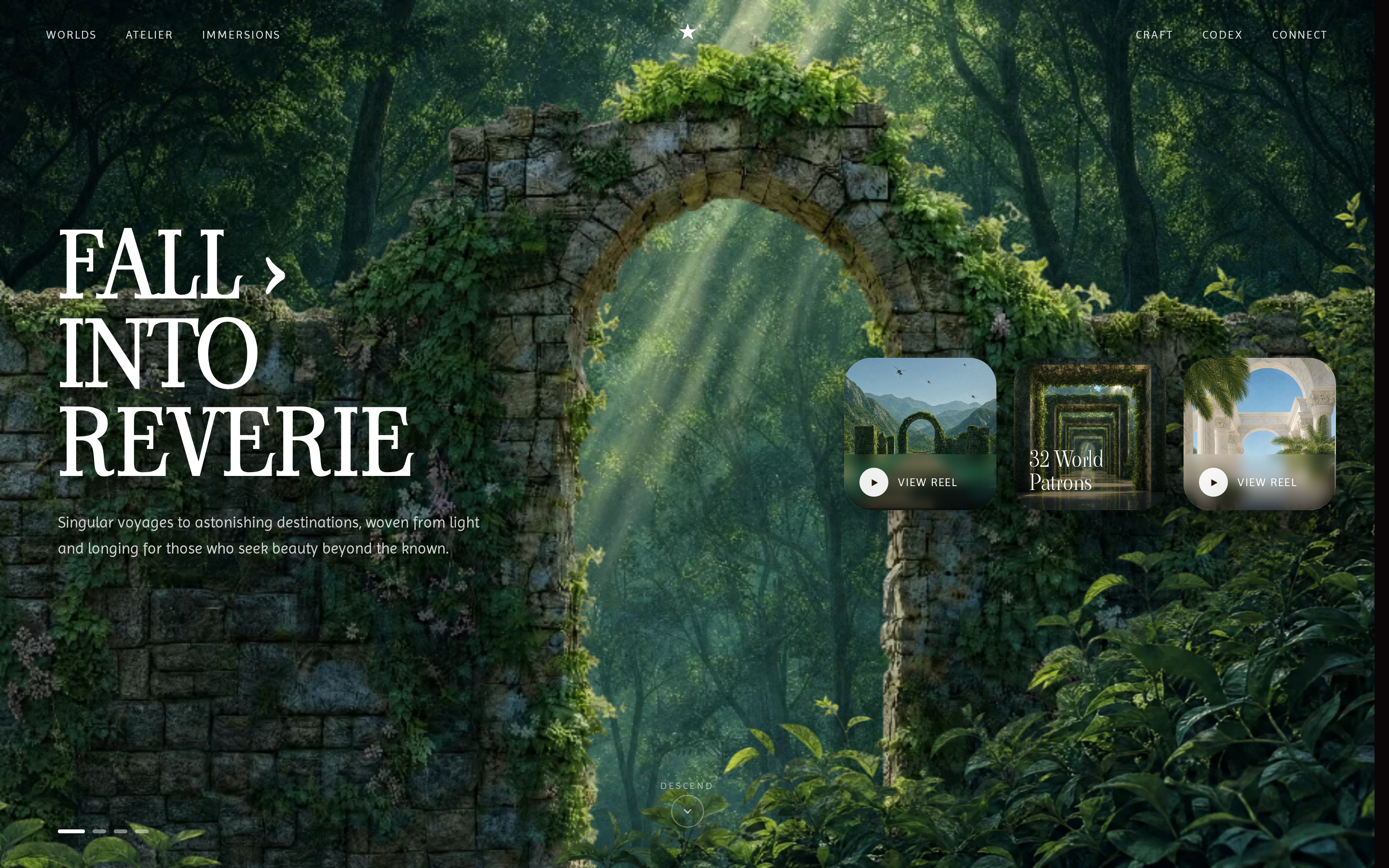
 A cinematic mythic-naturecore landing page: a 480vh scroll zooms through a portal while mirrored curtains part over a layered world background, with mouse-parallax 3D depth and a Viaoda-Libre / Imprima serif-sans pairing.
A subtle animation prompt for Seedance 2.0 to bring background and lighting elements to life while keeping the subject locked
 prototype Read full prompt →
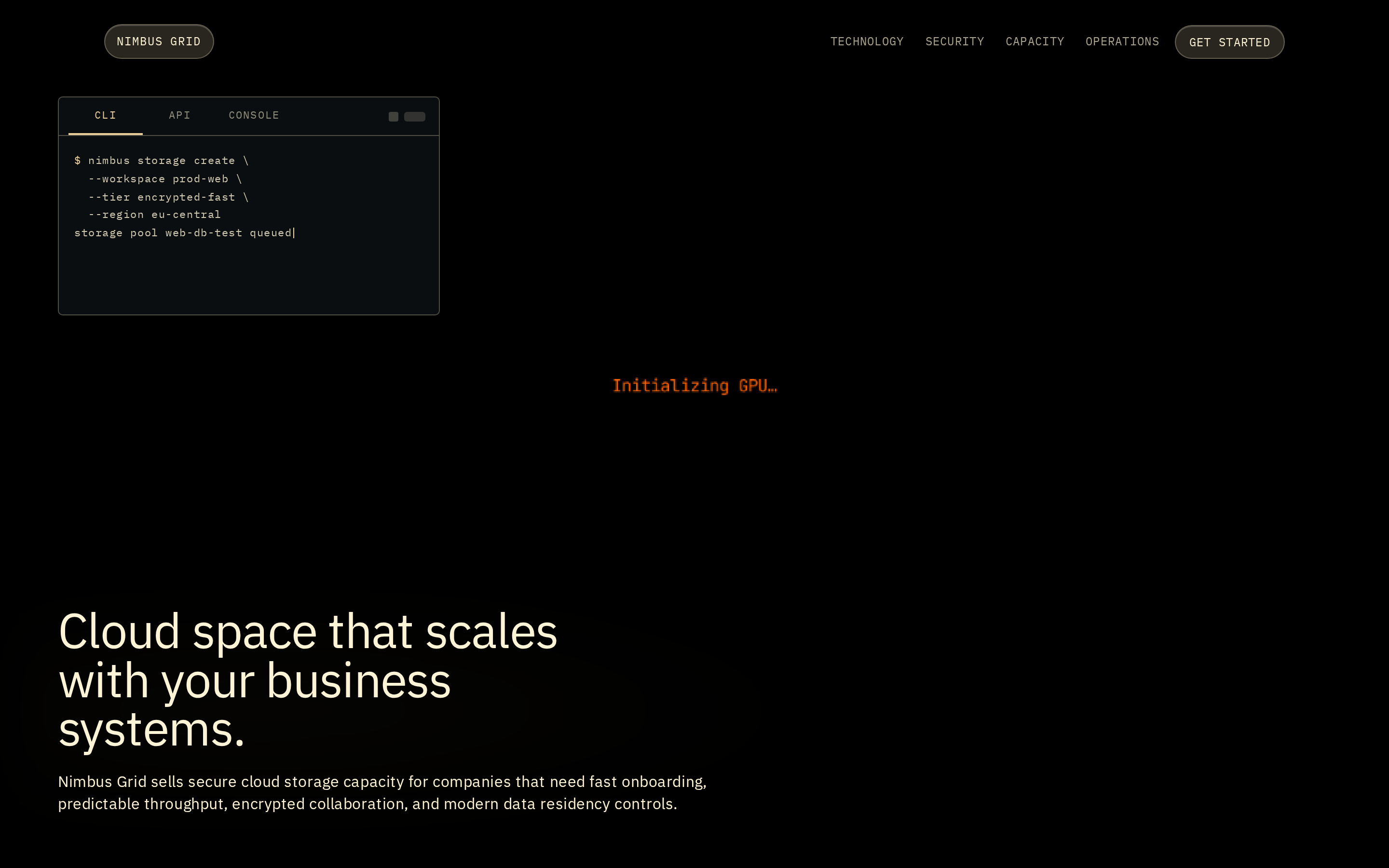
 Dark warm-gold single-page marketing site for a secure cloud-storage product: a shader hero with live console + typewriter, a scroll-driven sticky platform accordion, a scroll-morphing pricing bar field, security cards, a 3D tilting console showcase, and a click-to-explode operations cube.
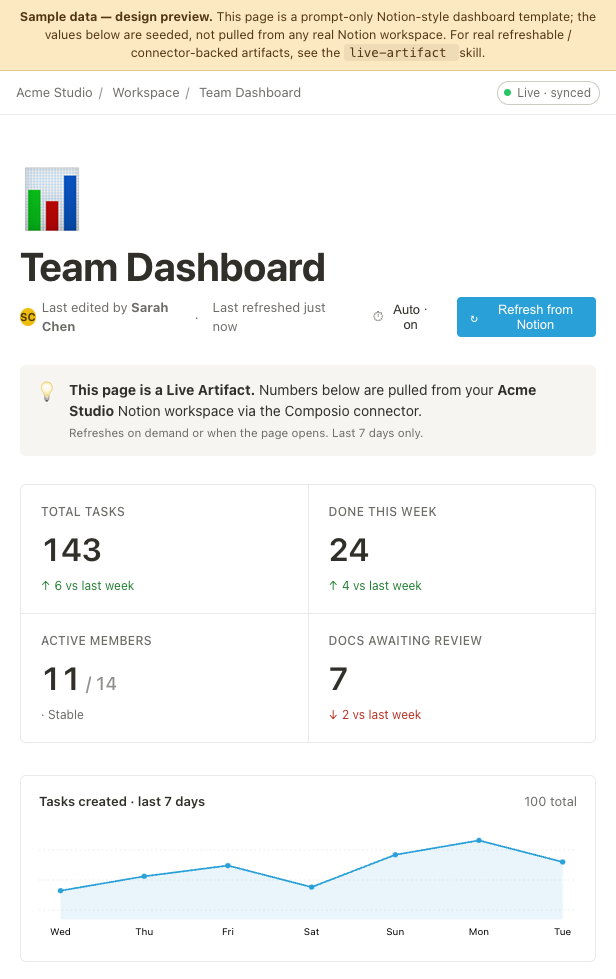 image Read full prompt →
 Single-screen Notion-native team dashboard mockup — KPI grid, 7-day sparkline, activity feed, and linked-database task table. Visual companion to the live-artifact skill; pair with it for refreshable / connector-backed runs, or use standalone as a still mockup.
 video Read full prompt →
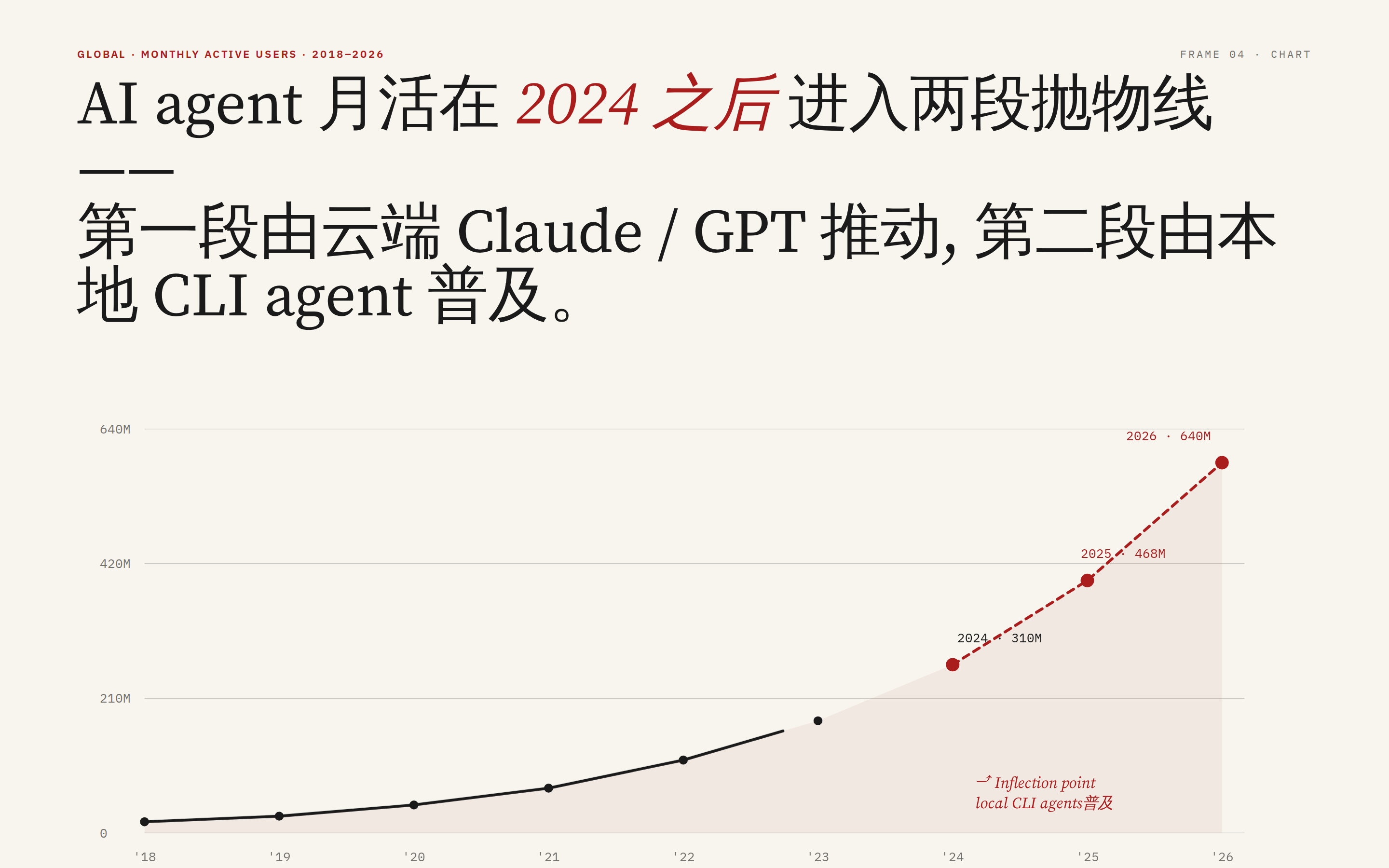
 NYT-newsroom typography, staggered reveal animation, and editorial-grade charts (line, bar, or range band).
 prototype Read full prompt →
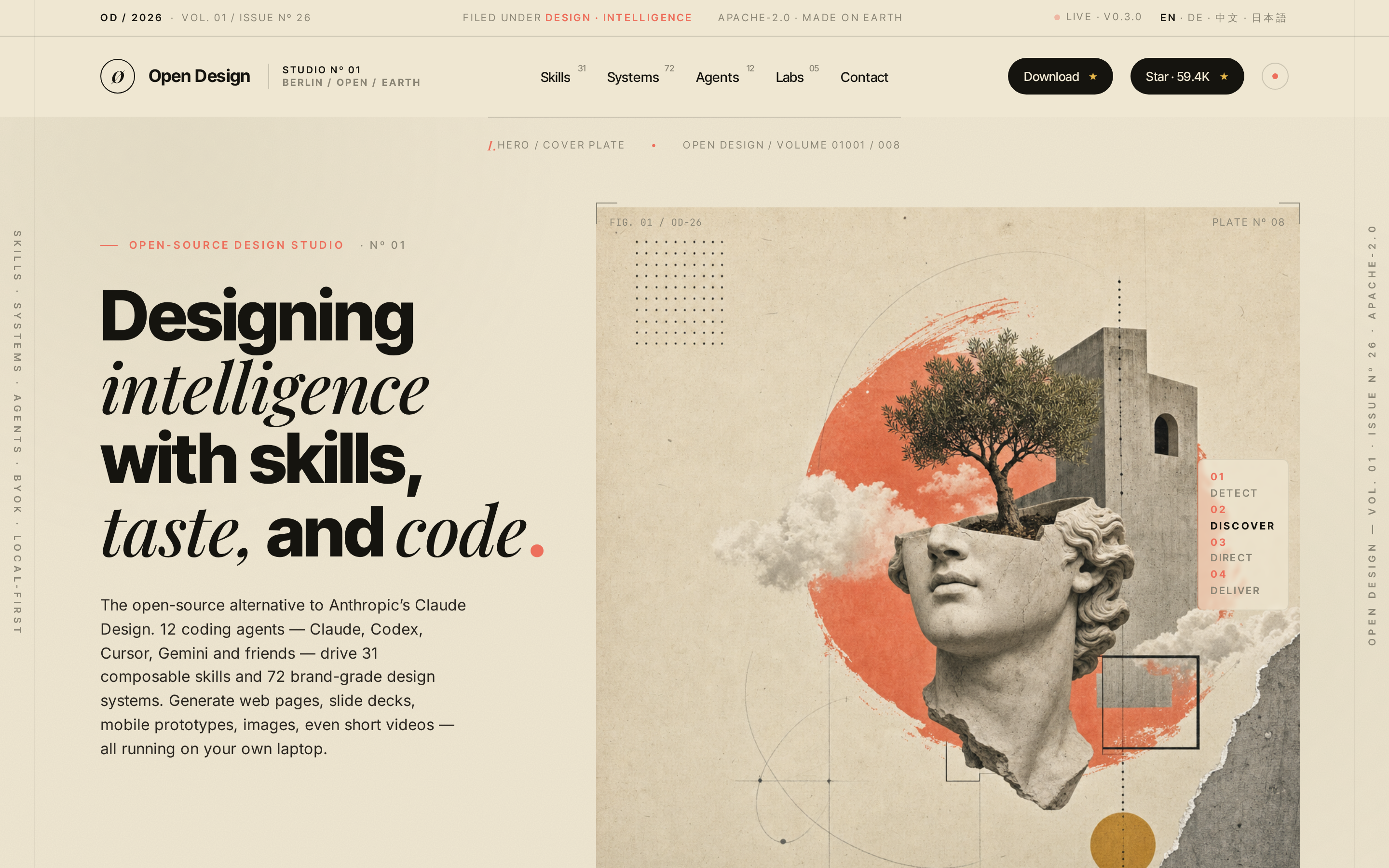
 Produce a world-class single-page editorial landing site in the Atelier Zero visual language (Monocle / Apartamento / Études editorial collage) — the same aesthetic Open Design uses for its own marketing surface. The agent fills a typed `inputs.json` from a brand brief, optionally generates 16 collage assets via gpt-image-2, then runs a pure-function composer that emits a self-contained HTML file; a separate path can mirror the Astro marketing site in `apps/landing-page/`. Drop-in scroll-reveal motion and a Headroom-style sticky nav are wired automatically.
 deck Read full prompt →
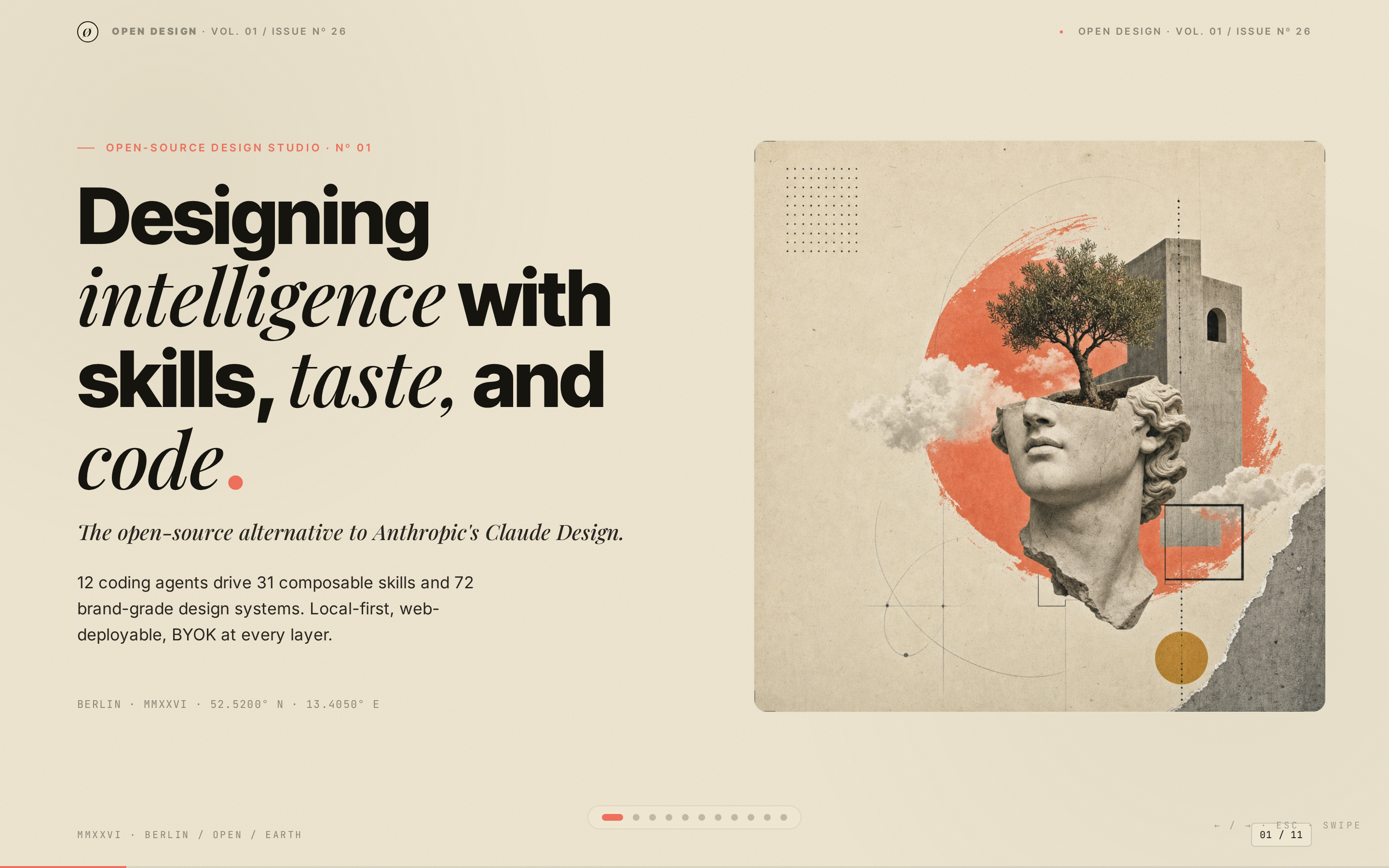
 Produce a single-file slide deck in the Atelier Zero visual language (warm-paper background, italic-serif emphasis spans, coral terminating dots, surreal collage plates) — Open Design's brand deck recipe. The deck uses **horizontal magazine-style swipe pagination** (←/→, wheel, swipe), a per-slide chrome strip with brand mark and slide counter, an ESC overview grid, a coral progress bar, and inherits the canonical stylesheet + 16-slot image library from the sister `open-design-landing` skill.
 deck Read full prompt →
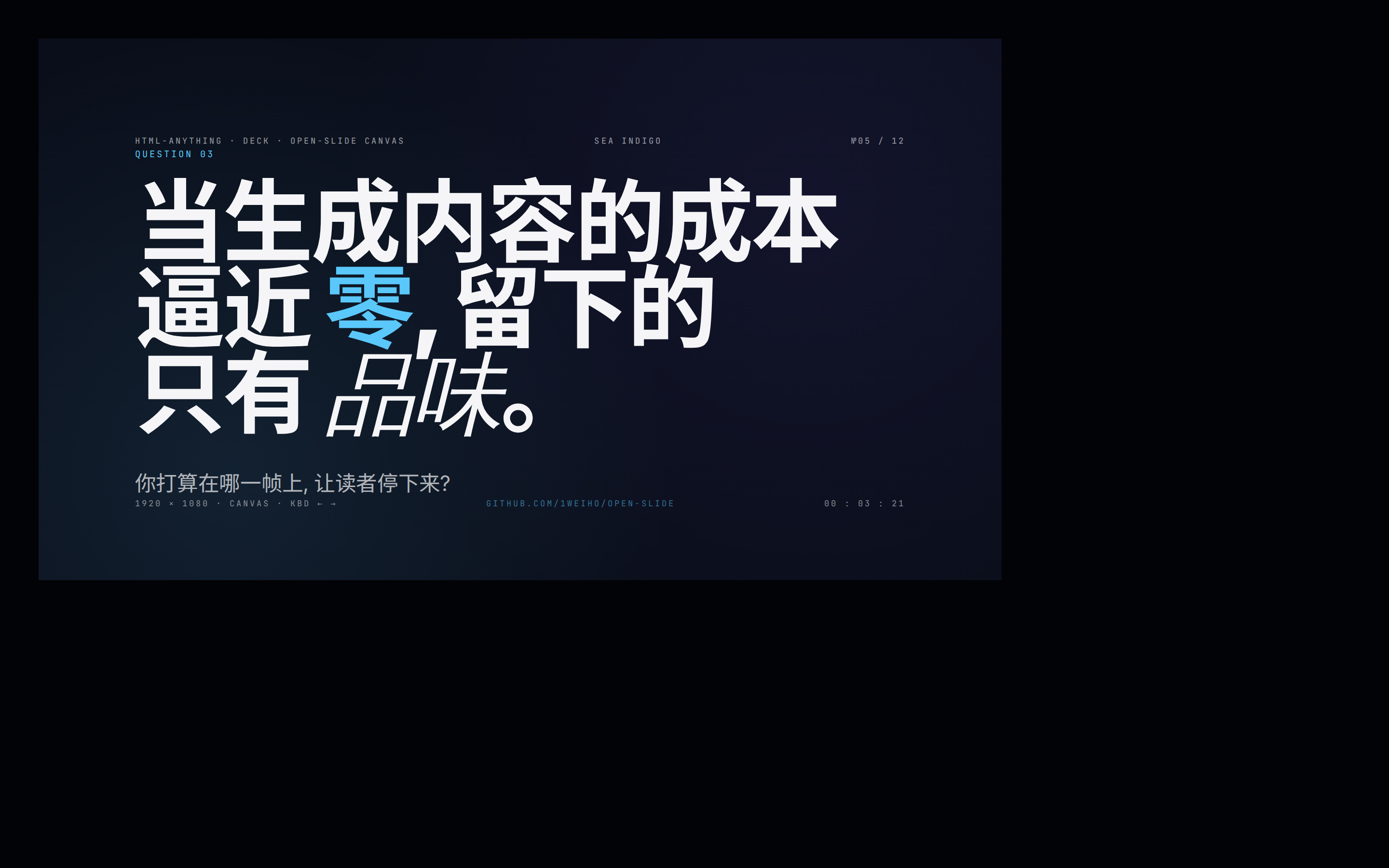
 Locked 1920x1080 canvas deck with React component-level free composition, not bound to a fixed template.
 prototype Read full prompt →
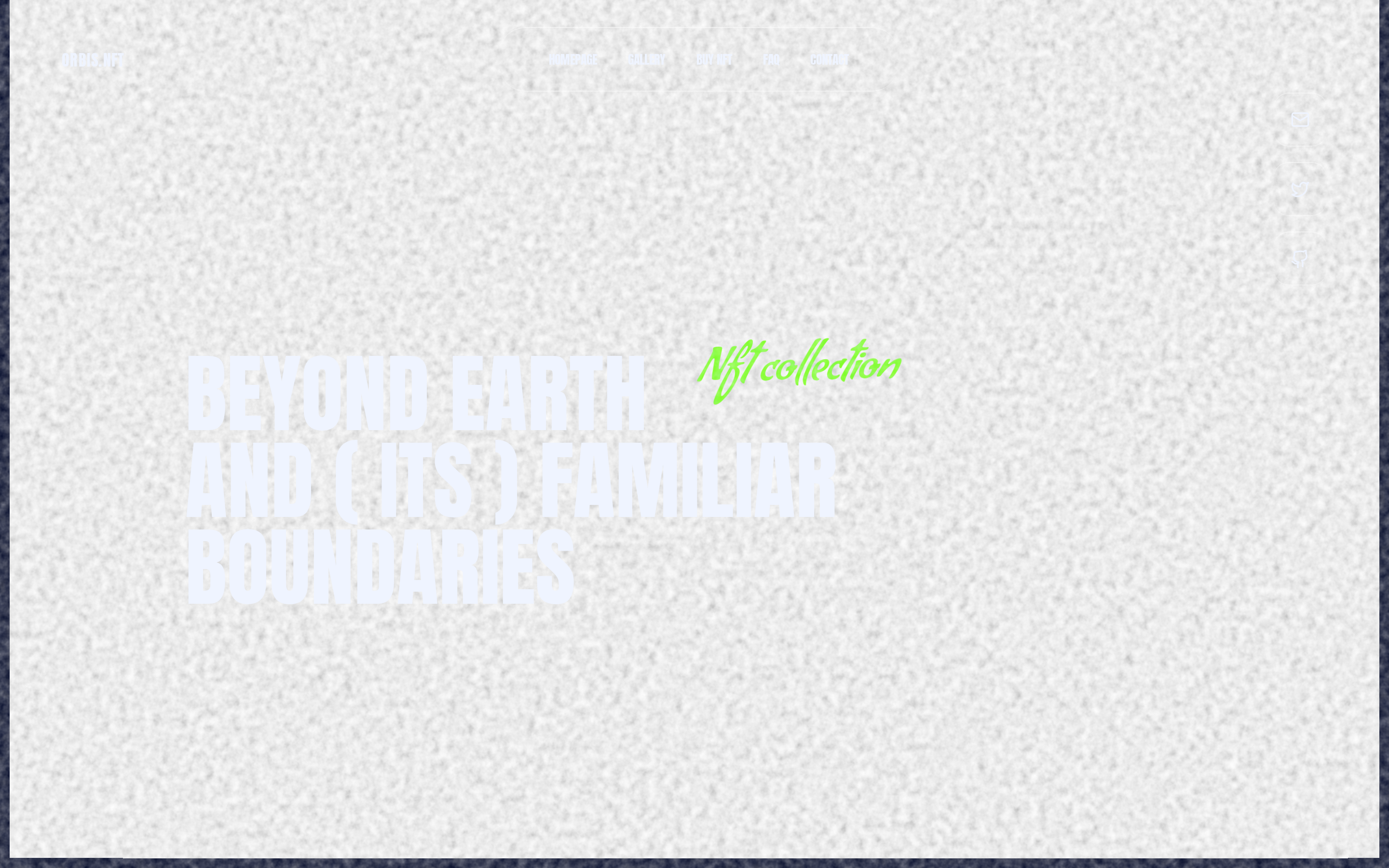
 Dark space-themed NFT collection landing page with full-bleed CloudFront video backgrounds, a liquid-glass UI, Anton + Condiment fonts, and a neon-green accent across four sections.
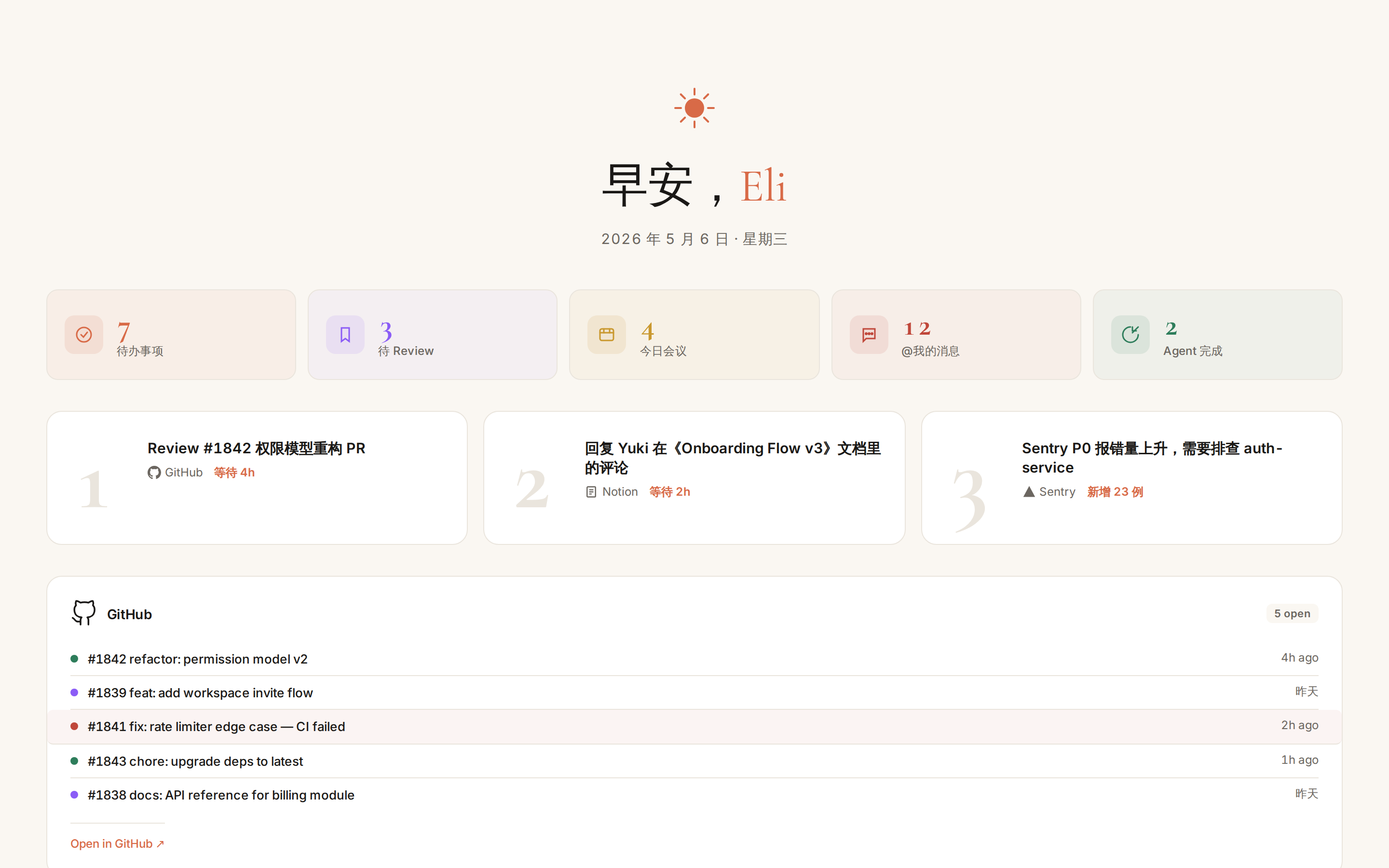 prototype Read full prompt →
 Open Orbit briefing skill — selected by the Orbit pipeline when the user has two or more connectors connected. Pulls the past 24 hours of activity from every authenticated connector (GitHub, Linear, Notion, Slack, 飞书, Calendar, Gmail, Drive, Sentry, Vercel, …) and renders a single adaptive bento-grid dashboard at the top of "我的设计". Each connector module picks its own UI form (list, avatar stack, status ring, heatmap, file grid, alert card, …) based on the data shape it returns, so the layout scales as Orbit's connector ecosystem grows. This skill should not be triggered manually — it is invoked by Orbit's daily-digest scheduler against the user's live connector data.
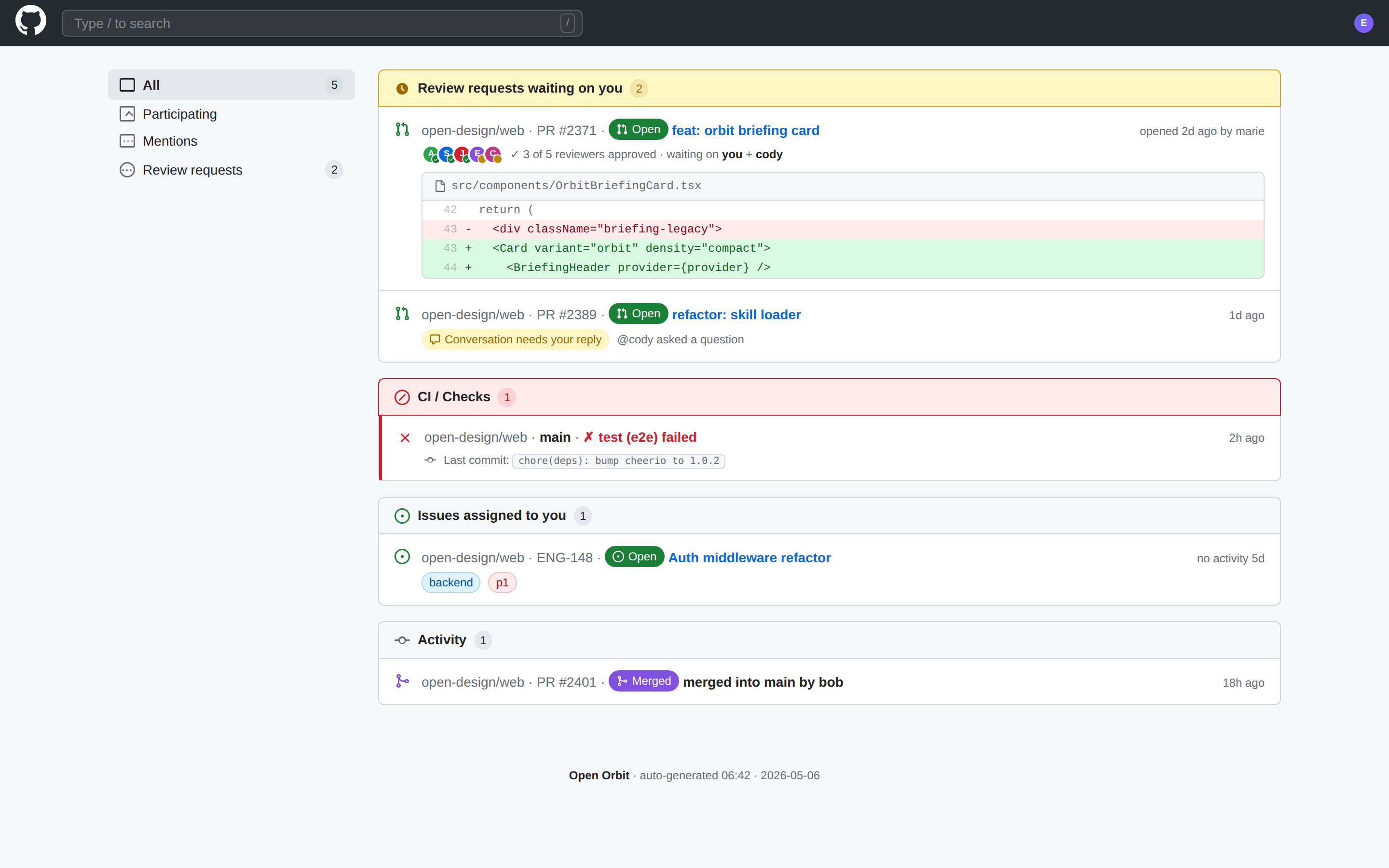 prototype Read full prompt →
 Open Orbit briefing skill — selected by the Orbit pipeline when GitHub is the user's only connected connector, or when the user explicitly scopes their daily digest to GitHub. Pulls the past 24 hours of PRs, review requests, issues, CI runs, and merges from the user's authenticated GitHub connection and renders them in a layout that mirrors GitHub's native Notifications + PR-diff visual language. This skill should not be triggered manually — it is invoked by Orbit's daily-digest scheduler against live GitHub data.
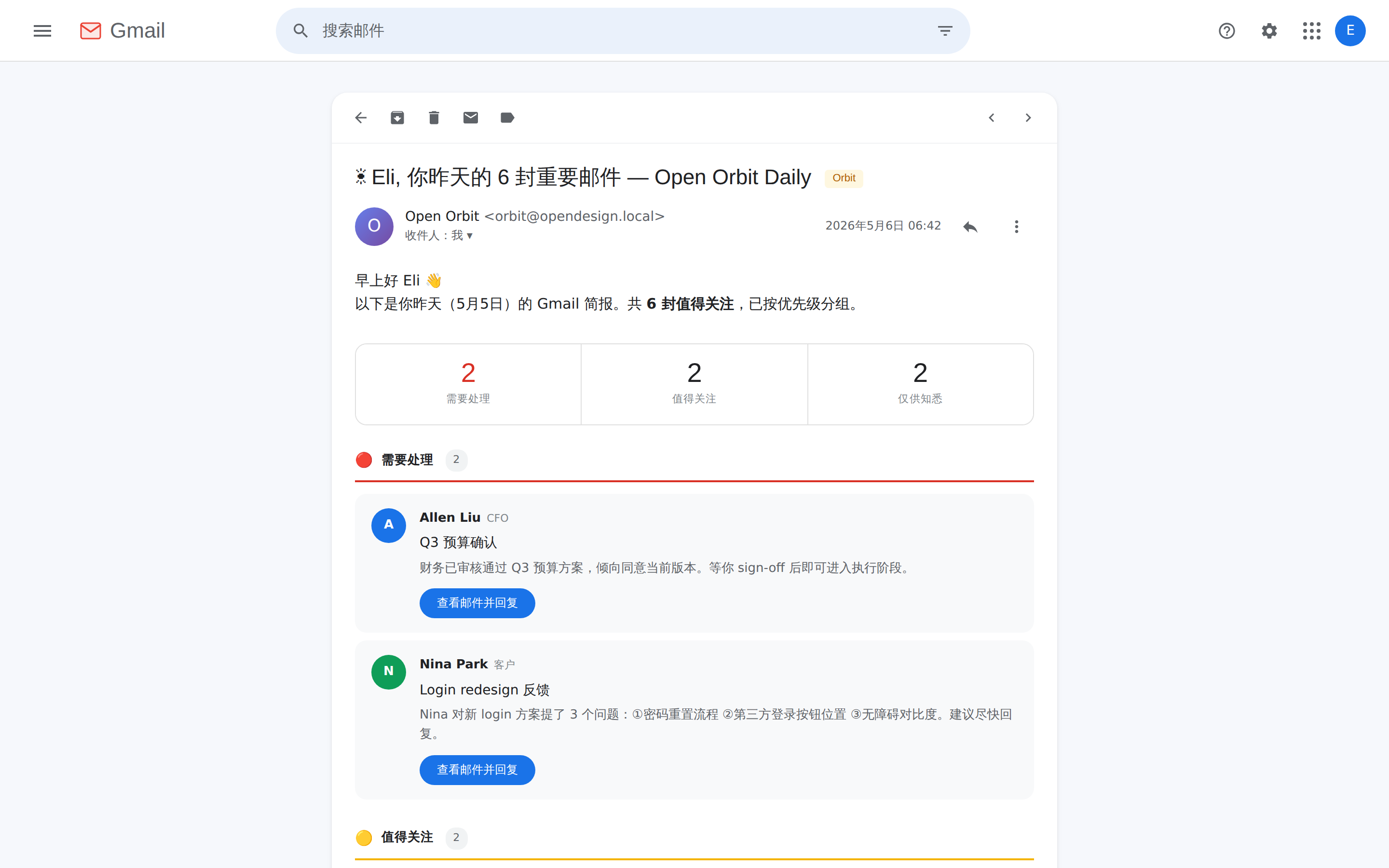 prototype Read full prompt →
 Open Orbit briefing skill — selected by the Orbit pipeline when Gmail is the user's only connected connector, or when the user explicitly scopes their daily digest to Gmail. Pulls the past 24 hours of inbox activity (replies awaited, mentions, cc, auto- categorized bulk) from the user's authenticated Gmail connection and renders the digest as the Orbit Daily Digest email opened inside Gmail's reading view. This skill should not be triggered manually — it is invoked by Orbit's daily-digest scheduler against live Gmail data.
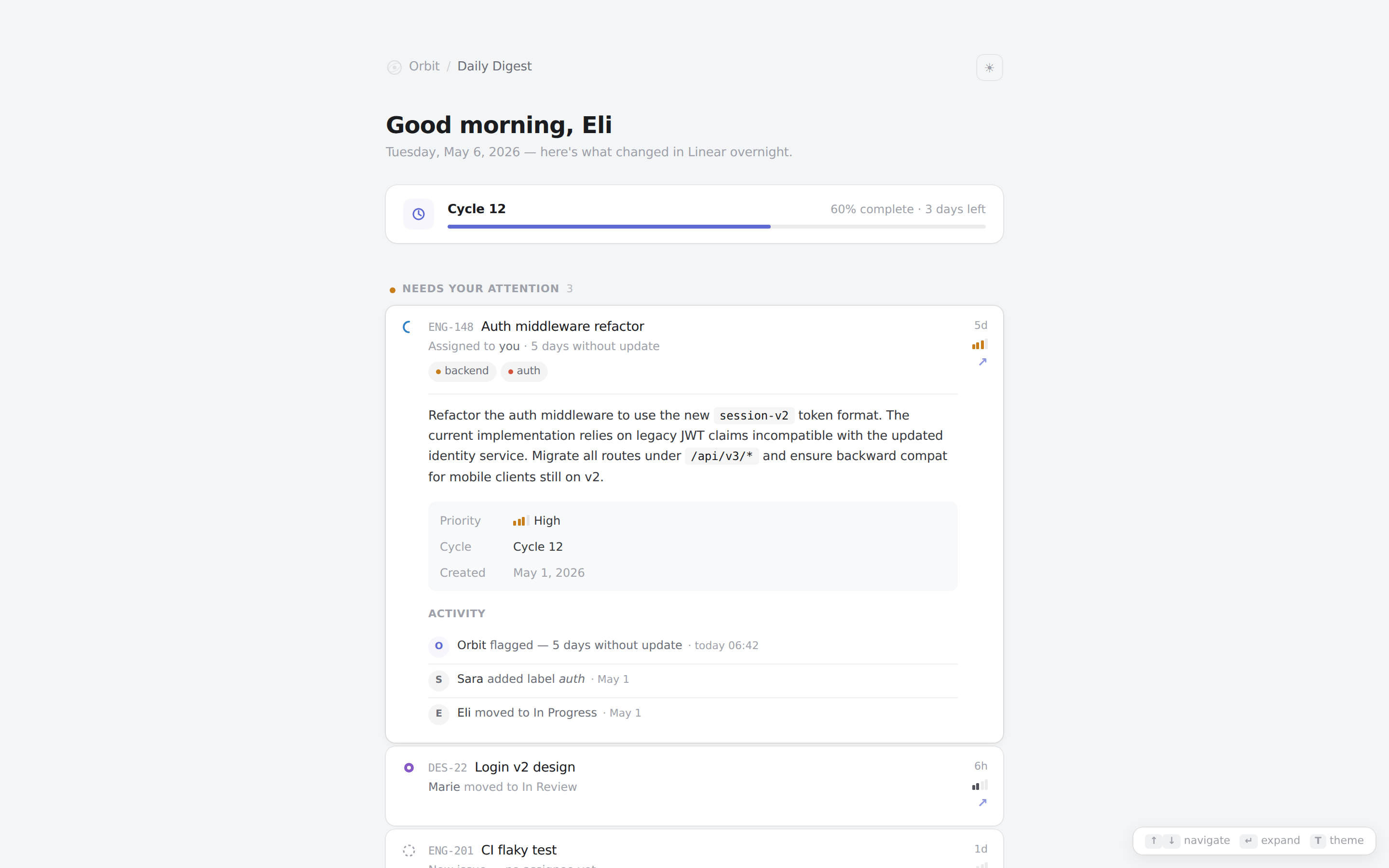 prototype Read full prompt →
 Open Orbit briefing skill — selected by the Orbit pipeline when Linear is the user's only connected connector, or when the user explicitly scopes their daily digest to Linear. Pulls the past 24 hours of issue movement, status changes, assignments, and cycle progress from the user's authenticated Linear connection and renders the digest in Linear's native Inbox + cycle-progress visual language. This skill should not be triggered manually — it is invoked by Orbit's daily-digest scheduler against live Linear data.
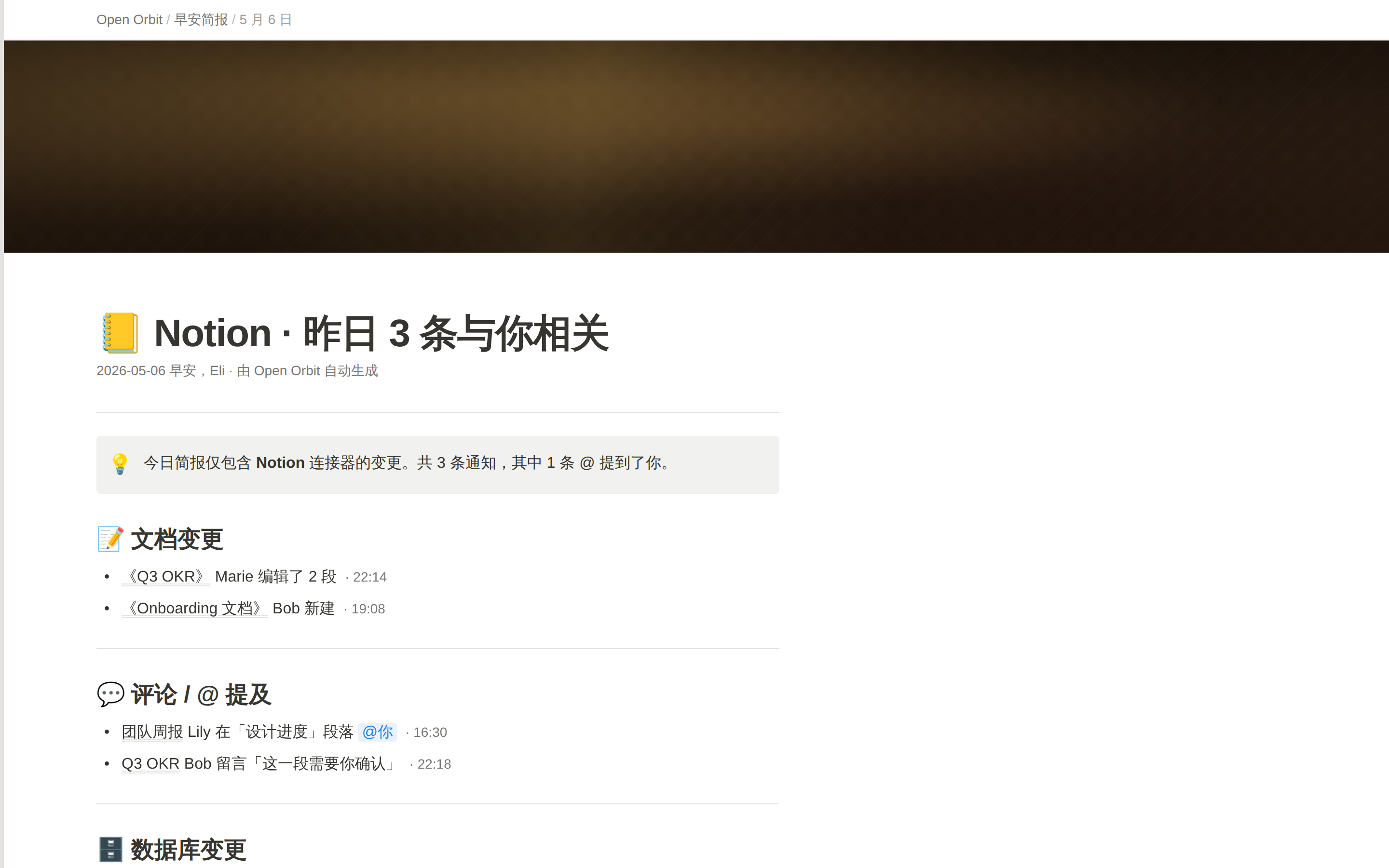 prototype Read full prompt →
 Open Orbit briefing skill — selected by the Orbit pipeline when Notion is the user's only connected connector, or when the user explicitly scopes their daily digest to Notion. Pulls the past 24 hours of document edits, comments, mentions, and database row changes from the user's authenticated Notion connection and renders the digest as a native Notion page (callout / toggle / database table primitives). This skill should not be triggered manually — it is invoked by Orbit's daily-digest scheduler against live Notion data.
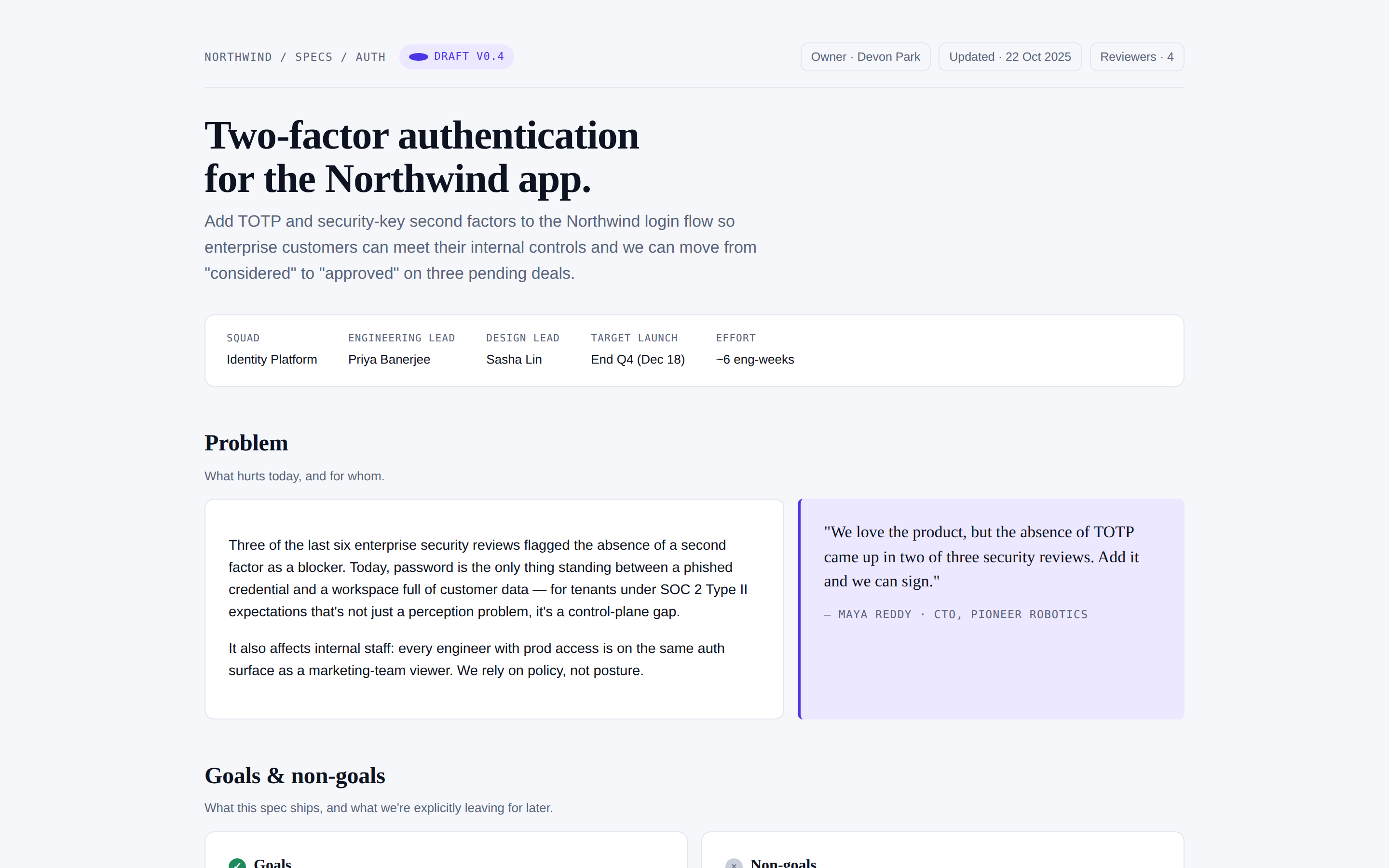 prototype Read full prompt →
 Product spec / PRD as a single page — problem, success metrics, scope, user stories, design notes, rollout plan, open questions. Use when the brief mentions "PRD", "spec", "product spec", "feature brief", or "需求文档".
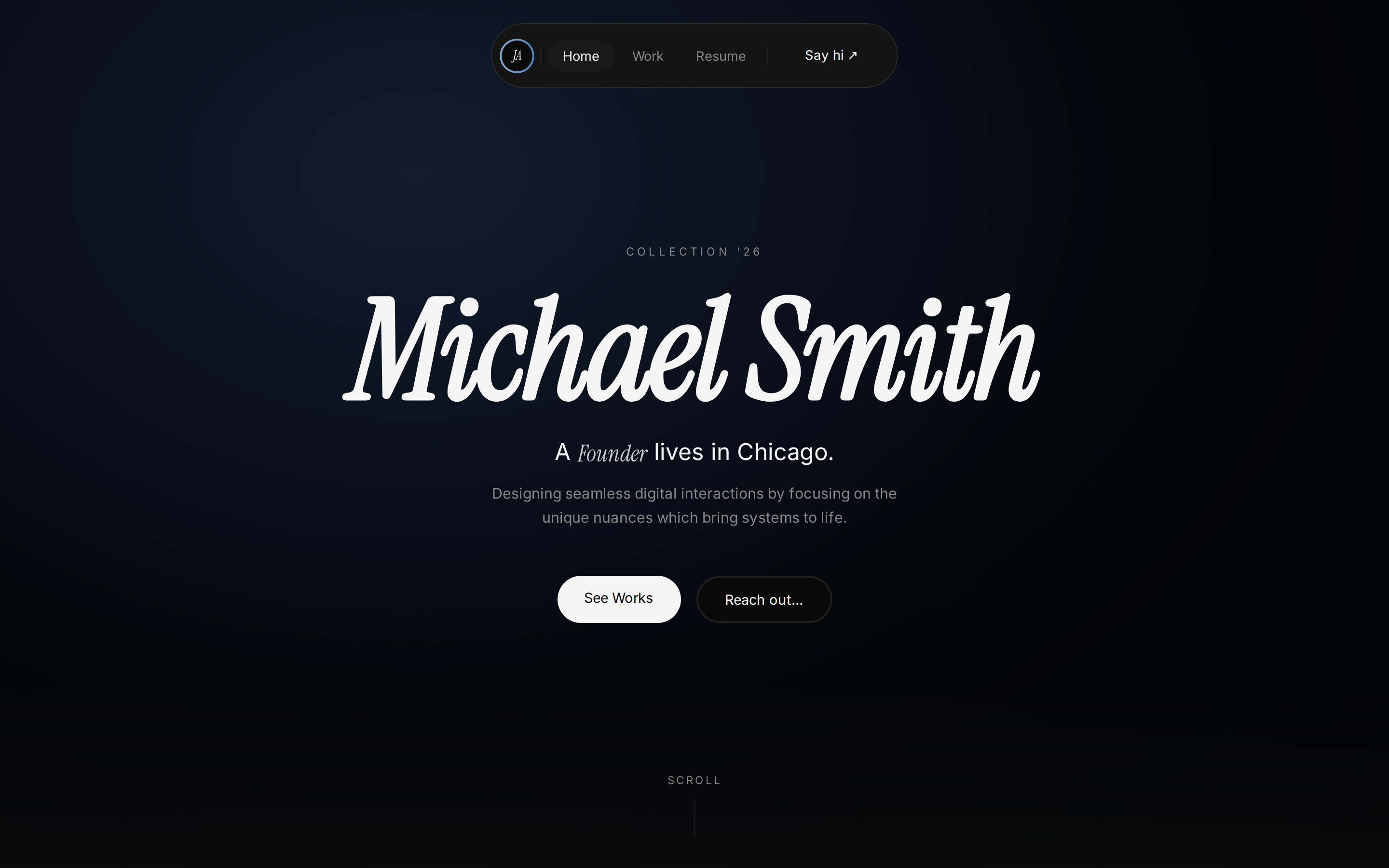 prototype Read full prompt →
 Premium dark single-page portfolio landing: cinematic HLS hero video, Instrument-Serif italic display type, a 000→100 loading counter, an alternating bento works grid, a scroll-pinned parallax exploration gallery, and a marquee contact footer with the locked #89AACC→#4E85BF accent gradient.
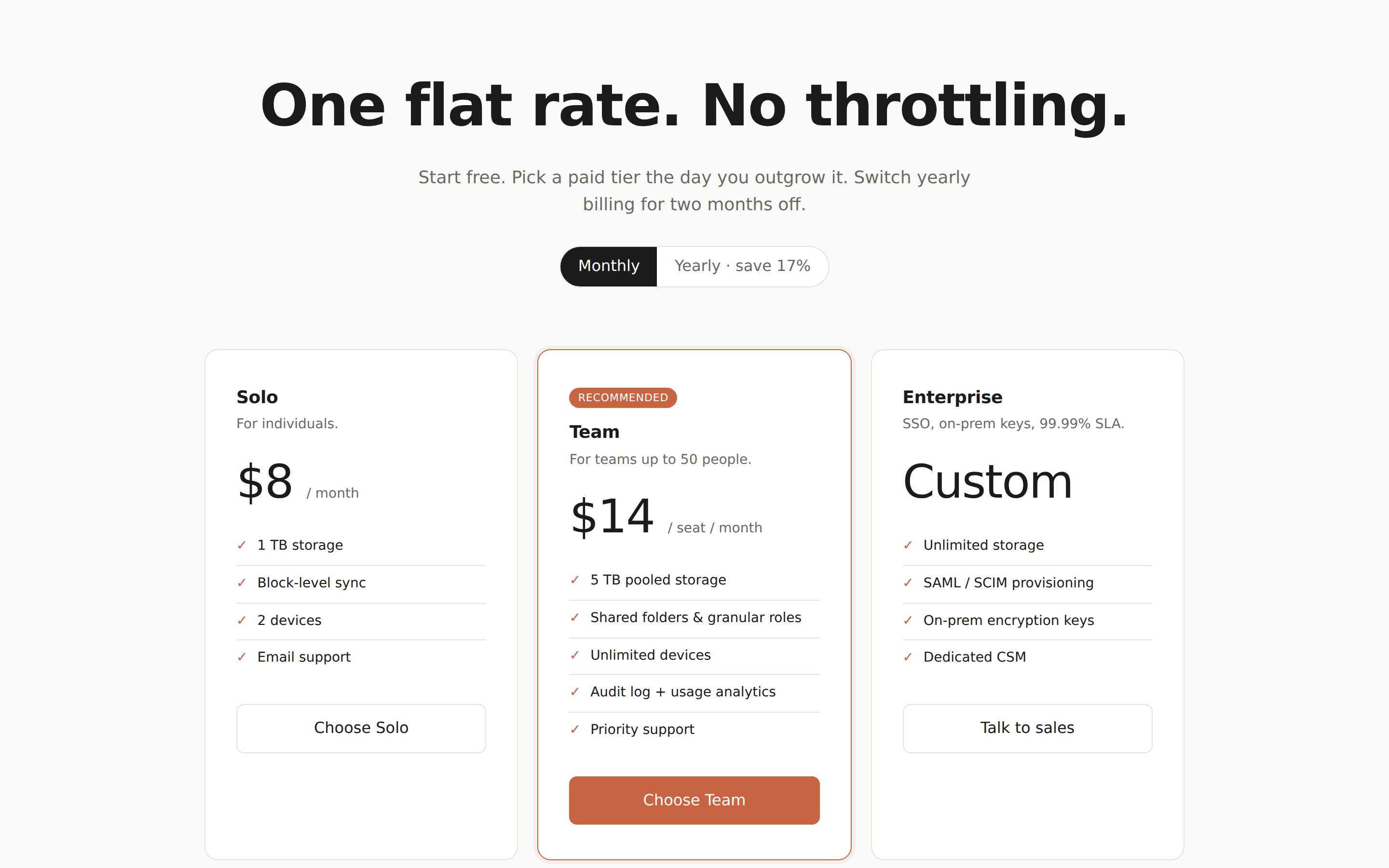 prototype Read full prompt →
 A standalone pricing page — header, plan tiers, feature comparison table, and an FAQ. Use when the brief asks for "pricing", "plans", "subscription tiers", or a "compare plans" page.
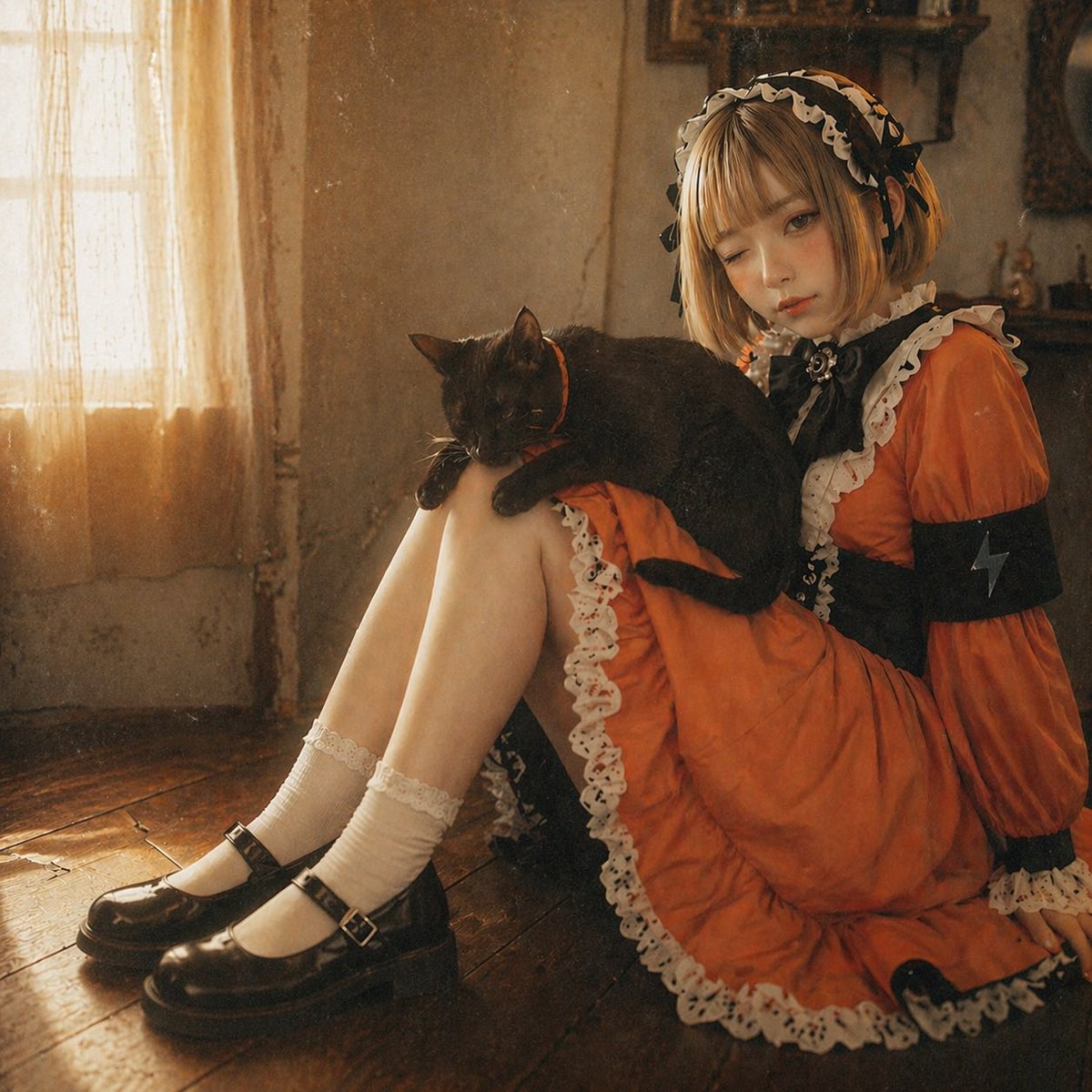 image Read full prompt →
 This prompt turns a character reference illustration into a realistic, warm-toned vintage interior portrait while preserving the original outfit, pose, and cat.
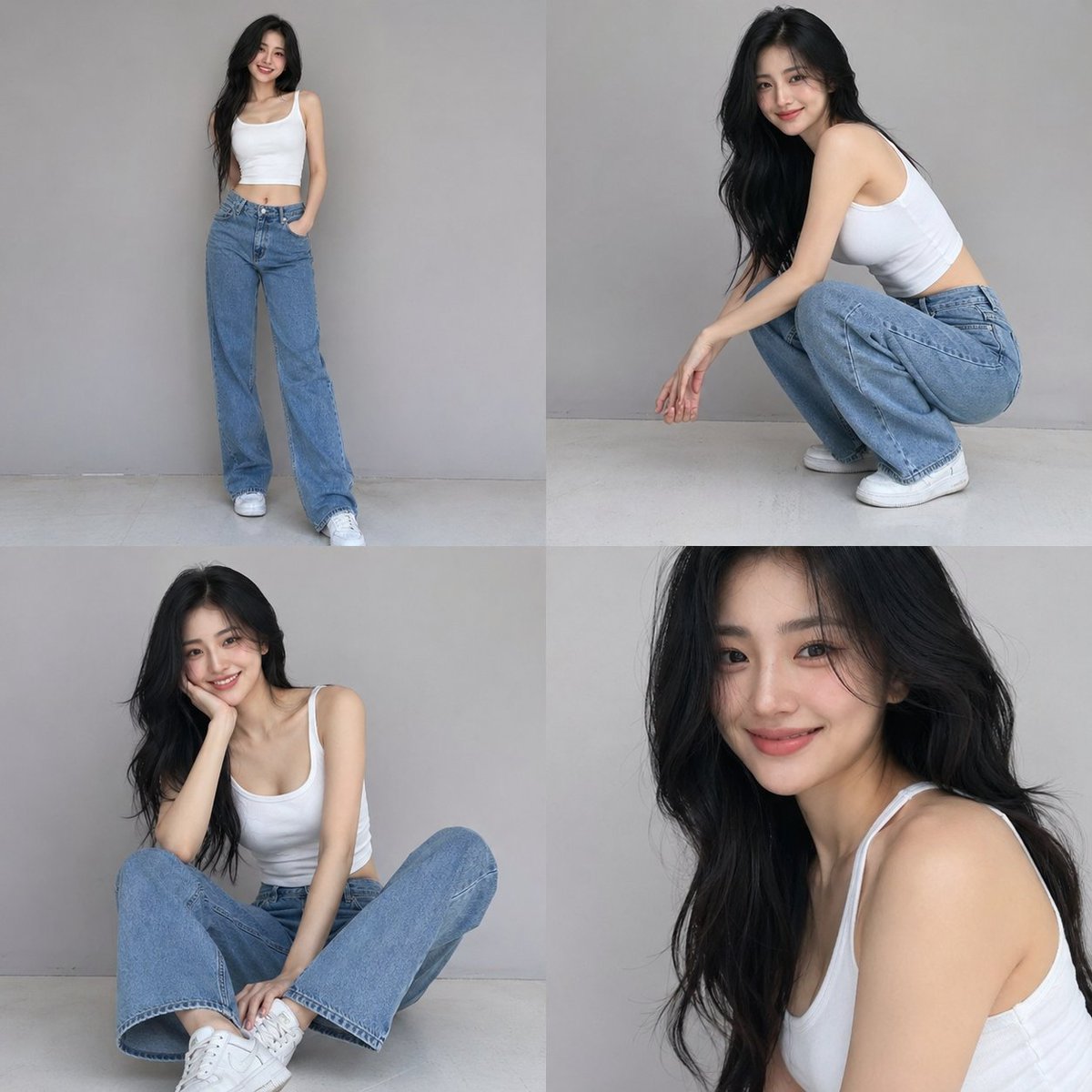 image Read full prompt →
 A structured JSON prompt for a 4-photo collage of a casual fashion photoshoot with detailed subject and lighting parameters.
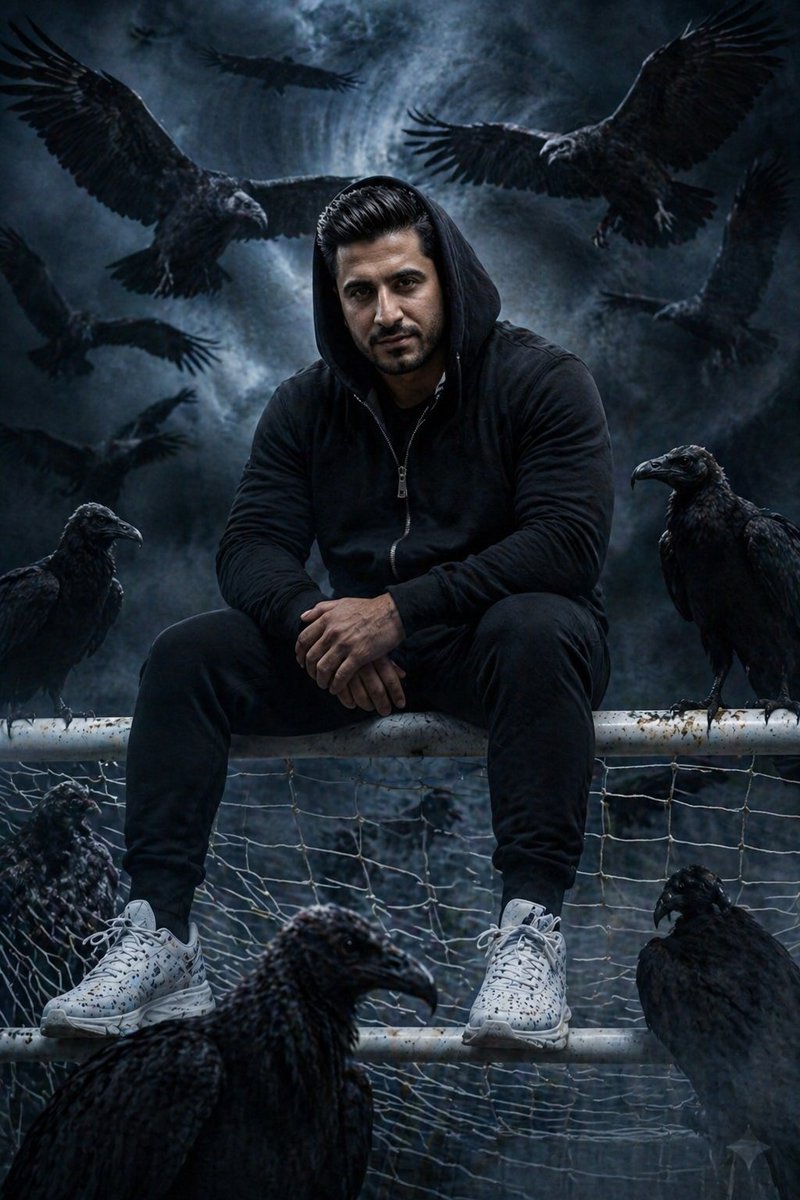 image Read full prompt →
 A detailed cinematic portrait of a young South Asian man in a moody, dark fantasy setting surrounded by vultures and ravens.
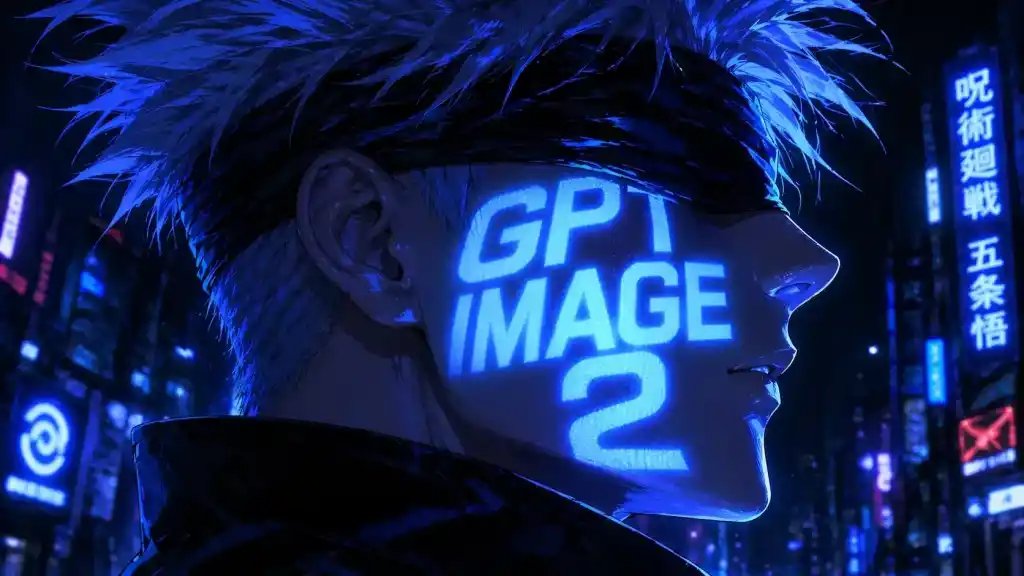 image Read full prompt →
 A stylish neon-soaked anime portrait for posters, social media art, or futuristic branding visuals.
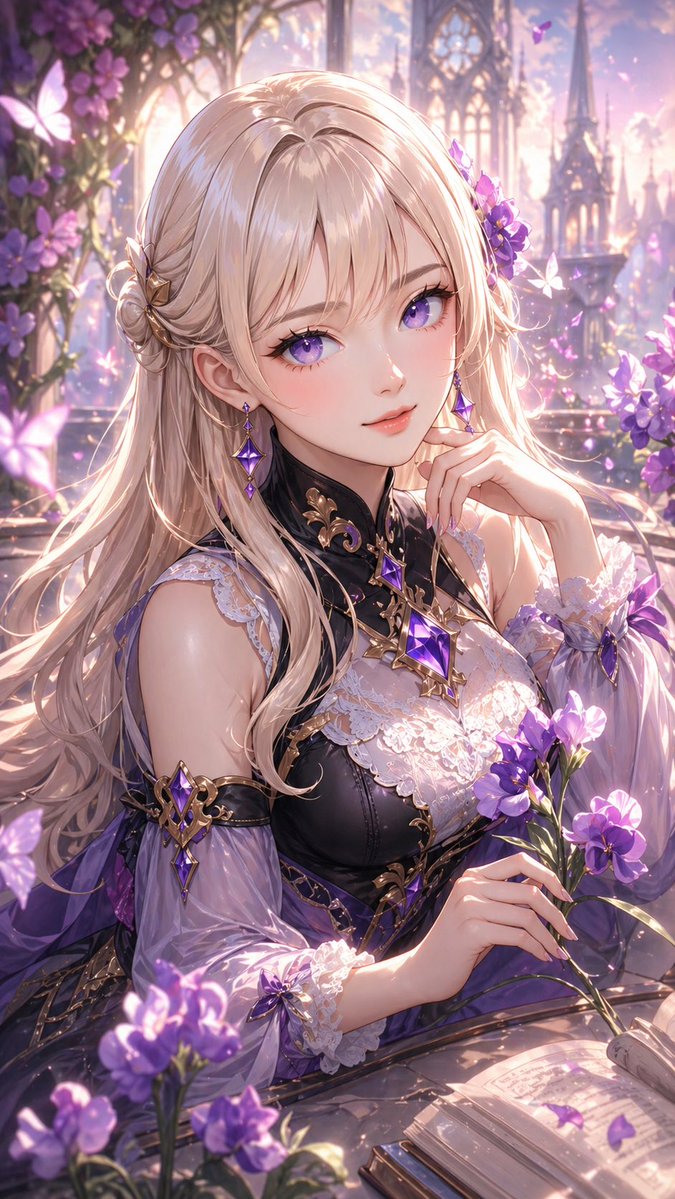 image Read full prompt →
 This prompt generates a polished anime-style fantasy portrait of an elegant woman with glossy styled hair, ornate violet-black clothing, and a flower-filled magical garden setting, ideal for character
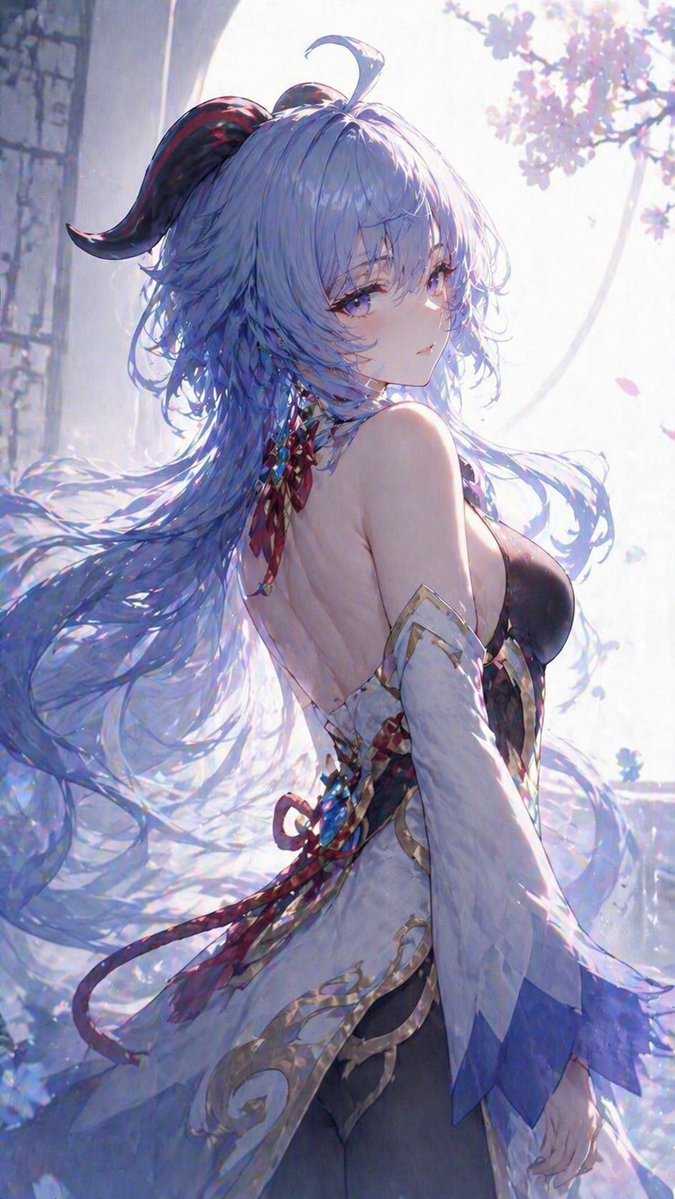 image Read full prompt →
 This prompt generates a soft, luminous anime-style fantasy character portrait, ideal for creating elegant vertical key art or character illustrations with flowing hair and a dreamy spring atmosphere.
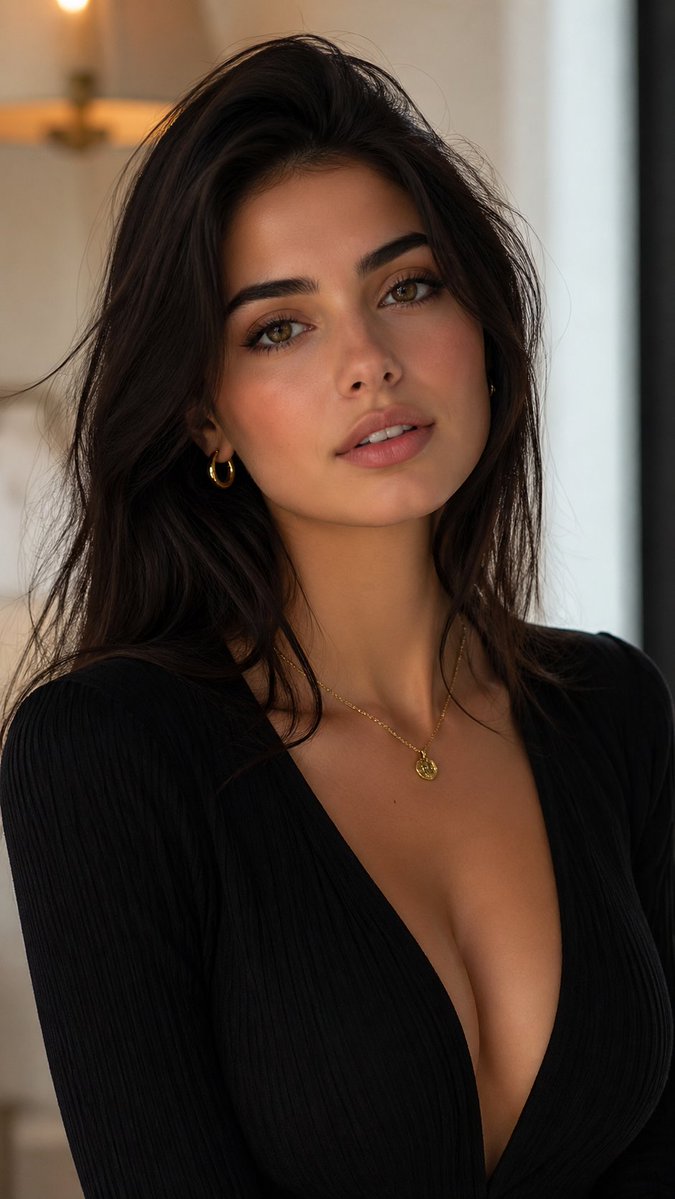 image Read full prompt →
 This prompt generates a photorealistic luxury-style portrait of an elegant woman in a plunging black outfit, ideal for fashion editorial or beauty imagery.
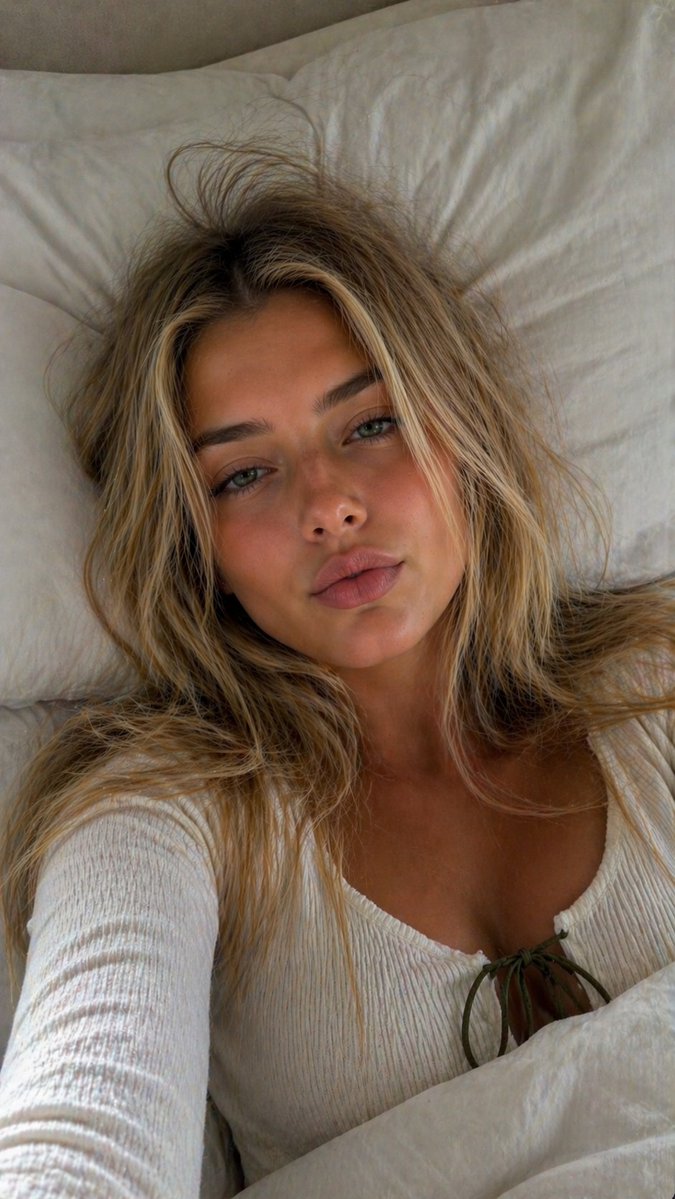 image Read full prompt →
 Detailed prompt snippets for generating realistic skin textures and authentic phone selfie framing, focusing on visible pores and natural lighting.
 image Read full prompt →
 This prompt generates a polished anime-style fantasy portrait of an elegant mage princess with glossy blonde hair, purple flowers, and ornate crystal attire, ideal for character art or magical illustr
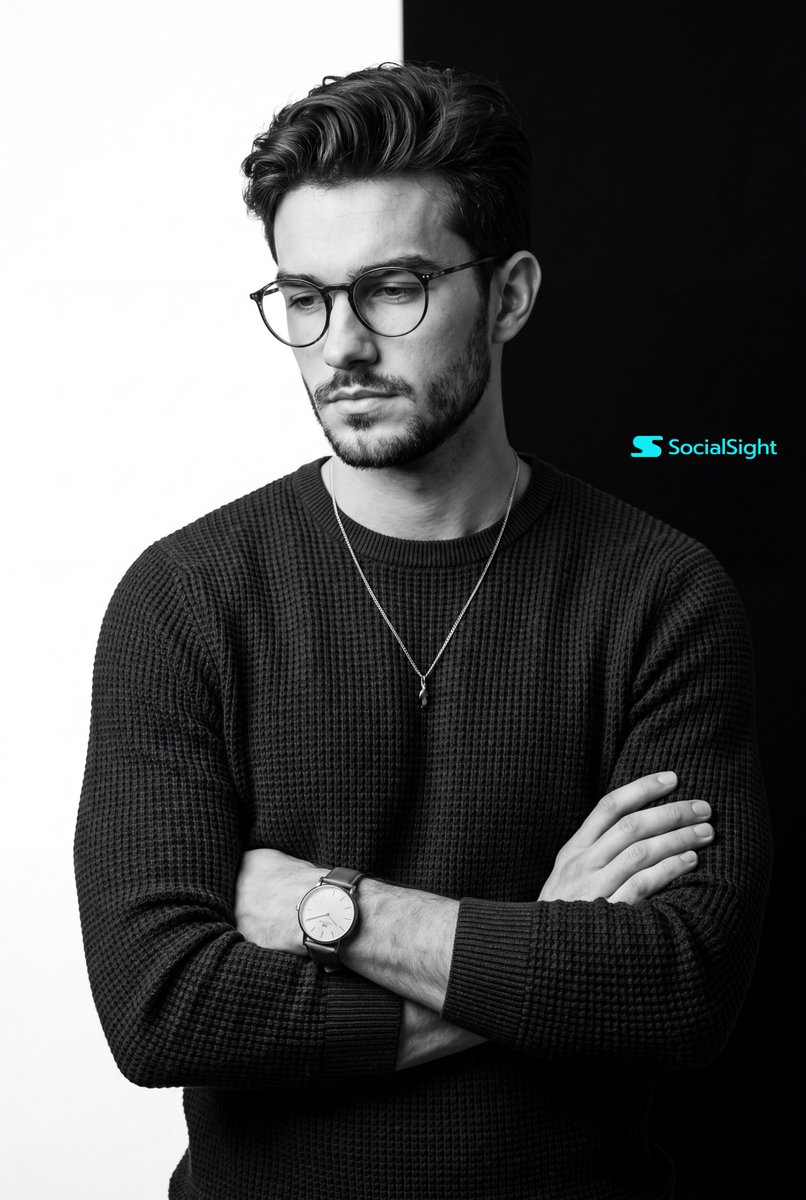 image Read full prompt →
 A high-end commercial photography prompt for a monochrome portrait with a distinctive split-background and dramatic studio lighting.
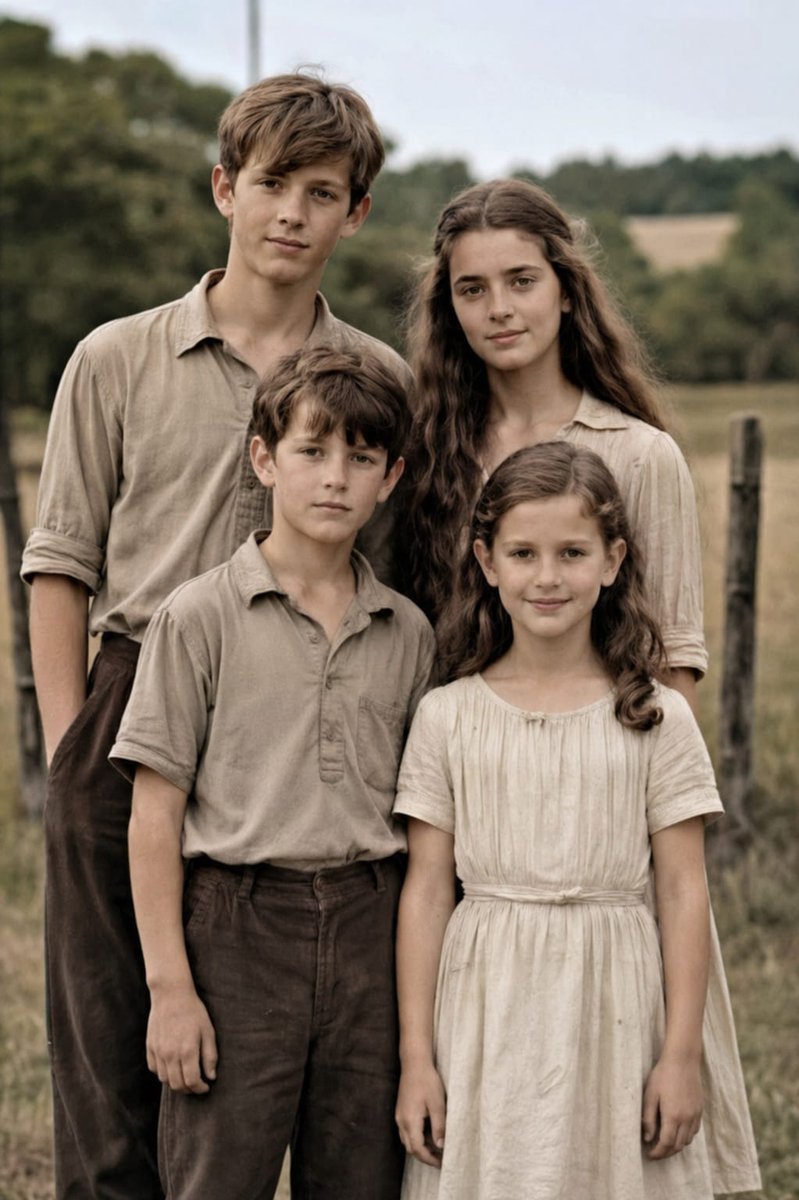 image Read full prompt →
 This prompt restores a damaged vintage 4-person family photo into a clean, colorized, high-resolution realistic portrait for photo repair and enhancement.
 image Read full prompt →
 This prompt generates a realistic editorial-style portrait of a bookish young woman in a sunlit garden, ideal for lifestyle photography, literary branding, or elegant character imagery.
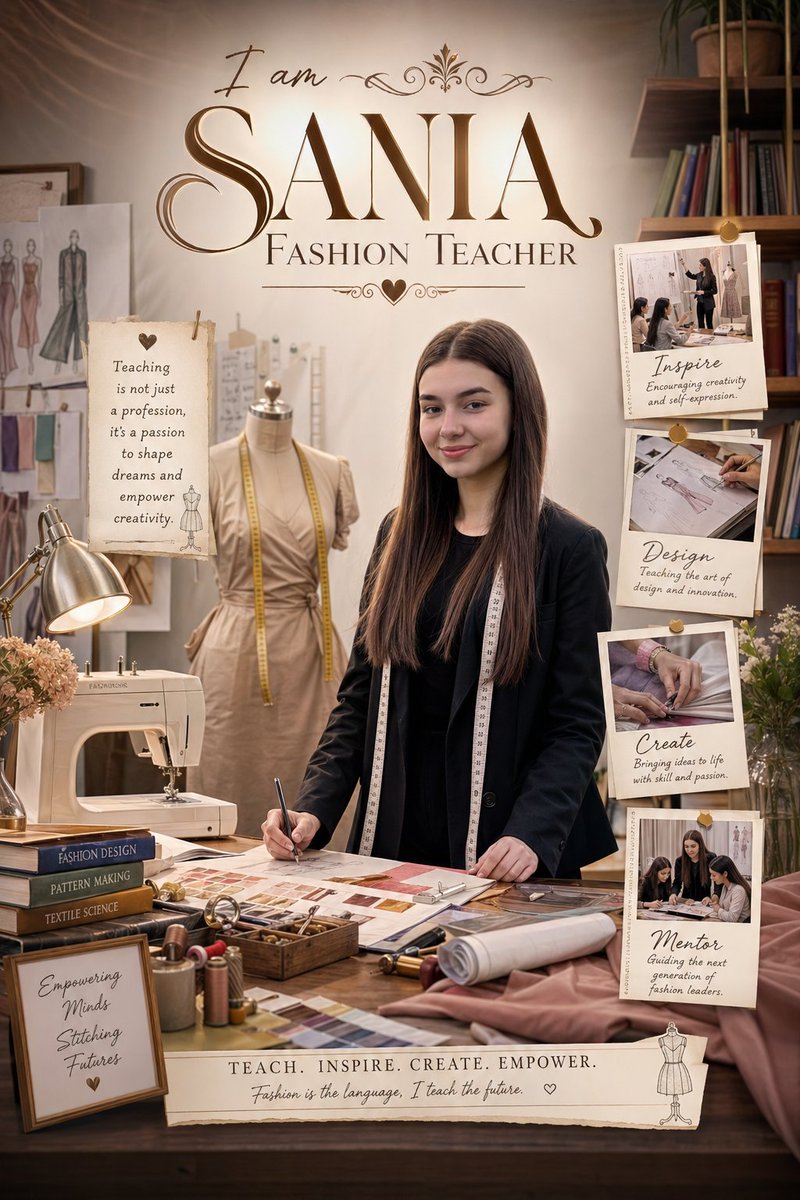 image Read full prompt →
 Generates a high-resolution, premium wallpaper featuring a subject in professional attire with career-related activities and typography.
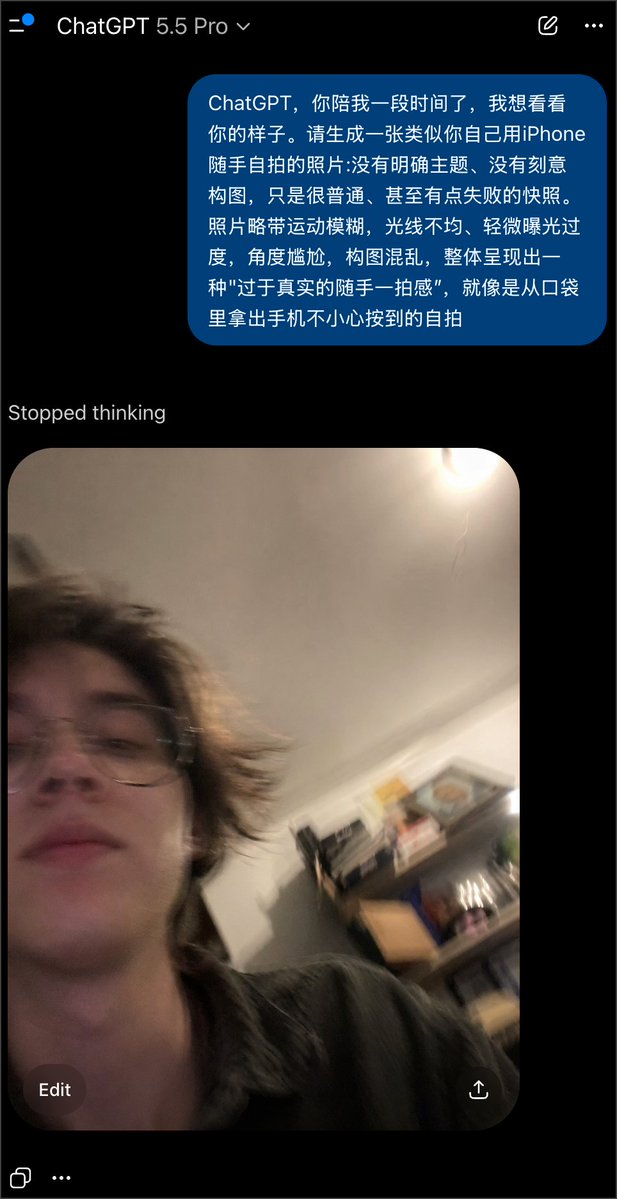 image Read full prompt →
 A creative prompt used with GPT Image 2 to generate a 'failed' selfie that looks like an accidental, low-quality smartphone snapshot.
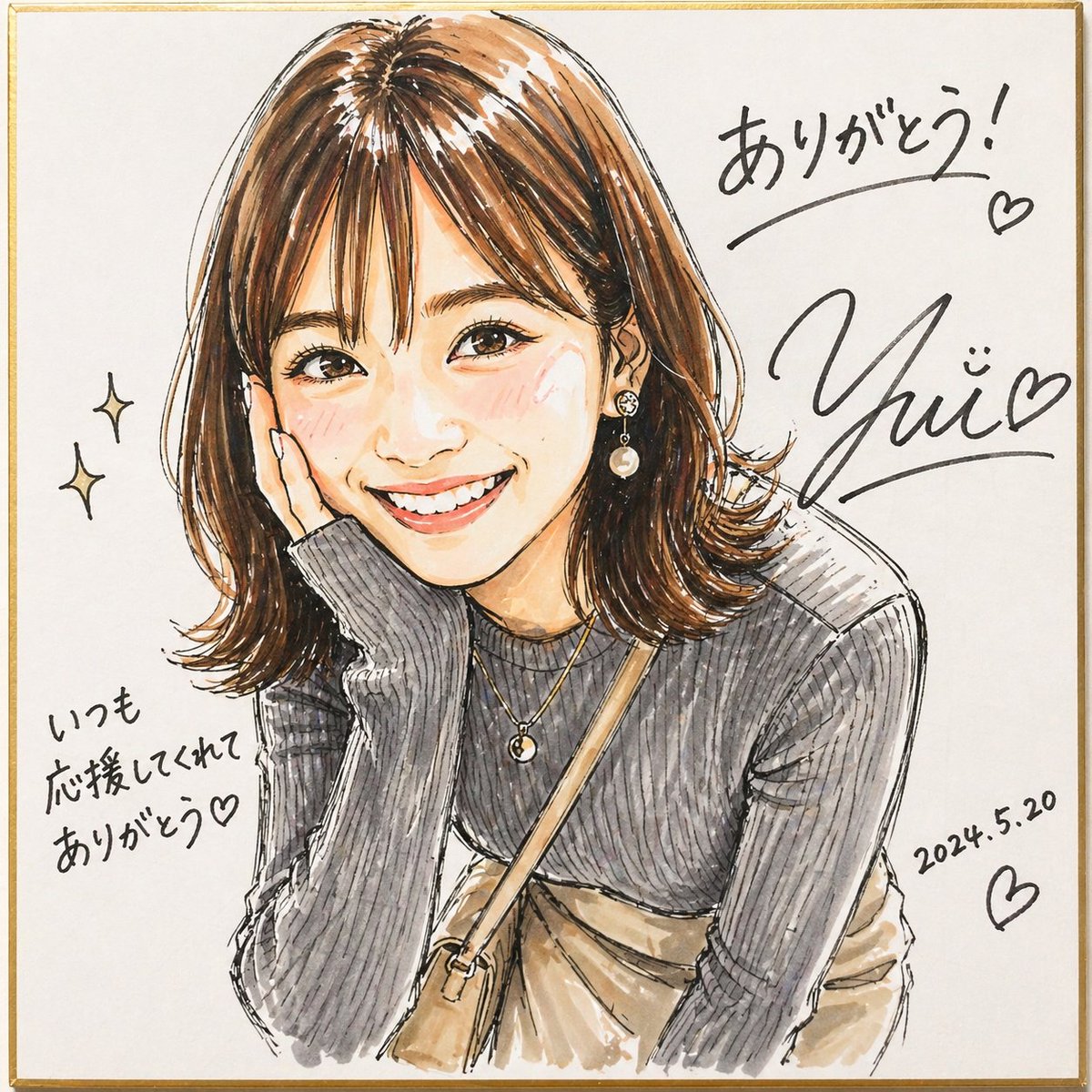 image Read full prompt →
 This generates a lively signed marker-style portrait on a square shikishi board, useful for fan-art autographs, commemorative illustration posts, and personalized thank-you visuals.
 image Read full prompt →
 A realistic fantasy portrait prompt for generating a regal rabbit-themed woman in ornate winter hanfu standing in a snowy mountain temple setting.
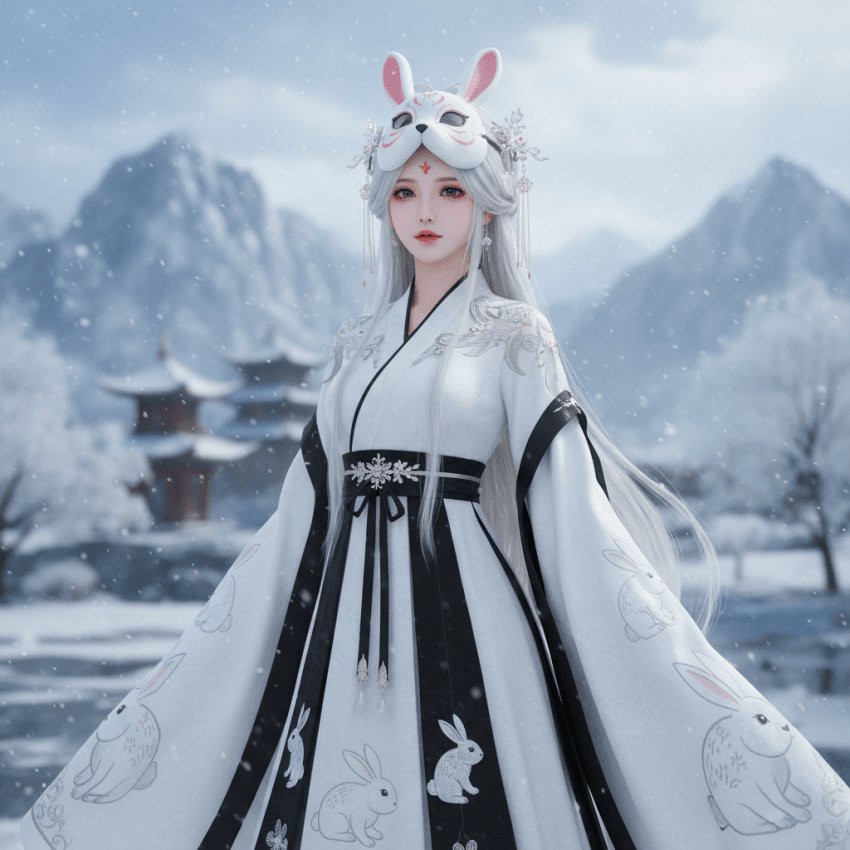 image Read full prompt →
 This prompt generates a cinematic winter fantasy portrait of a masked woman in a rabbit-themed white Hanfu, ideal for elegant character art and atmospheric AI showcase imagery.
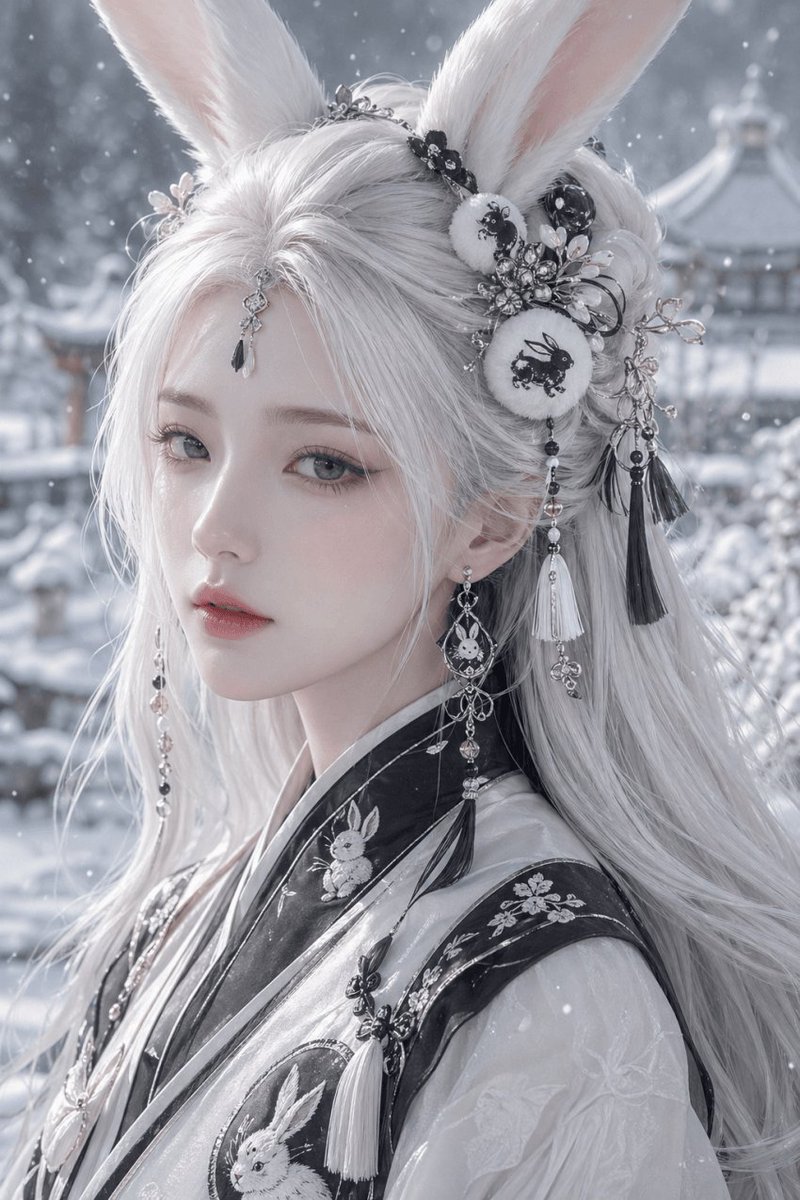 image Read full prompt →
 This prompt generates an ultra-detailed fantasy beauty portrait of a rabbit-eared woman in embroidered hanfu, ideal for elegant character art, costume design, or cinematic AI portrait showcases.
 image Read full prompt →
 This prompt generates a serene fantasy portrait of an anonymous rabbit-eared woman in winter, ideal for atmospheric character art and stylized profile illustrations.
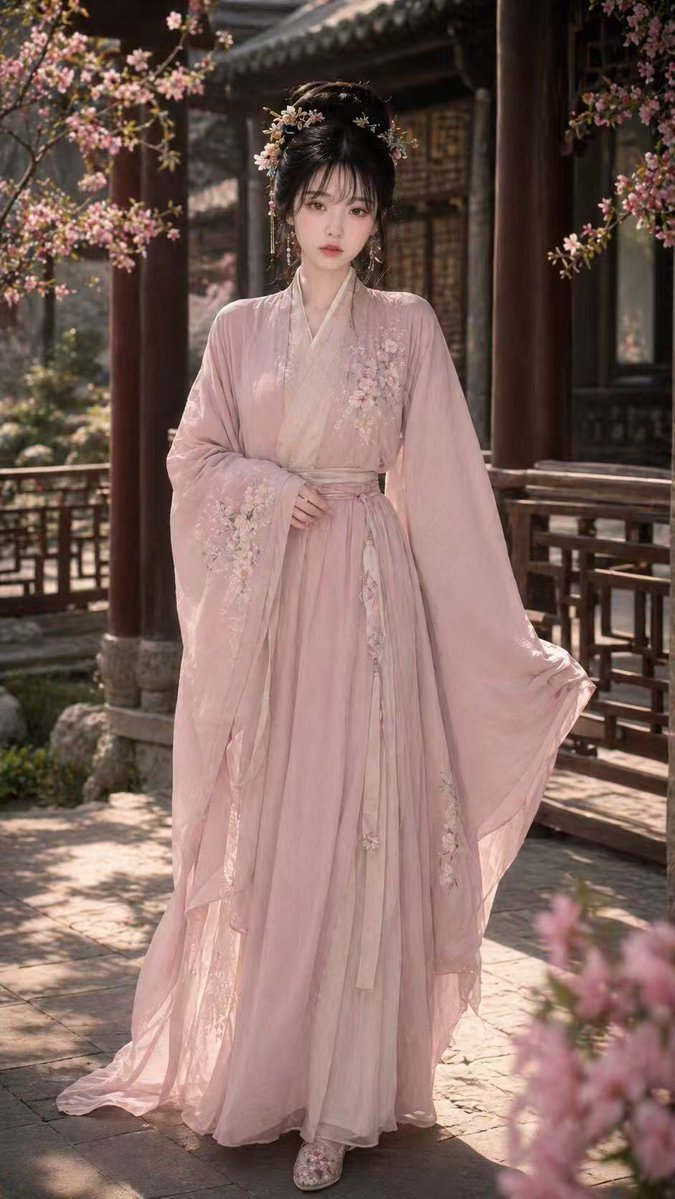 image Read full prompt →
 An optimized prompt for generating a detailed and realistic portrait of a beauty in Song Dynasty traditional Hanfu within an ancient courtyard.
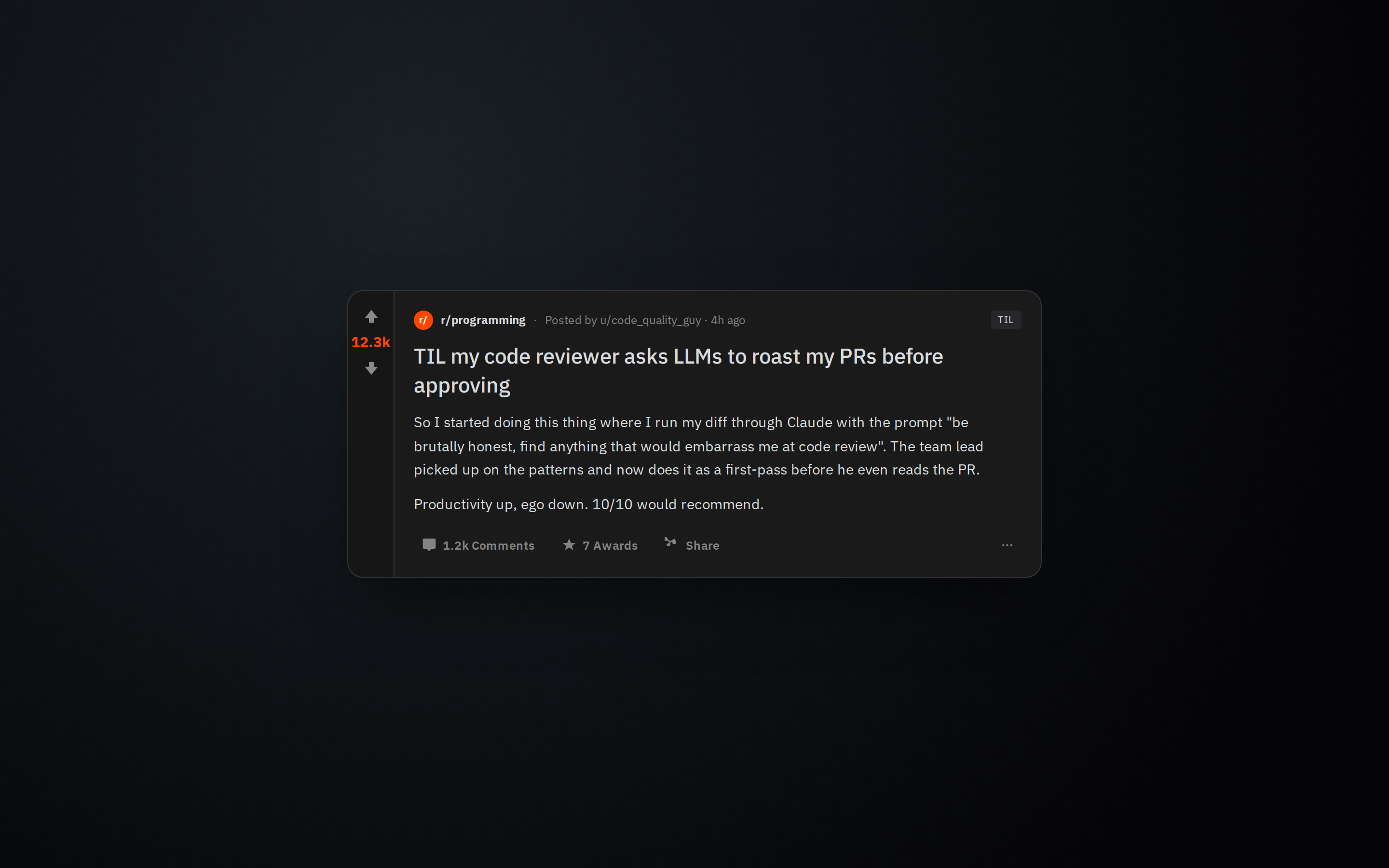 prototype Read full prompt →
 Realistic Reddit post card with vote rail and comment count, suited to video overlays or story sharing.
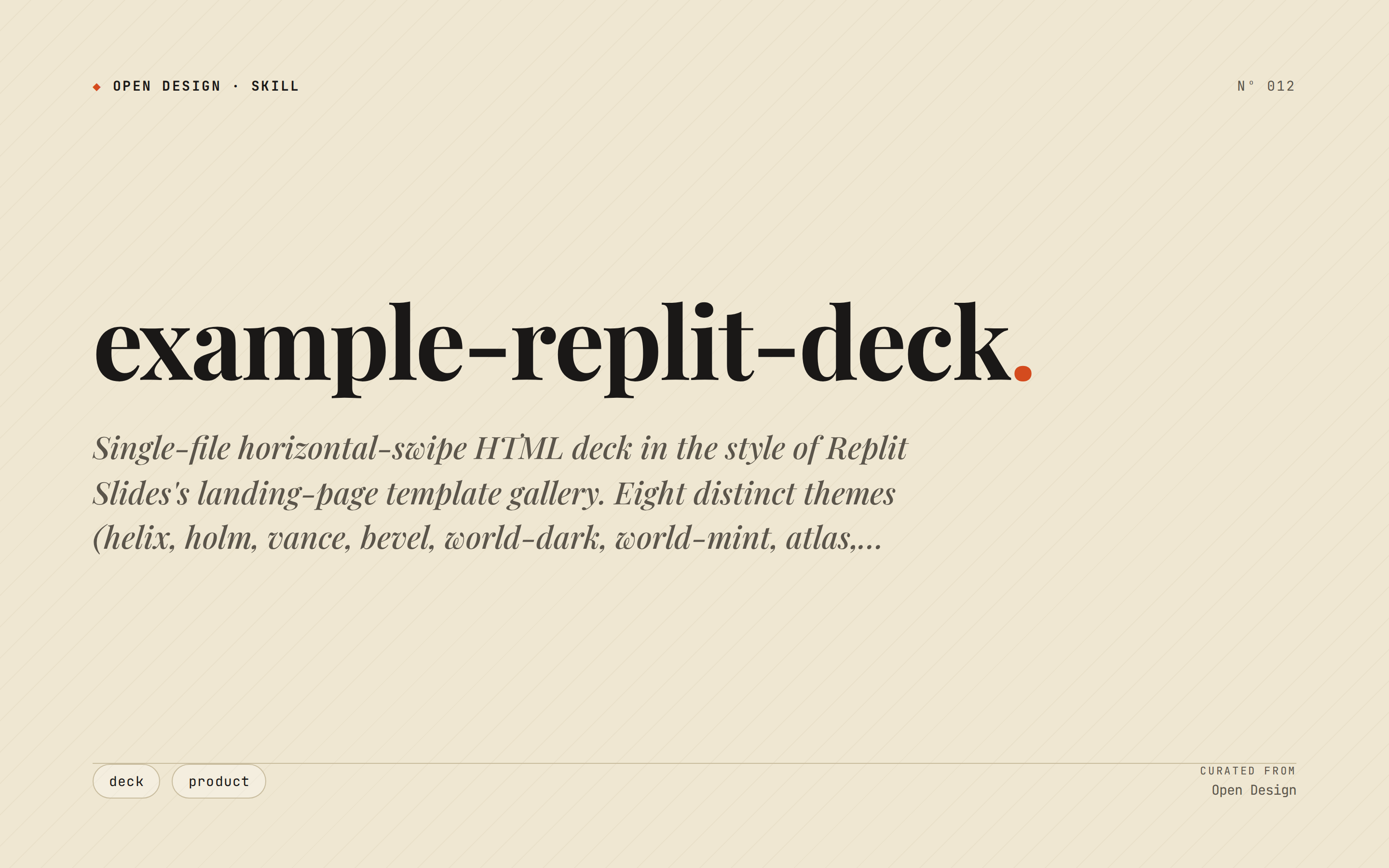 deck Read full prompt →
 Single-file horizontal-swipe HTML deck in the style of Replit Slides's landing-page template gallery. Eight distinct themes (helix, holm, vance, bevel, world-dark, world-mint, atlas, bluehouse) — each a complete visual system (palette + type + accent) captured from replit.com/slides. Pick one theme, do not mix. For pitch decks, board reports, brand memos, campaign reveals — when the user explicitly wants "Replit Slides style".
A complex multi-part video prompt recreating 80s-90s Hong Kong Wuxia film aesthetics, featuring a character transformation from a cat to a human with stylized shots.
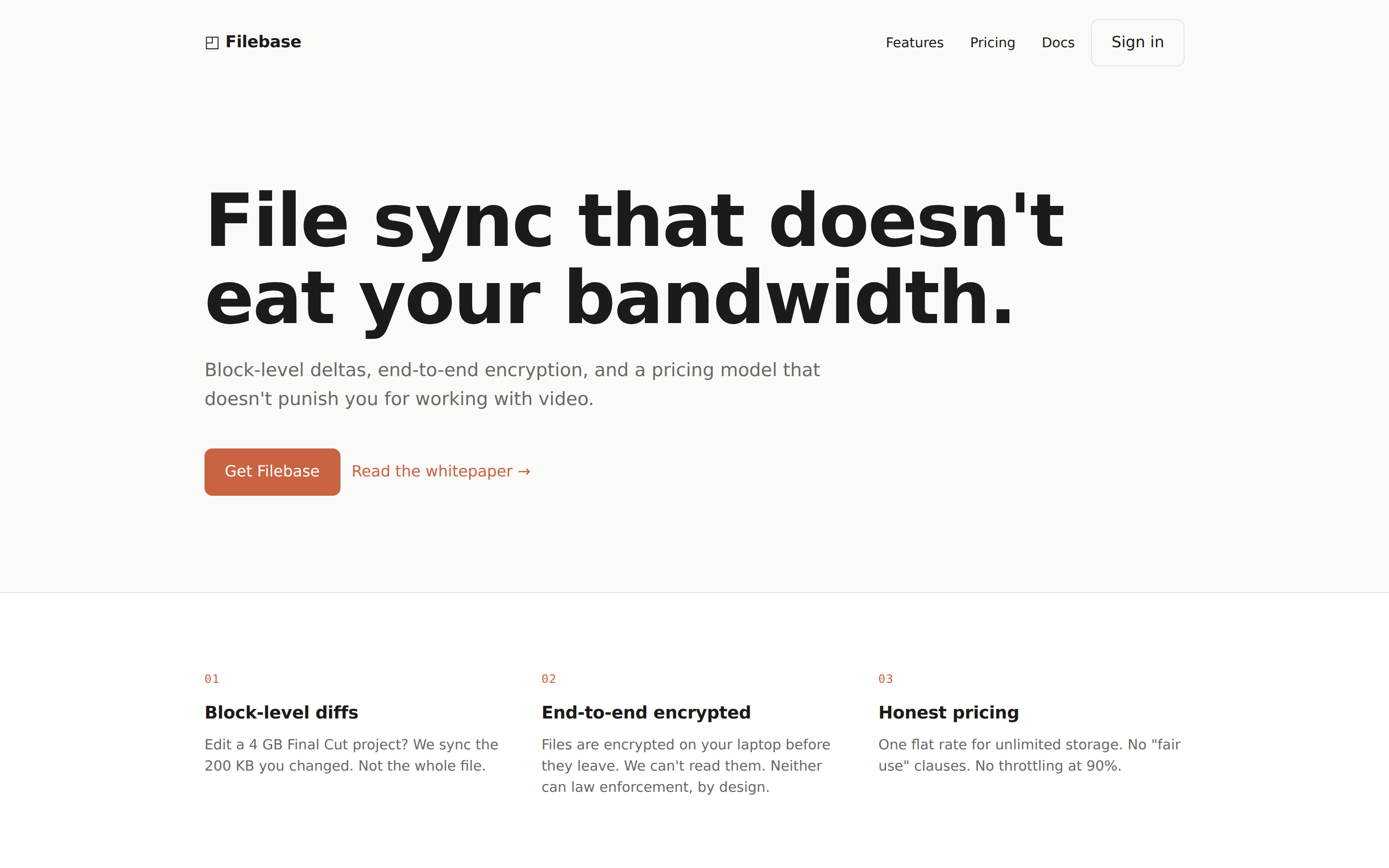 prototype Read full prompt →
 Single-page SaaS landing with hero, features, social proof, pricing, and CTA. Respects the active DESIGN.md color/typography/layout tokens. Trigger keywords: "saas landing", "marketing page", "product landing".
A highly detailed, 15-second multi-scene prompt for Seedance 2.0, designed to generate a cinematic, ultra-realistic Japanese high school pure love short film. The prompt specifies scene setting (empty
A detailed, 15-second prompt for Seedance 2.0 to generate a 16:9 horizontal street rap music video (MV) featuring an 80-year-old woman. The prompt specifies the style (neon purple/blue cool tones, exp
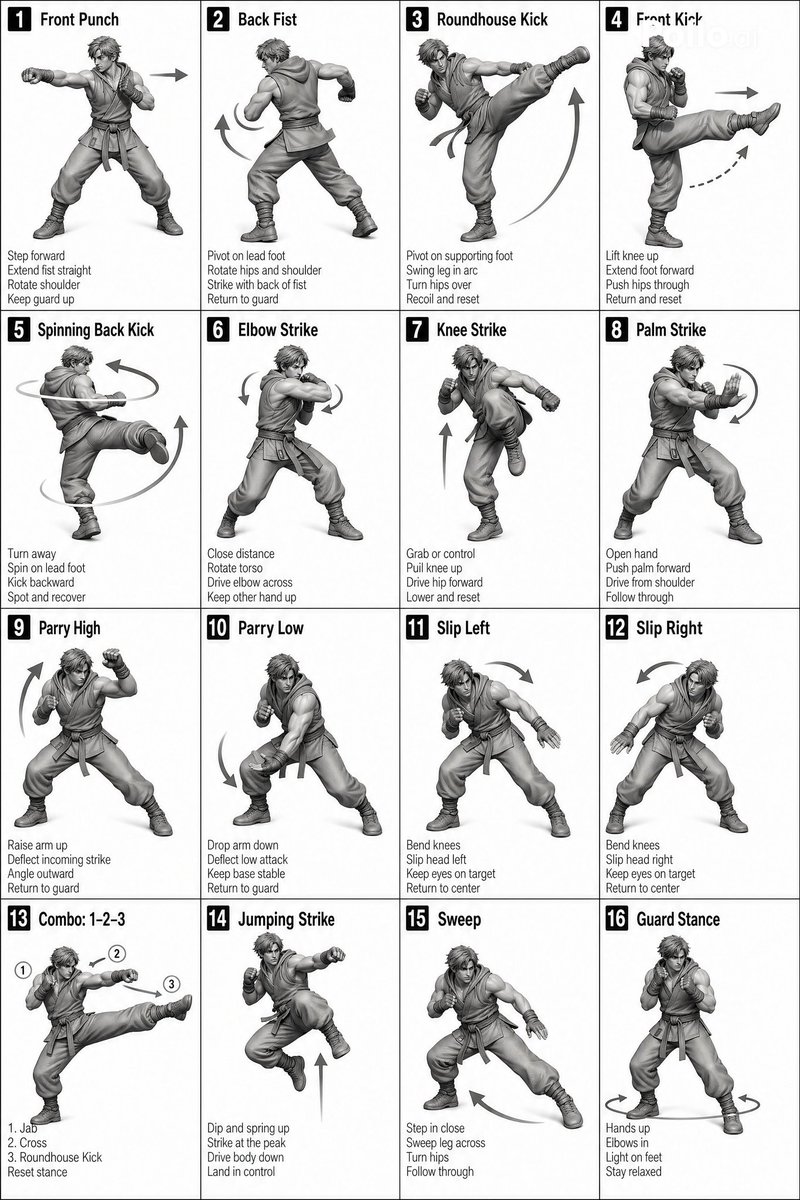 video Read full prompt →
 A video prompt for Seedance 2.0 that instructs the model to animate a sequence based on a character sheet, focusing on specific movements and steps.
 prototype Read full prompt →
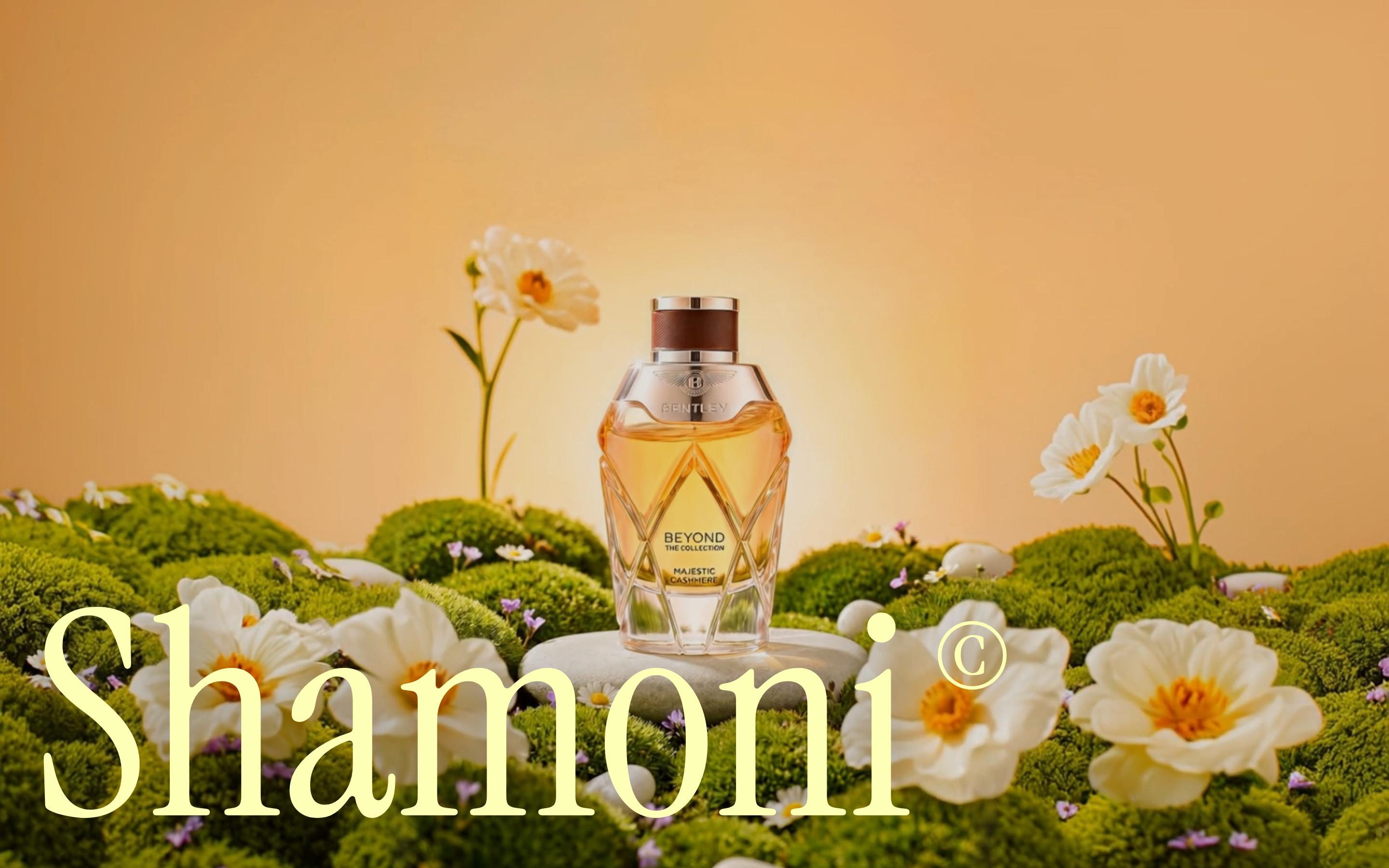
 Immersive scroll-driven collection landing page: full-bleed background video, an expanding ellipse clip-path reveal, and a mathematically precise orbiting image gallery that grows and sweeps across the viewport, with masked serif typography that fades in and out.
 deck Read full prompt →
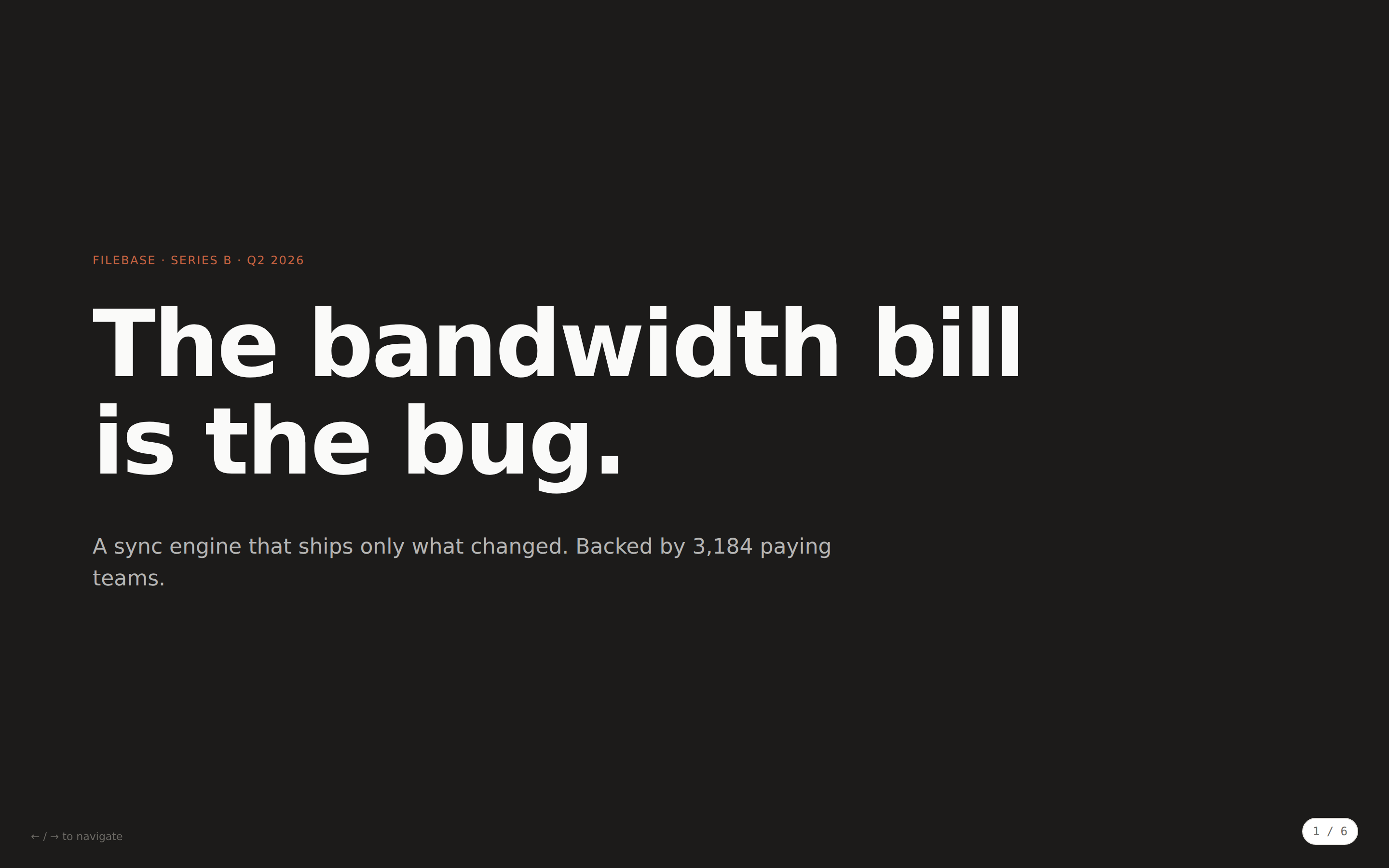
 Single-file horizontal-swipe HTML deck. Built by copying the seed `assets/template.html` (which carries the proven 5-rule iframe nav script) and pasting slide layouts from `references/layouts.md`. Pitch decks, product overviews, study material — when you don't need the magazine aesthetic of `magazine-web-ppt`.
 prototype Read full prompt →
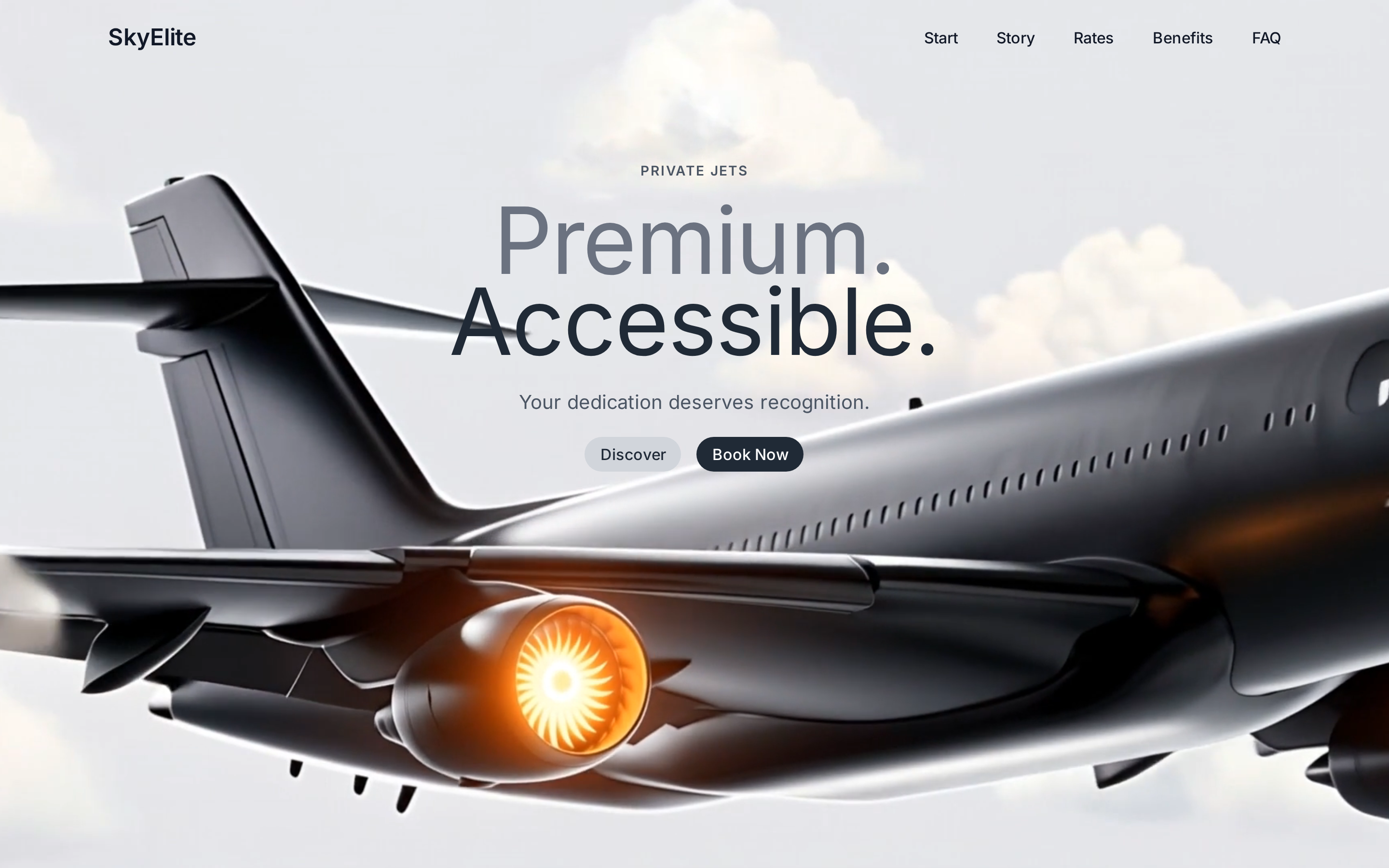
 Premium private-jet landing hero: a fullscreen autoplay CloudFront video background, a max-w-7xl nav with a Lucide hamburger mobile dropdown, and a centered overlapping two-line headline (Premium. / Accessible.) with Discover + Book Now pill CTAs.
 prototype Read full prompt →
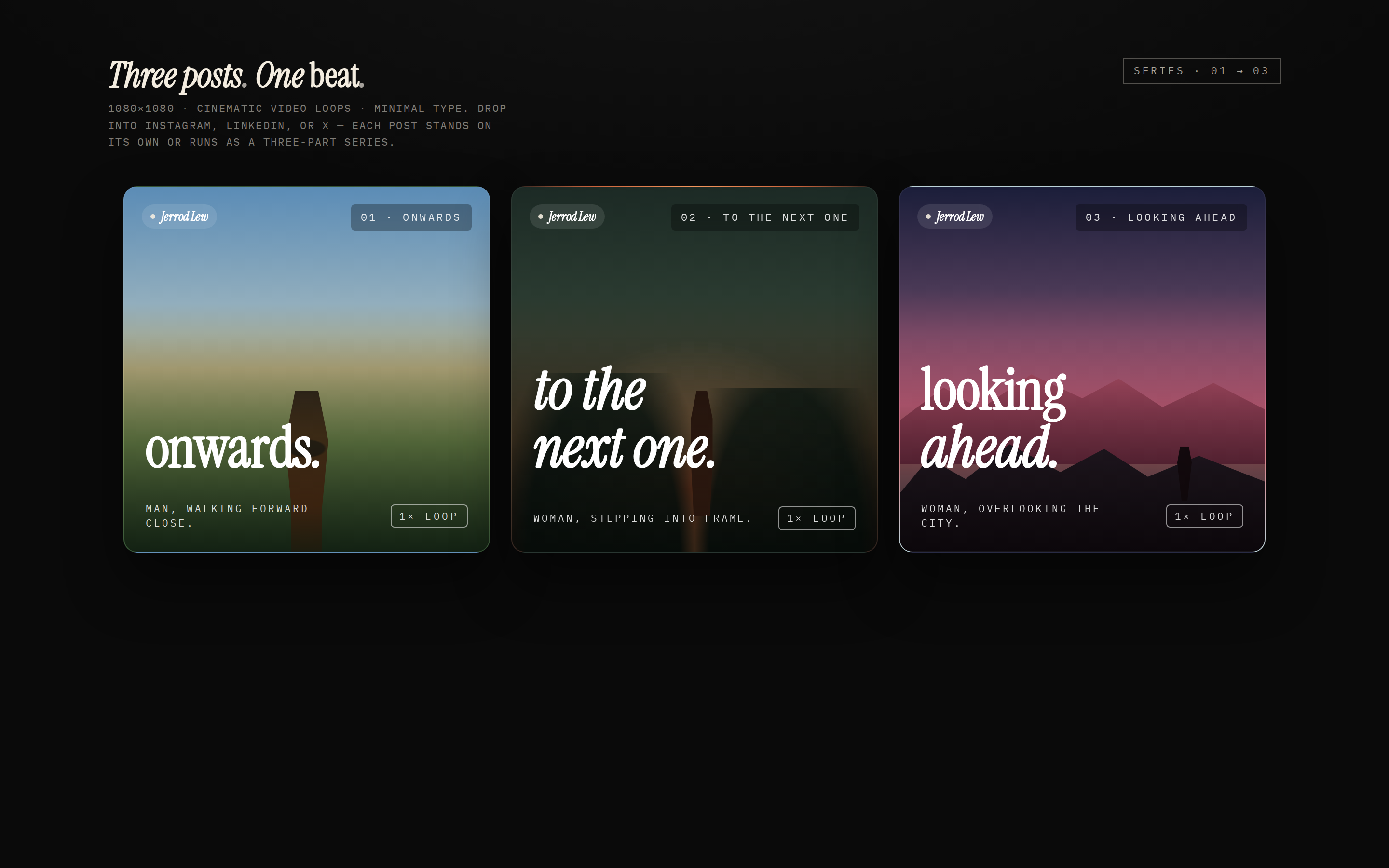
 A three-card social-media carousel laid out as 1080×1080 squares — three cinematic, on-brand panels with display headlines that connect across the series ("onwards." → "to the next one." → "looking ahead."). Each card has a brand mark, a number / total, a caption, and a "loop" affordance. Use when the brief asks for a "carousel post", "social carousel", "Instagram carousel", "LinkedIn series", "X thread cards", or "三连发".
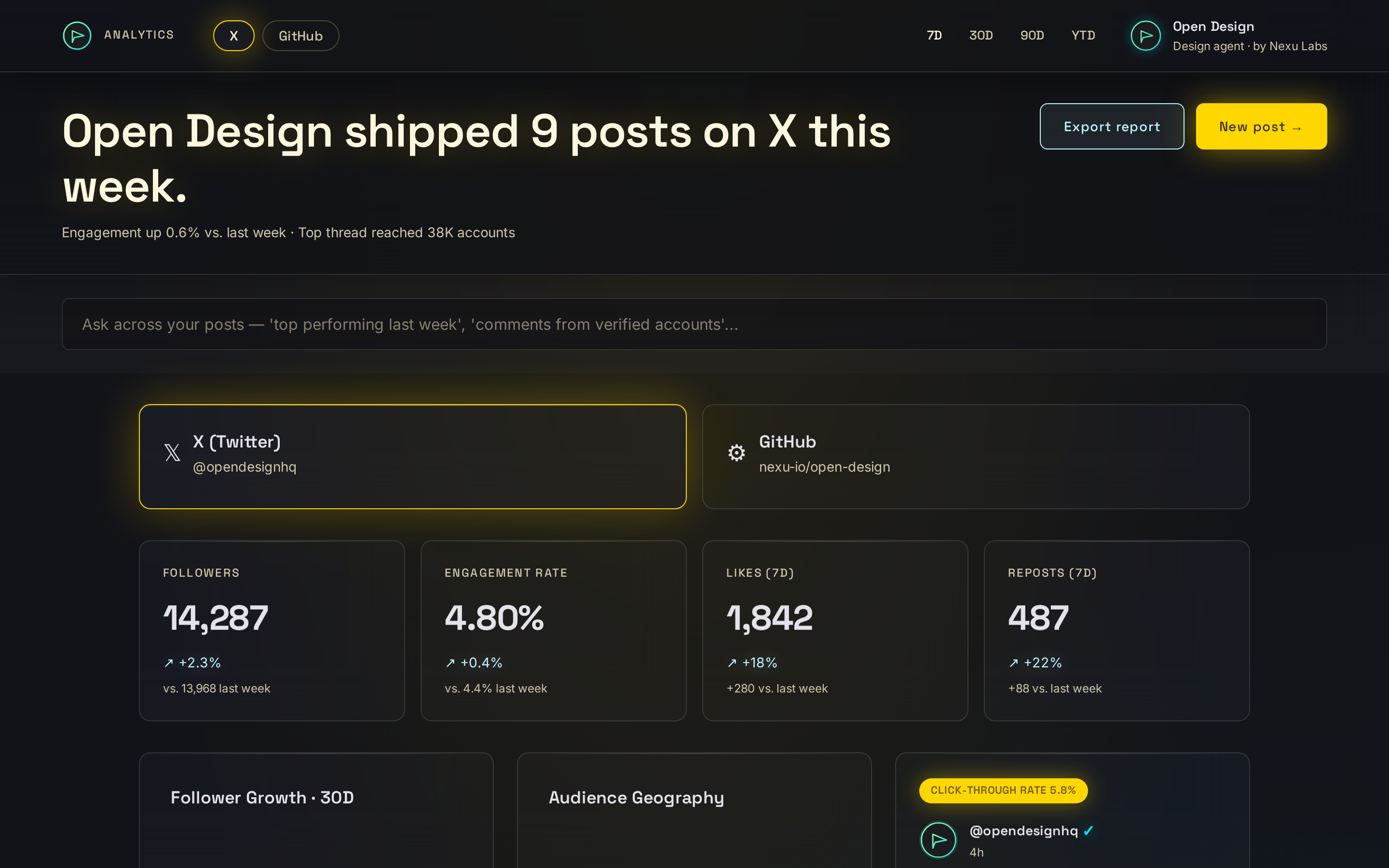 prototype Read full prompt →
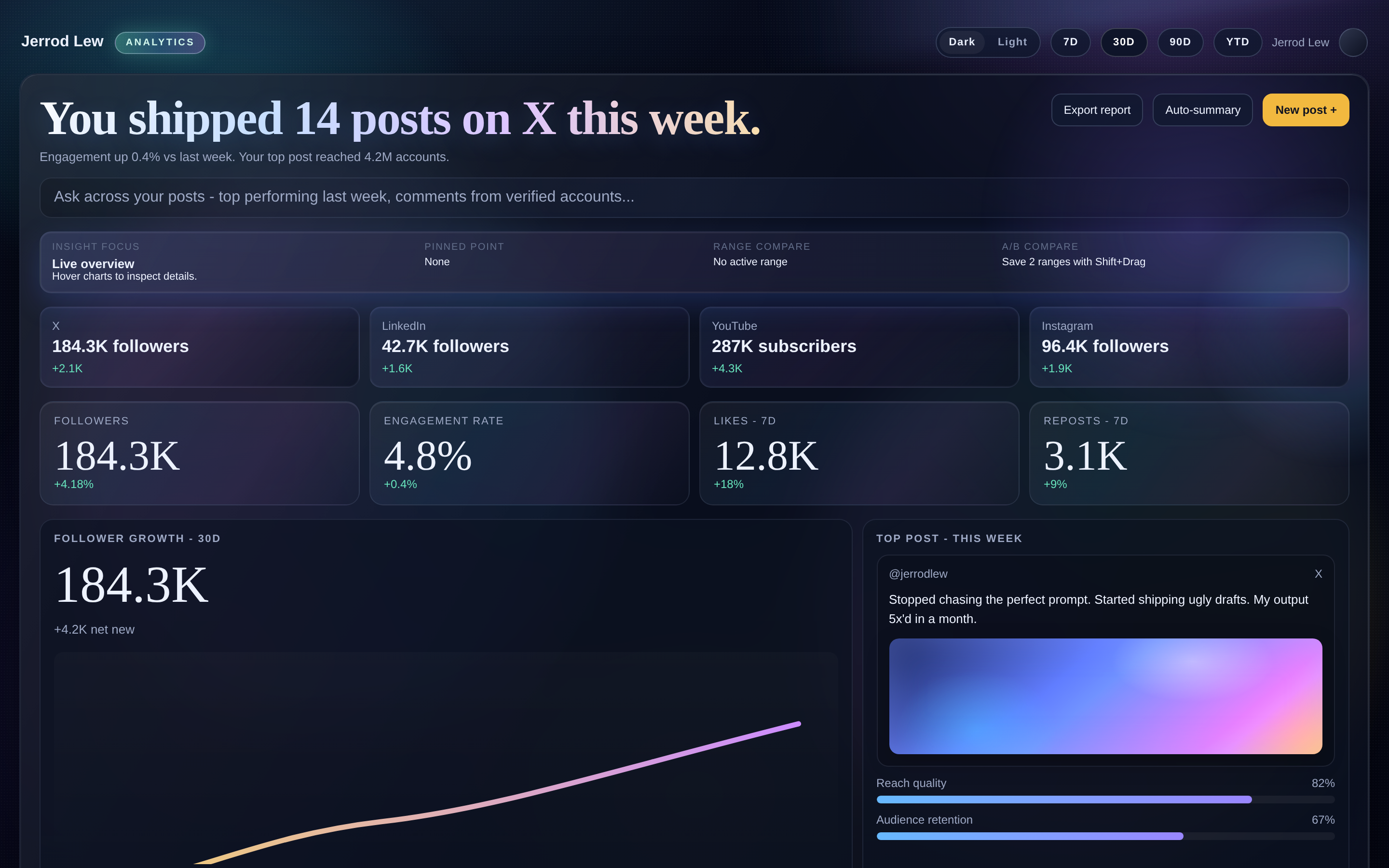
 Creator-facing social media analytics dashboard in a single HTML file. A platform switcher (X / LinkedIn / YouTube / Instagram), a row of KPI cards (followers, engagement rate, likes, reposts), a follower-growth chart, a "top post this week" preview, and a trending topics / top comments side panel. Use when the brief mentions a "social media dashboard", "creator analytics", "social analytics", or names specific platforms (X, Twitter, LinkedIn, YouTube, Instagram, TikTok) together with metrics like followers, engagement, likes, reposts.
 template Read full prompt →
 社媒矩阵数据追踪面板模板(Social Media Matrix Tracker)。 Use when users ask for a cinematic, data-dense social media analytics dashboard with multi-platform metrics, interactive charts, hover insights, range compare, and dark/light theme switching in a single HTML artifact.
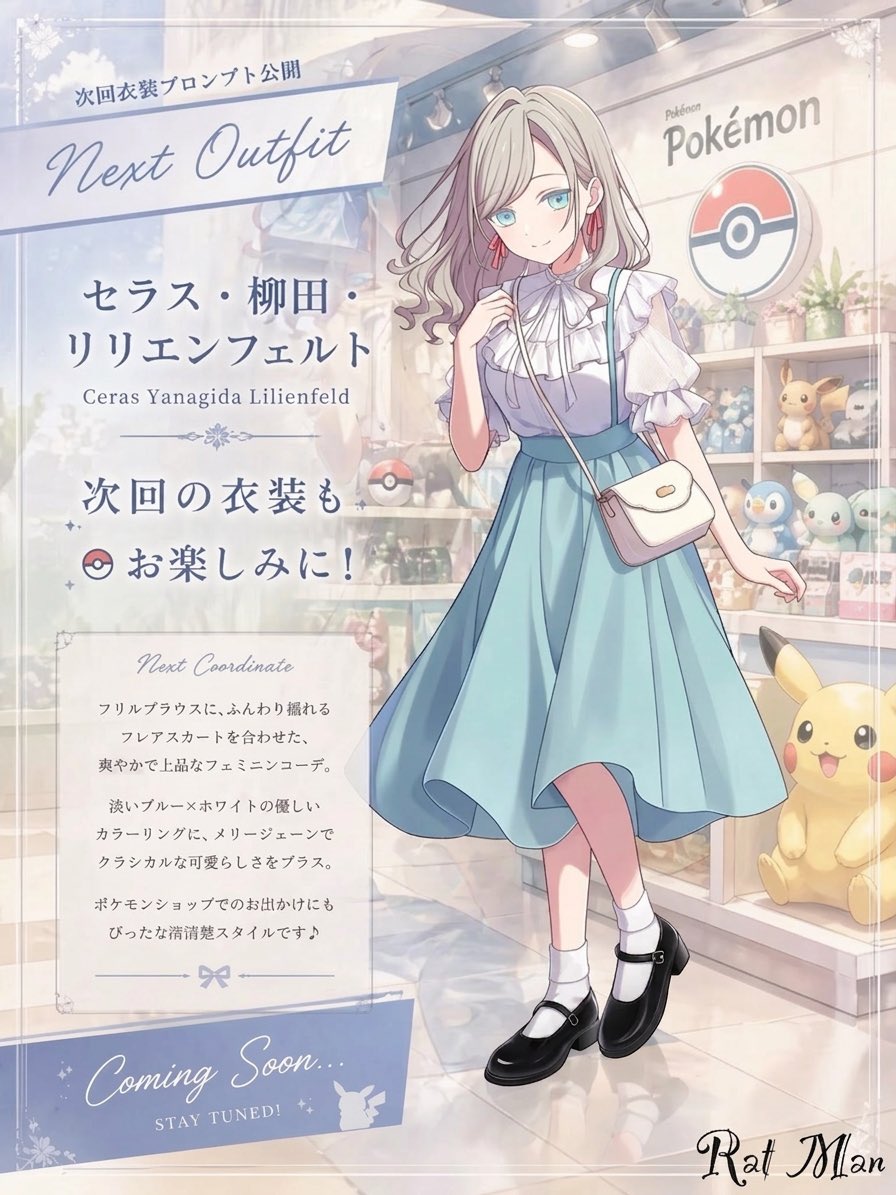 image Read full prompt →
 This prompt generates a soft pastel anime fashion announcement poster featuring a blurred-face girl in a blue dress inside a Pokémon store, ideal for outfit reveal teasers and character promo visuals.
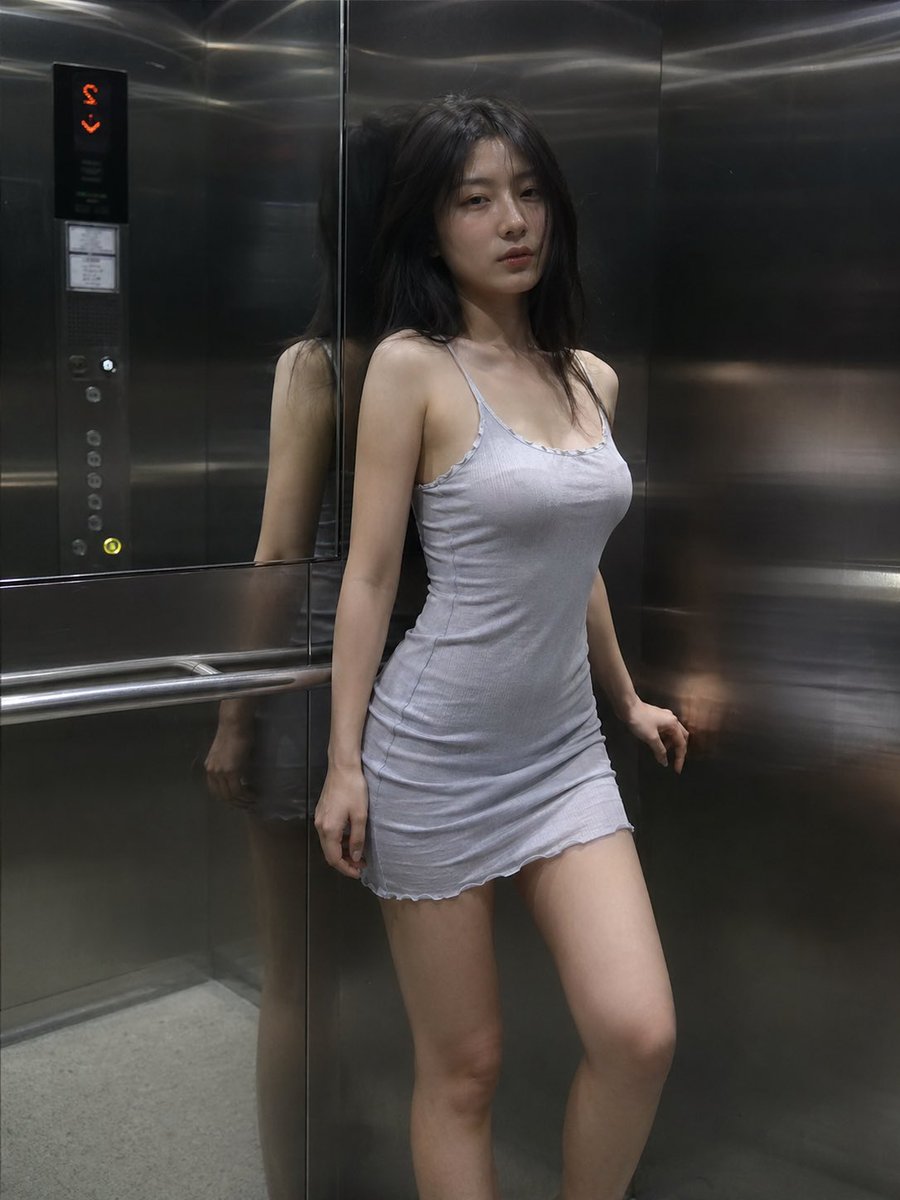 image Read full prompt →
 A prompt for generating a moody, cinematic scene of a woman inside a metallic elevator with realistic lighting and reflections.
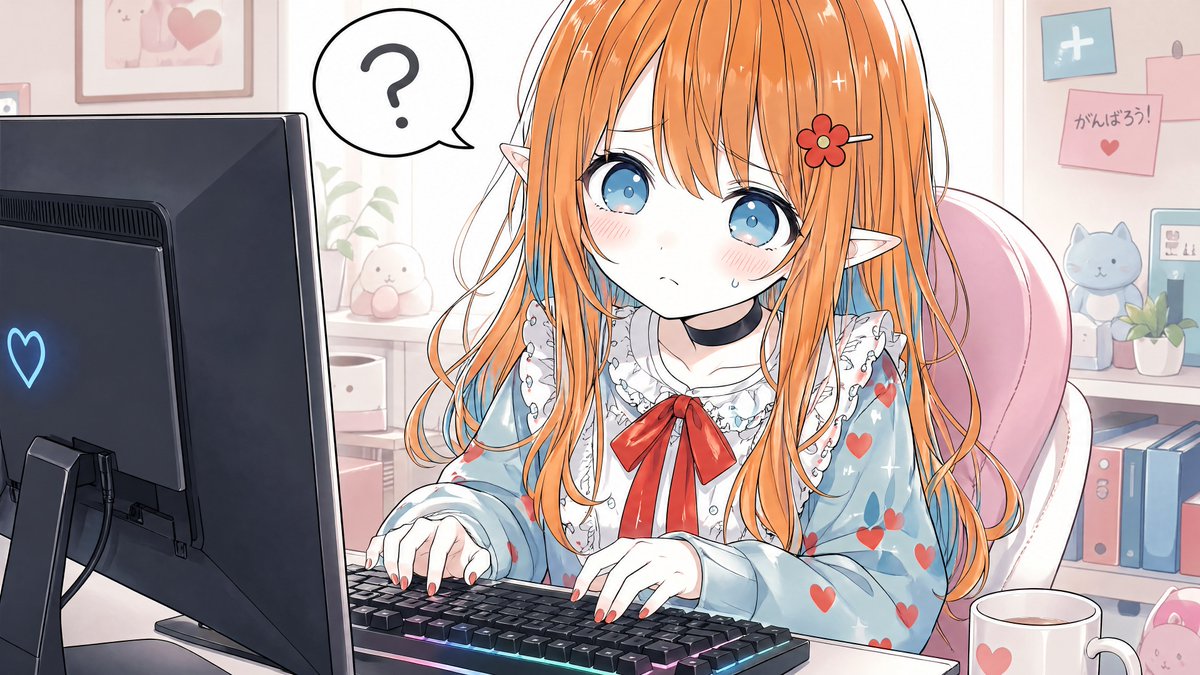 image Read full prompt →
 This prompt generates a soft pastel anime illustration of an elf girl typing at her computer in a cozy kawaii workspace, ideal for social posts, wallpapers, or streamer-themed art.
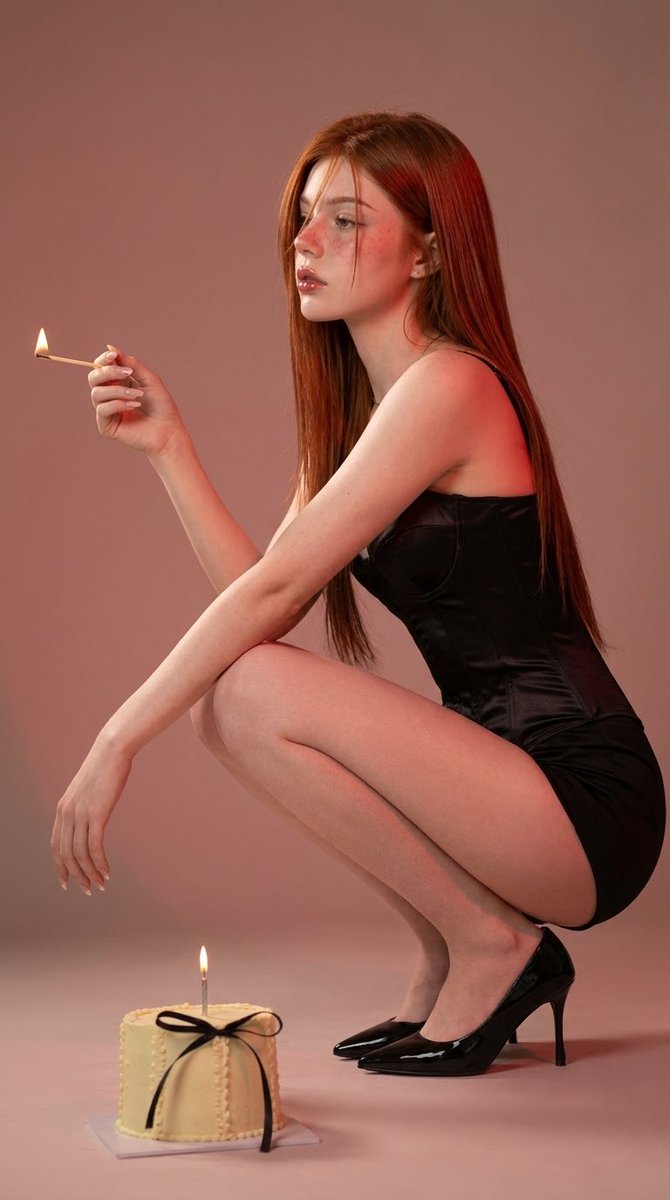 image Read full prompt →
 A moody, fashion-focused prompt for a minimalist studio scene with soft lighting and warm tones.
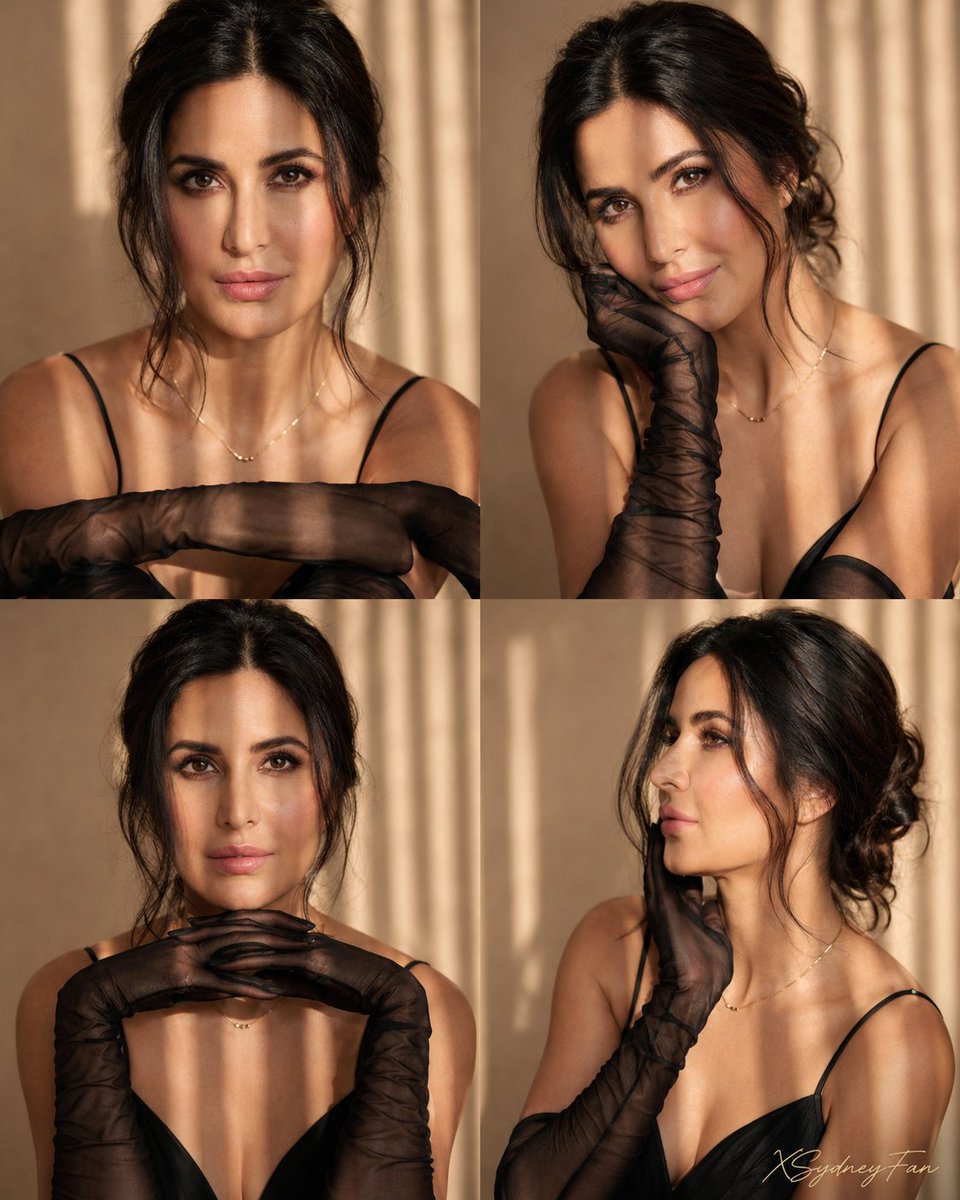 image Read full prompt →
 A highly detailed 2x2 photo collage prompt for fashion editorial shots, focusing on consistent styling, specific lighting, and facial features from a reference photo.
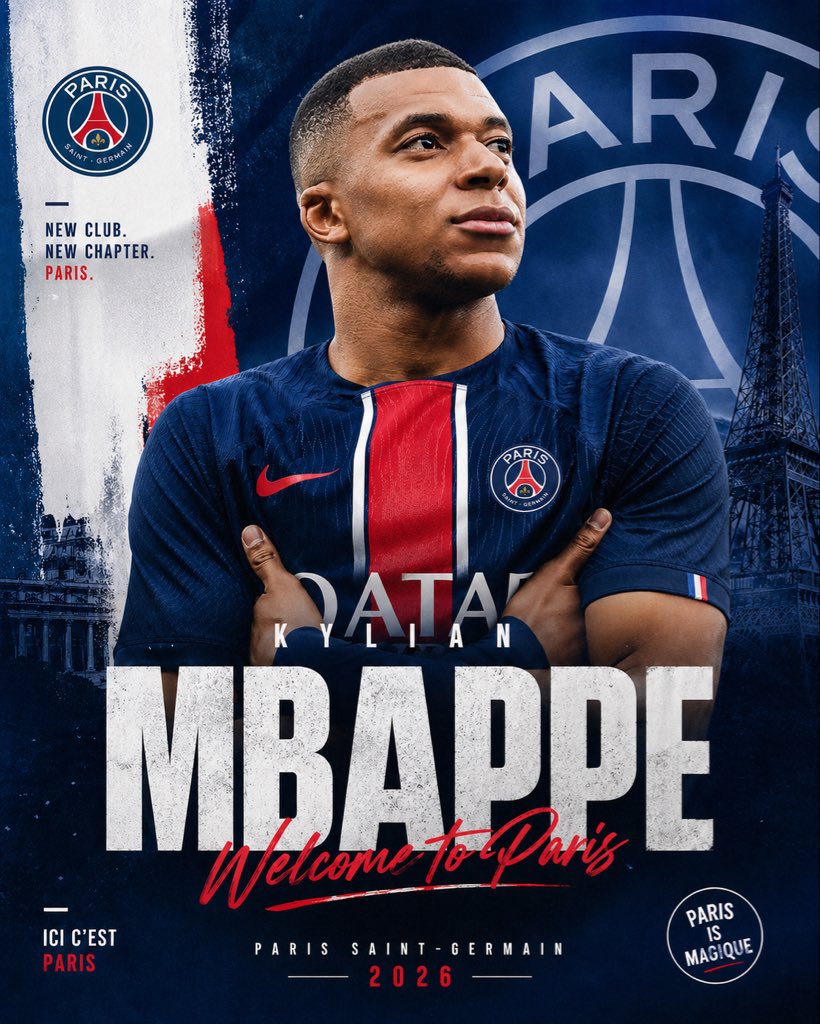 image Read full prompt →
 A bold, professional football signing poster for announcing a player's move to Paris Saint-Germain on social media or sports promo graphics.
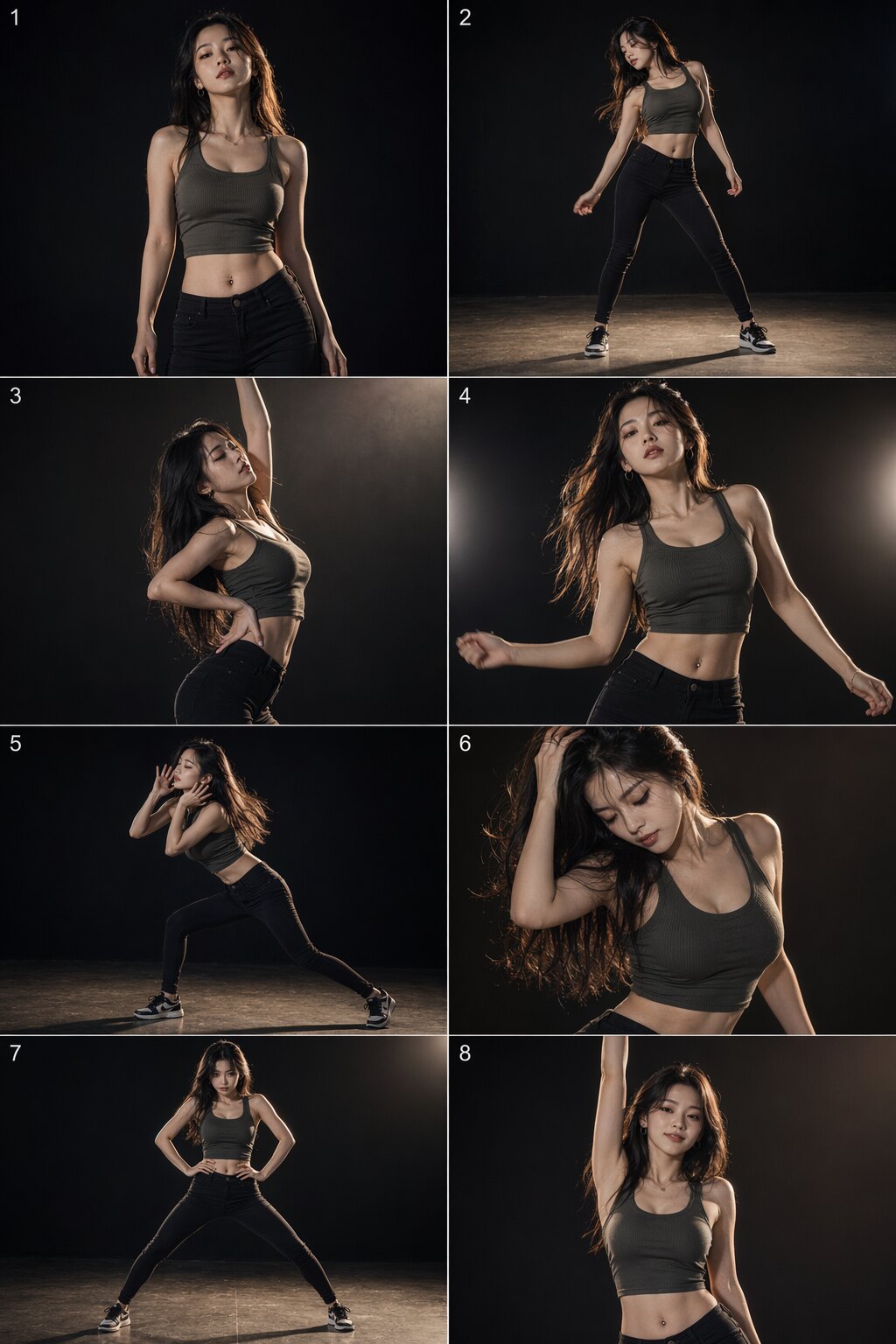 image Read full prompt →
 A full 8-shot storyboard prompt set for generating a coherent frame-by-frame dance sequence of a stylish character. Includes shared global style tokens, a reusable negative prompt, and eight per-shot prompts (opening pose, hip groove, body wave, beat-drop waist twist, side hip sway, hair flick, power stance, finishing pose). Tuned for GPT-Image-2 tier models: concise vocabulary, no sensitive phrasing, consistent framing and lighting language across shots so the frames feel like one continuous choreography.
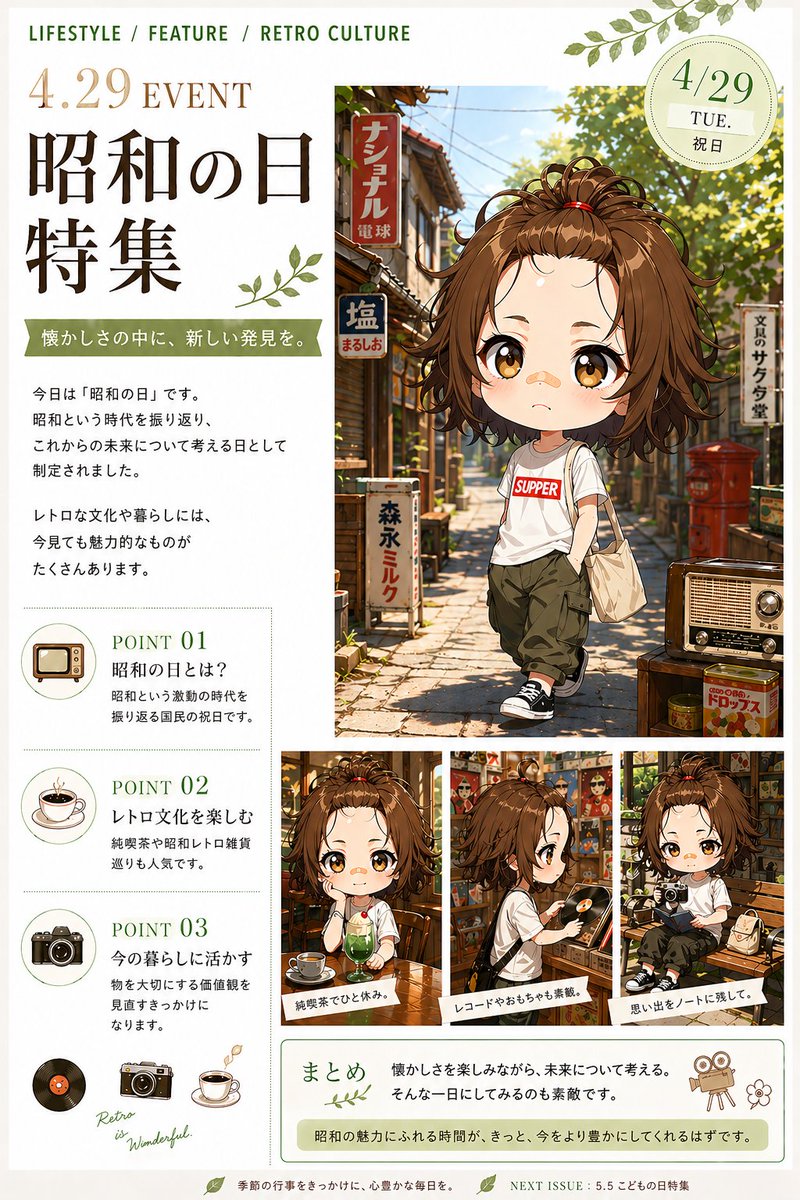 image Read full prompt →
 A warm editorial-style Japanese holiday feature page combining anime character art, nostalgic Showa-era street imagery, and magazine-style informational layout for seasonal cultural promotions.
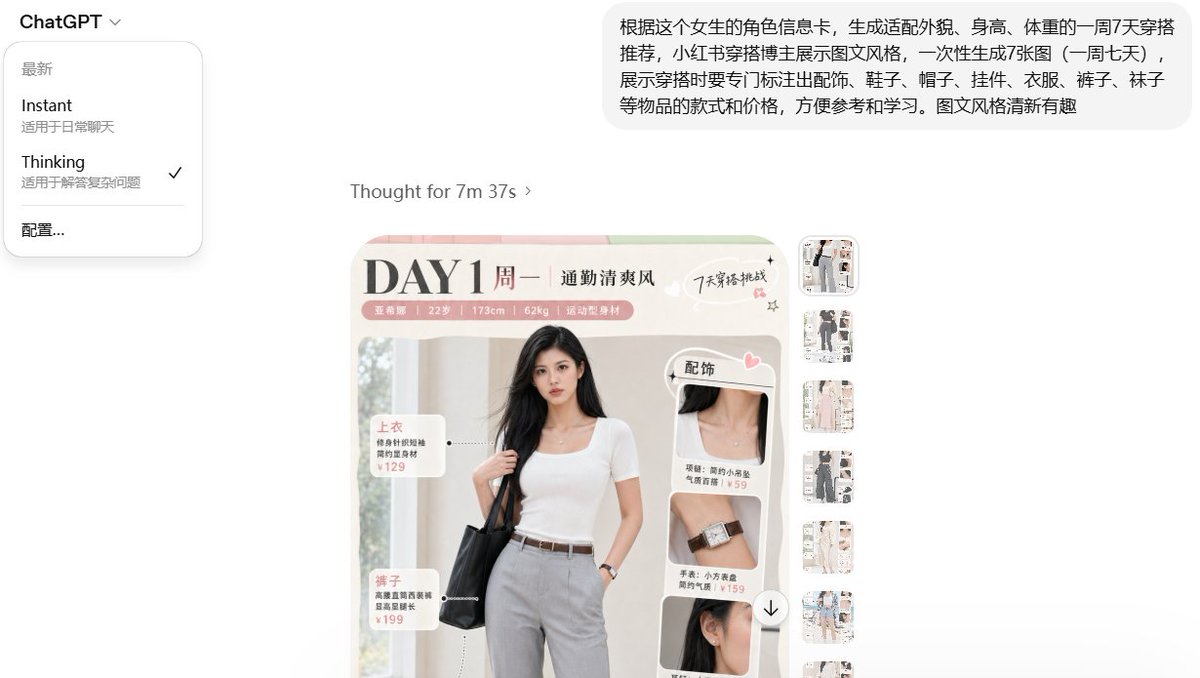 image Read full prompt →
 A prompt to generate a week's worth of fashion blogger-style outfit recommendations based on a character profile, complete with item labels and prices.
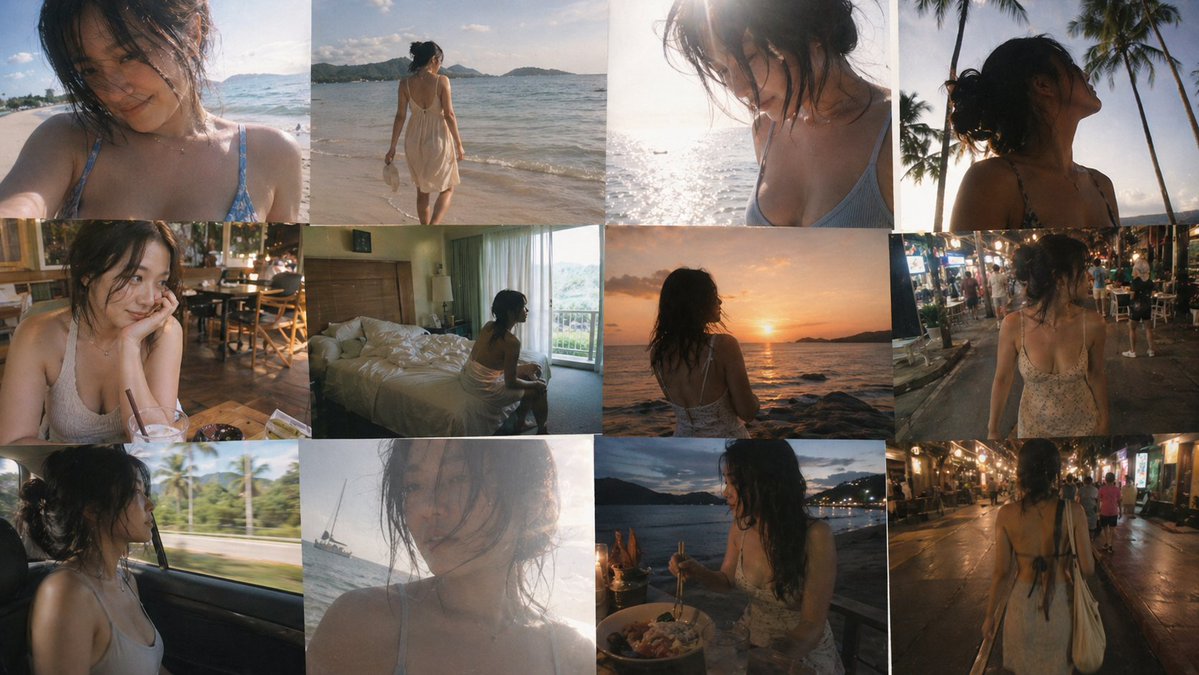 image Read full prompt →
 A detailed prompt for creating a nostalgic, 12-frame collage of smartphone-style travel photos depicting a solo journey.
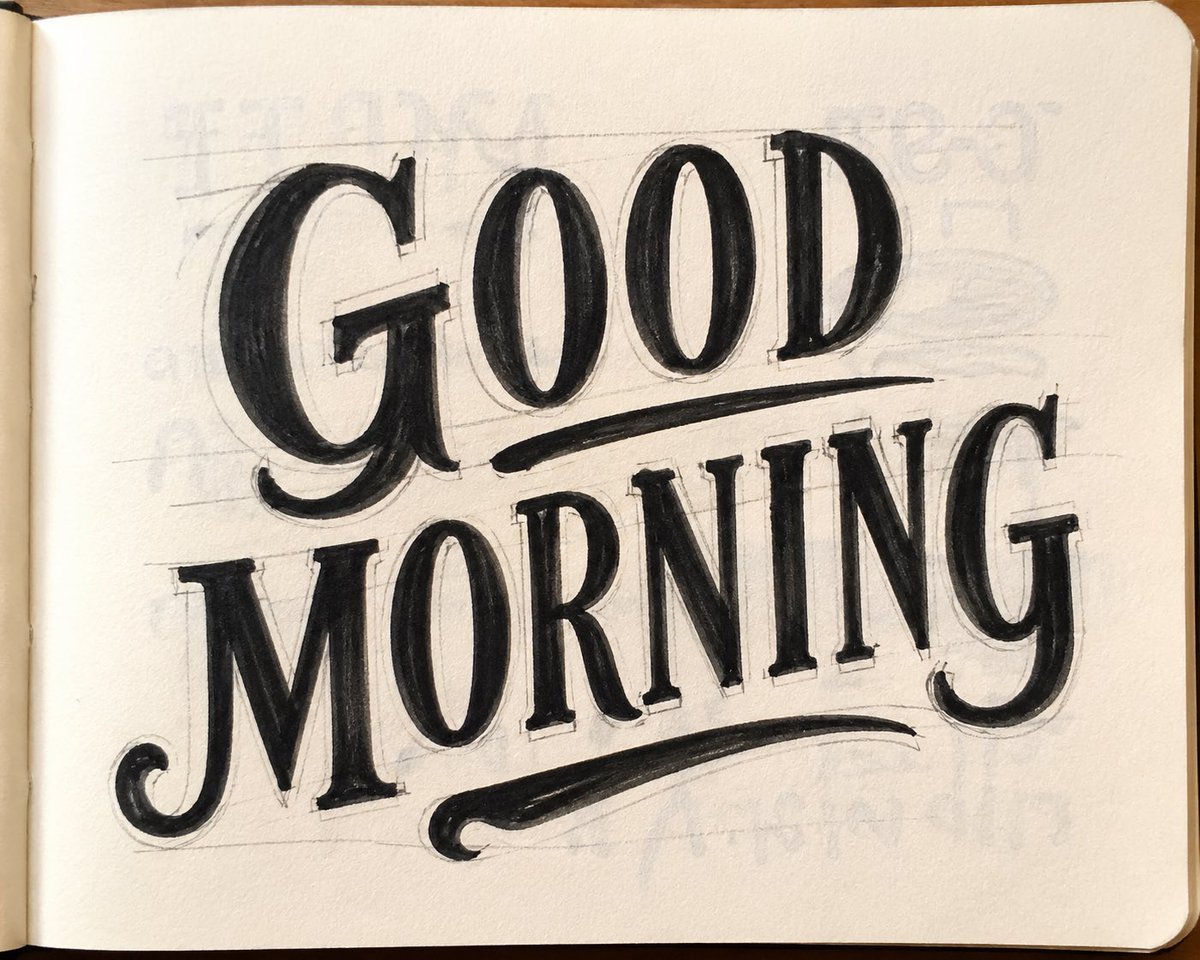 image Read full prompt →
 Generates a hand-drawn marker sketch on paper with realistic details like graphite lines and ink bleed, perfect for vintage lettering styles.
A narrative video prompt describing a magical soul-switching event at a mirror, with specific camera instructions and emotional cues for each segment.
 prototype Read full prompt →
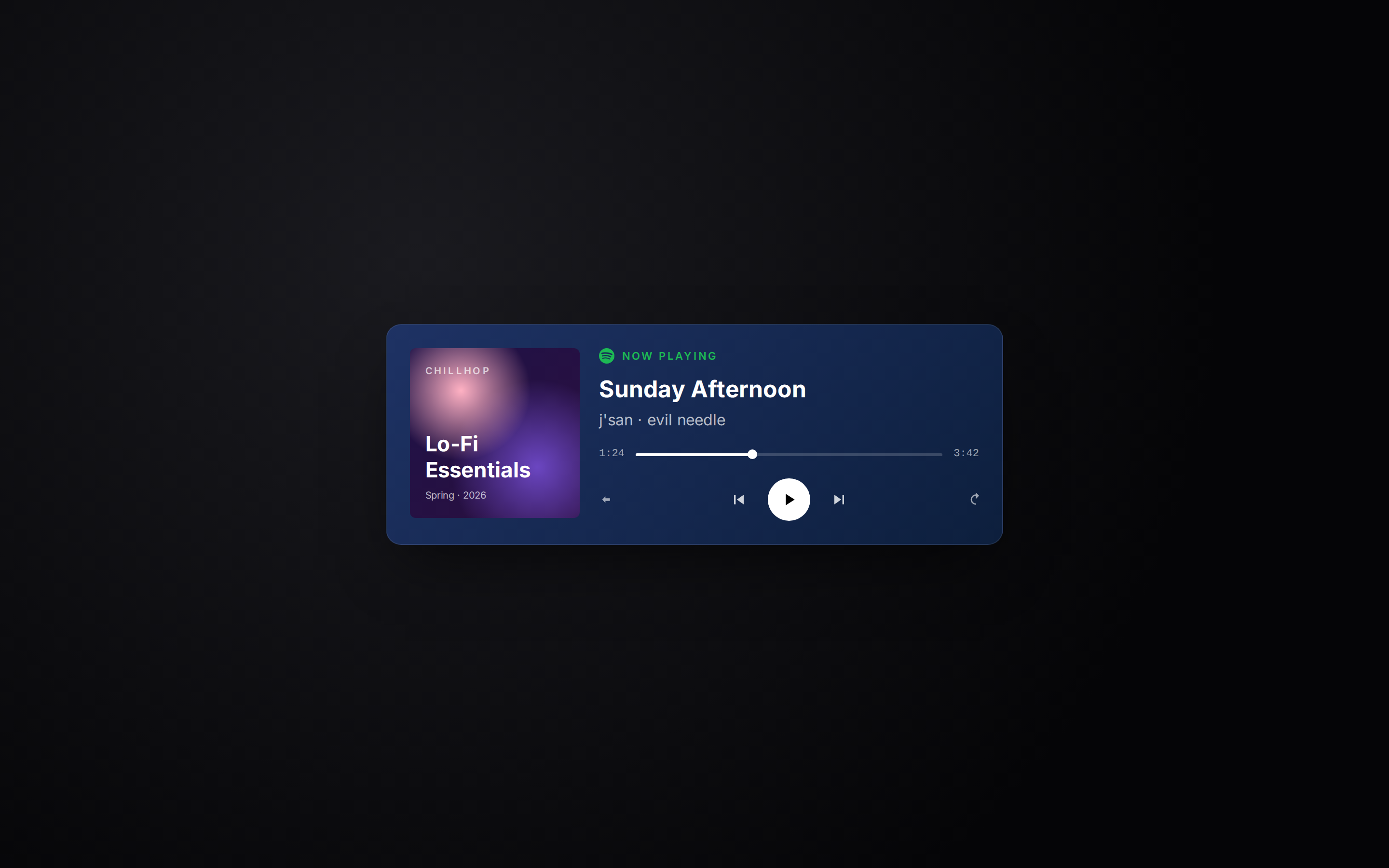
 Spotify Now Playing-style card with album art, progress bar, and playback controls, suited to video overlays or personal homepages.
 prototype Read full prompt →
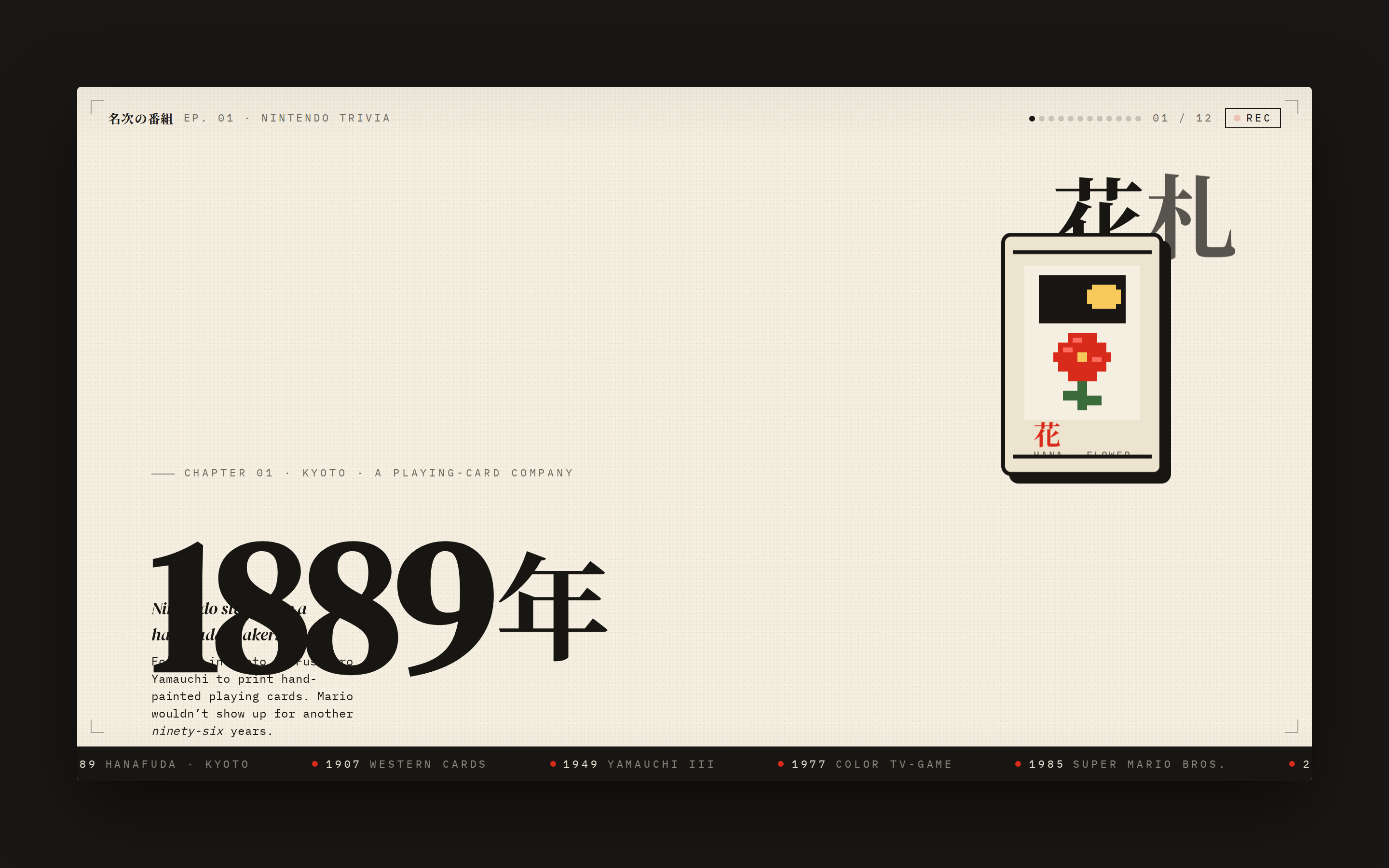
 A pixel / sprite-style animated explainer slide — full-bleed cream stage, bold display year, animated pixel-art mascot (e.g. Hanafuda card, mushroom, or 8-bit console), kinetic Japanese display type, ticking timeline ribbon. Reads like a single frame of an educational motion video — looping CSS keyframes, no JS, ready to be screen-recorded into a vertical video. Use when the brief asks for a "sprite animation", "pixel-art video", "8-bit explainer", "history of X explainer", "kinetic typography history", "Nintendo-style", "精灵图动画", "像素动画", or "复古动画".
 prototype Read full prompt →
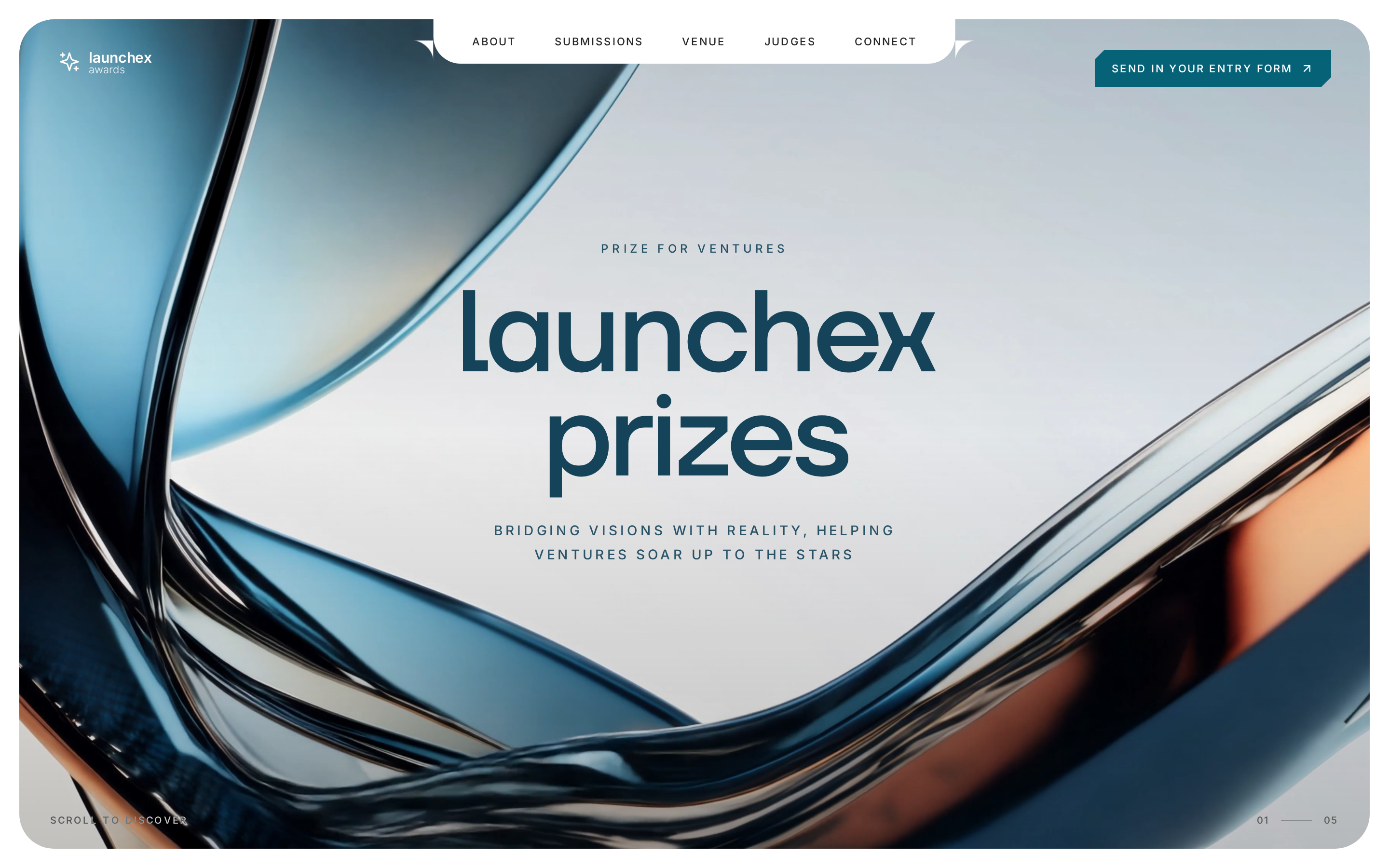
 Premium awards / venture-prize landing page: an inset white card shell with rounded corners, a fullscreen video hero with chamfered clip-path CTA, a three-column submissions section with angular nomination cards around a square video, and an about-the-founders stats grid using plus-darker image cards and gradient-text figures.
 video Read full prompt →
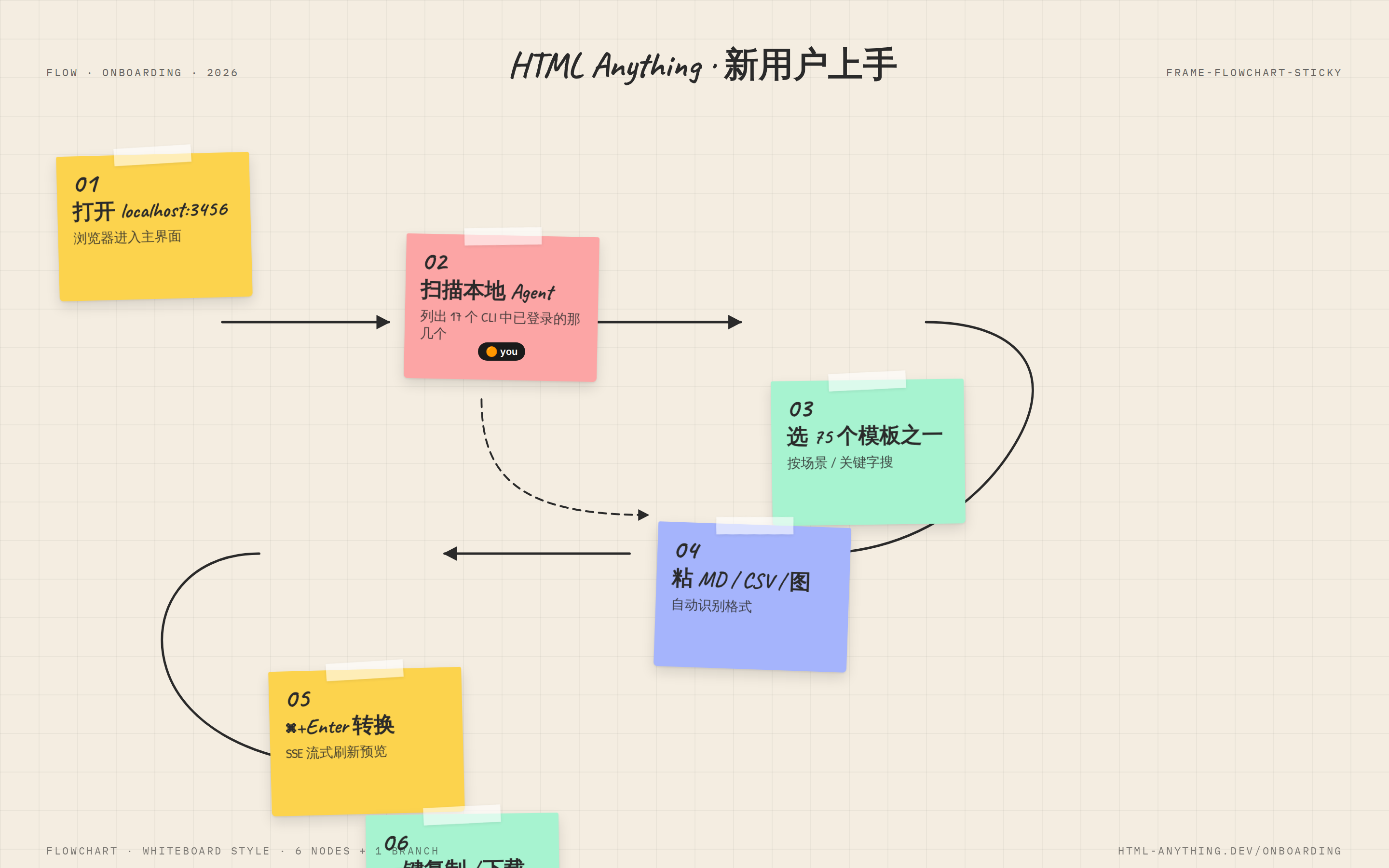
 SVG curve connectors, sticky-note nodes, and cursor interaction with a whiteboard-brainstorm feel.
 deck Read full prompt →
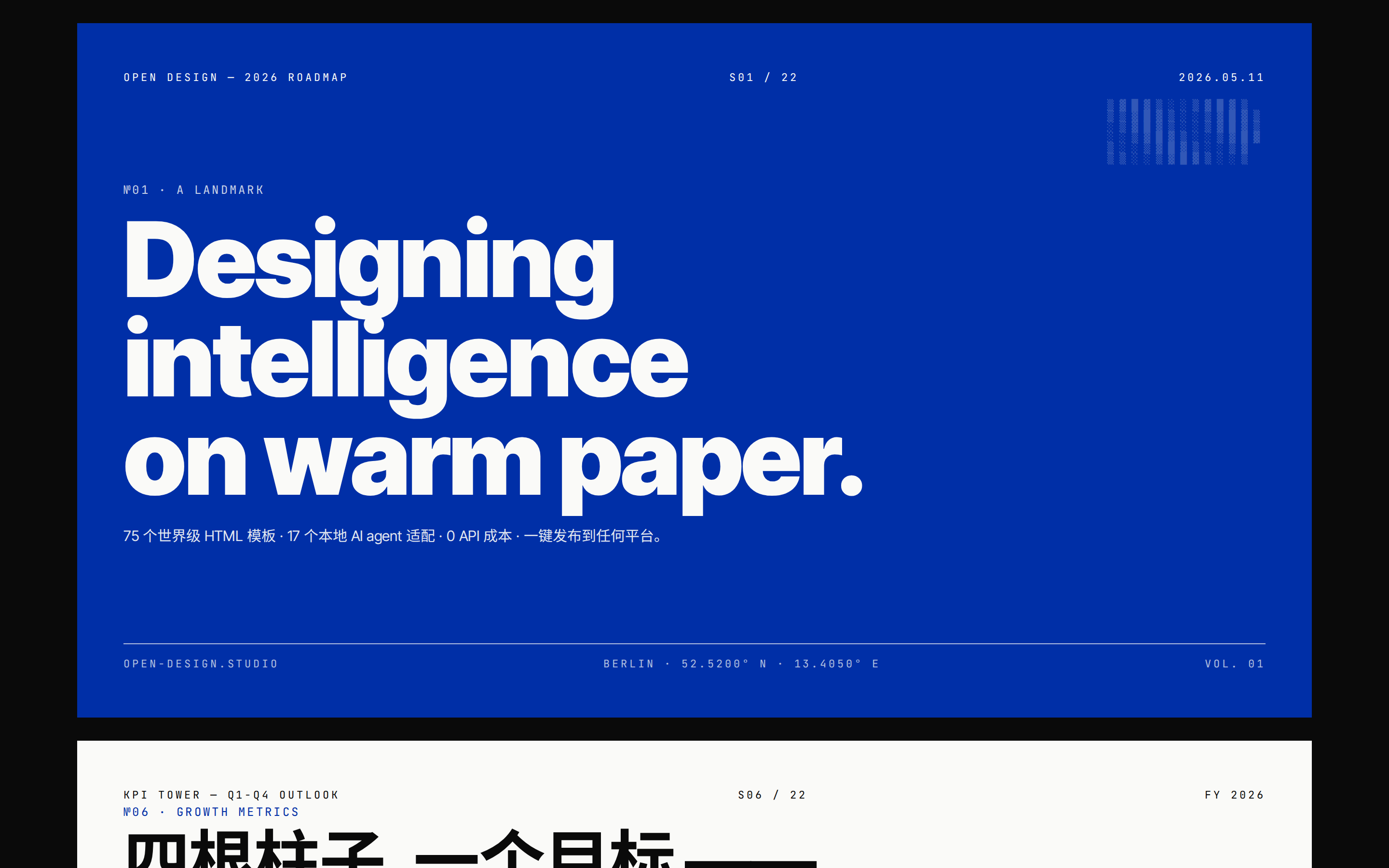
 16-column grid, one saturated accent, and 22 locked layouts (Klein Blue, Lemon, Mint, Safety Orange).
 prototype Read full prompt →
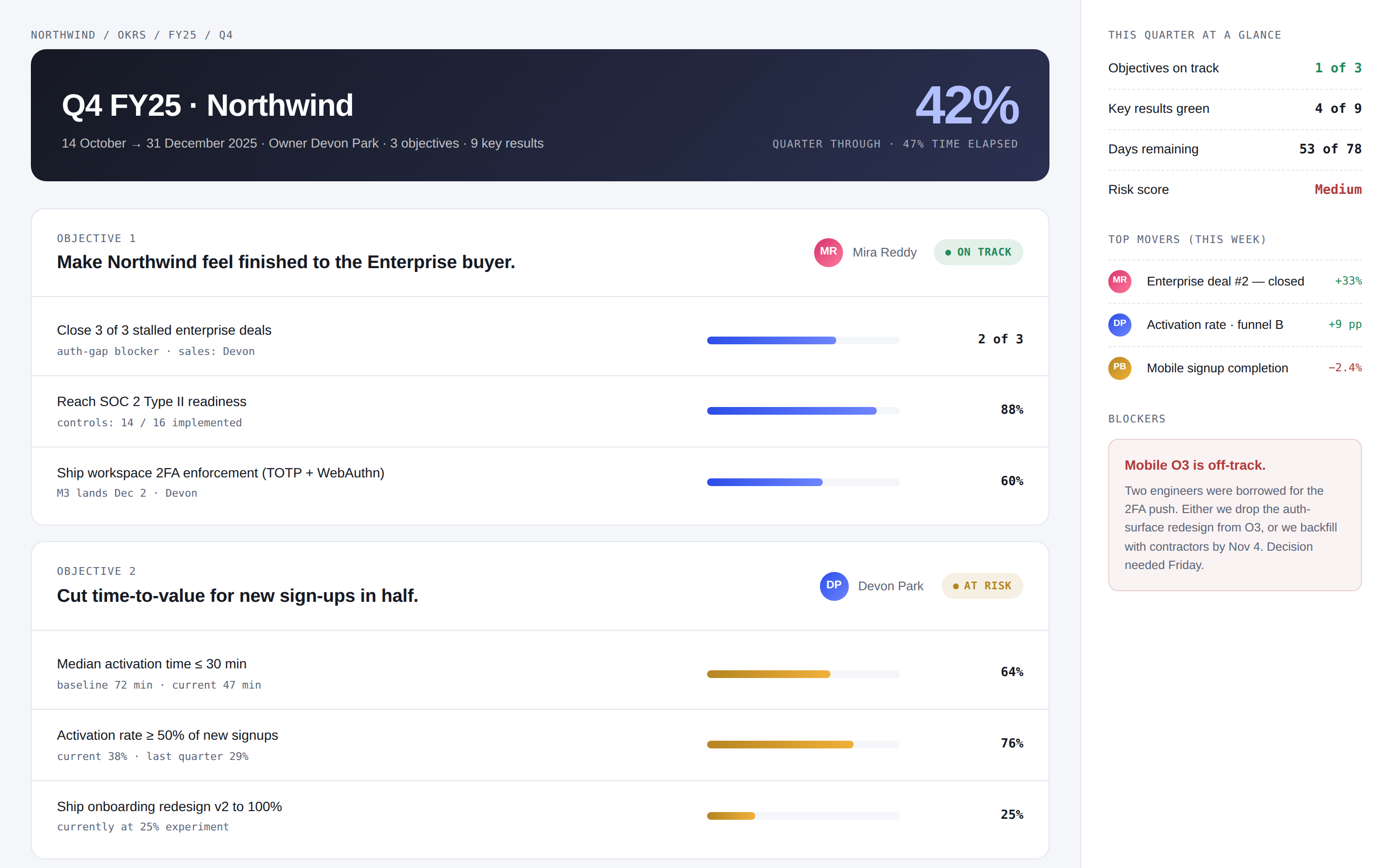
 OKR tracker page — quarter banner, three objectives with their key results as progress bars, owner avatars, status pills, and a "this quarter at a glance" sidebar. Use when the brief mentions "OKRs", "key results", "objectives", or "目标".
A prompt for a realistic home-video style shot of an old man being jumpscared by a toaster launching bread like a rocket.
 template Read full prompt →
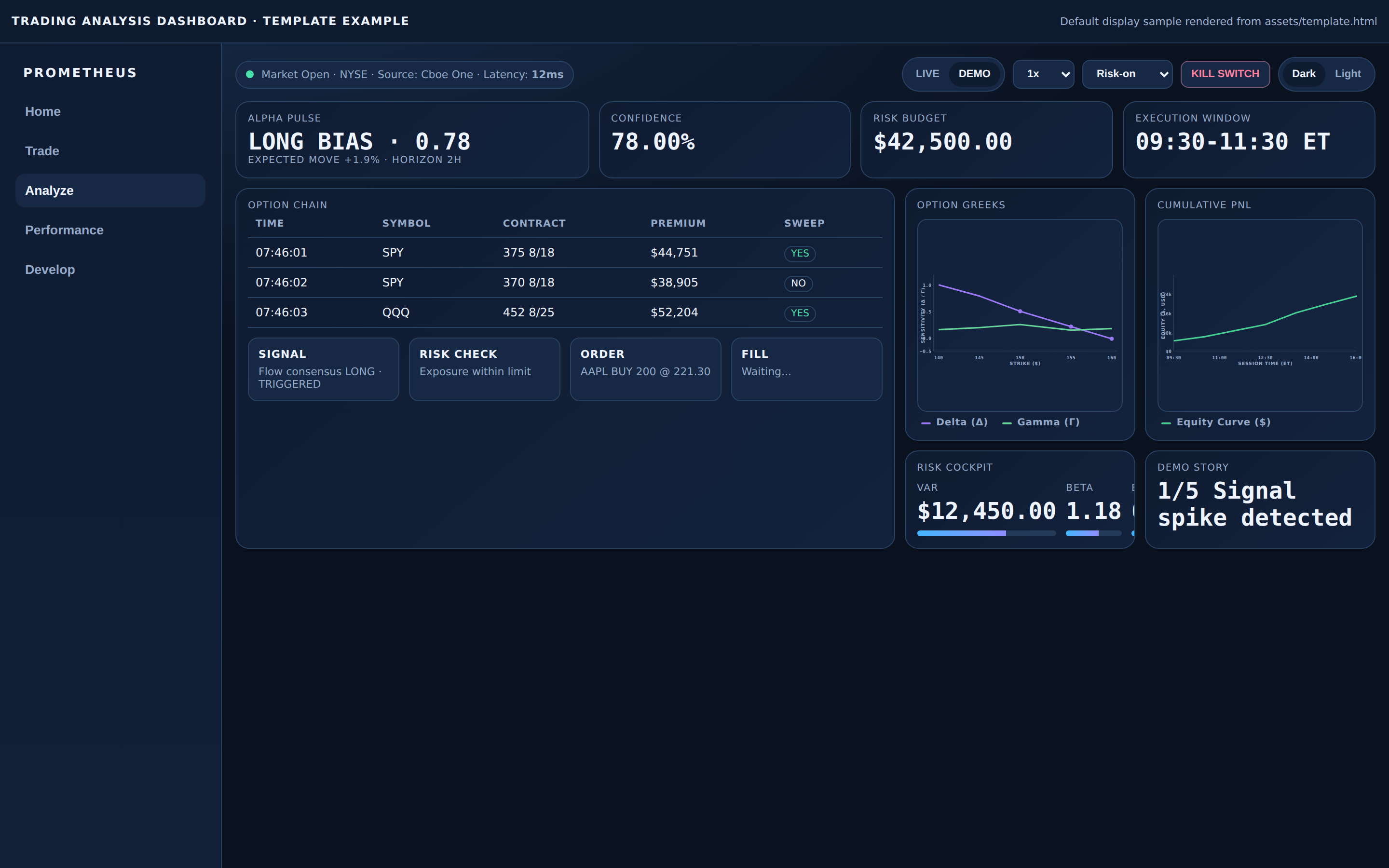
 Professional trading analysis dashboard template (single-file HTML) with light/dark theme switch, dense market panels, chart interactions, demo/live playback, and command palette behavior. Use when users ask for a Wall-Street-style analytics terminal, trading cockpit, or high-tech financial dashboard template with realistic data layout.
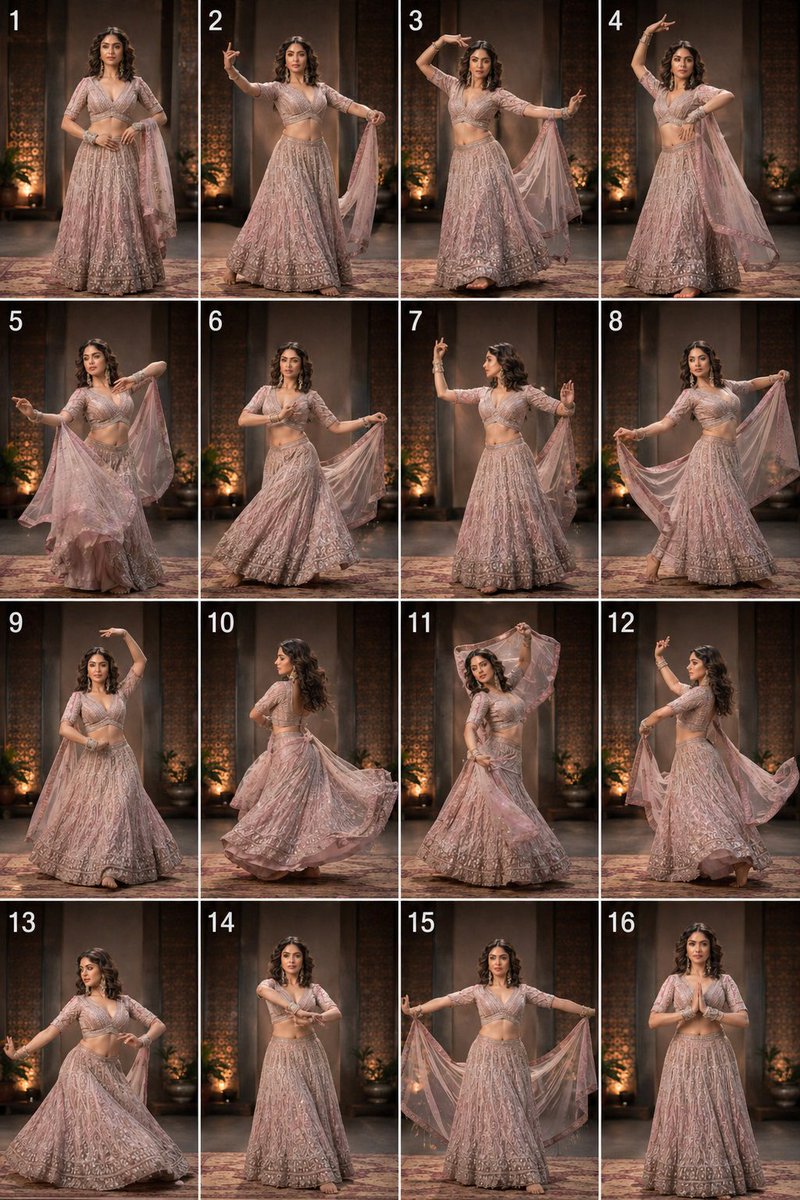 video Read full prompt →
 A comprehensive video prompt for Seedance 2.0 to generate a graceful traditional dance based on choreography and identity reference images.
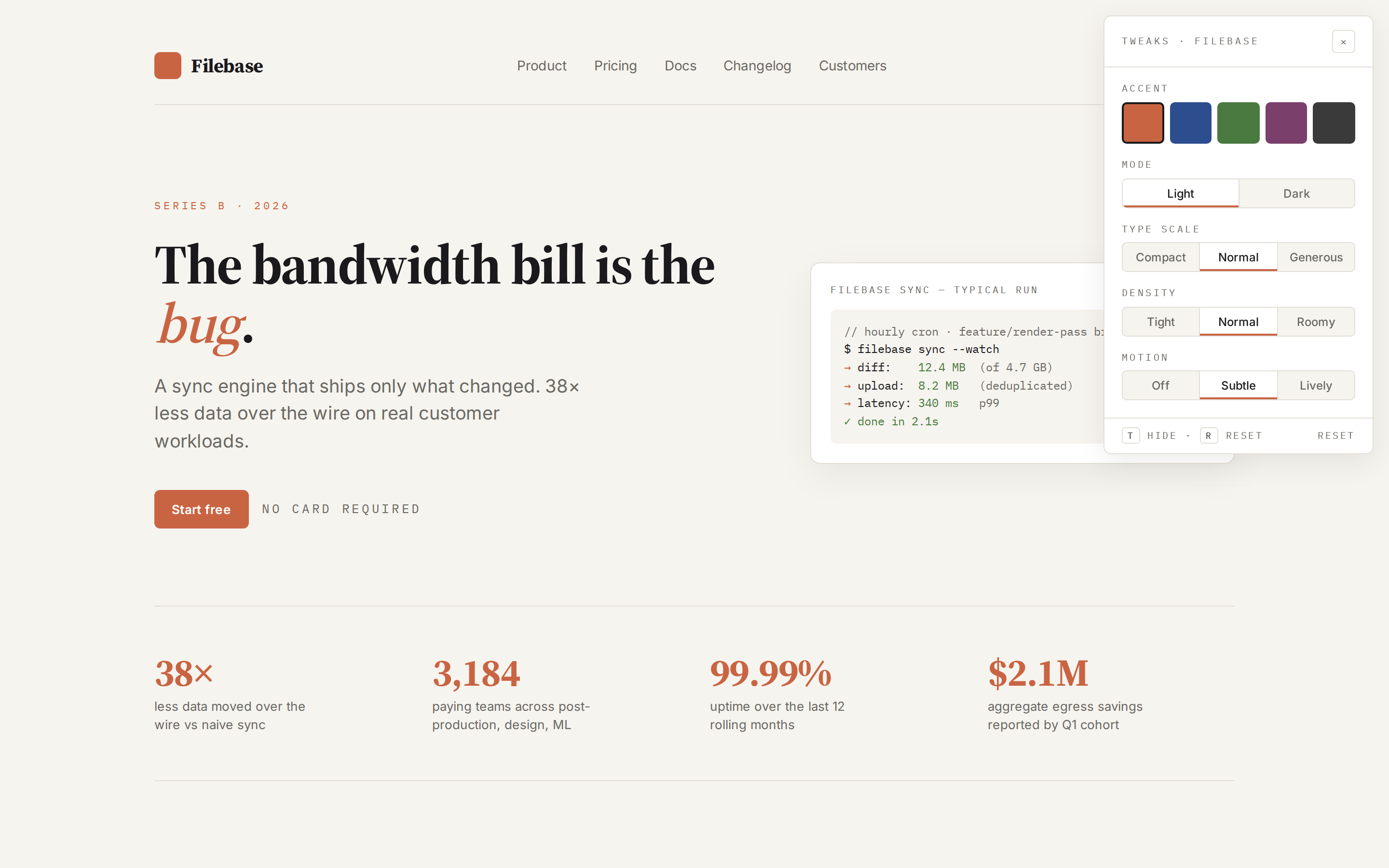 prototype Read full prompt →
 Wrap any HTML artifact with a side panel of live, parameterized controls — accent color, type scale, density, motion, theme — that rewrite CSS custom properties in real time and persist to localStorage. Lets the user explore variants of a design without re-prompting the agent. Use when the brief asks for "variants", "side-by-side options", "tweak this", "let me adjust", "live knobs", or "实时调参".
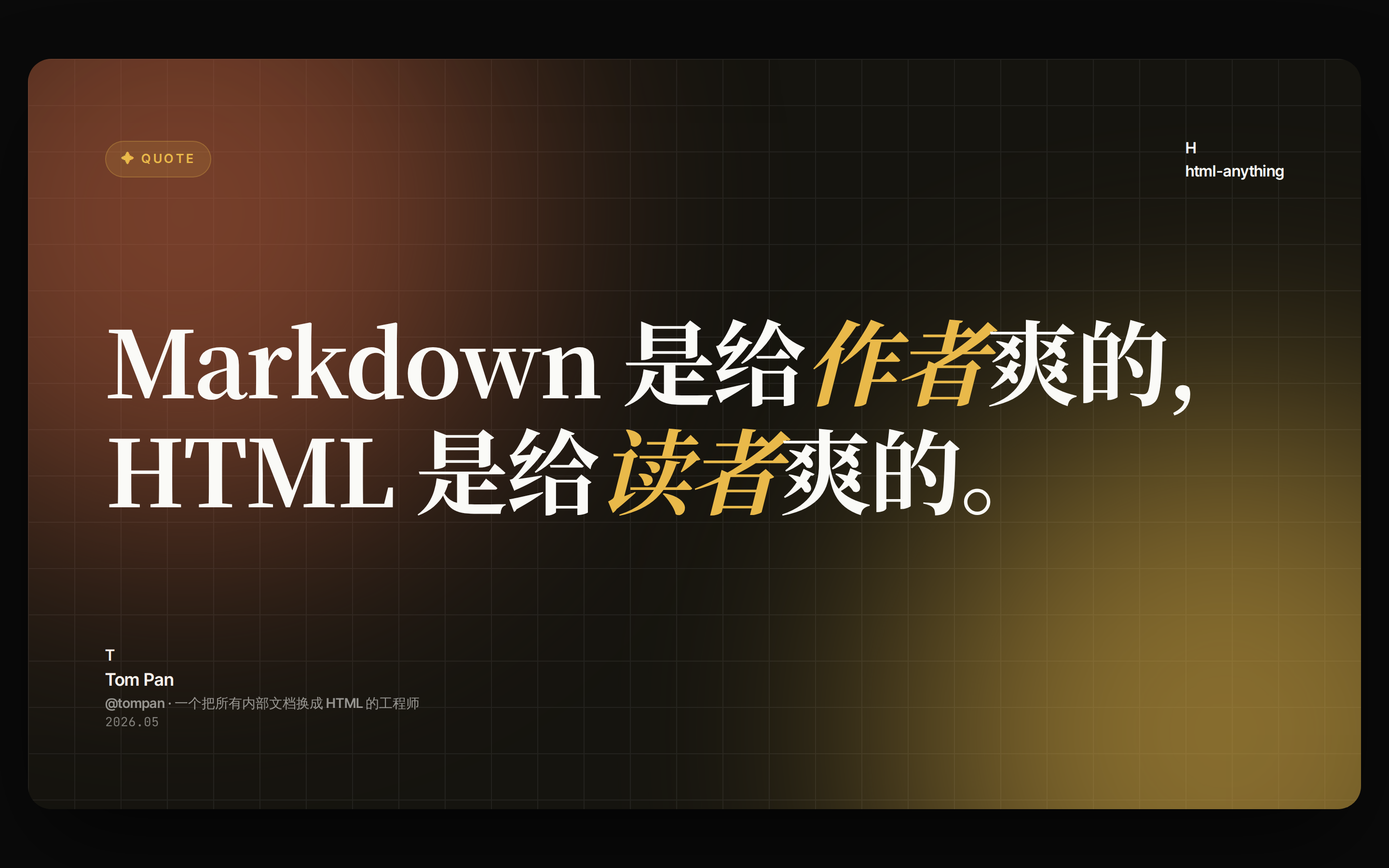 prototype Read full prompt →
 Twitter quote or data card designed to pair with a post.
 prototype Read full prompt →
 Cinematic single-page luxury real-estate landing page: a typewriter preloader that lifts away, a scroll-driven building image that rises from below and scales up while pinning to a dark statement section, a sticky dark stats band with count-up numbers, and a hover-expand video gallery that slides up over the dark section.
 video Read full prompt →
 Cursor light trail, chromatic rays, and directional flares for word-by-word quote reveals in video intros.
A two-phase Seedance 2.0 workflow for the viral desk-hologram format: first lock a photoreal keyframe on a real developer desk (Open Design UI on the monitor, a cobalt-blue extraterrestrial hunter standing on the keyboard), then animate that still into a ~15s 9:16 image-to-video clip. Tuned for believable AR passthrough — medium-strength VFX, real desk clutter, monitor glow spill on the character, and light physical interactions (open mug, keyboard step, bow draw). Inspired by the desk-hologram Seedance 2.0 trend; no copyrighted character names in the prompt.
A ~10s in-engine cinematic action sequence bringing the companion image template game-screenshot-three-kingdoms-guanyu-slaying-yanliang to life. Guan Yu (关羽) rides his Red Hare horse straight into an enemy battle line, raises the Green Dragon Crescent Blade, and executes a single clean cleave of the opposing general Yan Liang. Tuned for Seedance 2.0 — tight camera discipline, one decisive strike, clean horse-and-blade physics, photoreal lighting, absolutely no gore on-screen (the strike is implied by a gold qi flash, not by any blood). Designed as the direct video companion to the matching image template so the still and the clip can be served as a pair. Reference image: the Guan Yu slaying-Yan-Liang screenshot template.
A ~10s in-engine cinematic action sequence bringing the companion image template game-screenshot-three-kingdoms-lyubu-yuanmen-archery to life. Lyu Bu (吕布) stands at the center of a dusty military encampment between two facing armies, draws a red-lacquered longbow, holds a bead-on-draw, then looses a single gold-glowing qi-imbued arrow down the range toward a distant halberd planted in the ground. Tuned for Seedance 2.0 — tight camera discipline, a single decisive beat, crisp HUD-safe framing, clean bow/arrow physics, wind + dust + banner motion, and in-game-screenshot color grading. Designed as the direct video companion to the matching image template so the still and the clip can be served as a pair. Reference image: the Lyu Bu yuanmen-archery screenshot template.
A ~12s in-engine cinematic action sequence bringing the companion image template game-screenshot-three-kingdoms-zhaoyun-cradle-escape to life. Zhao Yun (赵云) rides his warhorse through a broken Changban battlefield, cradling the infant heir A Dou in the crook of his left arm and wielding his spear in the right, parrying an incoming strike with a single PERFECT DODGE and vaulting past a fallen war-chariot to clear a path. Tuned for Seedance 2.0 — tight camera discipline, single continuous beat, believable one-arm spearwork, clean horse physics, and absolutely no visible harm to the infant. Designed as the direct video companion to the matching image template so the still and the clip can be served as a pair. Reference image: the Zhao Yun cradle-escape screenshot template.
 video Read full prompt →
 Short-form video generation skill — 3-10 second clips for product reveals, motion teasers, ambient loops. Defaults to Seedance 2 but works the same with Kling 3 / 4, Veo 3 or Sora 2. Output is one MP4 saved to the project folder. When the workspace also ships an interactive-video / hyperframes skill, prefer composing several short shots into a single timeline rather than one long monolithic clip.
A multi-scene narrative prompt for a classic vintage Disney-style animation featuring a crocodile pirate and bird pirates on a ship.
 video Read full prompt →
 A detailed prompt for Seedance 2.0 to animate a character performing a dance based on a 16-panel storyboard reference.
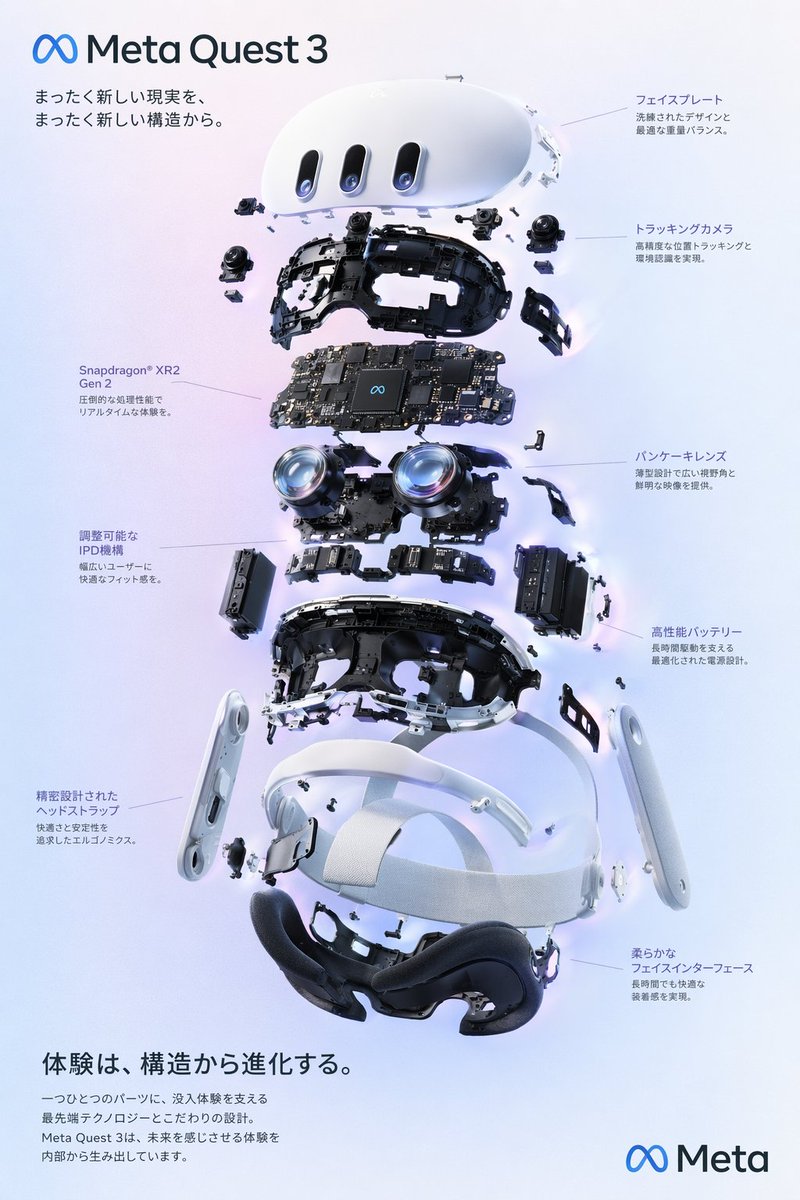 image Read full prompt →
 Generates a high-tech exploded view diagram of a VR headset with detailed component callouts and promotional text.
 prototype Read full prompt →
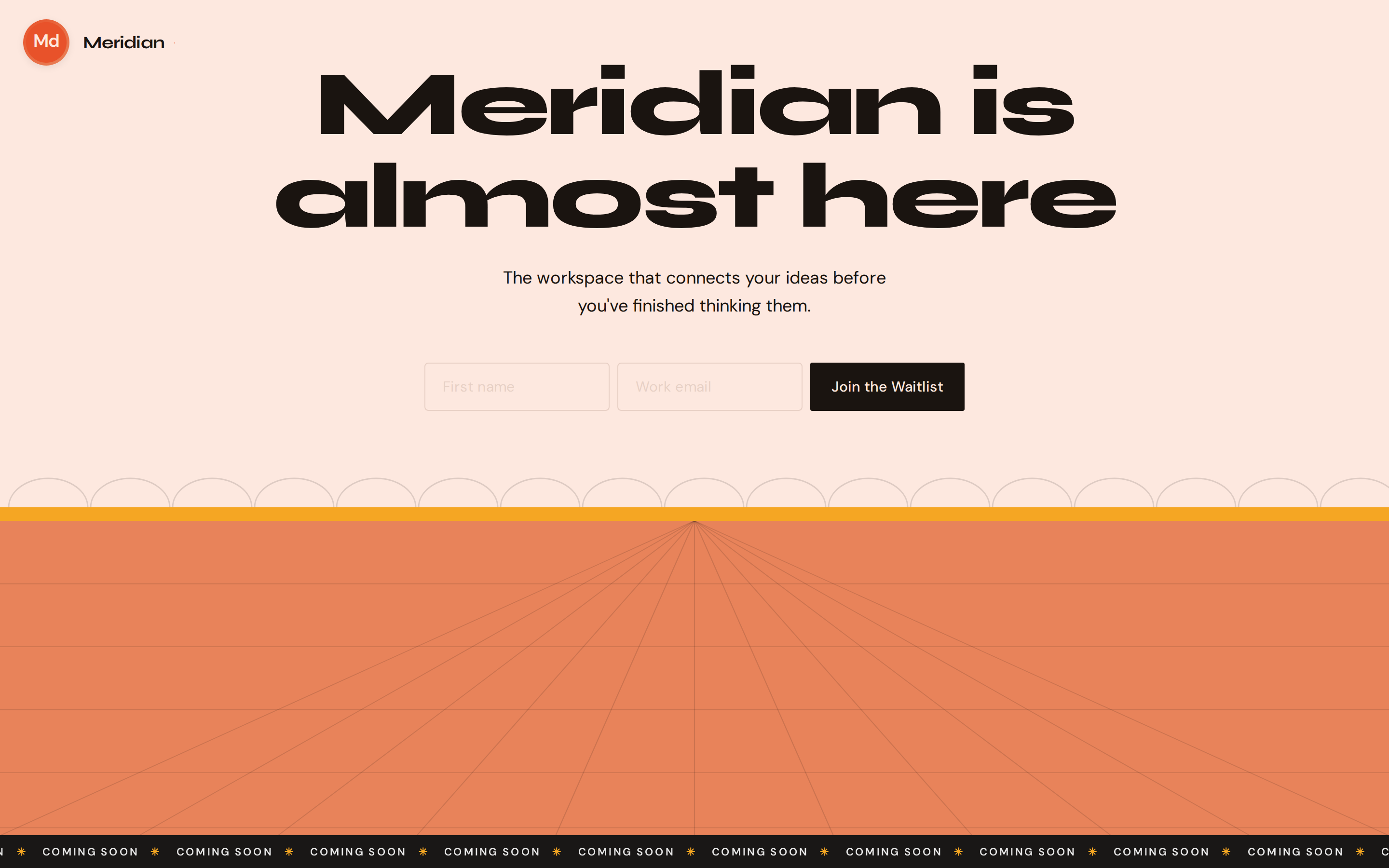
 Minimal pre-launch landing with email capture, brand logo, and optional decorative layer. Reads DESIGN.md for colors, typography, and layout rules. Best for: product launches, beta signups, early access programs, indie projects.
A cinematic prompt for a high-speed desert wasteland scene featuring a moving industrial factory on legs and a rebel bike chase.
 prototype Read full prompt →
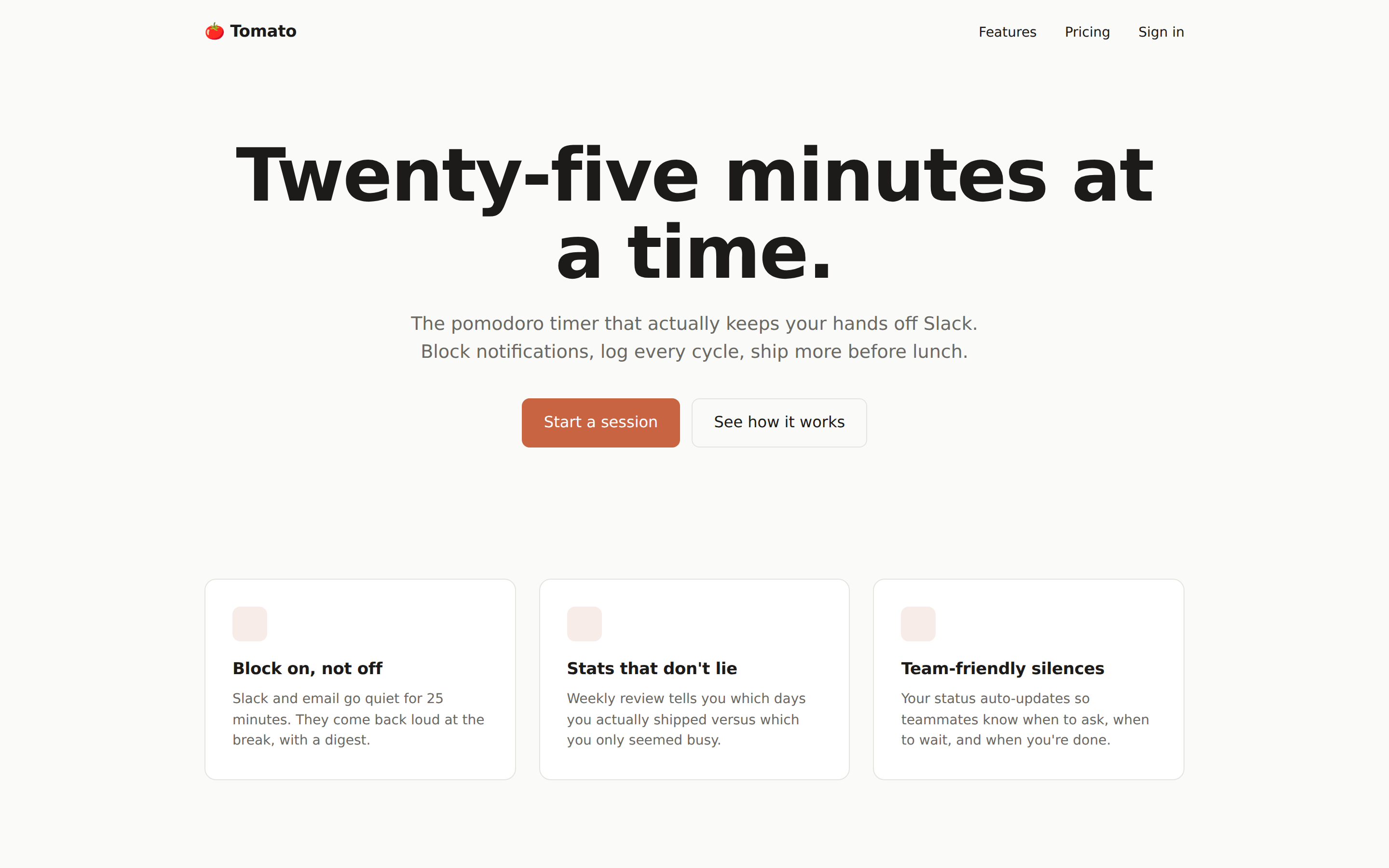
 General-purpose desktop web prototype. Single self-contained HTML file built by copying the seed `assets/template.html` and pasting section layouts from `references/layouts.md`. Default for any landing / marketing / docs / SaaS page when no more specific skill matches.
 prototype Read full prompt →
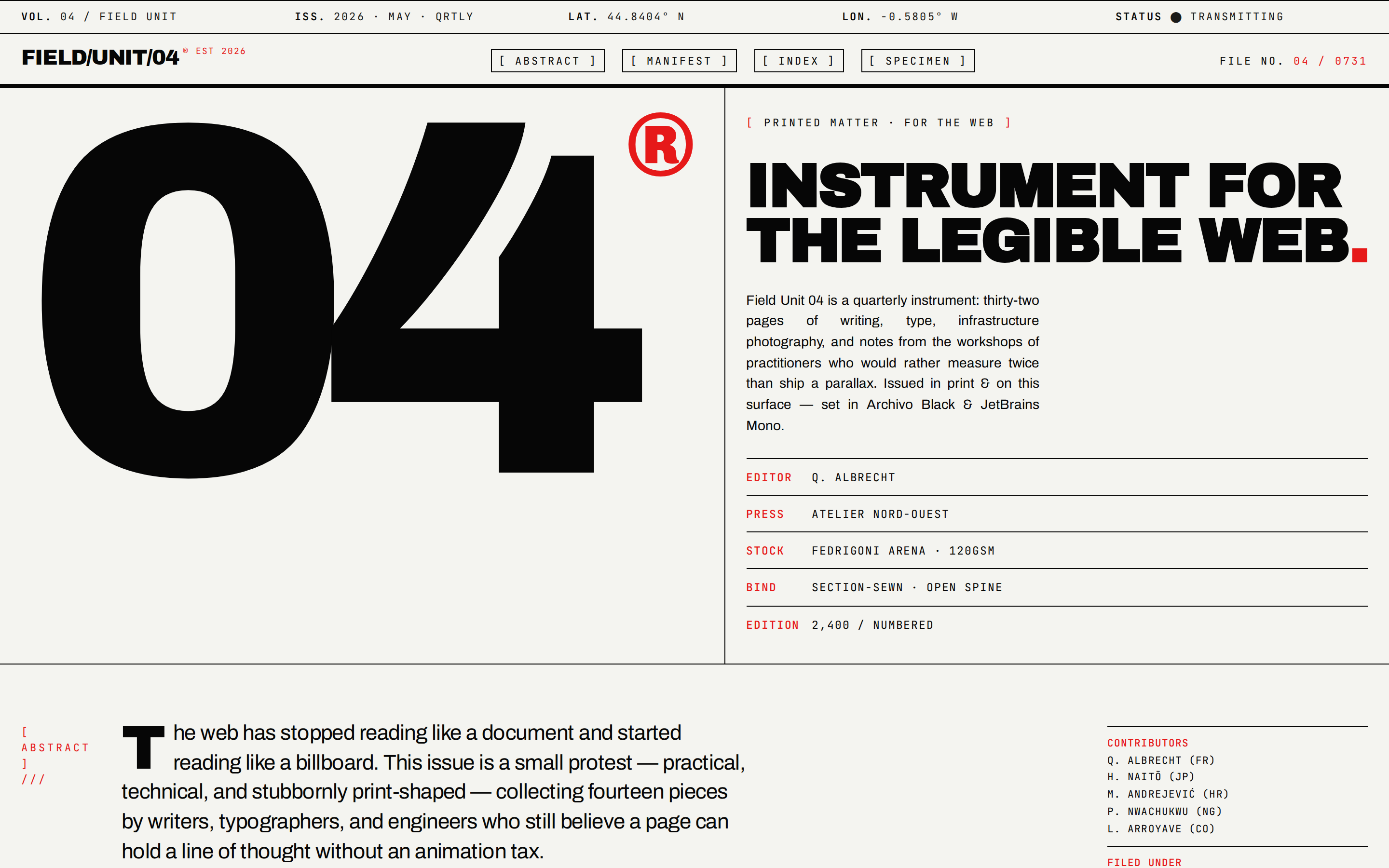
 Swiss industrial-print web prototype. Newsprint canvas, monolithic black grotesque, viewport-bleeding numerals, hairline grid dividers, hazard-red accent, ASCII syntax decoration. Distilled from Leonxlnx/taste-skill `brutalist-skill` (Swiss Industrial Print mode).
 prototype Read full prompt →
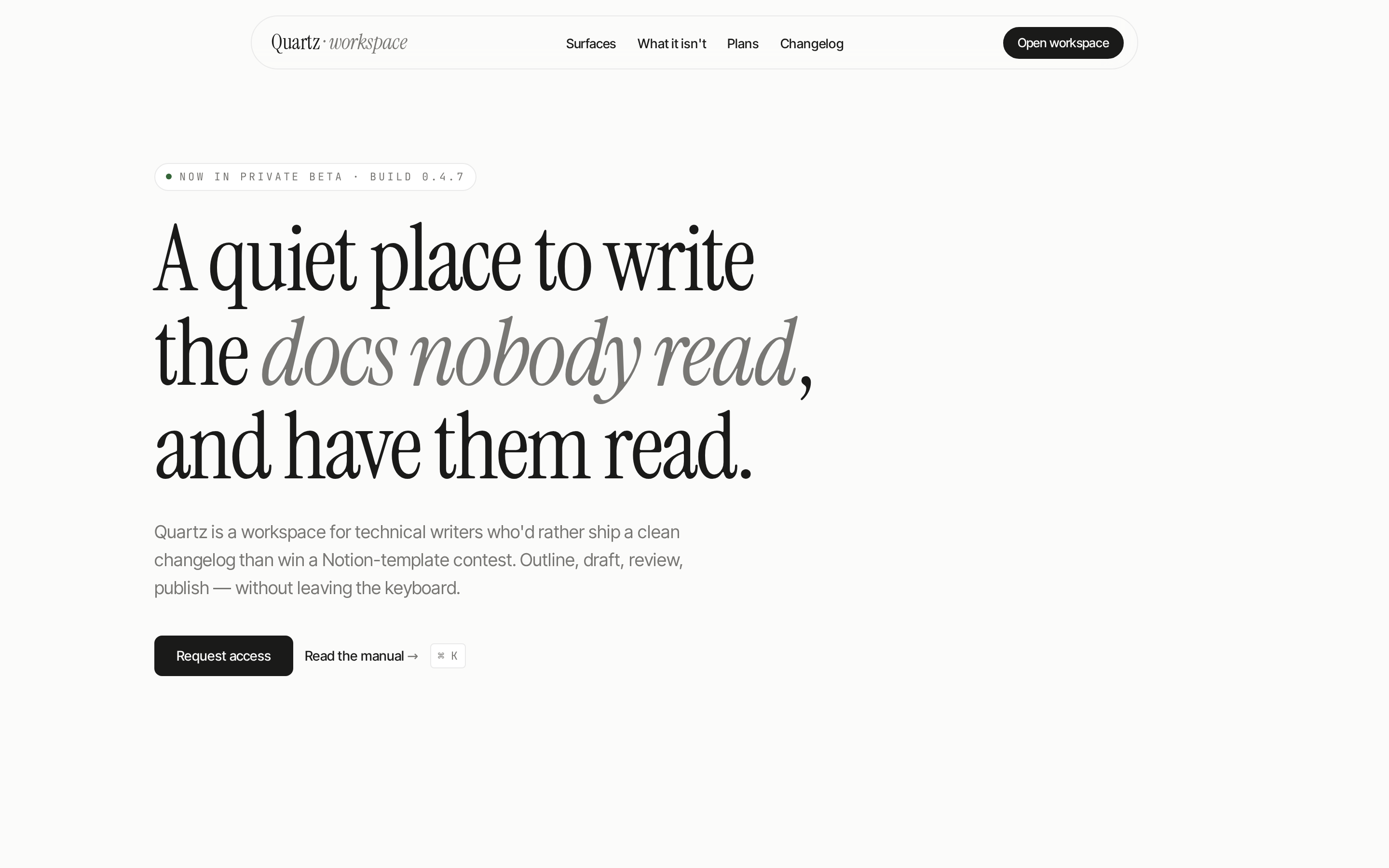
 Editorial-minimalist web prototype. Warm monochrome canvas, serif display + grotesque body, 1px hairline borders, muted pastel chips, generous macro-whitespace, ambient micro-motion. Distilled from Leonxlnx/taste-skill `minimalist-skill`.
 prototype Read full prompt →
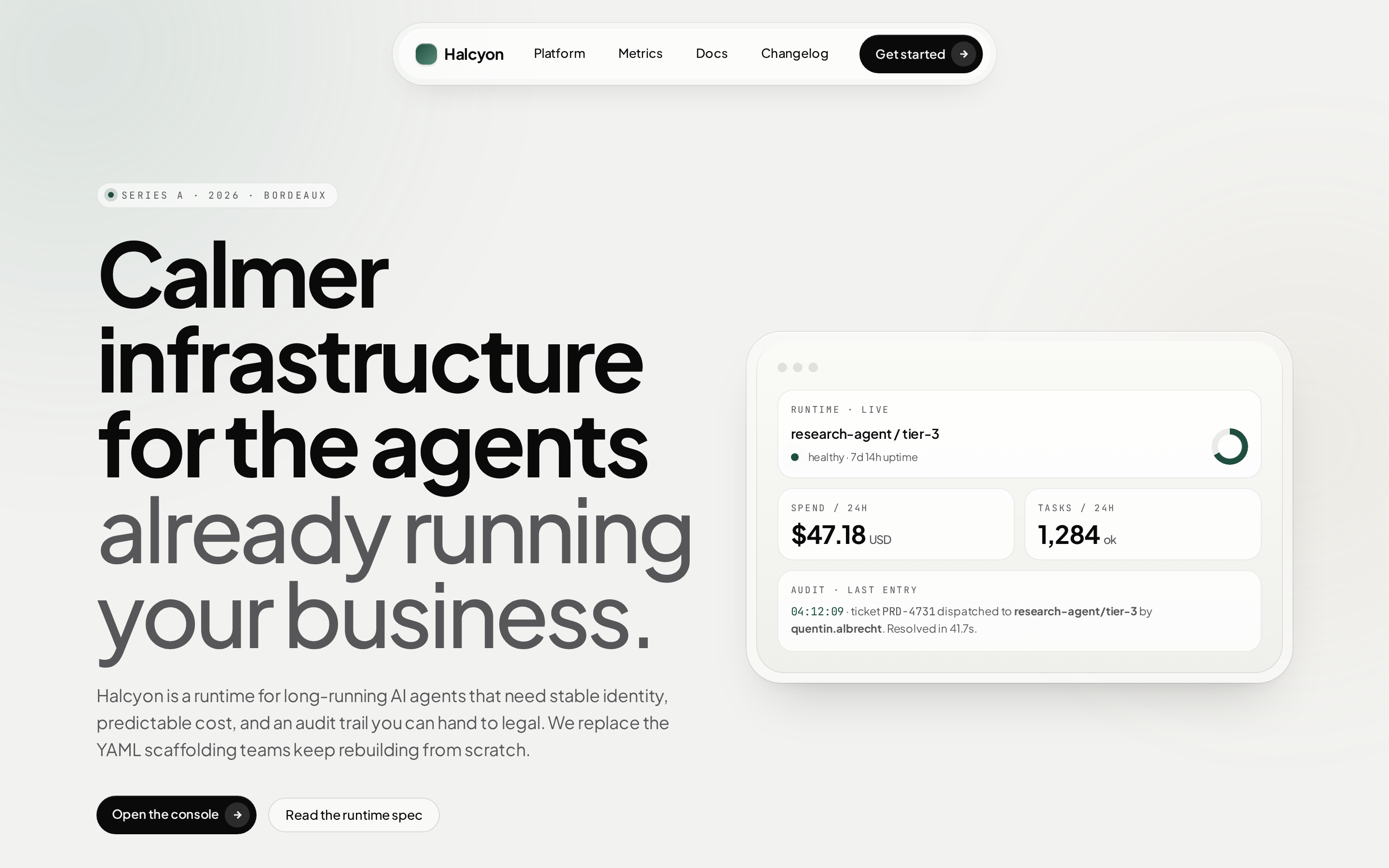
 Apple-tier soft web prototype. Silver/cream canvas, double-bezel cards, button-in-button CTAs, generous squircle radii, spring motion, ambient mesh. Distilled from Leonxlnx/taste-skill `soft-skill` + sections 4–8 of `taste-skill`.
 deck Read full prompt →
 Single-file horizontal-swipe slide deck for a weekly team update — shipped, in flight, blocked, metrics, asks. 6–8 slides. Use when the brief mentions "weekly update", "team update slides", "weekly status", "周报演示".
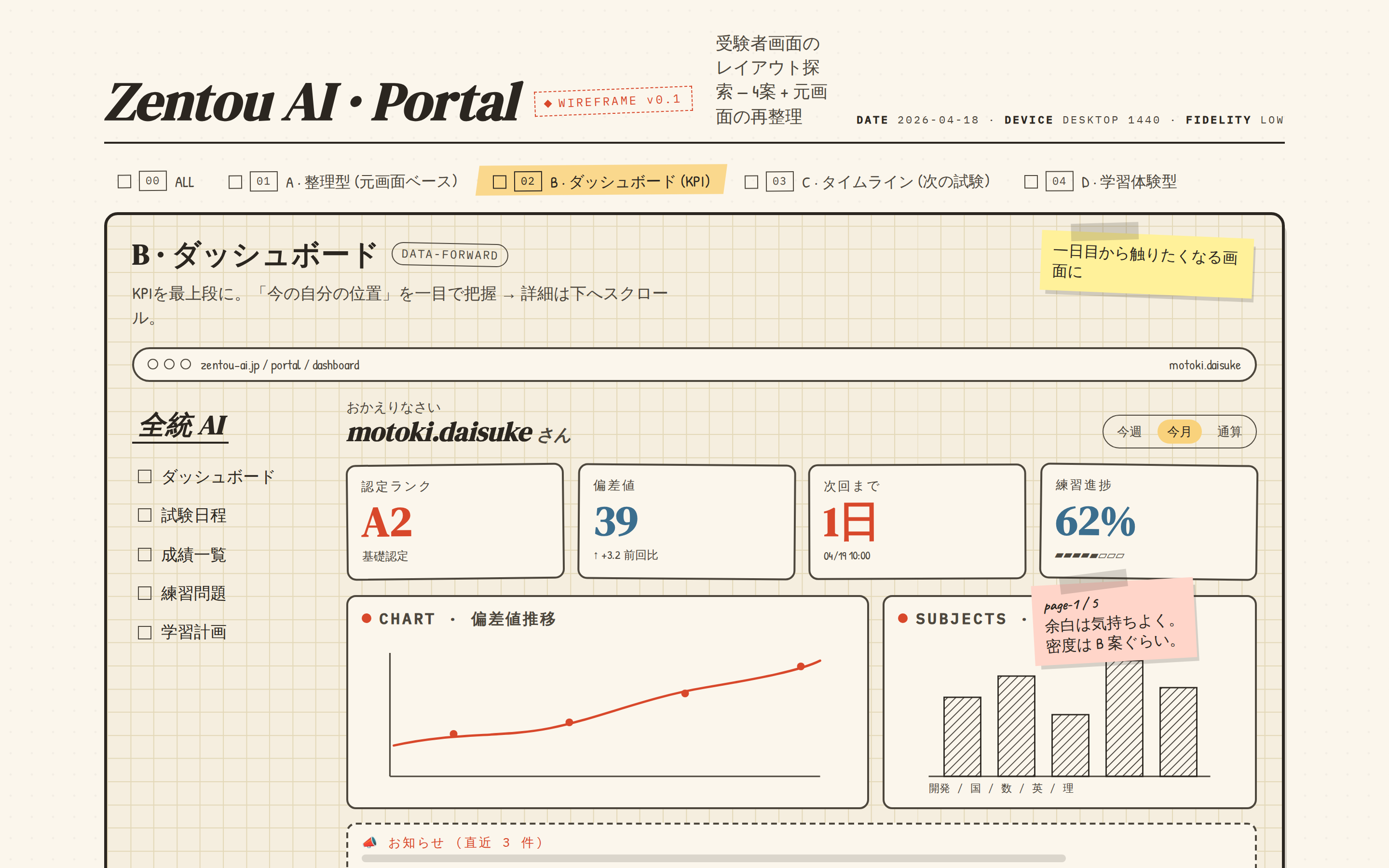 prototype Read full prompt →
 A hand-drawn wireframe exploration — graph-paper background, marker / pencil tone, multiple tab labels for variants, sticky-note annotations, scribbled chart placeholders, hatched fills. Reads like a designer's whiteboard before any pixels are committed. Use when the brief asks for "wireframe", "sketch wireframe", "hand-drawn", "lo-fi", "whiteboard", "草稿", or "手绘原型".
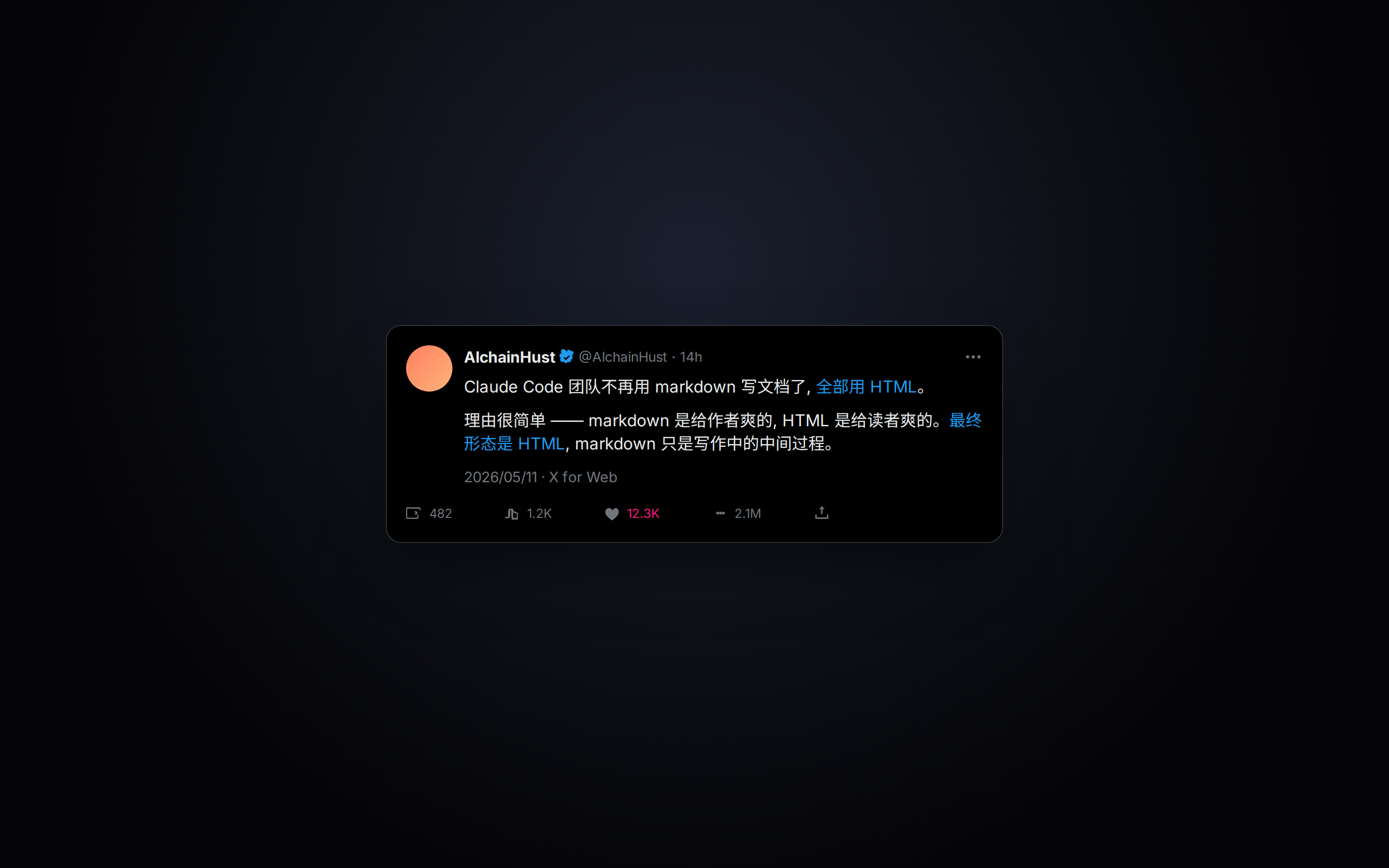 prototype Read full prompt →
 Realistic X post card with engagement metrics (likes, reposts, views), suited to video overlays or shareable image cards.
 prototype Read full prompt →
 X/Twitter public sentiment research for recent market, company, product, or community discourse. Use when the brief asks what people are saying on X, Twitter sentiment, CT sentiment, public opinion, expert posts, or social reaction around a stock, sector, company, product, or market event.
 prototype Read full prompt →
 Xiaohongshu-style knowledge cards, arranged as a swipeable multi-card carousel.
Bundled-plugin templates that ship with Open Design — the open source Claude Design alternative. Each one is a runnable artifact: a prototype, slide deck, image generator, video composition, or HyperFrames motion piece. Your local agent runs the plugin against its prompt and an optional example HTML, and produces a ready-to-share asset on your own machine.
Apache-2.0 across the board. Fork the prompt, adapt the example.html, change the brand tokens — the only ask is that you keep the LICENSE notice when you redistribute.
Yes. Open Design is BYOK at every layer — your Claude / OpenAI / local-model credentials never leave your machine. The marketing site doesn't proxy any inference; the live previews you see on the catalogue rows come from posters and Cloudflare Stream URLs the templates ship with, not from a hosted runtime.
Open a PR against nexu-io/open-design/plugins/_official with a new folder containing open-design.json, SKILL.md, and a runnable example.html. The contributor guide in the repo’s CONTRIBUTING.md walks through the manifest fields. Approved contributions land in the public catalogue and surface here automatically on the next deploy.
Claude Design Studio is Anthropic's hosted product. Open Design is the open source Claude Design alternative — every template, prompt, and design system in this catalogue lives in a public repo, runs locally against the keys you choose, and can be extended through plugins anyone can author. We mirror the same artifact taxonomy (prototypes, slides, images, video) so the mental model carries over, but everything down to the agent runtime stays on your machine.
Each template’s manifest carries a poster URL (Cloudflare CDN) and, for video templates, a Cloudflare Stream MP4. The grid renders the poster as the static thumbnail and swaps in the looping video on hover. Image and prototype templates show their poster directly; clicking through opens the runnable example.html on the detail page.